| . |
| . |
Note: This site is still under construction.
Zynu's Blog
Welcome to my blog!This is the place where I'll be sharing my drawing process, tips, resources, and more.
| . |
| . |
Helpful Art Resources
| . |
| . |
©ZYNUSHI
All rights reserved.
Introduction
Hi there, thanks for visiting my blog!
As a self-taught digital artist, I learned a lot from the generous art community sharing their advice and tutorials online for free. I made this blog to give back to the community and help other artists who are struggling to learn on their own. I still have a lot to learn myself, but in times like these, it’s more important now than ever to encourage people to learn and make real art.There are tons of great, free resources and tutorials out there already, so I’ll be sharing tips that I personally wish I knew when I was learning digital art. I’ll also share the specific resources/tutorials/etc that helped me on my journey.I’ll do my best to keep sharing and uploading helpful content, but updates will be slow because I’m currently busy working on a big project.UPDATE: I’m taking an indefinite hiatus from all social media to focus on my health/family.
Happy drawing and learning!
My Inspirations
Things/people that inspire me to create and improve
| . |
Inspirational Artists
There are so many amazing artists in the world…but these are the artists that personally inspire me to create/improve. It doesn’t matter what art style they have; I admire them all for their drawing skills/aesthetic sense/art journey, and aspire to draw like them one day. I highly recommend checking out their work if you haven’t already, and giving them a follow!List is still in progress; in no particular order.
Realistic
yizheng ke
wangjie li
danny lai lai
huaishen j
xintong chen
amber ye
huang guangjian
yuhong ding
ya lun
yanjun cheng
steve jung
ivan 伊凡
lixin yin
二止 ding weibo
pablo uchida
kun
lin ran
赵震北IZ weibo
brookskim
nemo
krabat_
tony yeh
Enze恩沢 twt
j won han
john singer sargent
j.c. leyendecker
dean cornwell
zhaoming wu
drew struzan
mildred hankinson
Semi-Realistic
guweiz
wlop
sangsoo jeong
ruan jia art
zhang jing 法吉特 fajite
erak note
toraji
pilyeon
sungmoo heo
zeen chin
mamba
dospi jin
stanley artgerm lau
jidaart
kiy_0803
이슬샘(Lechu)
빠내 ppanae100
haeban jnkku
野生西酱
creamyghost
wine0cellar
영큐 0Q
먀오 Miaaao_Miao
ror4
loserpotato twt
flamma twt
HOHO_OLL huaban
阿乐 huaban
rifu art
shaki kira8good
kinggi g art
게망작 ge dro da18
jeongwon choi
뇌말랑 plush_brain
sangdelan twt
jeanne twt
汉堡templarls
머한 muhan3052
꾸까 kooka
derrick chew
redsaka
hex artstation
kiumiwi
느고 nk
hou china
dao trong le
bo chen
roanna peroz twt
esben lash
BM94199 twt
kuvshinov ilya
감귤 mandaring0
amreio twt
蛇蛇snk twt
sasha-sk
pluvium grandis
CHAI小八仙, twt
reloon
zim
vrekx
tuay 1LLTUAY
調調 cloudbox9 twt
leozetm etmecheall twt
霖ᴸᴬᴮ nagamerin
지묘 jimyo
羅雨時 emg1993(luoyushi1993) twt
수홍 suhong
nakedcherry seung hee han twt
aleriia_v twt
sciamano240
daeho cha
비체 viche
花噎菜 huayecai820 art twt
heliumraven
Anime
rei_17 twt
namendart twt
krenz cushart
tamotaro twt
wenjun lin
yoneyama mai
mika pikazo
タイキ taiki
ミナミ minami
鈴観 ccroquette twt
john kafka
ra_lilium
望岸 wgwangan
原汁云喵 mao 32ooo twt
liyuliyuzhou
霜天 shuangbatian
豆干干干 tokkan
若干爪 ruoganzhua
zygo pixiv twt
具 xiaojiaju
摸鱼斋 washanapple
春日0704
glycan
sheya
konya666
void re:era
redum
cv ptplozxot
生ごミカン nmgmkn twt
kan liu 666k
AU twt
kei
yueko
또자 ttoja twt
fkey twt
ask twt
bellhenge
밈메 mimme mmimmzel
ku pixiv twt
gb
deadprince
saino
alzimi twt
mengxuan li IG twt
rab quruiqing
pea helenpeanut
bromineco twt
wonbin lee lwbv2001
82pigeon twt
rinotuna
夏子 (Natsuko) blau678
Shuai Jiang Jayce探长 twt
ilkwang kim
blue octopus
kasuy
tec etceteraart twt
佐乃夕斗 yuto sano twt
芹芹芹 li_chestnuts
수줍sjoop
columbo
rose cateille twt
old先 old_xian twt
hyun acejj63081
yanggae
mm0103 twt
재형 luxu_02
九酱子 montblanc pixiv twt
フジオカ af_cf twt
yusuke murata
takuya fuse / kazuya nuri
ke
Concept / Visdev / Background
craig mullins
jaime jones
greg rutkowski
ruan jia
evan lee
zezhou chen
lownine CDR
thomas scholes
nathan fowkes
slawek fedorczuk
fenghua zhong
sin jong hun
zac retz
leesuyeon1216
liangmark
darek zabrocki
tatyana kupriyanova
changlin qu
kaisar kassamart
betty jiang
szymon biernacki
yun ling lingy000 twt
angela sung
ori blumbop
hans bacher
syd mead
kat tsai
aliya chen
felicia chen
atey ghailan twt
jacki bguavas twt
gabriel gomez CDR
nate d hernandez
jeremy fenske
pocchito
lea pinto
alberto mielgo
lucocurtis Luc Courtois
kazuo oga
When looking at these artists’ work, instead of feeling discouraged, ask yourself what exactly makes their art so good and why/how it’s different from your own work. Is it the colors, their linework, their understanding of light/anatomy, their painting techniques, etc etc; Then study/work on the fundamentals that you lack/need to improve (i.e. color theory, anatomy, etc) and also do some studies of the artists’ work, focusing on understanding their choices instead of just copying what you see. (i.e. why did they choose these colors/where are these colors on the color wheel; why did they make the lines here thicker than the others, etc etc). This is how you can find your weak areas and/or improve your art. If it’s multiple different things, then study one thing at a time instead of trying to tackle everything at once.It may seem impossible to ever draw like them one day, but these artists weren’t born with the ability to draw well. They just spent a lot of time + hard work learning, studying, practicing, improving their skills, etc to get to their current level. The most important thing is to never give up, even if it’s too hard/time-consuming. It’s only “impossible” if you give up/don’t try. So keep going and “leveling up” your skills, and you’ll eventually get closer and closer to their level.
| . |
Tutorials
Helpful tutorials, process videos, process steps, and classes
FREE
for sale
There are a lot of great tutorials for any skill level or art style on YouTube. Your favorite artist might also even have a Gumroad or Patreon where they show/explain their process.The courses are pretty expensive, but I highly recommend Schoolism and Underpaint Academy.
| . |
Art Books
Some art books that I found very helpful or inspiring
Anatomy For Sculptors
Figure Drawing by Michael Hampton
Point Character Drawing by Taco
How to Draw by Scott Robertson
How to Render by Scott Robertson
Color and Light by James Gurney
Artists' Master Series: Color and Light
Perspective Made Easy by Ernest R. Norling
Successful Drawing by Andrew Loomis
Artists' Master Series: Composition & Narrative
Framed Perspective by Marcos Mateu-Mestre
Framed Ink by Marcos Mateu-Mestre
Vision: Color and Composition For Film by Hans P. Bacher
Directing the Story by Francis Glebas
Understanding Movies by Louis Giannetti
The Filmmaker's Eye by Gustavo Mercado
The Animator's Survival Kit by Richard Williams
Animation 1 by Preston J. Blair
The Art of Pixar
Spiderman: Into the Spider-Verse - The Art of the Movie
Spiderman: Across the Spider-Verse: The Art of the Movie
The Legend of Korra: The Art of the Animated Series by Michael Dante DiMartino
Ace Attorney 6 Official Visual Book (JP)
Momentary: The Art of Ilya Kuvshinov
| . |
| . |
| . |
Websites
Picture: William Nguyen's Light Reference Tool on Artstation
Some websites to help you improve or find inspiration/references
Patreon (tutorials, process, brushes, etc)
Gumroad (tutorials, process, brushes, etc)
Cubebrush (tutorials, process, brushes, etc)
YouTube (tutorials, speedpaints)
Rednote (Chinese artists' tutorials, speedpaints)
Bilibili (Chinese artists' tutorials, speedpaints)
Twitch (drawing livestreams)
Instagram, Twitter, Tumblr, Artstation, Cara, Bluesky, Pixiv, Weibo (inspirational artists)
| . |
Some websites that helped me when learning 3D
Apps / Programs
Picture: Magic Poser
Some helpful apps and programs for drawing/animating or making 3D art/animation
Magic Poser - for posing models
Head Model Studio - for studying the face
Nomad Sculpt - digital sculpting app
ZBrush for iPad - digital sculpting app
PureRef - for collecting/organizing references
OBS - for recording
Daz 3D - for pose reference
The Sims Game - for BG reference
Glaze - protect your art from AI
Nightshade - poison the AI with your art
Photoshop is expensive, but industry standard. It can be a bit overwhelming at first though, so I wouldn't recommend it to beginners.When I was first learning digital art, I used Paint Tool Sai and a Wacom Bamboo Tablet. Procreate on the iPad is also a great option for beginners. I haven't tried Krita, but it's free and I heard a lot of good things about it. Clip Studio Paint is probably the best digital art program; it even has 3D assets that you can use for pose reference.Blender and SketchUp are great for creating 3D assets to help you draw backgrounds/props in perspective. Webtoon artists typically use them to make quick backgrounds.ToonBoom is a 2D animation program; I used it when I was first learning animation. After Effects is good for making 2D motion graphics.Spine 2D and Live2D are great for rigging 2D Vtuber models.3D modeling: Blender, 3ds Max, Autodesk Maya. 3D sculpting: ZBrush. Rigging / 3D animation: Autodesk Maya (very expensive and buggy but industry standard). Painting textures for 3D models: Substance Painter. 3D motion graphics: Cinema4D. VFX: Houdini. Compositing: Nuke. These all have cheaper plans or free versions for students.
| . |
Brushes
(from Deviantart, Digitalbrushes Tumblr, Gumroad, etc)
Picture: Greg Rutkowski’s brush pack on Gumroad
Most of the brushes I use are from these brush packs; I highly recommend checking them out! They're for Photoshop but you may be able to use them in Procreate and Clip Studio Paint with some tweaking.
FREE BRUSHES
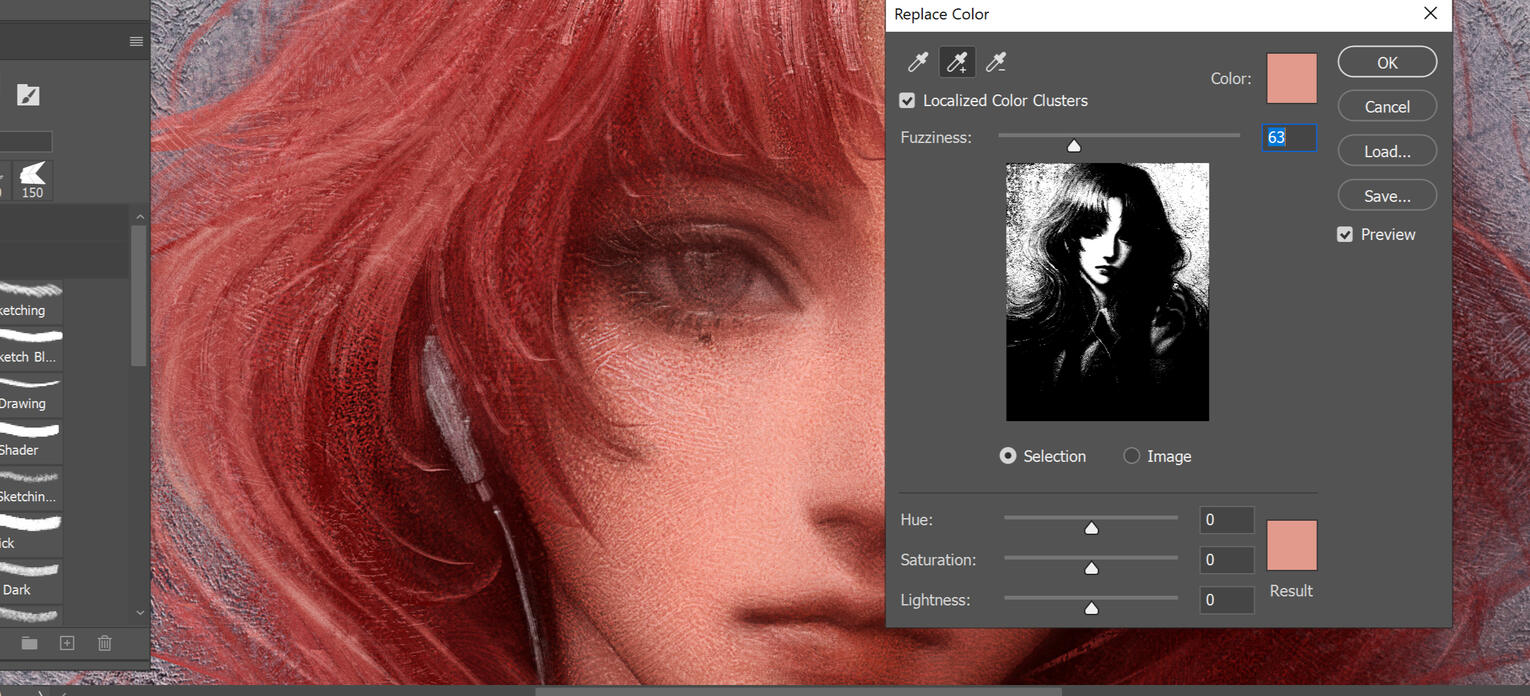
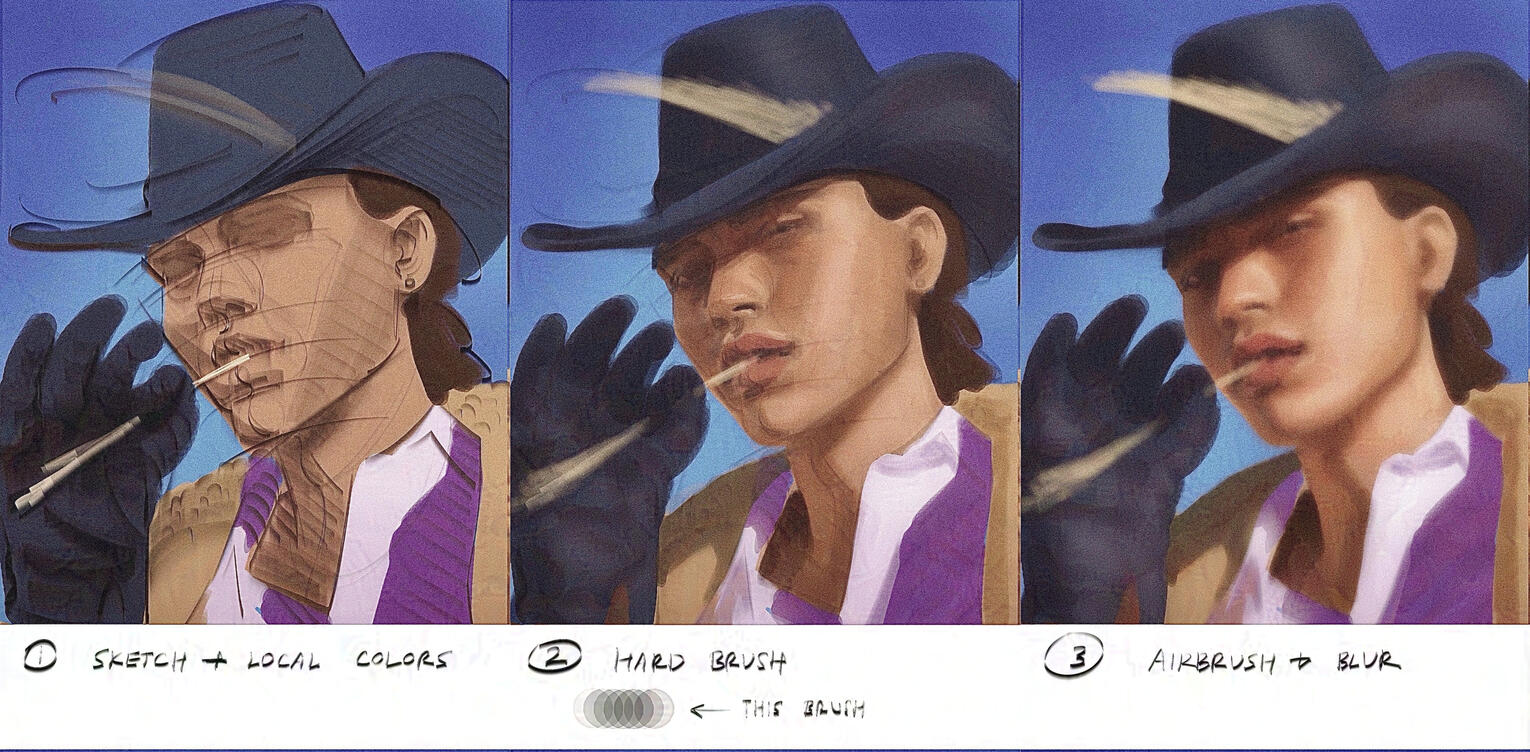
Brushes aren’t everything, but they can make the drawing process more enjoyable if you find the right ones for you. I recommend trying out different brushes and experimenting with the brush settings (like Shape Dynamics, Dual Brush, Texture, Color Dynamics, Transfer). Making your own brushes is fun too!For beginners, I don’t recommend using texture brushes yet. The standard round brushes are fantastic and are much easier to use, especially for doing value studies. I also advise against relying too much on the airbrush, blur, or smudge tool; They can make your art look blurry/washed out. It’s better to blend with a hard brush + eyedropper (by turning on Pen Pressure for Opacity and/or Flow Control in Brush Settings -> Transfer; or manually changing the brush opacity and/or flow). Then if you prefer, (slightly, not too much) smoothing out those brush strokes with an airbrush, smudger, etc (preferably on a separate layer). If it’s too smooth now, then: undo and try again (but this time, with less pressure on the pen), or lower the opacity of the layer, or just paint on top of it again (with a paint brush, not airbrush or smudger).I also highly recommend using the lasso tool + the airbrush. It takes a while to get used to, but it’s one of my favorite tools to make sharp/clean edges.
| . |
| . |
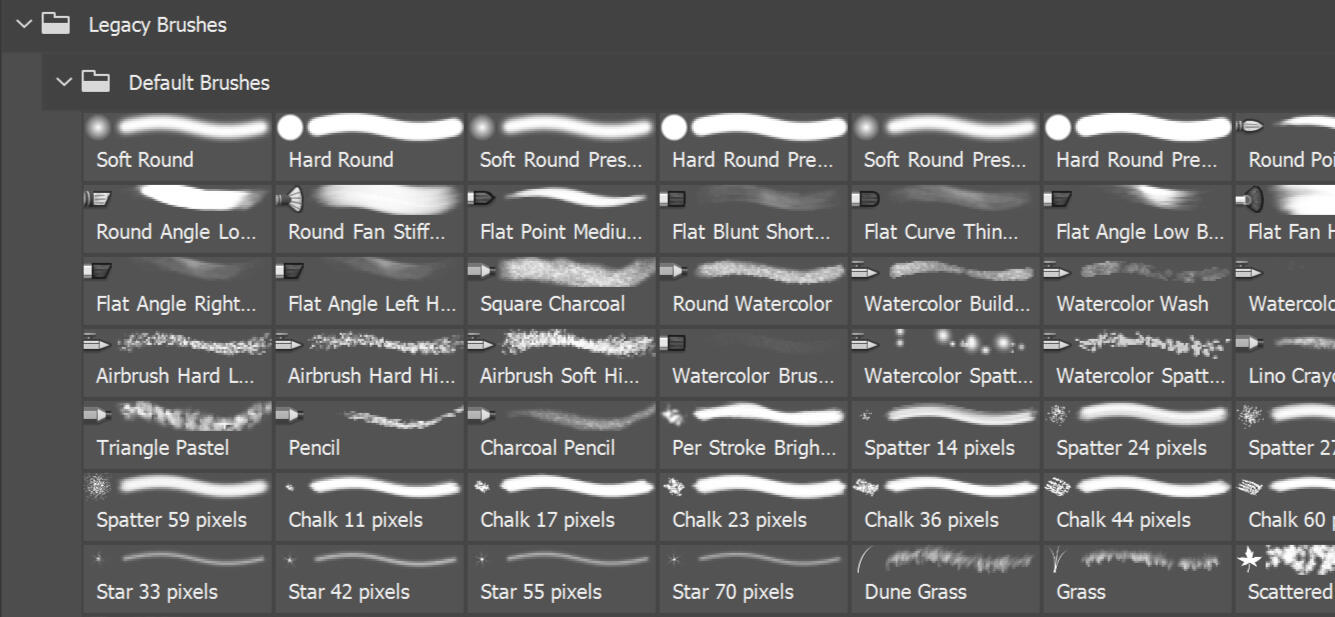
The older versions of Photoshop have great brushes. They're in the new versions of Photoshop too, but they're kind of hidden.Link below shows where to find them.
I’ll also share my brush pack here once I’m done organizing them!
| . |
Plugins
Plugin for Photoshop that makes adjustable perspective lines/grids.
Plugin for Photoshop and Clip Studio Paint that helps you draw smooth lines. Great for those with shaky hands.
Plugin for Photoshop. A much better color wheel with more options.
Not a plugin but an app that lets you see what colors look like in different lighting scenarios.
An easier way to rig characters in Autodesk Maya.
An easier way to paint weights in Autodesk Maya.
An easier way to smooth weights in Autodesk Maya.
| . |
Process Steps
For studies, I like to roughly block out the forms first, then blur everything and "carve" out hard edges with a hard brush, kind of like I'm sculpting. It's my favorite way to paint these days. Drawn in Photoshop and/or Procreate.

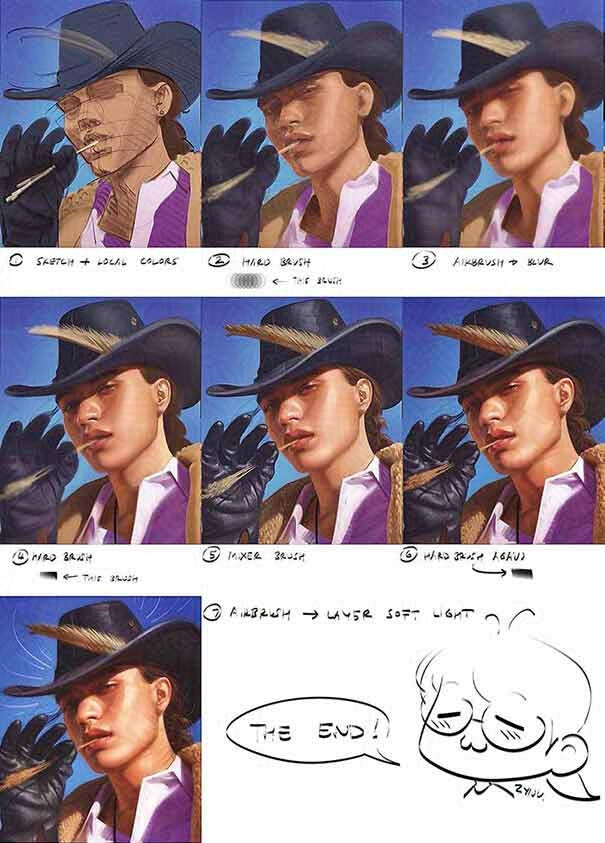
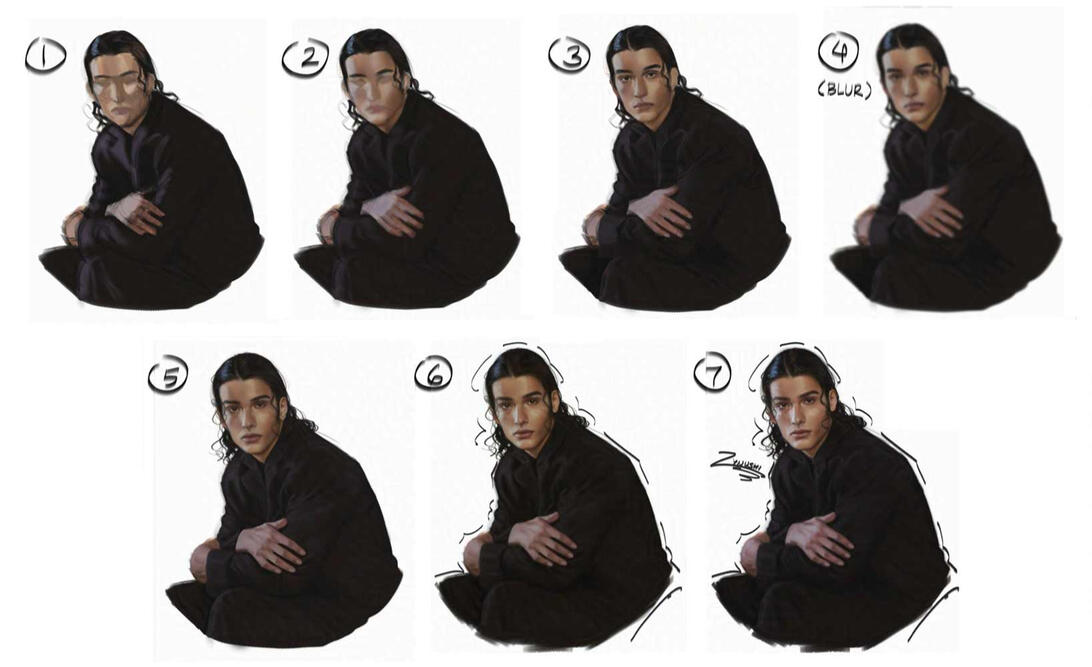

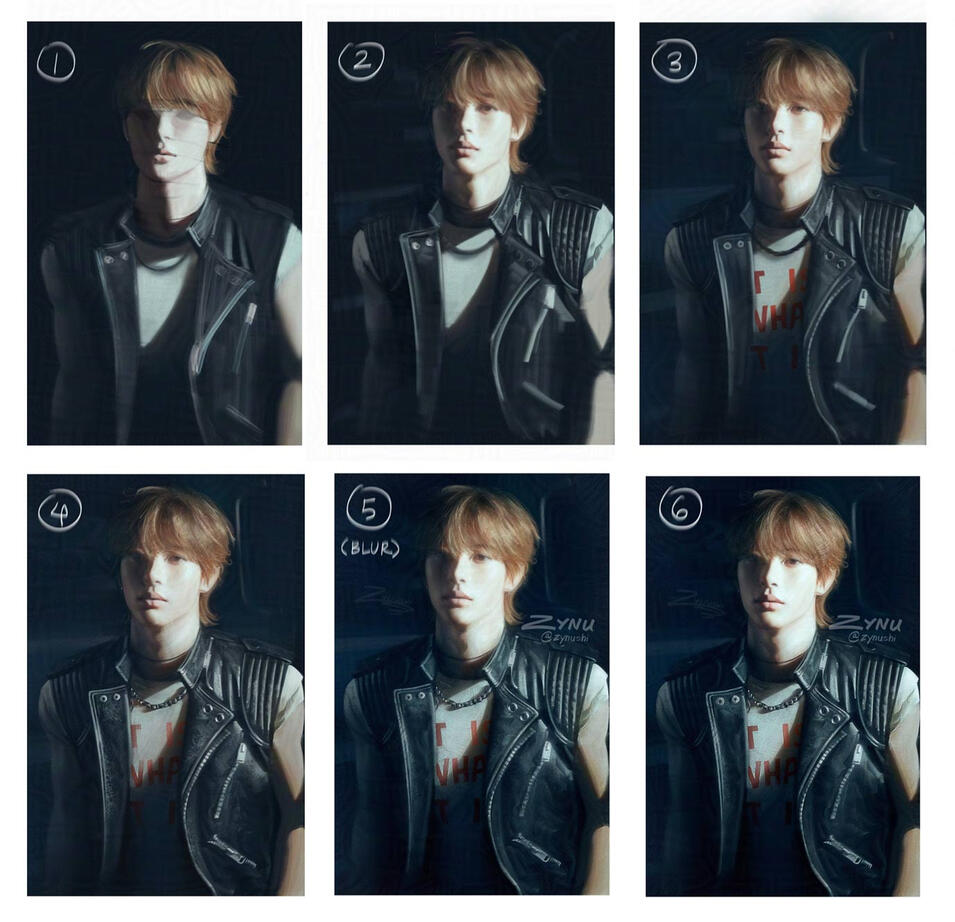
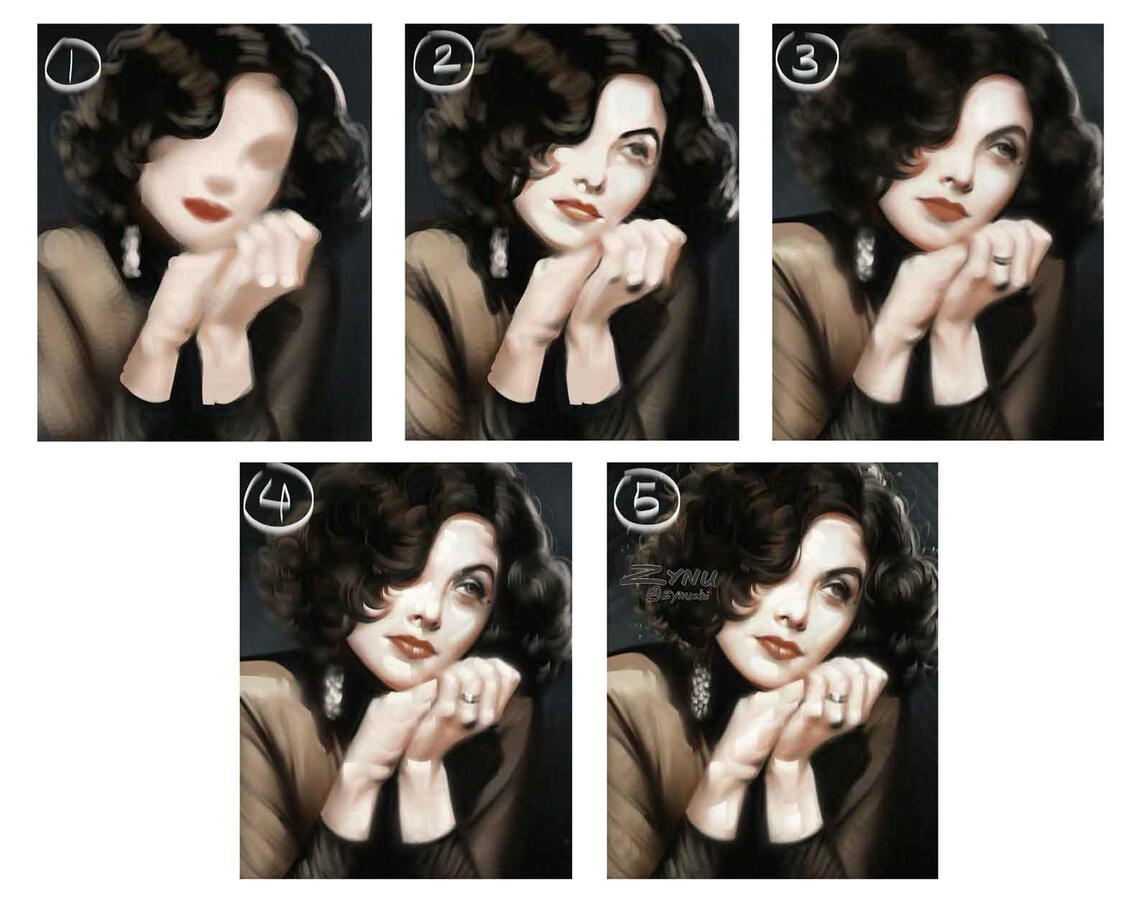
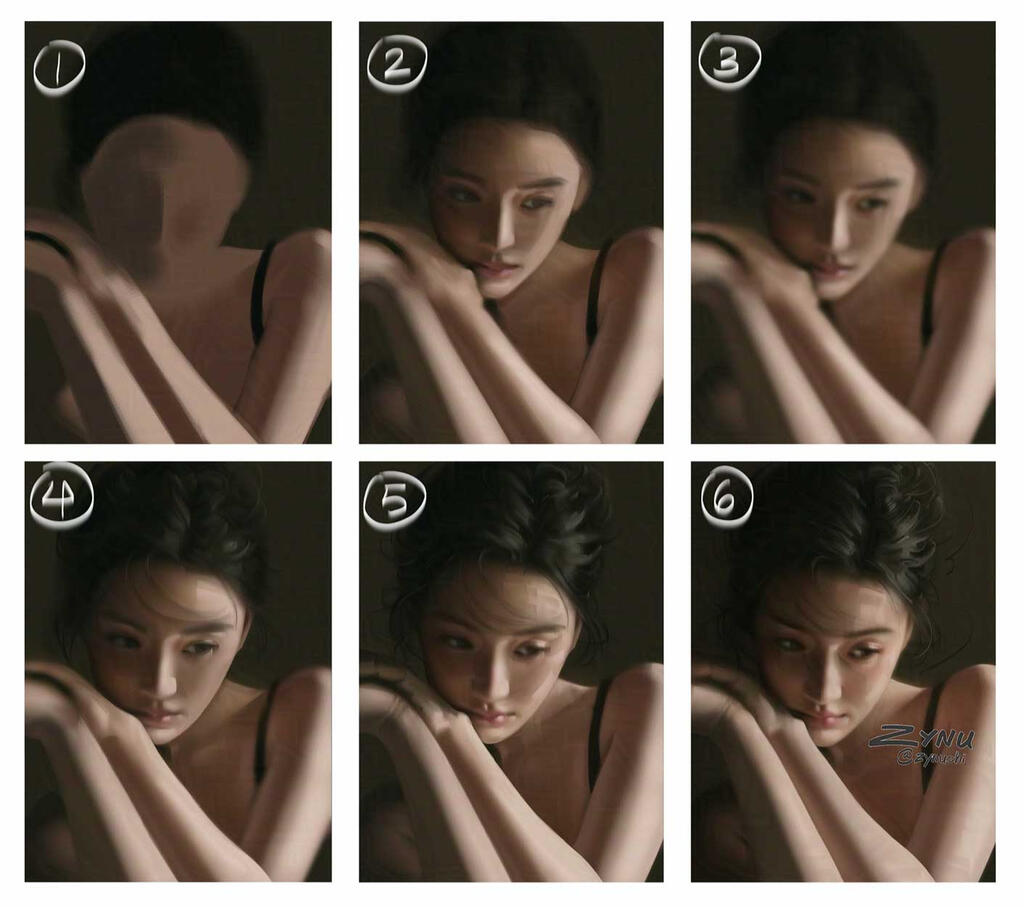
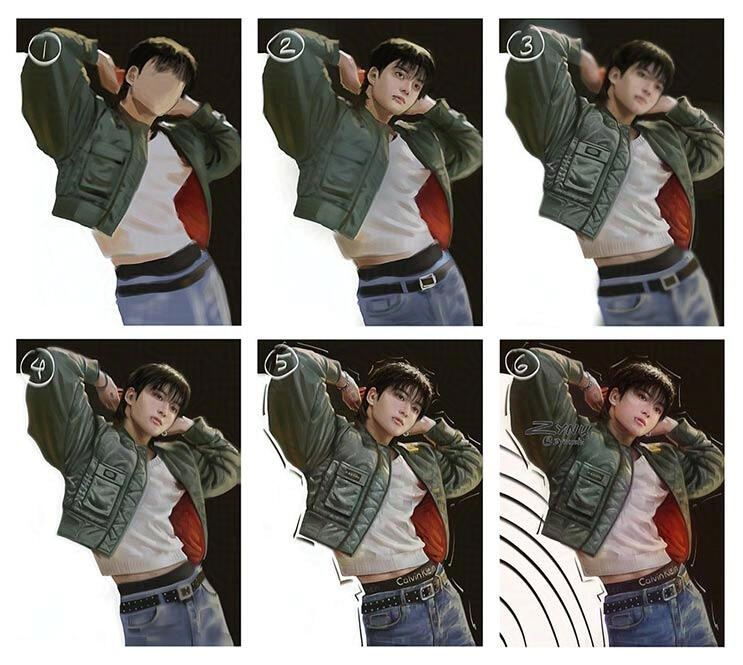
Steps (most of the time): Sketch > Block in local colors > Paint light and shadow areas > Shade with standard round brush > Paint ambient occlusion > Blend > Blur everything > Paint with hard brush > Slightly blur > Paint with hard brush again > Paint highlights > CleanupSometimes I like to start with a sketch if I want to get more accurate proportions, and other times I just roughly block in the colors and fix the proportions later (either manually, or with the Liquify tool). (If you need help getting accurate proportions from the start: use the grid method, draw the “outline” of the subject first by looking at the negative space, and/or try drawing upside down). My main focus with these studies was to practice the hard-brush painting style, rather than copy the photo exactly. Looking at the works of J. C. Leyendecker inspired me to try this painting style.It's easy to "over-render" with a hard brush, so when that happens I just blur everything and paint over it again. This process can repeat several times until I'm satisfied with the result. I like to blur instead of smudge/blend for this hard-brush painting style because if there are other brush/smudge strokes (or too many of the hard brush strokes), it can look very messy. It’s also important not to blur (or blend/smudge) too much or leave it blurry without painting over it. There should be a nice balance of both soft and hard edges.In order for this painting style to not look messy, I also try to make the brush strokes follow the planes of the face and/or wrap around the form. It's harder to make these brush strokes look "right" on faces with softer facial features though. (You can see that I barely have brush strokes on Jungkook's face, for example). I still need to do some more studies to figure out how to make this work.
| . |
| . |
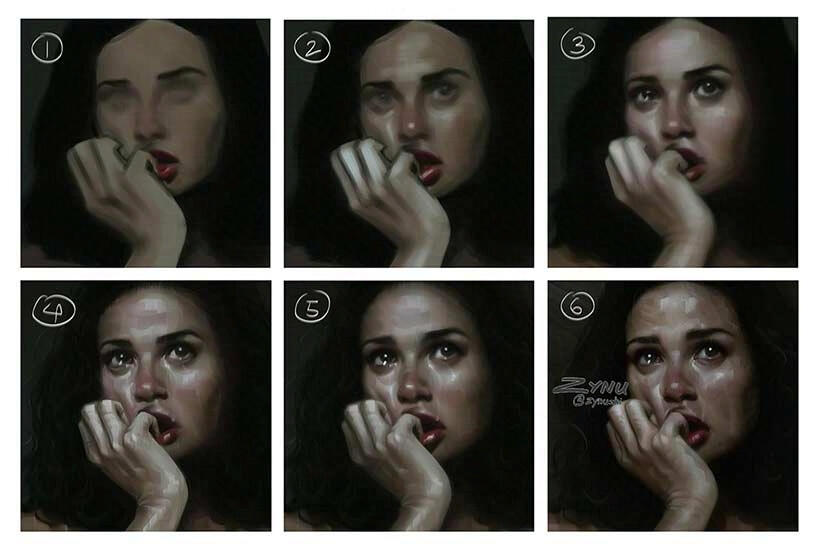
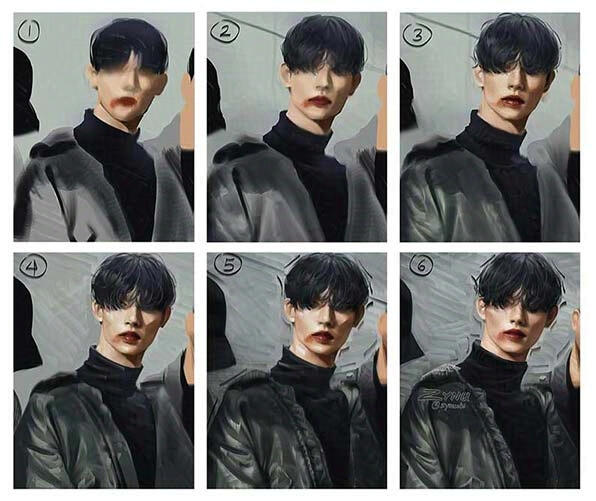
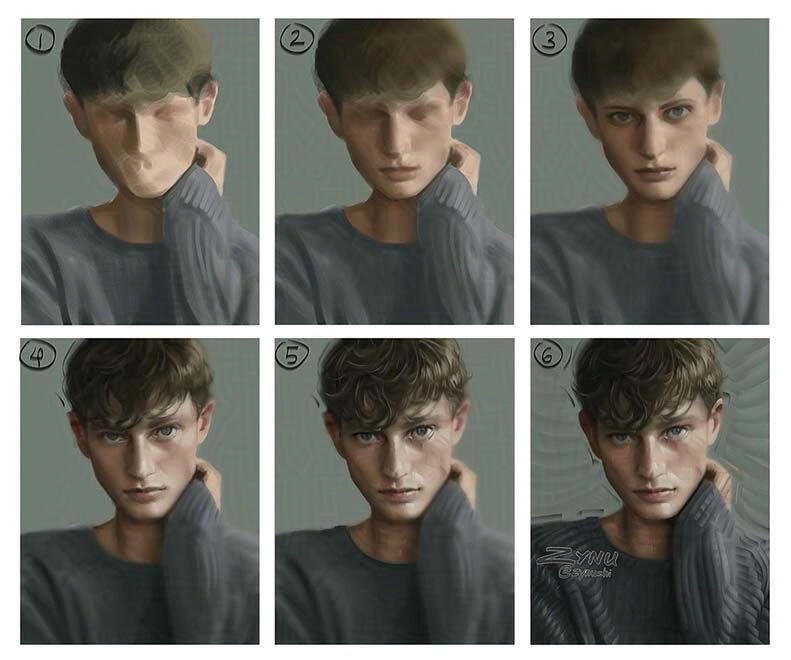
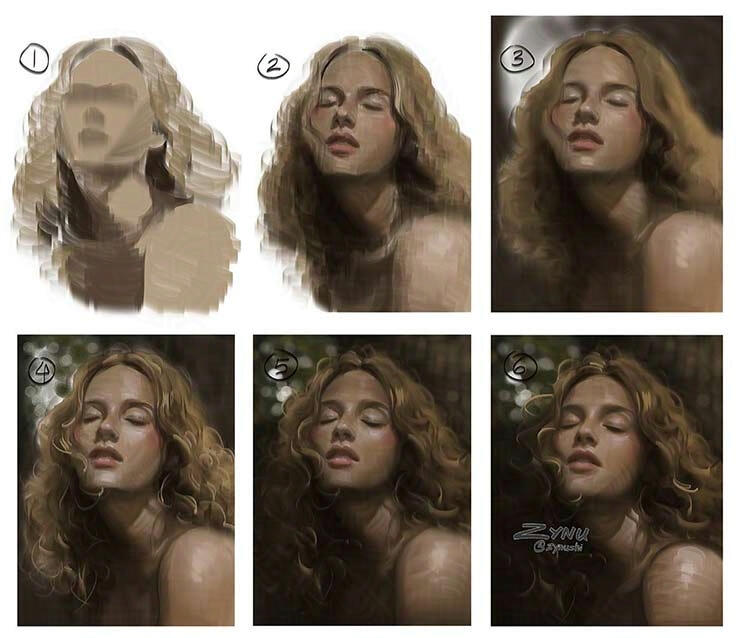
Recently I've become very inspired by the works of Chinese artists like Yizheng Ke and Danny Lai Lai, and their masterful use of textures. The studies below are my attempt at using textures and painting a bit more roughly. Drawn in Photoshop.
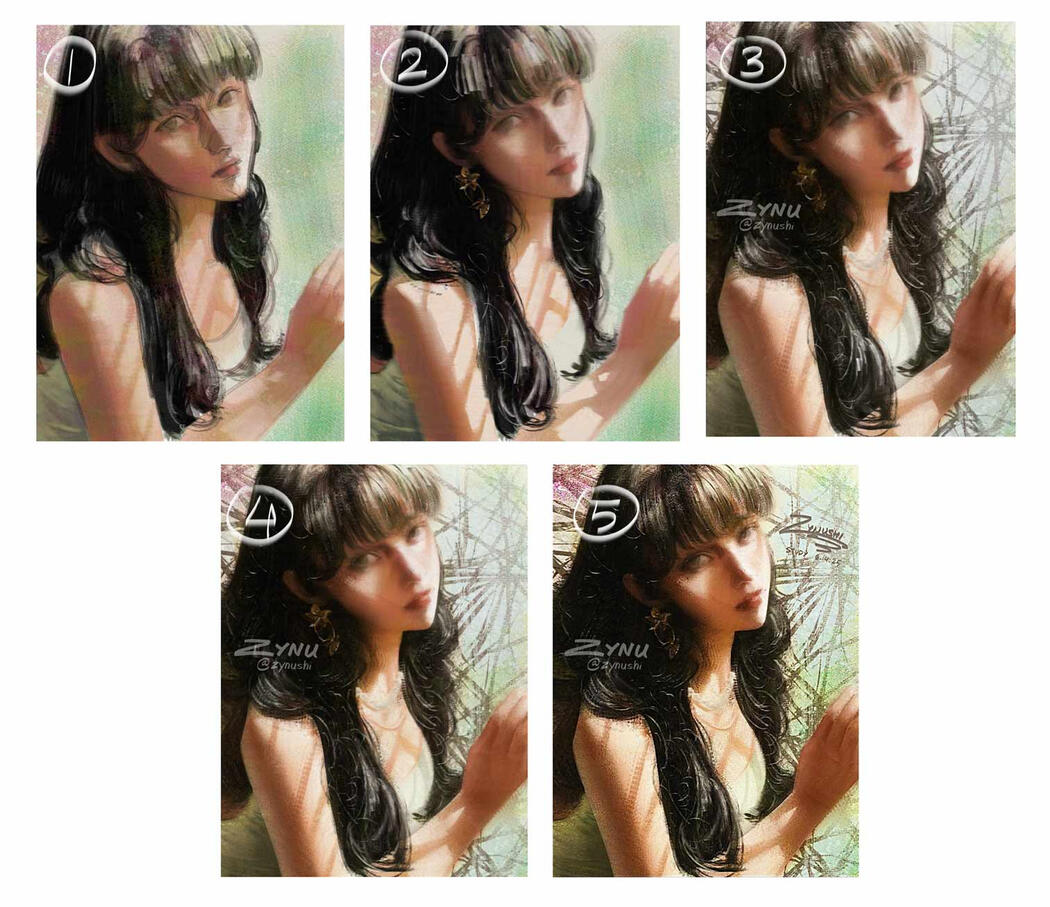
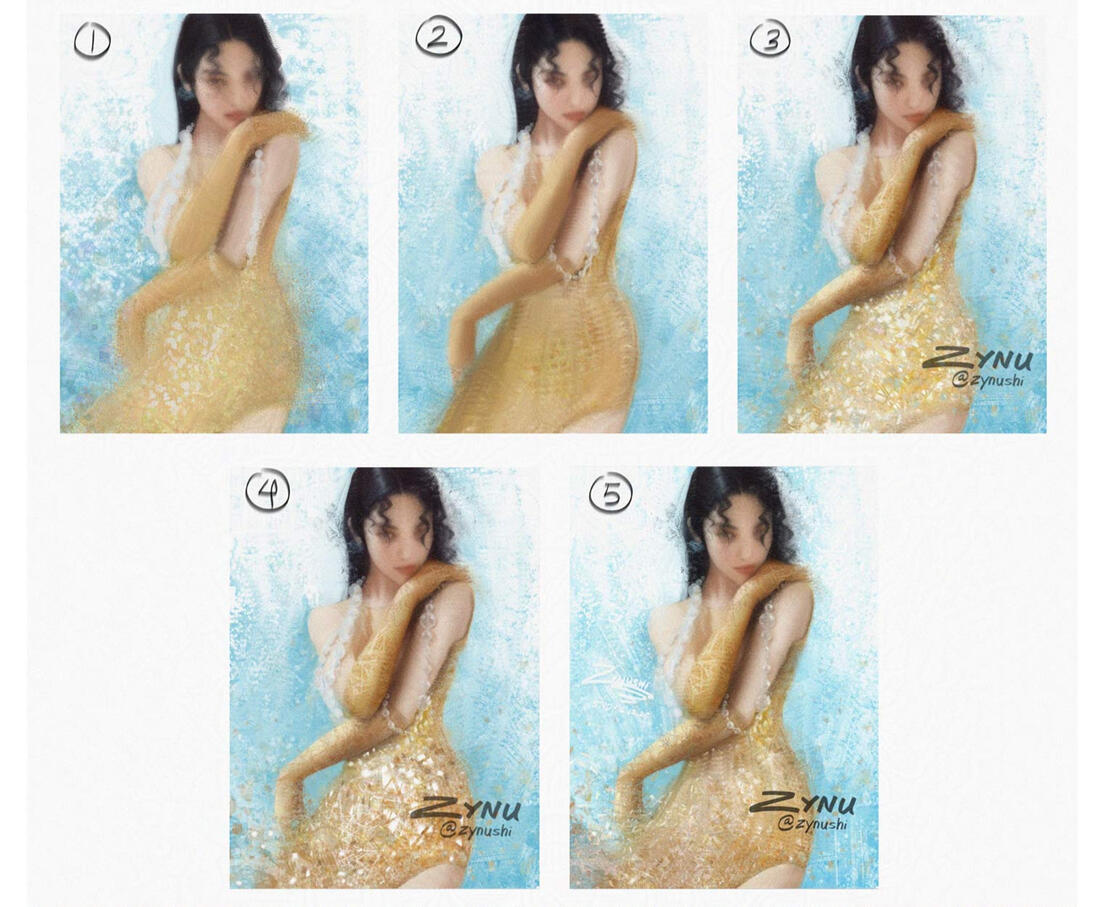
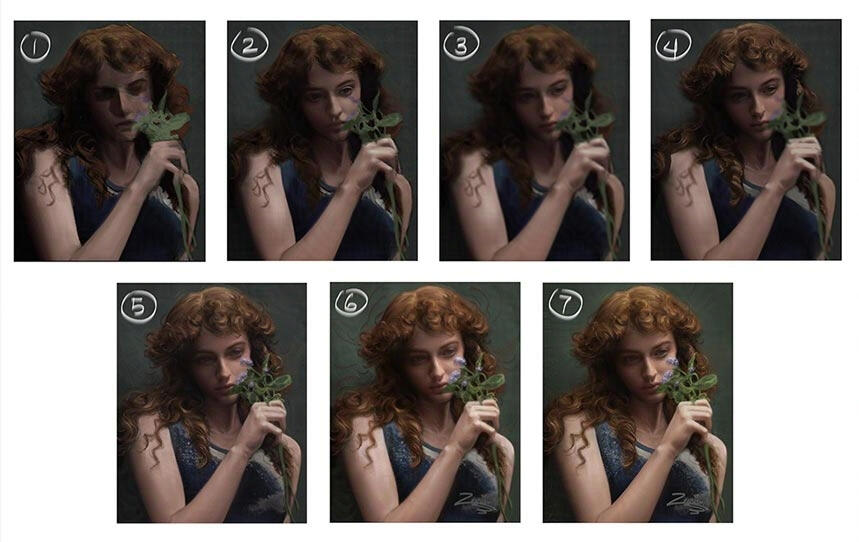
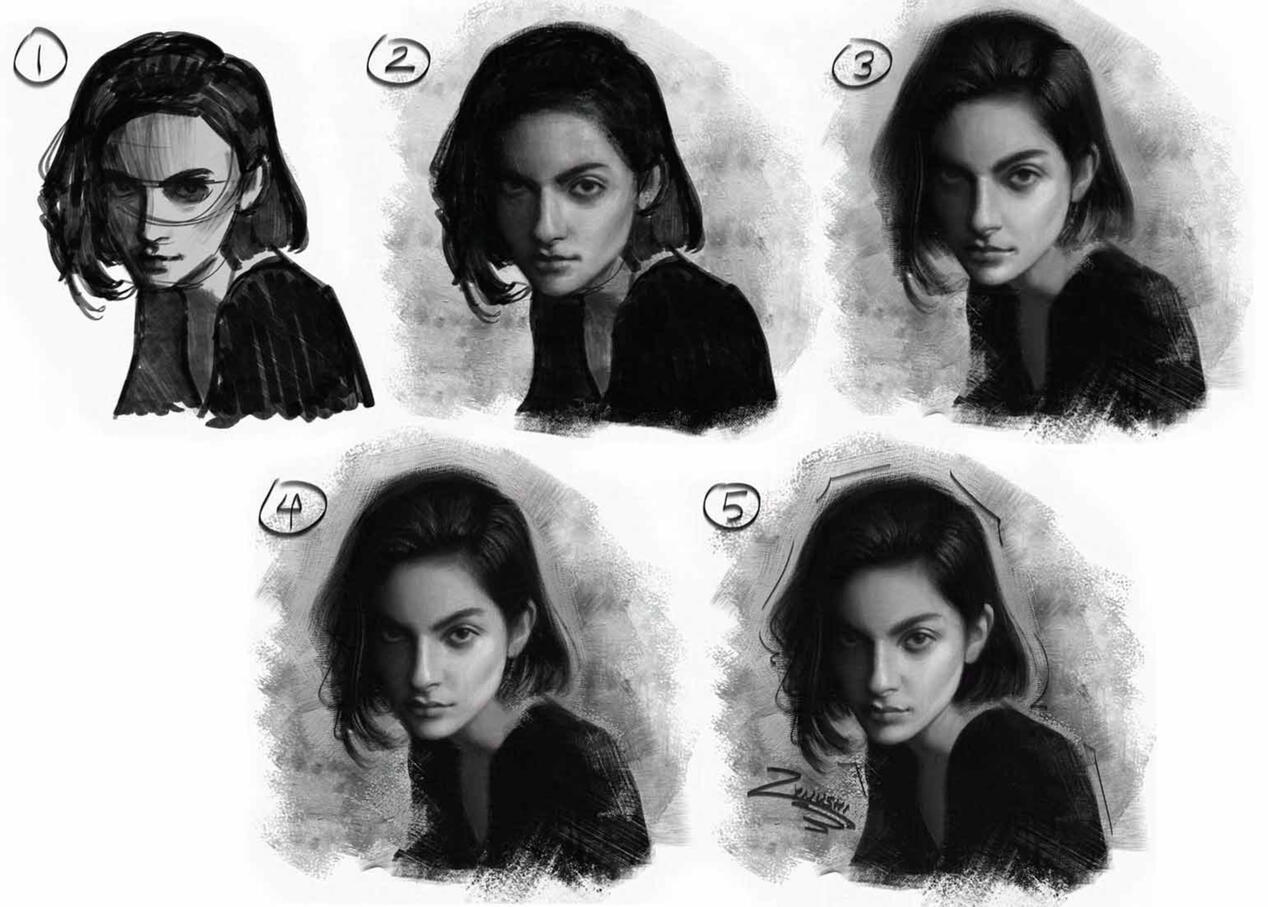
Steps (most of the time): Sketch > Block in local colors > Paint light and shadow areas > Paint ambient occlusion > Paint with mixer brush > Slightly blur > Paint with texture brushes > CleanupI had a lot more fun than I expected with these experiments. It felt liberating not having to focus on drawing the details. For a few of them (the curly hair and the grayscale portrait), I tried to see what it would look like using both texture brushes and hard brushes. For the other studies, I tried making them a bit more stylized instead of realistic. I’m experimenting in order to figure out what works and what doesn’t, so that I can hopefully find my new painting style.While doing these experiments, I found that using a lot of different texture brushes isn’t actually a good idea. It can look really chaotic if you use too many. I would say…using around 4-5 texture brushes is best. Or even less.These days, I’ve been trying to figure out how to make my digital art look less “digital.” I’m honestly not a huge fan of how digital brush strokes look (because the brush repeats) compared to the “natural” look of oil paint strokes/pastel/etc. The closest you can get to the traditional look is by using a mixer brush that has some texture on it (and maybe bevel and emboss in the brush/layer settings), and then putting a canvas texture overlay on top of the drawing. Yizheng Ke and Greg Rutkowski have some awesome brushes that can help make your art look more “traditional.” I highly recommend checking out their brush packs.
| . |
| . |
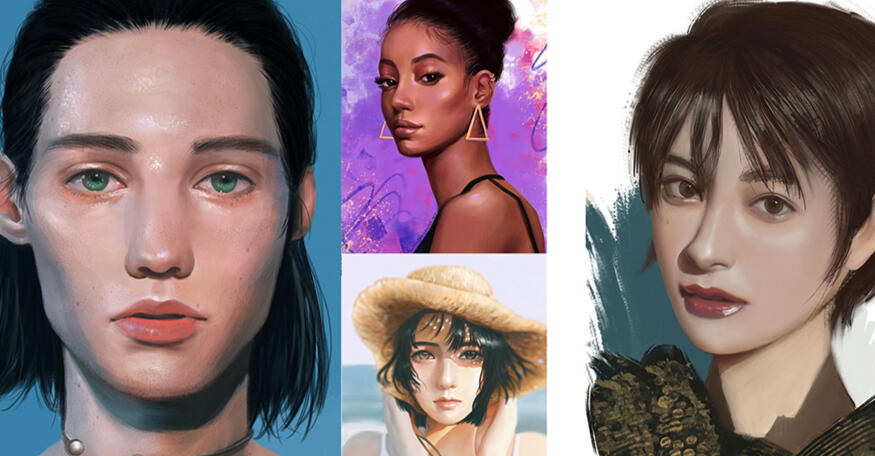
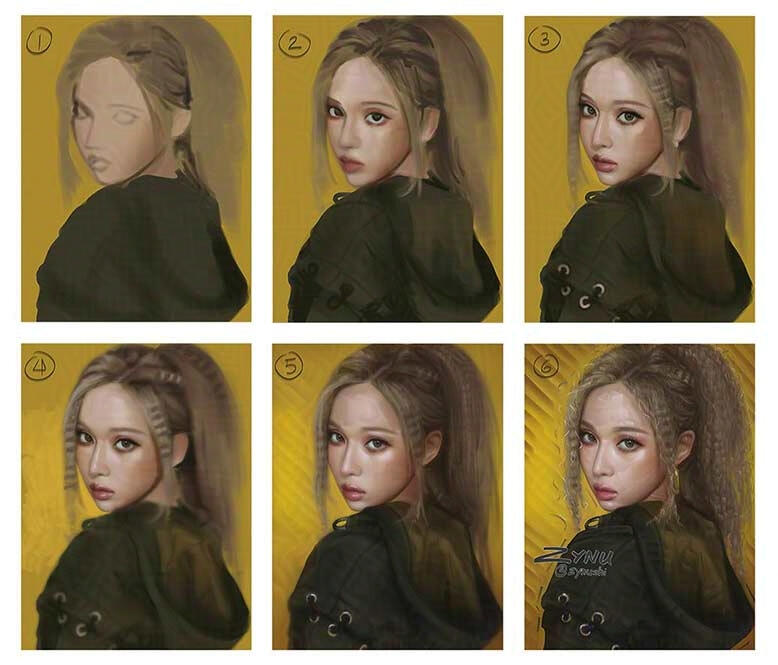
For my mutuals' drawing requests of their OCs, I used a soft texturey brush + mixer brush. Drawn in Photoshop and Procreate.
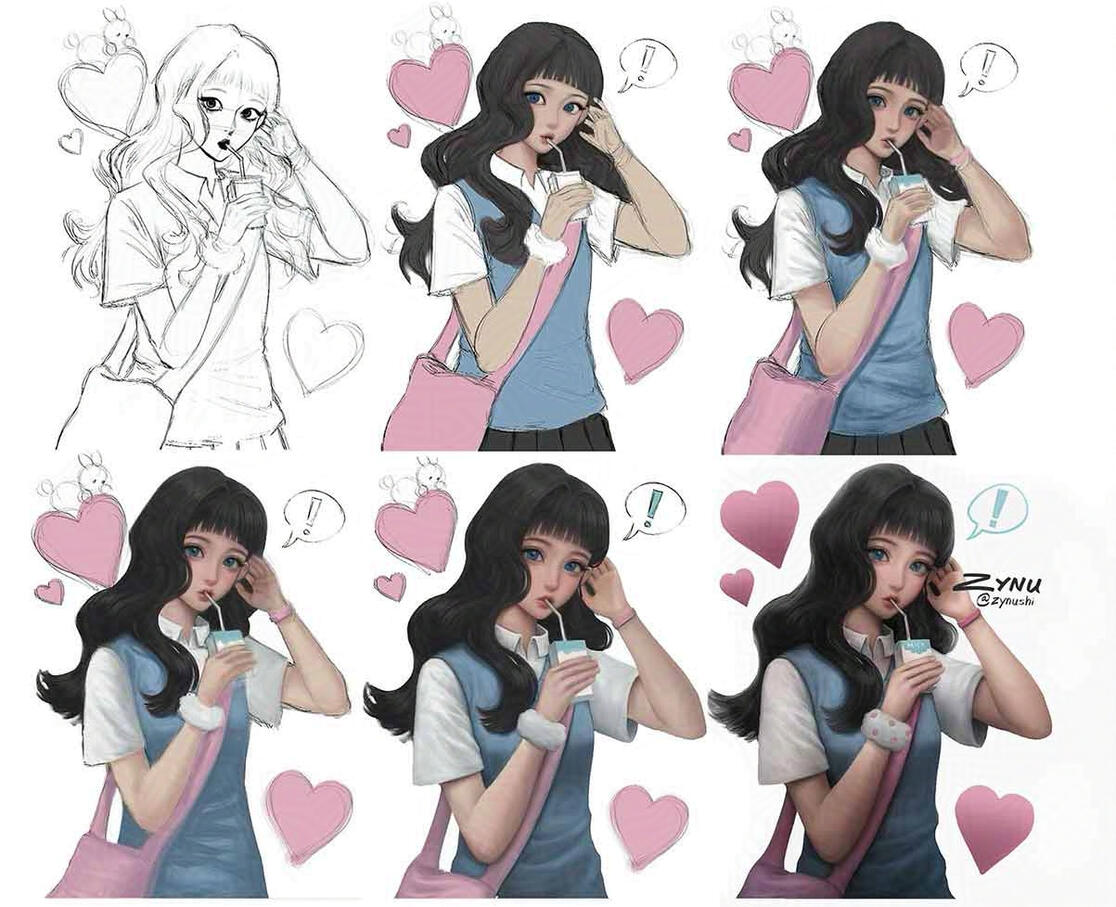
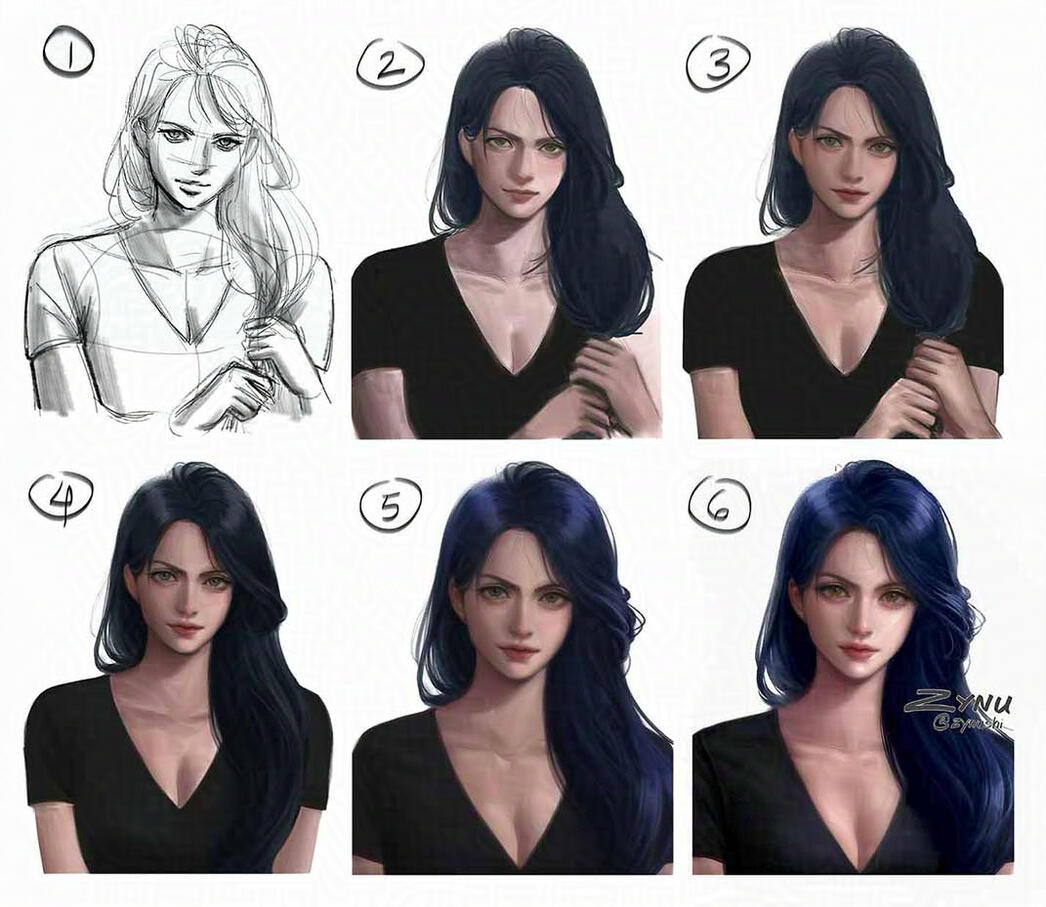
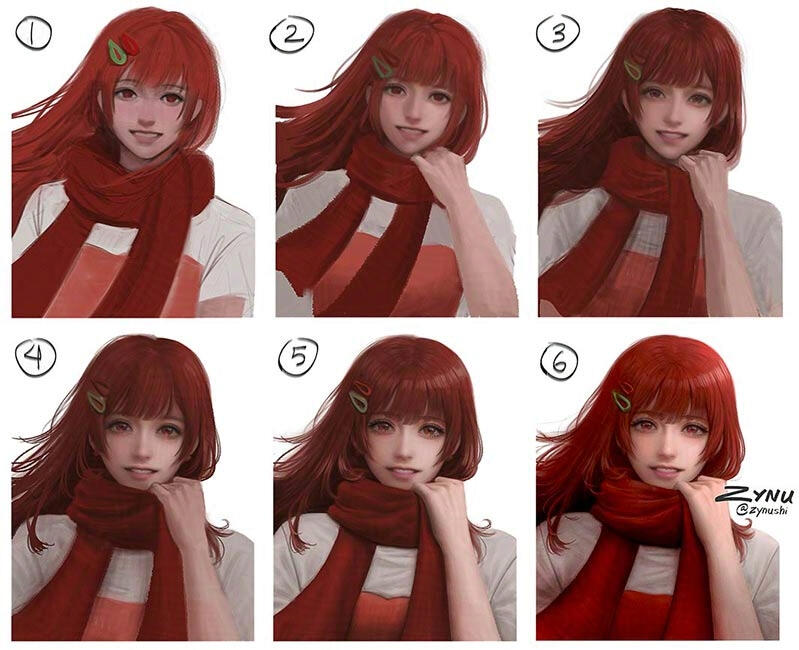
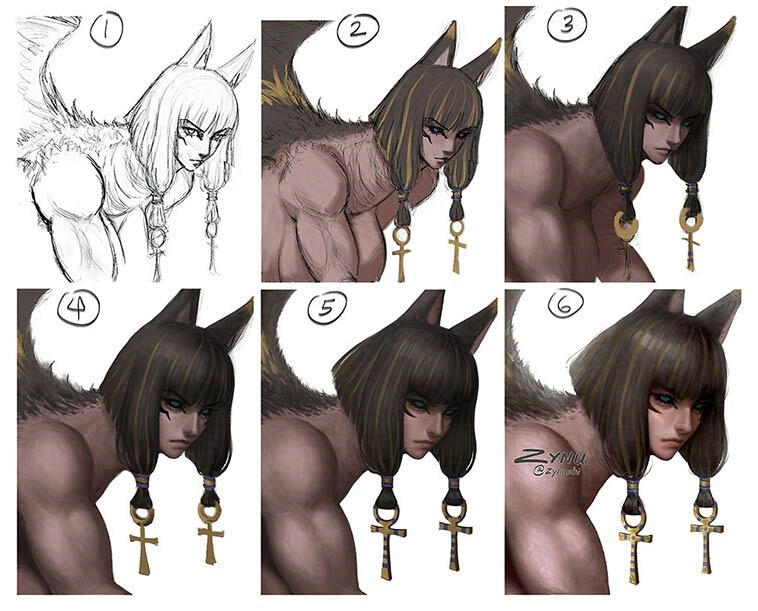
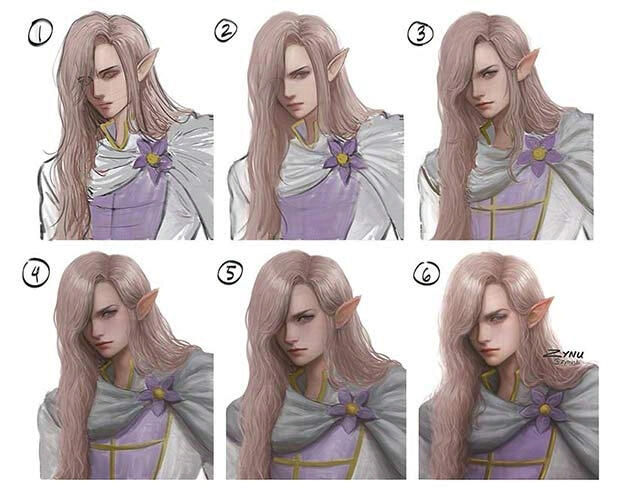
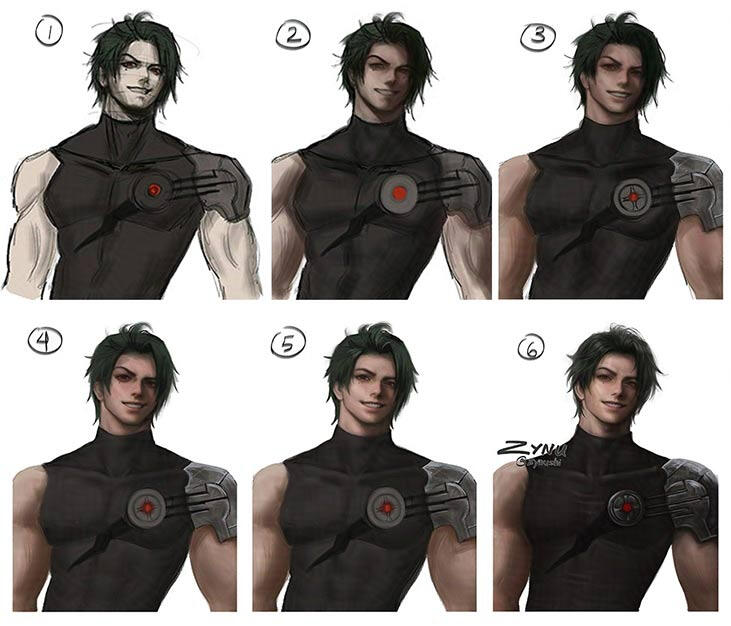
Steps (most of the time): Sketch > Block in local colors > Paint light and shadow areas > Shade > Paint ambient occlusion > Blend > Slightly blur > Shade > Paint highlights > CleanupDrawing an (attractive) face that doesn’t exist in real life but also resembles the original character is a real challenge. When drawing semi-realistic faces, often times they can end up looking uncanny. That’s when I look at successful examples of semi-realism for inspiration, like Final Fantasy and BJD dolls. I compare my work to theirs side by side and try to figure out why theirs are working and mine isn’t. Is it the proportions, is the rendering not 3D enough, or are the facial features too realistic-looking or too stylized, etc.Sometimes I spend hours just on the face, fixing it or redrawing it until I'm happy with the result. I'm usually never satisfied though, so this can go on forever; but I set a limit on how many days I can work on a drawing (otherwise I would never finish a piece). When I reach the limit, I stop working on it even if I’m not happy with it. (But sometimes I will edit it months later if it really bothers me…). If you’re a perfectionist like me, I highly recommend this method. It forces you to create more pieces instead of being stuck working on one piece for days/weeks/etc. Your skills will improve the more you create and the more you fail. And in the future when your skills have improved, you’ll look at your work and think, ‘Wow, I could make this piece way better now and in a fraction of the time.”On social media, you see a lot of timelapses and process steps where the sketch suddenly turns into a beautiful masterpiece, but not really what goes behind the scenes. Because of that, art looks so easy to make; But the truth is, it’s far from easy (whether it’s traditional or digital art or any other art). Whenever I draw something, I get frustrated. Most of the time, things don’t work out the way I want it to. Sometimes I even just stare at the screen and zone out for an hour, scream into a pillow, or have thoughts of giving up/redoing the entire drawing. For some of these drawings, I redrew the face about five times, and for others, I scrapped them halfway and started over from the very beginning. Art is hard…Faces are especially hard to get right (for me, personally)…but that’s what also makes them so fun to draw.When you’re struggling to draw something, it’s good to take a break for a while and look at it later with fresh eyes. You may find mistakes that you didn’t see before, because your eyes get used to the mistakes if you look at the drawing for too long. But if you keep trying to fix your art instead, you’ll just waste a lot of time. Don’t be afraid to take (frequent) breaks. You’ll save time, energy, and your hands/back/eyes/etc from pain. Also, make sure to flip the canvas often (even vertically, too) and ask other people for their opinions/feedback. Your eyes will deceive you into thinking that your art looks good when it’s not (or sometimes vice versa), and “blind” you from seeing the mistakes (even if the mistakes are super obvious). I always find mistakes in my work hours later, or even days or months later.Sometimes the drawing may not be working because you don’t have a good understanding of whatever it is you’re trying to draw. In that case, you should take a break from that drawing, go do some studies, and find proper references before you attempt to work on your drawing again. I have so many “failed” drawings that I scrapped midway because they weren’t working. As much as it sucks to scrap a drawing that you’ve been working so hard on, sometimes, it’s easier/faster to redo a drawing than try to fix a bad drawing. Pinterest used to be a good site for finding references, but now that it’s flooded with AI-generated content, it’s hard to find “real” content on there; So now I just take reference photos myself or use a rigged 3D model for help with difficult poses (You can use apps like Magic Poser or Clip Studio Paint; or use Blender to model/rig your own models or use other people’s rigs/models). If you’re going to use/keep using Pinterest, make sure to observe each image carefully (even if it looks human-made).Another reason could be that your eyes are more “trained” than your hands. I struggled with this for years; My eyes could tell there were problems with my work, but my hands just couldn’t follow along. I could never make my art look “right,” so I was never satisfied with my work. Unfortunately, it takes a while for your eyes and hands to close the gap and work together.…Or you could just be having one of those bad days. I have good days and bad days when drawing too. Some days I can draw the way I want, and other days, I can’t, even if I work on it for hours. On bad days, I try not to draw for more than an hour (basically just mindlessly doodling or sketching my favorite characters). Whenever you feel overwhelmed, discouraged, or burnt out, make sure to take a break. Go outside, watch a movie, play a game, learn/try a new hobby/skill, etc or just draw stuff that you like/makes you happy. You can always try again later.
| . |
| . |
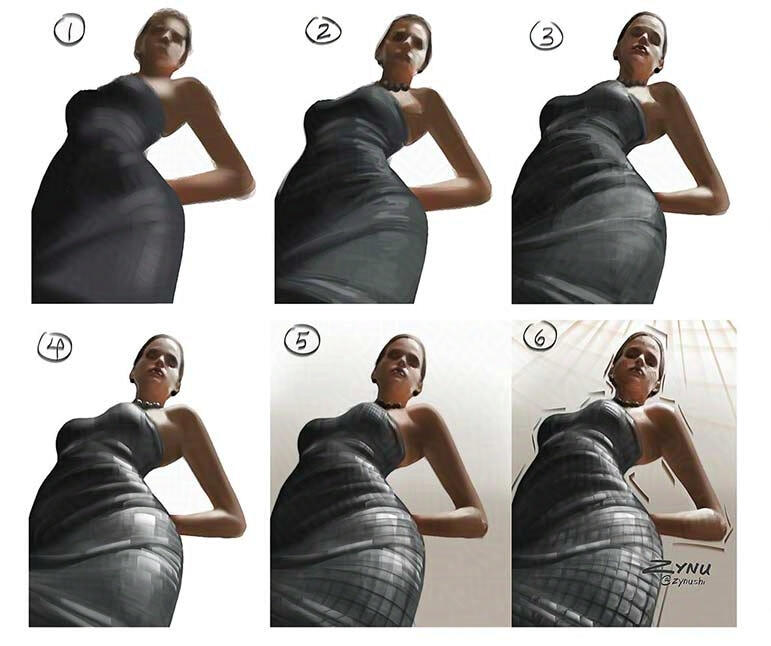
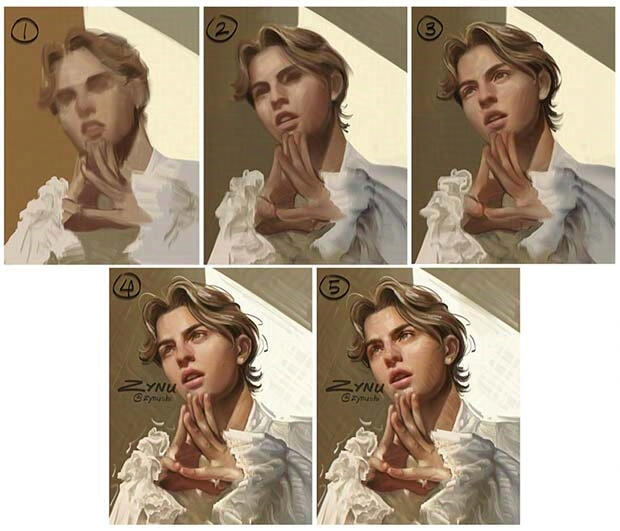
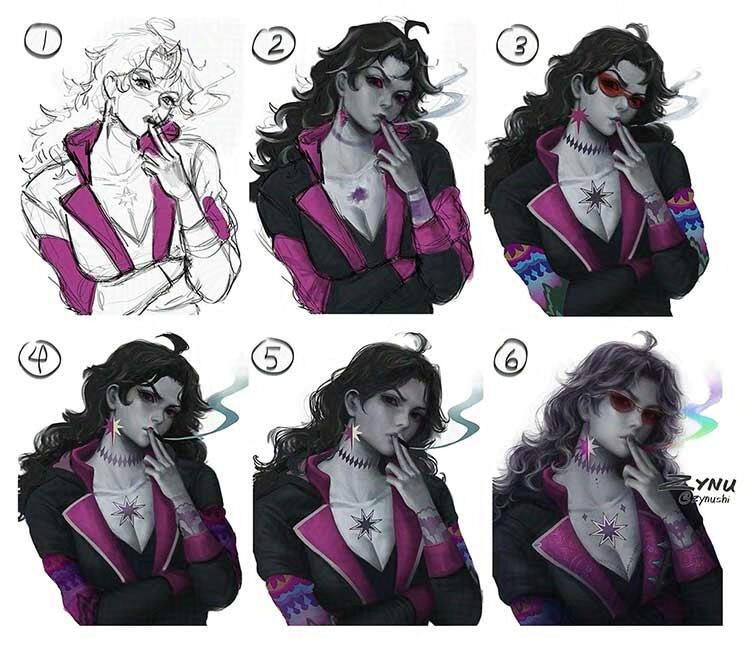
For my doodles, I first used a square brush and a soft texturey brush to block out the colors, light, and shadows; Then, I blurred everything and painted over with a hard brush. I'm currently trying to figure out how to make the hard-brush painting style look good on semi-realistic drawings. (It looks better on realistic drawings…but I will find a way to make it work!) Drawn in Photoshop.
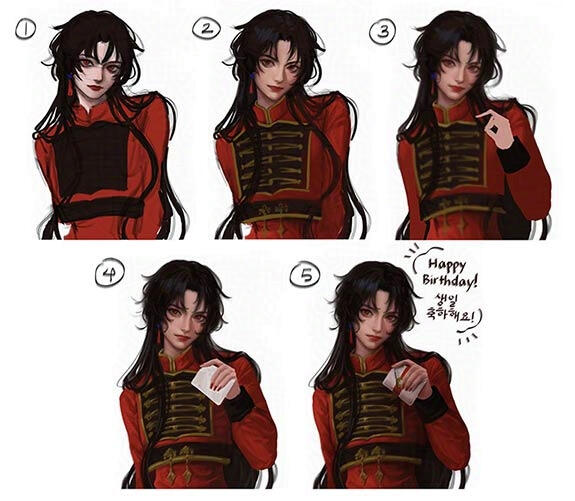
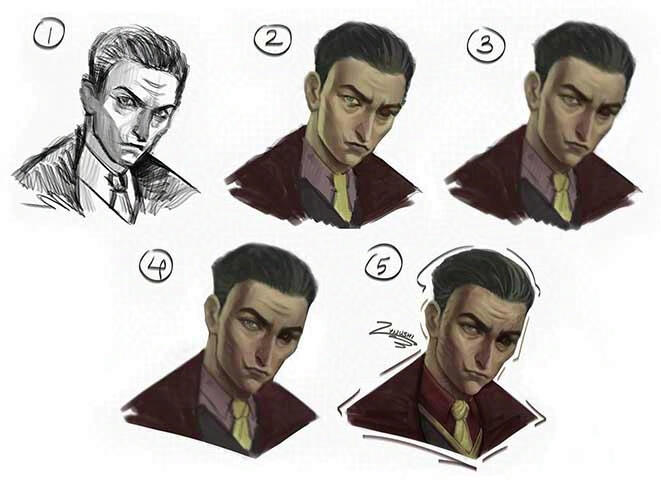
Steps (most of the time): Sketch > Block in local colors > Paint light and shadow areas > Shade > Paint ambient occlusion > Blend > Blur everything > Paint with hard brush > Slightly blur > Paint with hard brush again > Paint highlights > Cleanup
| . |
| . |
| . |
For my old fanart, I used an elliptical brush to paint and a mixer brush to blend. I used to be obsessed with the smooth/clean rendering style back then (before genAI ruined it for me), so I heavily used the mixer/smudger to blend all the brush strokes and make my art look as clean as possible.Drawn in Photoshop.
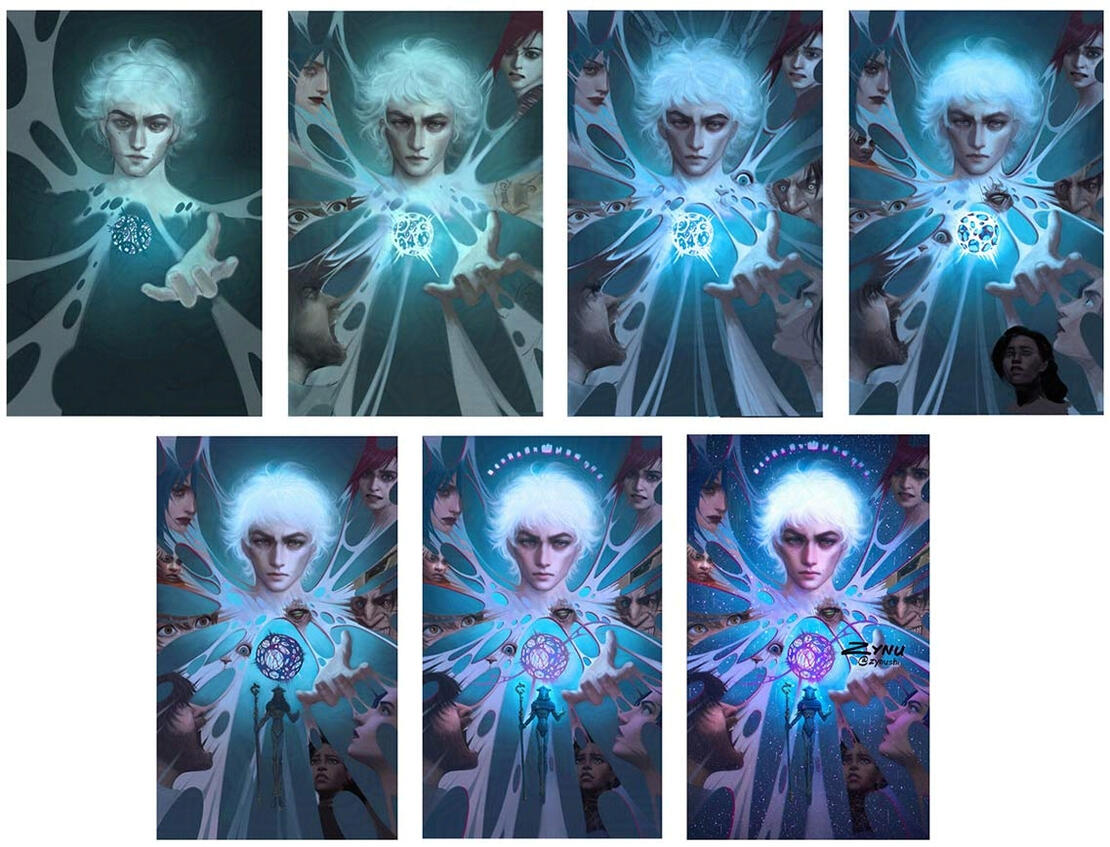
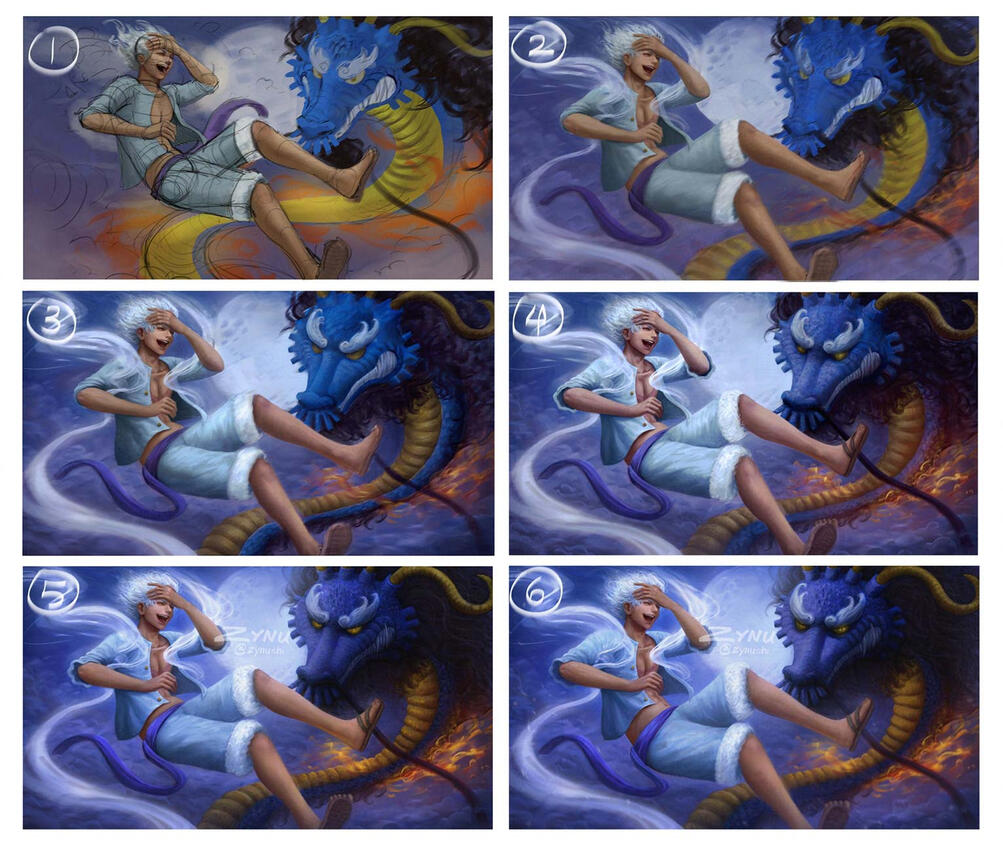
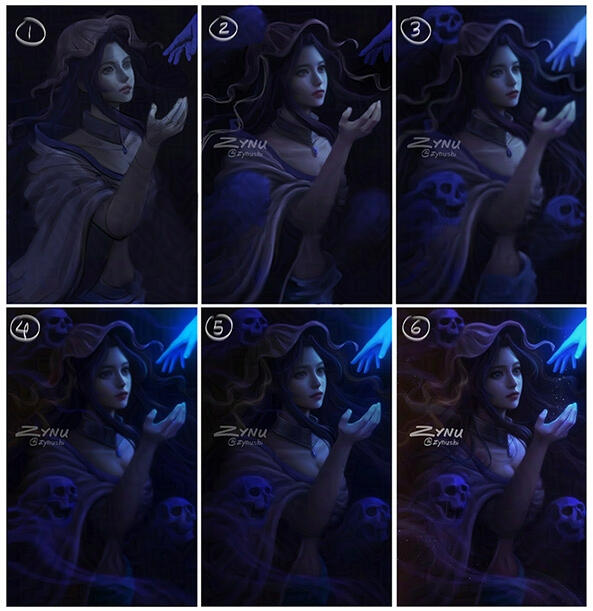
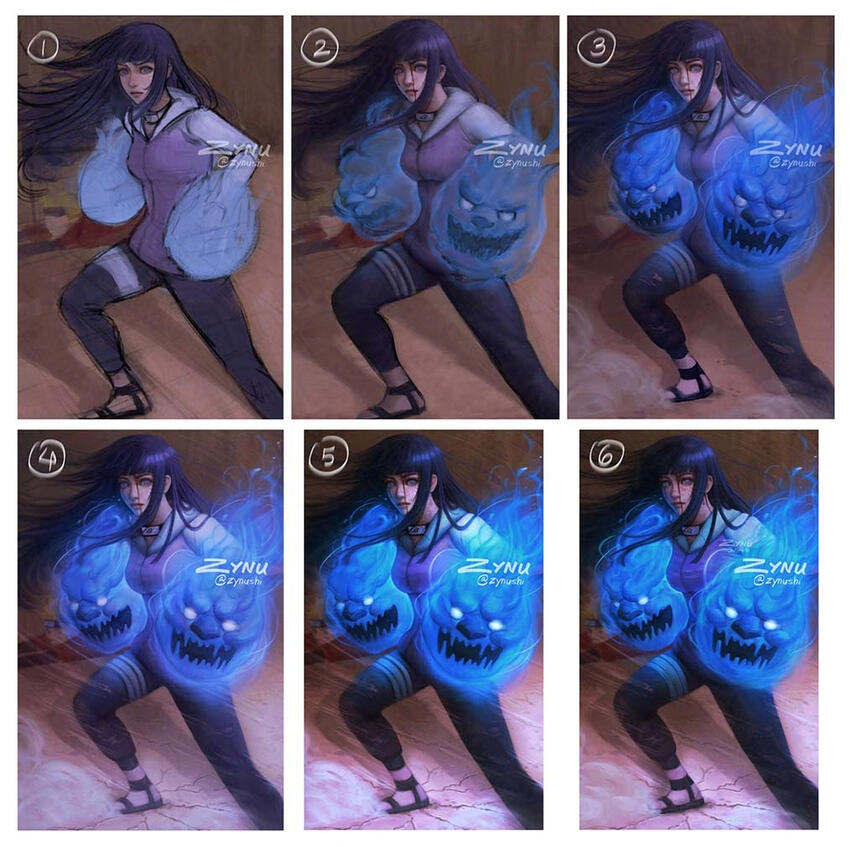
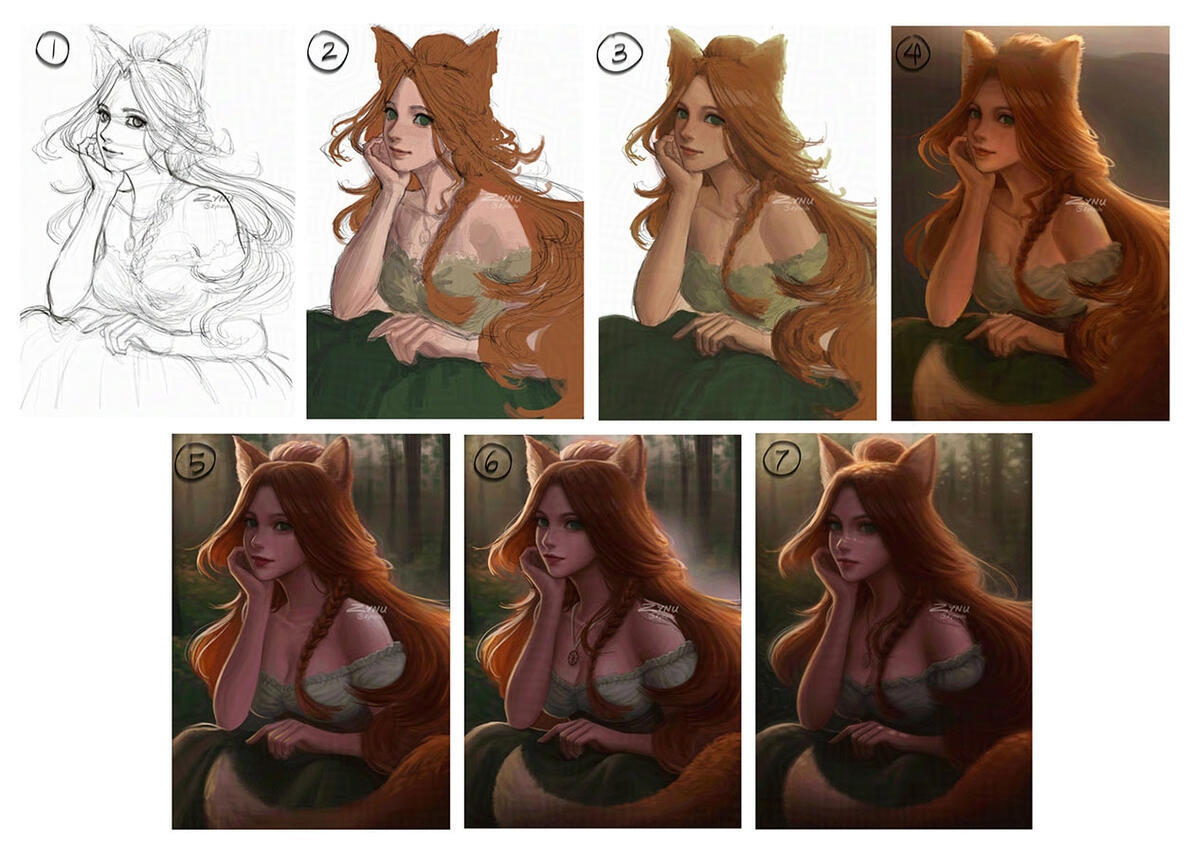
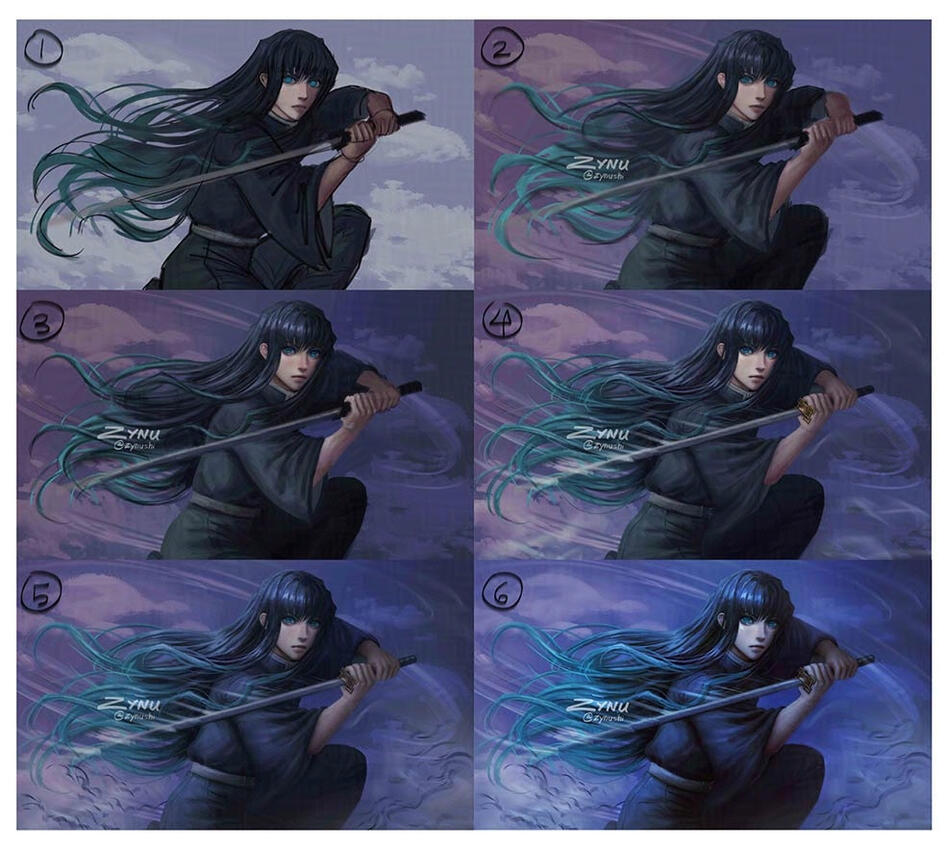
Steps: Sketch > Block in local colors > Paint light and shadow areas > Shade > Paint ambient occlusion > Blend > Paint highlights > CleanupWhen painting (or when you’re close to finishing the painting), try messing with the Adjustment layers (like Level, Curves, Color Balance, Gradient Map, etc). You might find more interesting colors/values this way. When I was making the Arcane fanart, I wasn’t originally planning on adding pink hues; But after experimenting with the Adjustment layers, I thought the pink looked pretty good with the blue background, so I ended up keeping it.
| . |
©ZYNUSHI
All rights reserved.
Timelapses
Some timelapses of my studies. Usually studies take around 1.5-3 hours. Drawn in Procreate and Photoshop, recorded with OBS, and sped up with Premiere. (I had to speed these up a lot because this website doesn't allow large video uploads).
Steps (most of the time): Sketch > Block in local colors > Paint light and shadow areas (with standard round brush) > Paint ambient occlusion > Blend with low opacity brush > Blur everything > Paint with hard brush > Slightly blur > Paint with hard brush again > Paint details/highlights > CleanupNote: Since I work in both Procreate and Photoshop, I always forget to record/resume the recording in Photoshop…so a few of the videos may not show every step of the process. (Adobe, please add a timelapse feature…)The purpose of these particular studies was to test out a new painting style. I was trying out new brushes for fun and found an interesting brush that had both a hard edge and a soft edge. At first, I had no idea how to use it properly, so all of my drawings looked really messy. Then I went on Bilibili and saw a Chinese artist blur their art and paint over it again in one of their process videos. I thought that was an interesting process, so I tried it out and it was exactly what I needed to make the hard-brush painting style look less messy. Sometimes after blocking in the colors/form, I duplicate the entire drawing (or a specific section), merge all the (duplicated) layers together, then blur it and paint over it again; OR I slightly blur it, (sometimes) increase the saturation or brightness, lower the opacity of that layer to about 30-40%, and then paint over it. This method kinda “smooths” out the harsh strokes and makes the drawing look a little softer. I use this method a lot when drawing the face, (sometimes even multiple times). The process basically goes like this: Paint > Duplicate > (Maybe Liquify or Saturation/Brightness) > Blur > (Maybe lower opacity of layer) > Paint > Repeat.I also use the Liquify tool a lot, especially if I didn’t measure out the proportions first. (Accurate proportions weren’t the priority of these studies, so I didn't focus on them until much later in the process). The good thing about digital art is that you don’t have to worry so much about “messing up.” If the proportions don’t look right, you can use the Liquify tool to quickly fix certain areas. If the brush strokes are too strong, you can slightly erase them, lower the opacity of the layer, or just redo the strokes. Don’t be afraid to paint boldly, make mistakes, or experiment. You can take “risks” with digital art, so use that to your advantage.There was a lot of trial and error, lots of erasing and redoing. For this brush + painting style, the placement of each stroke is very important; If there are too many brush strokes, brush strokes in the wrong places, too little brush strokes, too much or too little pen pressure, etc, then the drawing will look very messy.Unfortunately, I’m still trying to figure out this hard-brush painting style because it doesn’t always turn out well. Especially on the face…Once I get the hang of it though, I’ll post a full real-time process video explaining my process in detail on YouTube!
| . |
Some timelapses of my fanart, drawing requests, original art, and doodles. Most of these were drawn in Procreate and Photoshop, but some were drawn just in Photoshop or Procreate. Recorded with OBS, and sped up with Premiere.
Steps (most of the time): Sketch > Block in local colors > Paint light and shadow areas > Paint ambient occlusion > Blend with low opacity brush > Slightly blur > Paint details/highlights > CleanupIt takes me much longer to draw fanart/original art than studies. When copying a photo, you’re copying the photographer’s artistic decisions (i.e. the pose, lighting, composition, etc etc); but for original art/interpretations, you have to make your own artistic decisions and/or stylize the character/animal/etc in your own way, which is difficult. (Drawing anime or cartoon art is actually a lot harder than it looks. I personally struggle the most with drawing cartoon/caricatures; It’s hard to know what facial features/body parts to exaggerate and how much you should exaggerate them). Being good at copying doesn’t mean you’ll also be automatically good at drawing original art/interpretations (and vice versa), unfortunately. They are pretty different skills: technical vs creative. If you want to work for an animation or game studio/company, you should try to have both skills. Thankfully, both of these skills can be learned/improved by studying/learning more about the world/art/artists, practicing often, and experimenting (but the way you study/practice/etc should differ depending on the skill you’re trying to improve. For example, if you want to improve your creativity, you should study all the different types of cultures, time periods, clothes, weapons, etc etc and the work of famous character designers/concept artists).While you can be creative without having good technical skill, in order to bring your ideas to life the way that you want/get your message across properly (or make even better art/designs/etc), you also need good technical skill + lots of knowledge/experience. I’m always reminded of this whenever I try to draw fanart/original art. There’s still so much I have to learn/study/practice (not just art, but anything that exists in the world), in order to draw the way that I want...Even after years of practicing, I still find it challenging to draw 2D characters as if they were 3D characters (or in my own style), and also maintain their likeness. Sometimes it even takes me multiple days to finish a drawing and be happy with the result. (For a couple of these drawings, I had to combine multiple recordings that were taken on different days. I often forget to record/resume the recording though, so some of the videos don’t show the entire process, unfortunately). If you’re struggling to draw semi-realistic characters, it helps a lot to look at how other semi-realistic artists draw them, and also study video game characters/3D models/BJD dolls. Not by copying, tracing, or drawing on top of them; but by comparing your work to theirs and seeing what your art is missing (i.e. maybe the face is too flat and needs more dynamic lighting).I use a lot of layers (way more than necessary) because I tend to over-render and sometimes want to go back to the previous version. I really don’t recommend this though because the file size can get really big and cause your program to lag. I only work like this when making personal work (for my own peace of mind); Otherwise, I try to be as clean/organized as possible by naming/grouping/merging the layers. (Having a good, clean/organized workflow is very important for working in the industry and your coworkers will thank you). You only need layers to separate different sections, like the hair should be on a separate layer from the face so you can easily edit them later. You don’t need separate layers for everything, like the pupils, eyelashes, iris, etc unless you’re trying to rig/animate them or something. I use a lot of unnecessary layers, but all these “unnecessary” layers are for rendering.I use Photoshop for painting because I’m used to it (I’ve been using it since 2017), and also mostly because it’s still industry standard. If you want to work in the animation/game industry (especially as a concept artist, visual development artist, etc) you should learn how to use Photoshop. Unfortunately though, Photoshop is very expensive and recently added (optional) genAI features, but there are cheaper plans for students (and you can hide/ignore the genAI features in your Preferences settings). It can be pretty overwhelming at first learning/getting used to the program, but keep in mind that you don’t need to know every tool/feature in Photoshop. When you're first starting out, you only really need to know the brush, eraser, eyedropper, layers+layer modes, color wheel, select/deselect, transform, and undo/redo. You can try the smudger, mixer, advanced brushes (brushes that have Texture/Dual Brush/etc in the brush settings), lasso tool, and liquify tool later; and the adjustment layers much later.Besides Photoshop, I also sometimes like to use Procreate for sketching or when I’m not at home or at my desk. I love to take my iPad with me everywhere so I can draw whenever/wherever I want. It’s a great way to pass time at the doctor’s office, the airport, a café, car rides, etc; It’s like having a digital sketchbook. Physical sketchbooks are great, but because I’m left-handed and have palmar hyperhidrosis (constantly sweaty hands), I always unintentionally smudge my work and ruin it. Procreate doesn’t let you use a lot of layers though, so I always have to bring my work into Photoshop to finish painting it, unfortunately; But it’s great for sketching/painting simpler artworks that don’t require a lot of layers. (You could also duplicate the canvas and then flatten all the layers to keep working on it, but this isn’t ideal since you won’t have separate layers for everything anymore). My process differs depending on whether I’m home all day or not; It can be: sketch in Procreate, paint in Photoshop, and maybe refine in Procreate; or sketch in Photoshop, paint in Procreate, and maybe refine in Photoshop; or keep switching between Procreate and Photoshop; or draw entirely in Photoshop; or draw entirely in Procreate.Procreate can feel pretty awkward to use at first, but that’s the case for any new program (or art medium) that you use for the first time. I didn’t like using Procreate in the beginning, and I also avoided using Photoshop for years because it seemed too complicated. (I also didn’t like the look/feel of digital brushes, especially because I didn’t know how to render when I was a beginner at digital art). It’s completely normal to feel like you can’t draw as well digitally; It takes a while to get used to the program, especially if you’re transitioning to digital art from traditional art for the first time. It took a while for me to like digital drawing too (I preferred to use charcoal and pastel). If you’re using an iPad, I highly recommend getting a paperlike screen protector. It feels a lot better to draw on, especially if you’re used to drawing traditionally. Drawing on a screen/tablet for the first time can feel very awkward/uncomfortable.Even if you prefer to do traditional art, I highly recommend artists to also learn digital art and other art media too. Also vice versa: learn traditional/other art media even if you prefer digital art. I actually improved a lot after trying/studying multiple different art media (like 3D, sculpting, photography, crocheting, etc). It’ll help you have a better understanding of the form, construction, lighting, etc. Also studying different art styles/artists, learning/trying other hobbies/skills, observing/studying the world around you, etc. The more you know about the world and study it, the better your art will get.
| . |
©ZYNUSHI
All rights reserved.
Process Shorts
Some process shorts of my old fanart. I stopped making these because I spent too much time on filming/editing instead of drawing. Edited in CapCut and Premiere.
| . |
©ZYNUSHI
All rights reserved.
Painting Techniques
Some tutorial shorts. More tutorials incoming (not shorts but either longer videos or step-by-step images/gifs).
| . |
©ZYNUSHI
All rights reserved.
Contact Me
If you found any dead links or want to suggest more resources to add to this site, you can do so here. Please note that it may take a while for me to get back to you. Thanks!
| . |
| . |
This page is currently under construction.
| . |
My Thoughts, Advice, & Experiences
Why I Don't Use or Support GenAI
GenAI creates imitations of existing art by using millions of stolen work/content, makes it easy for anyone to create inappropriate content/misinformation/scams, makes it harder to differentiate between (and find)…Read More
Identifying AI and What to Avoid/Do Instead
Someone asked me how to tell if something is AI or not. Unfortunately, there isn’t a sure way to tell these days. AI detectors are unreliable, and real artists also do make questionable mistakes. Usually, you can tell that it’s AI…Read More
Beware of Fake Artists / Scammers!
Lately I’ve been seeing a lot of AI prompters trying to pretend that they’re real artists in order to get commissions. Please be careful; These AI prompters can make fake process steps/timelapses by tracing the AI…Read More
Don’t Give Up!
It pains me to see artists losing motivation or giving up on art because of genAI. While it seems like everyone is talking about AI and how great it is, there are also still a lot of people out there who love and search for art made by…Read More
Is Art School Worth it?
It really depends on the person (and the school and/or major). If you have the money, are extremely passionate about whatever your're pursuing, want to make connections/friends, want feedback/critique, and/or…Read More
Physical Games
So I just heard the disappointing news about Sony ending production of game discs… Some people like buying physical games to save money/storage space, add to their collection, to resell their games later, gift them to a friend…Read More
Abolish and Prosecute ICE! / Free Palestine!
My heart goes out to all the victims and their families and friends. No one deserves to go through this injustice.No Kings, No ICE, No Wars, No Violence, No Genocide!
May 2026 Life Update
Hi everyone. Hope you are all doing well. It’s been a while since my last update. So much has happened the past year…that it feels like a long dream. Well, a nightmare, actually. After my grandma died last year in July…Read More
My Tomodachi Life Experience
I’ve been playing a lot of Tomodachi Life: Living the Dream these days. I love how you can make/customize your own characters and then see them interact with each other. I also love seeing everyone’s own…Read More
My Miitopia Experience
So yup, I’ve also played Miitopia on the Nintendo Switch. The makeup system was honestly mind-opening for me. The fact that you can make a face out of a bunch of shapes reminded me how you can make art out of anything…Read More
My Animal Crossing New Horizons Experience
I’ve been playing Animal Crossing New Horizons since launch day, and I just recently finished decorating my entire island. (Well…actually, I’ve redecorated my island four times, but I think this will be the last time…I hope.) My…Read More
Is Art School Worth it?
It really depends on the person (and the school and/or major). If you have the money, are extremely passionate about whatever you’re pursuing, want to make connections/friends, want feedback/critique, and/or you need someone to guide you/push you to improve, then it could be a good experience. Otherwise, I would just take online classes (preferably the ones that give homework assignments and feedback), do lots of observational drawings/studies, study art books/tutorials/speedpaints/artworks/artists, and constantly practice. That's how I learned how to draw on my own.I later went to art school to learn 3D animation, which was helpful (and an interesting experience), but the teachers teach you the basics and then expect you to figure out the rest on your own. It's definitely important to get a teacher/mentor to give you feedback/critique on your work, but I wouldn't say it's worth $100k of student loans...especially if you’re from a low-income household. I chose to go into debt because I really wanted to pursue animation and thought that going to art school was the only way I could. But now that there are a lot of good (free and paid) tutorials/classes online, I wouldn’t recommend going to art school unless you have the money to (and know for sure that’s what you want to pursue).Back then, there weren't any online classes for art, but there are so many now on Schoolism, Underpaint Academy, Coloso, etc, where you can learn from highly skilled professionals or even your favorite artists. YouTube also has a lot of good tutorials/process videos. (I learned a lot from watching speedpaints back in the day.) Some artists even offer their own courses on their website (I highly recommend Kat Tsai's Color and Light class, if you’re interested in visual development!) There’s also Animation Mentor for aspiring animators, which is pricey but still much cheaper than art school.Along with online classes/tutorials, I would also try to look for a highly skilled professional (preferably with industry experience, if you want to work in the industry) who'd be willing to mentor you; It's not going to be cheap, but it'll be cheaper than art school. You could also post on online communities asking for feedback on your work (like Discord art groups or art subreddits, etc), but feedback from there can be a hit or miss, so I highly recommend getting feedback from a professional instead. (Do not ask AI for feedback on your work. AI is not reliable or accurate, as well as a thousand other things. Ask real artists for help).Especially during these times (the current state of the industry and AI), I wouldn't recommend going to art school (especially if you just want to learn illustration). Instead, I would recommend majoring in something non-art related (for a stable/secure career) and doing art on the side (i.e. improve your skills/prepare your portfolio and see what people/companies think of your work before switching careers/trying to make a living off of your art). There are so many art resources/tutorials/classes online, which are a lot cheaper than spending thousands on tuition (along with art supplies/books, food, transportation, housing, etc etc). Getting a degree (or going to the best art school) also isn't as important for artists; Having an excellent portfolio is most important. I know some artists who never went to art school but are highly skilled and successful.If you still really, really want to go to art school (and you’re extremely passionate about whatever you’re pursuing), I recommend taking as many AP classes as you can in high school, and/or going to a community college first to get all the liberal arts classes out of the way. That way, you can just focus on your art classes at art school. Also, try to make friends and be friendly with everyone. When I was in art school, I spent all my time doing homework/studying alone in my dorm room (the workload was intense and I was also very shy/introverted), so I had no one to turn to when I needed help. It's one of the things I regret to this day. Your classmates are valuable; they’ll help you when you’re facing problems, give you ideas/feedback, support you, and could also even be your coworkers one day. Another important thing is to be accepting of criticism/try not to take things personally. Remember that you’re there to learn and improve from experienced artists. Especially as a beginner artist, it can be hard to tell/figure out what’s wrong with your work and how to fix it. Our eyes also tend to deceive us, either by making us think that it looks good when it’s not, or that it looks bad when it’s fine. Some teachers may be unnecessarily harsh/brutally honest, but that’s just their personality/teaching style; Try not to take it to heart. (They also tend to be harsh to those who don’t put in the effort, like not doing the homework). Even if you don’t agree with their opinions, it’s best to just do what they ask for that particular assignment. (But if they’re just insulting you and not giving you actual constructive criticism, you should change teachers). As long as you work hard, try your best, and are willing to listen to constructive criticism, you’ll be fine.
Posted: May 24, 2025 Edited: January 15, 2026
Why I Don't Use or Support GenAI
GenAI creates imitations of existing art by using millions of stolen work/content, makes it easy for anyone to create inappropriate content/misinformation/scams, makes it harder to differentiate between (and find) real content and fake content, and also negatively impacts the environment. We’re unnecessarily bringing harm to people and the planet just (for the machine) to make “art” when we could just make it ourselves.Art is supposed to be about the journey, the process, and self-expression. Everyone has a different amount of knowledge, skills, and experience; as well as different preferences, interests, inspirations, and observations that make their art uniquely theirs. Using genAI, however, will make everyone’s content look and sound the same. Companies replacing human artists with genAI will do that to films, shows, games, etc, too. The reason films, shows, games etc are as good as they are is because multiple different people (who specialize in different areas) work together to create and share their own ideas, knowledge, and skills.Instead of ordering a machine that uses stolen/work content to make “art” for you, we should be learning/making art ourselves or commissioning/hiring a real artist who actually does the work (drawing, writing, composing music, sculpting, 3D modeling, animating, voice acting, etc etc). If human artists also only used other people’s work/content (without consent) to create art (especially work from the best artists), we’d all be making “good art.” This is how AI prompters and genAI are able to do what they do. They need the work of human artists/creators (especially highly-skilled professionals) in order to make “art” without having to know/learn any art skills/knowledge.A lot of people (even other types of artists) don’t understand why/how AI-generated content is different from digital/traditional art, so I’m going to explain.What exactly makes a piece a masterpiece or high-quality? How do you render a face so it looks 3D? How do you draw correct anatomy and facial features? How do you draw a pose in perspective or foreshortening? How do you draw light/shadow wrapping around the form? How do you pick the right colors so your painting doesn’t look muddy or chaotic? How do you render/blend so your painting doesn’t look blurry or messy? How do you take inspiration from multiple sources without literally using the sources? How do you stylize a character/person/etc without making them look uncanny? How do you draw something in an aesthetically pleasing way instead of just copying what you see, etc etc; These are (just a few) things that AI prompters do not consider or know about. There’s a reason why it takes human artists so many years of hard work and practice to get good at art and have a good understanding of it. It’s not just about having the idea.Some people think that having creative ideas is enough to be an artist, or what makes an artist a “real” artist. While there are people who are more creative than others, they need drawing/sculpting/animating/etc etc skills to bring their ideas to life (either their own or someone else’s); Ideas aren’t enough. Being good at making art isn’t easy. It takes years of consistent training, practice, and studying; which means doing a lot of technical, boring stuff (like drawing boxes/ellipses, or hundreds of still-life or photo studies). Once an artist has a good understanding of the fundamentals, that’s when they can finally draw the idea in their head the way that they want, or start practicing/studying design to learn/improve their creativity. Some artists are less creative than others, but that doesn't mean that they aren’t a “true” artist. They’re just a different type of artist. An artist is anyone who creates something themselves (with their own hands, knowledge, skills, etc), not someone who orders someone/something to create for them (especially by using stolen work/content). An artist can be a professional who sells their work, an employee who works for a studio/company, a freelancer, a commission artist, a hobbyist, a beginner, a master, a student, etc (no matter their age, skill level, etc). There are so many different types of artists that either bring their own ideas to life or help others to. It is the job of artists that work on animations, films, games, etc (i.e. concept artists, character designers, story artists, 3D modelers, riggers, animators, vfx artists, actors, composers, etc etc), to help the director(s) bring their vision to life.Everyone has ideas and can describe their ideas. What differentiates artists from “everyone” is the ability to express those ideas themselves, using their own knowledge, skills, etc. Using genAI does not make one an artist; Ordering the AI until you get the result you want is exactly the same as a commissioner telling an artist what to draw and fix. If you tell a human artist what to draw but give them very vague instructions/feedback, they won’t be able to do a very good job executing your idea. However, if you give them specific/detailed instructions/feedback and lots of references, they’ll be able to do much better. The latter is basically what AI prompters are doing. They aren’t making the art or actually editing it themselves; They just know how to order the AI properly. They don’t even know what the final result will look like, just like how art commissioners don’t know what their commission will look like until the artist sends them the finished piece. Some AI users argue that it takes a lot of time and skill to refine AI-generated content and get it exactly the way they want; but knowing how to draw and edit something yourself is very different from knowing how to tell someone/something what to draw/edit. Human artists have to do both of these things (and more); They have to know how to draw, edit, and tell their own bodies how to make art.One of the reasons why drawing is difficult is because you also have to train your hands/arms/etc (build muscle memory), not just your mind. Even if you study a lot of images/books/movies/etc and have an amazing idea in your head, you won’t be able to make your art look good (or even close to the image in your head) unless you also train your hands/arms/etc. Just thinking, “pretty girl with red dress drawn in a painterly art style, in the style of J.C. Leyendecker, high quality, masterpiece, etc etc” isn’t enough to make you draw the way that you want (no matter how many words you think of, or how many art/artists/photos/etc you look at/study). If it was that easy, we’d all be artists. (Ask an AI prompter with zero art experience to try drawing their AI-generated image, without tracing…) Digital/traditional artists have to practice arm/wrist movement in order to draw smooth lines/ellipses, and they also have to practice drawing (not just studying) the same thing over and over again in order to learn how to draw it well (and they have to do this for everything that they want to learn how to draw: facial features, body parts, clothes, folds, hairstyles, objects, buildings, etc etc in different lighting, angles, perspectives, etc). They have to draw everything stroke by stroke while constantly changing their pen pressure, using their whole arm/shoulder for larger/confident strokes, flicking their wrist, etc. There is intention behind every stroke (i.e. look at drawing process videos and you’ll see artists drawing the same stroke/line multiple times to get it “right”; or look at artists who paint focusing on brush stroke efficiency), and artistic decisions are made on every single part of the drawing. Also, when an artist draws something for more than a few hours, their eyes get used to the mistakes, even if they’re looking at a reference photo and comparing it side by side. This is why it’s so hard for humans to copy something exactly (even if they study and practice it a hundred times), and why different artists will draw the exact same thing very differently: our eyes frequently deceive us (and our hands struggle to follow along). Also, if artists do not practice drawing for a long period of time, they’ll forget how to, and will need time getting used to drawing again in order for them to draw like they used to. Not only do artists have to train their bodies and minds, they also have to learn/understand how to use art tools properly (i.e. how to use the digital drawing program, paint with water, mix paint, use different brush techniques, etc etc). AI-generated content is not the same as human-made art because the process of making them are very, very different. (Have you ever seen genAI sketch, clean up the lines, paint stroke by stroke, erase, color, render, etc when generating an image?)GenAI isn’t a new art form; It just imitates art that already exists. It looks like digital art, 3D, traditional art, photos, videos, etc. With any art medium you can tell what it is and what it was drawn/made with. You can’t with AI-generated content because it wasn’t actually drawn or made with art tools (pen, tablet, digital drawing programs, clay, charcoal, paint, etc). AI should be used as a tool for a small part of the process, (like auto-select, for example, which has existed before genAI and is not the same thing as genAI) but genAI isn’t a tool; It’s a mass theft + imitation machine that replaces the tools and the entire process. A tool is something that helps your process. For example, if you’re painting, it should help you paint. If you’re cooking, it should help you cook. It shouldn’t replace the process or make everything for you just by telling it what to paint or cook. You can’t ask a brush, pencil, digital drawing program, knife, spatula, etc etc to make art or food for you because they are tools. There is no tool, program, etc (even if it’s expensive) that can make everything for you like genAI does. Tools, programs, etc require an individual to have technical skill, knowledge, experience, etc. AI users don’t need to know anything about art or how to draw/sculpt/animate/etc to make AI-generated content. Also, human artists can still create art without the tools that they usually use because their art knowledge/skills can transfer over/make it easier to learn another tool/medium. Even with different tools/mediums, they can create in the same quality (or almost the same) after some practice. AI prompters can’t “create” without genAI because they don’t actually do the “creating” themselves, and they especially can’t create in the same quality as their AI-generated content or a skilled human artist because they don’t have any art knowledge/skills (not even if they practice for a few months because it takes years to get to that level). GenAI is not a tool, and it’s definitely not “like a brush” or any art medium.Some people use genAI to “skip” the art journey because they don’t want to spend time/effort learning how to make real art; but in order to make high-quality work, you need to have a good understanding of art and the process. For example, an AI user who doesn’t know anything about 3D would generate a 3D model that has bad topology (you need good topology in order to rig/unwrap/texture/animate properly). An AI user who doesn’t have any art knowledge/drawing skills wouldn’t be able to figure out why their AI-generated image looks “off” because they can’t recognize things like inconsistent lighting, weird shadows, perspective errors, bad proportions, etc etc. Visual/musical storytelling is also important: The pacing, colors, lighting, type of shot/camera angle, composition, soundtracks, sound effects, etc all need to be carefully thought out in order to effectively tell a story. This is why so many different artists work together on a film/game/etc (i.e. concept artists, character designers, story artists, 3D modelers, riggers, animators, vfx artists, actors, composers, etc etc). One person can’t excel at everything, which is why we need other people who excel in other areas, especially if we want to make high-quality realistic films/games/etc. AI prompters (and genAI), however, lack the knowledge necessary for effective visual/musical storytelling, which is why most AI-generated content (especially AI-generated “animation”) looks/sounds so “off.” The movement is awkward/unnatural, the camera pans or zooms in/out unnecessarily, the lighting doesn’t match the mood of the scene, etc etc. AI-generated content just looks like a “good” render; but good rendering does not make up for "bad" artistic choices/lack of fundamentals. There’s a reason why not everyone can be art directors (especially good/successful ones). Art directors also need knowledge in art/design and the creative process. (Usually art directors were also artists before they became art directors). There’s more to directing than just “telling people what to do.” Art directors plan the overall design/art style of the project, can identify problems and know how to communicate/give proper feedback/suggestions to the team, work with other artists and understand their workflows/process, may even create some of the art themselves (like storyboards, concept art), etc etc. AI users are not the same as real artists/art directors; Using genAI is like commissioning an art thief (that creates “collages” using stolen work/content) to make art for you and then taking all the credit for their “work”; or stealing ingredients that someone else made/chopped/cooked/seasoned/etc and then ordering someone to mix them together/arrange them on a plate exactly the way you want, and then saying that you cooked dinner.Now to talk about the impact of genAI on the art world:It’s hard to be an artist in this day and age. Now everyone assumes that all art (or anything on the internet) is AI and accuses artists of using AI without proof, it’s hard to get commissions/sell art or get noticed on social media (since AI prompters flood the internet/social media with hundreds of AI images/videos/music/etc a day), AI companies/prompters use everyone’s work/content without consent/compensation to train their AI, AI prompters copy artists’ art styles without consent + make inappropriate content in their style (i.e. Ghibli-style deportation/war images), AI prompters use AI to edit artists’ work/sketches/WIPs without consent (to “fix” it, intentionally ruin/vandalize it, or use it as a “base” for the AI to make a different version of it), and companies replace artists with AI or force them to use it (and expect them to work faster/produce more work) in order to reduce labor/production costs.Art theft has always been a thing, but genAI is making it extremely easy (for anyone) to steal and make fake/inappropriate content. Before genAI, people had to know how to use Photoshop in order to edit something themselves. It takes a lot of skill and time to be able to edit something seamlessly, which is why most people didn’t use this skill to make inappropriate/low-quality content (and especially not hundreds of it like AI users do). GenAI makes it way too easy to “edit,” copy, imitate, and steal (and the law currently does not care), which is why there are so many people abusing this technology.
Some people ask: “Why should I care about genAI? It doesn’t affect me personally.” We should all care because genAI affects everyone, and will even more so if it’s not regulated: Deepfakes, voice phishing scams, fake news/misinformation, layoffs, low-quality content, decline in critical thinking skills/problem-solving skills/creativity, increase in GPU prices, increase in electricity/water demand, AI-driven surveillance/security, etc etc. Right now companies only care about saving/making as much money as possible with genAI, and more people these days would rather use AI than think/learn or do something themselves; Efficiency and making a fast buck are more important to them than quality and ethics. What they don’t understand though, is that society functions when people need each other. Everything we use/consume/enjoy right now was made by someone else who has different skills/jobs than we do. We depend on one another for survival, comfort, entertainment, and companionship. If humans don’t need each other anymore, that’s when problems arise. If companies don’t need people with skills anymore and would rather use genAI to make low-quality content/work, how will people survive? People need a job so they can make/spend money to live. If everyone then tries to make money with AI, who will want to consume/buy their content or hire them if everyone else/companies can also make/do the exact same thing? Companies also need people to buy their products/services, but who will buy the companies’ products/services if most people are jobless/poor? Also, what will happen to the future generations when all the experienced are gone because companies stopped hiring trainees/juniors? If humans become too reliant on AI that we lose all of our skills/abilities + intelligence, what will happen to humanity?GenAI isn’t being used to help people that actually need the help. Instead of being used to actually benefit humanity and solve the world’s problems, it’s mainly being used to steal, scam, make inappropriate/fake content, and create (unnecessary) imitations of things that already exist (i.e. art/music/etc), all while using up the Earth’s resources and harming the environment. GenAI is not a technology for the people, but for the rich to get richer while the poor stay poor/taken advantage of. Once companies think genAI is “good enough” (even if it’s really not), they won’t hesitate to replace human workers (who genAI stole from in order to imitate their skills). We should be prioritizing humans for jobs, water, electricity, etc, not genAI.The main problems with genAI are that it's unethical, unreliable, harmful to humanity/the environment, and dangerous in the wrong hands, which is why it needs to be regulated. GenAI doesn’t belong in the art world since art is supposed to be about human expression, but since people/companies are still going to try to use this technology for it, then: GenAI should only be trained on content that it’s allowed to use, anything made with genAI should be labeled as AI-generated, copying someone’s likeness (voice, face, art style, etc) and editing someone’s work/content with AI should be prohibited, and the people who give consent to use their work/content should be compensated/credited. AI should also only be used to assist with certain tasks, not replace them. Meaning: You should still be doing most of the work, not just using the AI-generated content as is, or ordering the AI to make/do everything (especially the final result/outcome) for you. (This applies to everything, even coding). The main purpose of AI should be to solve the world’s problems and do the jobs that no one wants to do (i.e. extremely dangerous labor jobs). We don’t need genAI for things like [dancing] robots, for example, when they aren’t even necessary for human survival and humans can [dance] just fine without AI (and can do it much better, without stealing from others or harming humanity/the environment). Jobs, water, electricity, etc should also be prioritized for humans, not AI or AI companies. If genAI continues to be unregulated, a lot of people’s lives will be ruined, and the internet will become completely unusable. It is already starting to. False information, news, articles, evidence, etc; Fake writing, videos, photos, music, art, artists, people, etc. Bad/dangerous advice, increase in low-quality content, decrease in critical thinking skills/creativity, etc etc. It’s getting out of hand.
Posted: July 18, 2023 Edited: October 16, 2025
Beware of Fake Artists / Scammers!
Lately I’ve been seeing a lot of AI prompters trying to pretend that they’re real artists in order to get commissions. Please be careful; These AI prompters can make fake process steps/timelapses by tracing the AI image or putting their “sketch” on top of the AI image and erasing it. The “sketch” is either heavily traced or made with a sketch filter on the AI image. Some AI prompters even add a couple brush strokes on top of the AI image, or blend the AI image with a mixer/smudge brush to make it look hand-painted. There are even some AI prompters that take a picture of themselves holding a digital pen or traditional art tools in order to imitate real artists.AI prompters can also just use AI to make fake timelapses too. AI timelapses still aren’t believable yet, but unfortunately it’s enough to deceive most non-artists who don’t know what the actual drawing process looks like. I recommend looking up AI timelapses on YouTube and comparing them to real timelapses/process videos that were posted before 2020 (preferably of original art/fanart, not studies/copies). You’ll notice in the AI timelapses that they immediately “draw” the lineart without an undersketch, “draw” lineart for realistic paintings that don’t need/have lineart in the final result, or the “drawing” (or parts of it) suddenly becomes fully rendered (this kind of looks like the fade-in transition in video editing softwares, or like gradually increasing the opacity of an image), etc etc. Also, when looking up real timelapses, don’t just look for the accounts with a lot of followers; There are a lot of AI users with a lot of followers that pretend to be real artists and post fake timelapses/process.If you want to commission a real artist but are afraid of getting scammed, I highly recommend VGen. Artists have to get an invite code from a verified artist in order to sell commissions on there, so it’s very unlikely that you’ll get scammed on that site. It’s still possible though, so be careful.Before you commission an artist, make sure that the account isn’t an impersonator’s. Check the username and make sure that it doesn’t have any missing or additional letters/numbers/symbols. Look at when their account was created (too new is suspicious), check their entire gallery (if they have works that are drastically different in quality+style, they’re most likely AI-generated content or stolen art), use reverse image search, and see if they have any other social media/websites. Ask the art community if the artist/account is legit and/or what their commission experience was like with them. Some other suspicious things to look out for: they don’t have a Terms and Conditions and/or a commission contract; they want you to pay them first without giving you more details about the commission or before you sign the contract; the art in their profile picture looks AI-generated or is a completely different style than their other art; they contacted you first (especially by DM). Always be wary of people that beg for money or commissions on social media.For artists: If the offer is too good to be true, then it’s most likely a scam (i.e. offering way more than your listed prices). Some other ways to tell it’s a scam: they want to pay by check, crypto, or with an unusual payment method; they “accidentally” sent you extra money and want a refund; they refuse to use invoices or sign your commission contract; they ask for your personal information and refuse to give their own; they give vague information about the project and don’t ask for more details/information about how your commissions work; they want you to click a link (i.e. a fake Paypal link) or move you to a different website/app for the transaction; they get impatient/try to rush you; they’re a new/empty account and/or have an AI profile picture; they have poor grammar and/or sound robotic; they want a portrait of their family member or pet (but you don’t draw portraits) or a completely different style/content than what you usually make, they say they’re a fan of your work but don’t mention anything specific + they don’t follow you/interact with your posts on social media, etc.Edit: Another (new) scam to look out for: Be careful of people posting online about “getting scammed by an AI artist.” Some of these people are actually AI users who are trying to take advantage of generous artists by getting free art from them. Another method that they use is posting AI-generated book covers, album covers, etc (usually ones that they generated), and then telling people that they can’t afford to hire real artists for their projects. They do this to manipulate artists into giving them free work, and also just to mess with artists who are against genAI.Edit 2: Another thing to look out for: There are AI accusers who ask for project files (.PSDs, .procreate, etc) as proof that you didn’t use AI. These people don’t actually care if you used AI or not; They just want to steal your art and/or use it for AI training or profit. Do not send these people anything, especially not the original, high-res files or project files. You don’t have to prove yourself to random people on the internet who don’t know anything about art. If you want to prove yourself, post a timelapse or process steps (in lower quality; with a watermark, animated watermark, or multiple watermarks everywhere; or anything else that identifies you as the original artist/poster) on your social media account.Stay safe out there!
Posted: June 13, 2025 Edited: February 20, 2026
Identifying AI and What to Avoid/Do Instead
Someone asked me how to tell if something is AI or not. Unfortunately, there isn’t a sure way to tell these days. AI detectors are unreliable, and real artists also do make questionable mistakes.Usually, you can tell that it’s AI by the inconsistency (i.e. different size pupils), wonkiness of the lines/text/symbols (i.e. warped lineart/strokes, especially around the hair), the amount of limbs/fingers (i.e. six fingers), incorrect designs (i.e. dress shirts without buttons, or buttons that are spirals instead of circles), weird “strokes” in random places, and things “melting” or morphing/merging together (i.e. a hair strand merging with the eyelid). As you keep seeing more and more AI-generated content, you’ll also notice that you’ve seen the same uncanny faces/poses/lighting/etc.Most AI-generated images also don’t look painted/drawn (no visible brush strokes), but look as if a bunch of art (of different opacities) was “mixed” together (2D, 3D, photos, etc) and then excessively sharpened. They also tend to look super glossy/smooth and “high-quality” at first glance (like the smooth rendering you see from highly skilled human artists; like Splash artists, for example), but lack the basic art fundamentals/have the mistakes of a beginner artist (or mistakes not even a beginner artist would make). This is why AI-generated images look “off” or uncomfortable to look at, because they look “high-quality” but lack the basic art fundamentals; and because they also lack the human touch/aren’t actually drawn. (There is no human artist who has master-level rendering skills but is also amateur-level at everything else. Note: In this context, rendering means shading/blending).Unfortunately, some AI models are trained on artists with rough painting styles in order to imitate their hand-drawn brush strokes, so some AI-generated images can actually look consistent and hand-drawn (with fake brush strokes). For these, you really have to zoom in and examine each area closely in order to see the mistakes. You can see a lot of these kinds of AI-generated images on Pinterest.For AI users/tracers, they tend to have sudden improvement/change in art style, post fully-rendered “original” pieces/fanart in an unnaturally short amount of time between each piece (and usually different versions of the same content), and have a questionable process (i.e. no sketch or construction, traced lineart, almost no difference/change between the sketch and the final result esp the face proportions, almost no redoing/fixing/erasing, poor understanding of the fundamentals such as construction/anatomy/lighting/perspective/etc compared to the quality of the final result, fully rendering one section at a time instead of gradually shading/coloring each section, painting the lighting right away stroke by stroke instead of adding base colors first because they’re copying/color-picking).But please, don’t accuse people of using AI without proof. Baseless AI accusations can really hurt innocent artists; Your accusations can damage their reputation, discourage them from making/posting art, and cause people to bully them off the internet. Real artists, even highly-skilled professionals, can sometimes make questionable mistakes, too. If their art looks suspicious, do some research on the artist: check out their website, look at their old works, see if they uploaded any process, ask other artists what they think, etc. Some artists’ art may also look AI because their work was used for AI training, not the other way around. (Look at the dates of their past work; See if they were published before genAI was released).Also, if you accuse an artist of using AI and they don’t respond back to you/blocks you/limits their comments, that doesn’t mean that they’re using AI. A lot of artists are tired of seeing baseless AI accusations every time they post something, especially on works that they worked hard to create. People accuse everything of being AI these days, even things that are obviously not AI. (Some of these accusers are also people who don’t know anything about art and just want to stir up trouble/ruin an artist’s reputation.) It’s understandable for people to have doubts (sadly) since it’s getting harder to tell what’s AI or not, and there are more and more fake artists/scammers posting AI-generated content/timelapses/process steps and selling AI commissions/books/etc; But baseless accusations are harmful to artists and the art community.Instead of accusing someone based on assumptions, do some research on the artist. If that’s not enough and you’re also an artist who’s 99.9% sure it’s AI/they’re using AI, then ask to see their process. (If you’re not an artist or familiar with the process, then ask other artists what they think). The only sure way to tell if the art is real or AI-generated is to see the process (recordings, layers, steps), unfortunately. Fake artists and AI still can’t make believable timelapses/process yet; It is still very obvious to real artists. Keep in mind though that artists may not always have timelapses or multiple layers to show, especially for their older works. Some artists paint on a single layer (i.e. a lot of Chinese digital artists who paint realistic portraits use the mixer brush to paint everything on a single layer), don’t have a recording feature in their app/program, don’t have enough storage space on their device to record/store recordings, or just forgot to press record (or resume the recording after pausing). Before AI, no one questioned artists whether their art was “real” or not, so there was no need to record/show the process for every piece. Now, all artists (of any skill level) are deemed “guilty (of using AI) until proven innocent,” so it’s a new and frustrating thing that artists have to deal with. If not recordings, they should at least be able to show process steps or layers used in their next/newest piece(s).Some artists may not always want to show their process though because it can be time-consuming/take a lot of storage space to record/edit videos, and tiring to prove themselves every time they post a new piece. (It’s like having to prove that you didn’t poison the food every time you cook something). Unless multiple people/other artists are accusing them of using AI and ruining their reputation (especially with false “evidence”), most artists just block/ignore AI accusers instead of interacting with them.While there are a lot of AI users who refuse to show their “process,” refusal to show the process isn’t a definitive “sign” that someone is using AI. There are also AI accusers who ask for the process to try to get access to the original high-res files and/or use the art or process steps/timelapses for AI training.If you’re suspicious of an artist/artwork but you aren’t really sure if something is AI/someone is using AI, then ask real artists what they think and/or don’t engage/interact with that suspicious account or their posts. That way, you won’t accidentally accuse an innocent artist or support an AI user/scammer. If you’re interested in commissioning them/buying their art but you aren’t sure if they’re using AI, then ask to see their process/commission examples, and then ask the art community/other artists if they think that person is using AI.Unfortunately, there are some digital/traditional artists (even highly skilled ones…) that copy/trace/use AI as reference and claim it as their own original creation. This can be hard to tell to the untrained eye. It’s easier to spot if you’ve seen a lot of AI-generated content and can recognize the uncanny faces/poses/colors/lighting/etc that popular AI models use. There are artists that copy/trace the AI-generated image exactly without fixing the mistakes/uncanniness, and also some artists that heavily photobash AI-generated images in their work. The most obvious ones have super realistic “filtered” faces + smooth rendering (perfectly blended without any visible brush strokes or textures).Some artists unfortunately copy/trace/use AI as reference because it’s easier/faster to copy; which then makes it easier to post regularly, get engagement/popularity on social media, and get clients/customers. There are a few reasons why I strongly oppose copying/tracing/using AI as reference: (Besides genAI’s ethical/environmental issues) it takes away originality and your unique style/vision, hinders your growth as an artist (AI-generated content is almost always inaccurate, so you’ll learn the wrong things), and makes it harder for people to tell what’s AI or not. Also, why copy AI-generated content if everyone else can make the exact same thing with AI? Why would you want your art to look like the thousands of other AI-generated images being posted online every day?Using the real world as reference/inspiration (your surroundings, your own pictures, other people’s pictures, etc) and doing observational drawings are the best ways to learn/improve. AI-generated content is terrible to use as reference/inspiration, especially when you’re still learning. The anatomy, lighting, designs, etc are almost always wrong in AI-generated content, which will also make your art look “off” and uncanny. There are so many other things to get inspiration from, like sculptures, toys/figurines, films, games, cosplayers, etc etc. Also studying your favorite artists: analyzing their work, asking yourself what you like about it, and trying to see what techniques they used.In my opinion, the ultimate goal for an upper-intermediate/advanced artist should be to find their own style that’s different from the hundreds of thousands of other artists (unless they’re a professional working for a studio/company that requires a specific style). I love seeing different artists making different artistic decisions on the colors, lineart, art style, painting techniques, etc. This is one of the reasons why I’m not a fan of genAI or copying AI-generated content; There’s no individuality or originality. It’s sad to see artists abandoning their identities/unique styles by copying genAI; Now their art just looks (and sounds) the same as every AI user’s… This is what will happen if everyone starts using genAI: no more unique styles, no more experimenting, no more art/music/etc geniuses like Kim Jung Gi, Nobuo Uematsu, Hayao Miyazaki, etc etc.It can be difficult to find your own style if you haven’t practiced/studied enough yet, but once you have the art fundamentals down and start experimenting with different techniques/styles/etc, you’ll be able to find your own style. In fact, some artists may already have their own style without knowing it. Your “style” is basically just a combination of everything that you like, everything that you’ve studied/learned about, and your current drawing skills/techniques. Not everyone likes all the same things, learns the same, draws the same way, has the same skills, looks up to the same artists, etc, which make each person’s art “unique.” If you try to copy someone’s art style exactly though, that’s when you can start to lose your identity. Copying is fine for studying/learning/experimenting; but otherwise, incorporate parts of multiple artists’ styles that you like into your work, instead of trying to draw the exact same way as one artist. Combine that with your own knowledge/skills/techniques/other interests, and that’s how you can create a new style or a variation of an existing one.It’s also important not to copy a reference exactly unless you’re just doing studies to learn (for educational/personal use, not commercial use); and you say that it’s a copy/study of someone else’s work, not your own original creation. The same goes for using textures/sounds/3D models/etc etc that you didn’t make yourself (i.e. for concept art, games, films, etc). If possible, always get permission from the original creator and give proper credit/compensation, even if you aren’t trying to profit from it. Just because something is posted publicly on the internet, does not mean that it’s fair use. People post their work/content online to inspire, demonstrate their abilities, connect with others, get customers/clients, etc; not so anyone can use their work/content however they please. (i.e. Just because a store doesn’t say “mannequins are not for sale,” doesn’t mean you can just take the mannequins). This is something that AI companies/users/supporters do not understand, and why they try to argue that using other people’s work/content without consent/compensation for AI training is fine; or that using AI to edit/copy someone else’s work without permission is fine because it’s “the same as fanart.” Telling a mass theft + imitation machine to create or edit/copy someone else’s work for you (by using their work) is not the same as drawing your own work/interpretation of someone else’s work using your own abilities.
Posted: October 16, 2024 Edited: April 21, 2025
Don’t Give Up!
It pains me to see artists losing motivation or giving up on art because of genAI. While it seems like everyone is talking about AI and how great it is, there are also still a lot of people out there who love and search for art made by humans. As humans, we admire things that take a lot of effort/skills/knowledge to make or do, and we admire people who work hard to learn/grow/improve their skills. We also get inspired when other people like us achieve things that seem impossible or challenging to us. I believe that people who truly love and understand art are the ones who will stick around and support real artists.The future may seem bleak, but eventually, more and more people will realize the value of the human touch and search for quality and originality. (It’s already starting to happen: Companies are getting backlash for using genAI in their art, games, movies, ads, etc.) Since there are thousands and thousands of low-quality AI-generated content being posted online every day, people will crave something different/unique or inspiring. It’s like instant food: People who care more about convenience than the taste/quality of food will buy instant food instead of cooking/eating at restaurants. (One thing to note though, is that food is a necessity for human survival, while AI-generated content is not. There is no need to “mass-produce” art and also harm society/the environment for it; especially since humans already can create art themselves, without harming others or wasting so many resources).There are a lot of AI users/supporters who think genAI can “do better than the original” or are amazed that genAI can (identically) recreate scenes from famous animations or films (like from Arcane or Avengers: Infinity War, for example), but that’s nothing to be amazed/impressed by. That is only possible because of the human artists who painstakingly made those animations/films. This is like being amazed by someone taking screenshots from Arcane and photoshopping them together to “recreate the style.” Of course you can recreate the style, when you’re literally using the original work… Recreating a style/copying something is difficult for humans because we create by observation, and our bodies and minds all work differently. Our eyes do not process things exactly the way they are. We can’t memorize/store/remember everything that we see, especially not every single pixel in a photo or stroke in a drawing. We need to build muscle memory in order for our hands/arms/etc to draw well/efficiently. Every human is unique (even twins are different in subtle ways), and that shows in our art. We use different brushes, techniques, programs, mediums, etc; The way we see things, study, learn, practice, remember, observe, move our hands, etc etc are different for everyone; and we all have different tastes, aesthetic sense, interests, etc which make our art all different. Even artists who try to copy other artists, you can see a part of them in their work that makes their work slightly different from the artist that they’re trying to copy. Unless they’re being taught directly by that artist, it’s incredibly difficult to copy their style identically (and also not encouraged in the art community to copy someone’s art style exactly). The content that genAI creates doesn’t have this “uniqueness” because genAI is not human and does not function like one. It only looks “different” from human-made work because of the uncanniness (nonhuman mistakes that it makes; not being made in the same way that real art is made).A lot of genAI users/supporters try to argue that “genAI learns the same as humans, therefore it isn’t stealing.” If that were the case, why does it still make such obvious mistakes that no human would ever make, even though it’s trained on millions of work/content? For example, human artists would never draw a finger morphing into hair, or shirt buttons as spirals. Humans don’t need to study thousands of shirts to understand that shirt buttons are not spirals. GenAI doesn’t learn or create like a human; It’s like an algorithm that recognizes patterns and takes guesses based on what you ask it to generate (and you can’t predict or have complete control over its “guesses”). Also, if genAI could learn like a human, it would be able to make original art styles by only being trained on real photos. Humans have created anime and cartoon styles by observing and simplifying/exaggerating reality. GenAI can’t make anime or cartoon style images by only being trained on real photos because it can't invent. It just "recycles" the work/content it was trained on, and “mixes” existing content/styles together. It’s like if someone were to take a bunch of stolen art/photos (from thousands of different artists), cut some of them into parts, make them all different opacities, layer them on top of each other, and tweak them until they’re perfectly blended together. When human artists draw, they don’t literally use the references nor do they need them in order to draw. They draw by observing the reference (what their eyes are telling them, which differ from person to person), and their hands try to follow along. Concept artists use photobashing/matte painting techniques to speed up their process, but they use royalty-free images/licensed images in their work and paint over them. This is different from genAI because genAI uses (millions of) stolen work/content and doesn’t “paint”; It generates with noise, and creates a random “mixture” of everything it’s been trained on.Some genAI supporters say that the hate for genAI is unjustified like the hate that critics used to have for cameras and digital art tools (digital drawing, 3D, etc) back in the day. Funnily enough, one of the reasons why those critics didn’t like digital art tools/etc was because they thought those tools were doing what genAI is doing right now: “making/doing the work for you.” They were wrong about cameras and digital art tools: Digital art tools can make fixing things easier/faster, but you still have to know how to draw and know the same art knowledge/concepts like traditional artists do. Digital artists can use shortcuts (like custom brushes, symmetry, etc), but so can traditional artists (like tracing paper, custom brushes/sponges to make certain textures, etc…although there are a lot more for digital art). Digital art is also very hard in its own way; There are things that are easier, but also things that are harder to do digitally. It’s just more convenient/saves more time than traditional art. Same with 3D art/animation. You have to know the same knowledge/concepts as 2D art/animation, and you still have to know how to sculpt, paint, or animate; There are just other things you also have to know/learn + easier/faster ways (or even harder ways, like retopology and rigging, for example) to do some things. Photography can also be an art form when you make your own artistic decisions on the composition/pose/camera angle/etc etc and take the photo yourself. Just holding up the camera and pressing the button isn’t going to take a good picture, no matter how expensive your camera is. GenAI users/supporters don’t need to know/have any art knowledge, skills, experience, etc; All they need to know is how to order the AI properly. Telling someone what to capture/how to take the photo doesn’t mean you took the photo or are a photographer, and telling someone what to draw doesn’t mean you drew the picture or are an artist. When using genAI, you are not actually doing the work but “commissioning” the AI to do the work for you (by using millions of stolen work/content).GenAI also isn’t comparable to other technology: Photoshop, cameras, cell phones, calculators, etc may have replaced other technology/jobs/etc, but they weren’t made by stealing/using millions of people’s work/content. Not only does genAI use people’s work/content without consent or compensation, it also allows everyone to easily create false news/inappropriate content/etc of anyone/anything, causes people to doubt everything they see online, harms the environment, and destroys jobs/passions, etc. It’s also very unreliable; It gives incorrect/dangerous information, reinforces bad thoughts/behaviors, and makes mistakes that take a long time to fix (sometimes even longer than if you were to just do it yourself). It also costs a lot of money and resources, which are not infinite. No other technology (or anything at all) has had/caused these many problems, especially ones that affect the entire world. This is why genAI needs to be regulated. “Adapt or die/fall behind” isn’t an option unless genAI is regulated properly. And if genAI can’t “exist” otherwise, then that means “it shouldn’t have existed in the first place.” Contrary to what AI users/supporters say, being against genAI isn’t being against technology, but wanting technology to be used in ethical/sustainable ways that actually benefit humanity. “But it can cure cancer—“ That’s what it should be used for, except it’s not. Where is this cure for cancer that these AI companies keep promising? And what does that have to do with generating images/videos/music/etc? Dismissing the harms of genAI just because it’s “fun/convenient” or “it doesn’t harm the environment as much as/use as much water as [golf courses, etc etc]” is selfish/foolish. There are many things that are also unethical/have significant environmental impact, and those also need to be addressed; but genAI is being used in completely unnecessary/harmful ways to society/the environment. It’s changing the entire world for the worse. And because it’s still a new technology, it’s more important now to address its issues and push for proper regulations.GenAI users/supporters don’t want regulations because they care more about efficiency, money, popularity, power, etc. They want to save money on labor/production costs (by not paying artists/creators/etc), make a quick buck, scam, spread misinformation, or make inappropriate content. Also because some think that using genAI is the only way they can make good “art” or be an “artist,” or because they’re lazy and don’t want to put in the effort/time to learn a new skill or improve their current skills. GenAI users/supporters try to argue that genAI makes art more accessible or helps the disabled make art, and therefore, anti-AI artists are “gatekeeping” art; But art was always accessible (especially with the internet). There are tons of resources/tutorials available (both free and paid) these days, that anyone can learn how to make art. You can literally make art with a pencil and a piece of paper, and learn how to draw by watching YouTube tutorials and process videos. But because drawing/animating/etc is such a difficult skill to master, many people think it’s impossible to get good at art without talent, art school, or money, which is not true. I first made art by doodling on the margins of my school notebook, then on printer paper, then on a sketchbook, then a cheap tablet + free drawing software, and then finally I invested in a larger tablet + drawing software when I got a job. I taught myself how to draw/paint, made time for art by sacrificing sleep/time for other hobbies, and practiced/studied every single day to improve. Everyone can make art if they really wanted to; Creating art is a skill like any other that requires hard work/time/etc to learn, but it also requires a lot of patience, dedication, and persistence to get good at it (which a lot of people don’t have; hence they feel a barrier). If you really loved/wanted to make art, you would do whatever it takes, even if it means spending less time/money on other things and drawing/animating/etc at least 15 minutes a day. Saying that you don’t have the time/money/energy to make art (and therefore, need to use genAI) is an excuse. (Especially for companies, because they do have the money to hire artists; They just don’t want to). It’s like saying you can’t cook because you don’t have the time or energy to, so then you make your sister learn how to cook instead; But then once she gets good at it, you try to take all the credit for her work and say that you’re the one who cooked dinner because you told her what to do. These kinds of AI users never actually cared about art or wanted to make art in the first place; They just want free art handed to them. They don’t think art or artists have value in society, and they undermine the hard work that artists put into improving their skills/creating art; which is why they love/use genAI because it gives them the illusion of creating art/being an artist in the least amount of effort/time possible. Using genAI is not the same as making real art and it does not help someone be more creative; It just lets people buy “commissions” for cheap (or get free requests) by “commissioning” an “art thief” that uses stolen work/content from thousands of artists (who now struggle to get hired/commissioned because that “art thief” charges less or nothing to make imitations of their work). There are also so many incredible disabled artists who make art even if it’s hard because it’s what they love to do. For artists, it’s not about the outcome, but the process and the journey. (GenAI also steals from disabled artists and uses their work for AI training). If we really want to help disabled artists, we should invent more assistive tools (like Guided Hands, for example) that help them draw/sculpt/etc etc, not take the process away from them.Some people think that it’s pointless or impossible to try to fight back against genAI, but just because the world is moving in a direction that doesn’t seem to be stopping, doesn’t mean that we should just let it happen. Why else do we have laws and regulations? If technology (or anything) is unethical and/or dangerous, it must be regulated. (i.e. Just because we have the technology to clone humans, doesn’t mean that we should use it. Just because slave/child labor makes production cheaper/faster, doesn’t mean we should allow it. Just because “everyone else is doing it” doesn’t mean that it’s “right.”) It may seem like we as individuals don’t have the power to change things, but we can contribute to change by pushing for AI regulations, protesting, and not supporting/using their products/services. If more and more people fight back and don’t use their products/services, companies will have no choice but to reconsider. But if we don’t do anything at all and just let the companies do whatever they want, things will just keep getting worse: Companies/the rich will keep trying to take advantage of us and then throw us away when we’re not needed anymore. We shouldn’t give up so easily/accept that this is our fate just because something seems difficult/impossible to change. Change doesn’t happen overnight, but very gradually. Even small acts in numbers will eventually pile up and turn into something bigger that can lead to change. Not doing anything at all is what makes it “impossible.” Imagine if people didn’t fight for their rights back then; The world we know today would be very different. If more people tried to push for (proper) AI regulations instead of just accepting genAI as is when it first came out, things wouldn’t have gotten this bad. But it’s not too late; It’s never too late to make things right.
Don’t give up on art no matter what anyone says. Ignore the people who tell you to “adapt (to genAI) or fall behind,” “GenAI is better than you/will replace you,” “GenAI is the future,” “It’s impossible to fight against it so there’s no point in trying,” or “Art is not a real job; Go find another hobby,” etc etc. A lot of people think art is just “painting” and undermine the value of art in society. Art is everywhere: TV shows, movies, animations, games, music, books, toys, logos, ads, furniture, decor, buildings, homes, cars, clothes, etc etc. Without artists, life would be boring and everything would look/sound either chaotic or bland. Look at what AI prompters with zero art experience make with genAI. Look at the AI-generated ads and menus with warped/incorrect text, uncanny images, and awful design choices. The world is better with art and artists in it. AI users/supporters and AI companies try to tell you otherwise (and exaggerate genAI’s capabilities) because they want you to feel hopeless/defeated and accept genAI (as is instead of regulating it), so they can keep ordering the AI to do whatever (unethical thing) they want and/or profit off of other people’s (unpaid) labor. It’s people who don’t know anything about art who think that genAI can easily replace artists because they have no idea what the creative process is like.So many AI users/supporters say that “it’s over for artists,” which just shows how much they don’t understand art and what it means to be an artist. I make art because I enjoy the process and the journey. I like to learn, experiment, fail, push myself, and improve. Even if genAI made better “results” than me or companies/clients stopped hiring me, I’d still keep creating. Even if my tools were taken away from me, I’d still try to find a way to create. AI users/supporters will never understand the joy of creating/doing something with your own skills/abilities/etc. It’s a feeling you’ll never experience by just ordering someone/something around. And it’s sad that they don’t give themselves a chance to, all because art is “too hard” or “time-consuming” for them. People have too little faith in themselves and miss valuable opportunities/experiences because of it. GenAI will never be able to replace those opportunities/experiences.For the artists who want to give up because they don’t think they’re good enough: Every artist started with bad work but got to where they are today because they didn’t give up. Drawing, modeling, animating, etc etc is a skill that can be learned by anyone. Some people may learn/improve faster or slower than others, but everyone has the potential to be an artist. Many people think that you need talent to be an artist, but having artistic talent isn’t enough. Hard work and perseverance are essential to becoming a good artist. Art school and classes can help, but they aren’t necessary; Practice is most important. There are also a lot of great (and free) resources/tutorials online that can help you on your journey. It will be a slow and difficult journey, but you can do it. Just go at your own pace, take breaks when you need to, don’t compare yourself to others, and try to practice/learn as much as you can. Set small goals for yourself every day, take pride in your progress, and visualize yourself getting closer and closer to your main goal. If other people can do it, then so can you.There were so many times when I wanted to give up too, but I’m proud of myself for not quitting because I got to see how much I’ve improved. Although I still have a lot to learn, I’m excited to see how much more I will improve in the future. It kinda feels like I’m “leveling up,” and it makes me want to “level up” even more and see how far I can go. Maybe one day I’ll get to the same “level” as the ones I admire. It’s gonna take a lot of “grinding,” and in order for me to ever reach their “level,” I can’t “cheat.” I need to gain more experience, skills, knowledge, etc even if it’s hard, tedious, or time-consuming; Just like it was/is for every artist. (Using shortcuts to speed up a small part of the process is not cheating; Cheating would be using/tracing/copying stolen work/content and passing it off as your own, which is what genAI and art thieves/fake artists do). If I were a Lv. 10 warrior in a video game, I should be trying to gain experience by fighting monsters around my level, not trying to fight a Lv. 99 boss (or getting frustrated that a Lv. 99 warrior can beat the boss but I can’t). What’s the point in playing a game if you’re just going to hack it to make yourself Lv. 99 from the start? You’re skipping the entire experience (the story, side quests, character interactions, combat gameplay, enemy encounters, gradually leveling up/gaining skills, etc etc), and also ruining the game for everyone else if you’re playing multiplayer/online. There’s a difference between hacking the game to make yourself Lv. 99, and playing/grinding in the game to make yourself Lv. 99. (Also playing the game vs making someone else play the game for you and just watching/ordering them around). “It takes a lot of work/skill to hack the game to make it easier for me to play; Now I’m a gamer who can beat the boss like everyone else,” is pretty much the same as “It takes a lot of work/skill to train genAI and/or (order the AI to) make AI-generated content (for me); Now I can finally make art/I’m the same as any artist.” Where is actually playing the game or actually drawing/animating/sculpting/etc?If you want to get better at art, unfortunately, there is no easy or fast way. It takes years (it took me around 6 years of traditional art and another 6 years of digital art to not feel like a beginner anymore, and I still have a lot to learn). You have to do all the boring, hard stuff like studying anatomy and perspective even if you don’t like it/want to. (Don’t try to skip learning the fundamentals, and don’t be lazy when drawing; You’ll regret it, I promise. I speak from experience…). It’s like building a house: You need proper foundation/construction/etc so it doesn’t collapse. Don’t feel bad if you feel like you aren’t improving fast enough. Improvement is very gradual. I didn’t even notice how much I’ve improved until I looked at my past work and thought, “Wow, when did that happen?” This is especially the case once you get past the beginner stage; You improve really, really slowly, that it may feel like you aren’t making any progress. Some people do improve faster than others though, especially if they have a highly skilled artist (who’s also a good teacher) to guide/teach them.Also, don’t be afraid to fail. Failure is necessary when making art. You need to fail a lot before you can ever succeed. That’s how you learn and grow. I have a ton of sketchbooks full of “failed” drawings from middle/high school, but I’m gradually improving in each one. For example, when I first started figure drawing, I used to draw stick figures. My proportions were all over the place and my line weight was terrible; But now, I can draw a believable human form in a couple minutes or less. If I didn’t keep “failing,” I would never have been able to get this far. Think of failure as a normal part of the art journey. If you aren’t failing, then something’s not right.Everyone makes bad art. Even great artists make bad art sometimes; They just only post the good ones. Every artist (even the masters) failed and struggled a lot, way more than you think. They became good because they made a lot more “failures” than you.Remember that art is not about being the best or the fastest. It’s about the process, the journey, and expressing yourself in your own way with your own hands/skills/knowledge/mind/etc. Don’t give in to temptation and use stolen work/content or genAI for the money/convenience/popularity/etc. Remember why you first wanted to make art, and who/what inspired you to create.Also, if you just want to do art as a hobby, there’s no need to try to push yourself to improve or make good art if you’re just doing it for fun. Art becomes stressful when you start comparing yourself to others (i.e. “I’m not good enough, I draw too slow, I’m not improving fast enough,” etc) or think that everything you make has to be perfect. Treat yourself like you would treat a kid who’s still learning; Be proud of that ugly bowl you made. If you don’t expect your kid to sculpt like Michelangelo after just a few years of sculpting lessons, you shouldn’t expect yourself to either. Go at your own pace and enjoy the process. Art will be much more enjoyable this way, and you’ll be able to keep creating for a long, long time.
Posted: September 30, 2024 Edited: February 20, 2026
My Tomodachi Life Experience
I’ve been playing a lot of Tomodachi Life: Living the Dream these days. I love how you can make/customize your own characters and then see them interact with each other. I also love seeing everyone’s own interpretations of fictional characters/real people (I’ve recently been browsing the Tomodachi Life subreddit, haha). That’s the beauty of this game: You are free to play however you want. Your characters can look simple or complex, you can make them like each other or hate each other, etc. The same game can be different for everyone, and I find that really fascinating.For my island, I’m planning on making all of my favorite anime characters (and some game characters). I have way too many favorite characters though, so it’s hard to choose who to put in and who to leave out. I’m honestly even considering making another island on another profile…but we’ll see…For me personally, I like to make my miis as close to the original characters/art style as possible, which means using a lot of face paint. The miis don’t blink, unfortunately, but I’m pretty used to it now. As long as their eyebrows and mouths move, that’s good enough for me. (I do have a mii of Kakashi from Naruto who doesn’t move any of his facial features…but I can make an exception for him haha). I don’t make semi-realistic/realistic miis but, wow, much respect to those who do! (Also to those who can achieve likeness even without using any face paint!)Here are some of my miis that I made; I use my finger and the joycon buttons. I would use a stylus but I can’t draw with my hand right now (plus I’m kinda getting used to using my finger). I think it takes me about an hour or two to make each character. (Please excuse the bad quality photos; I took them with my phone…).Some of the characters have their old character designs (like the One Piece characters), because I really like their old designs + they’re also simpler/easier to draw.
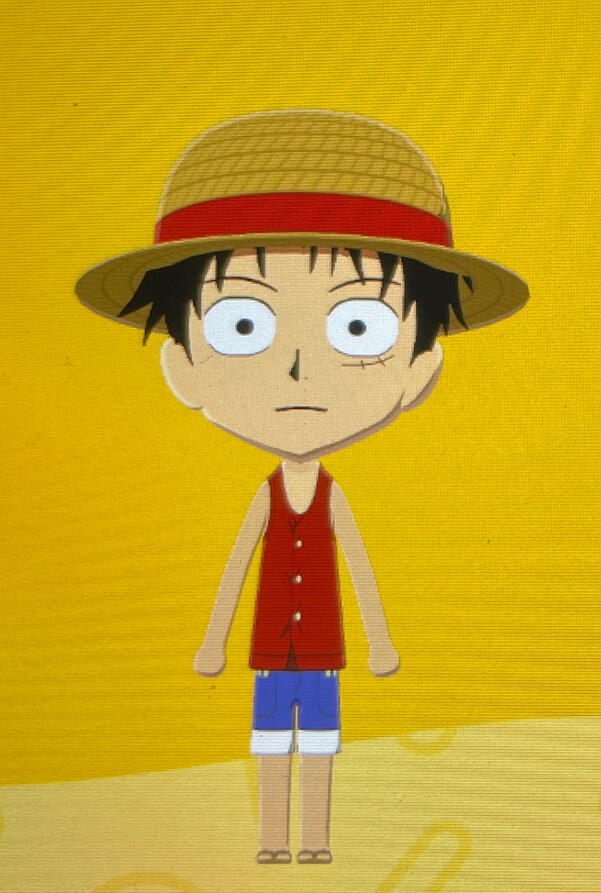
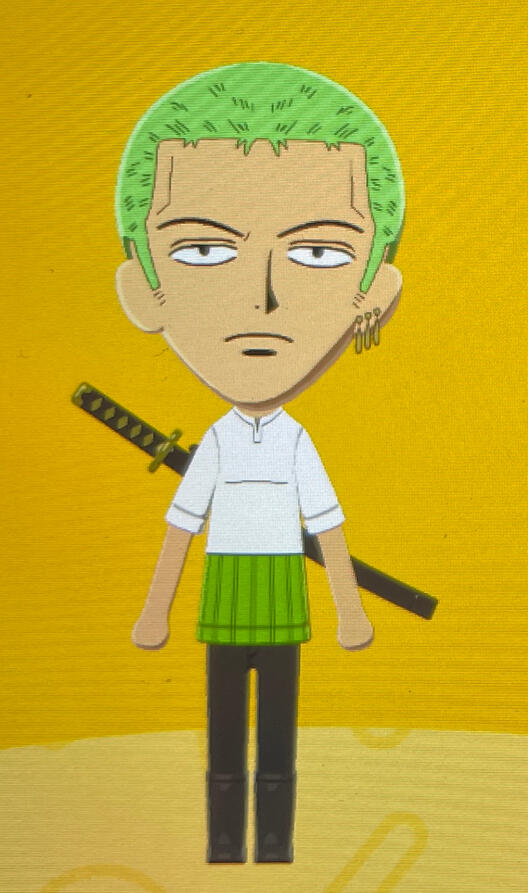
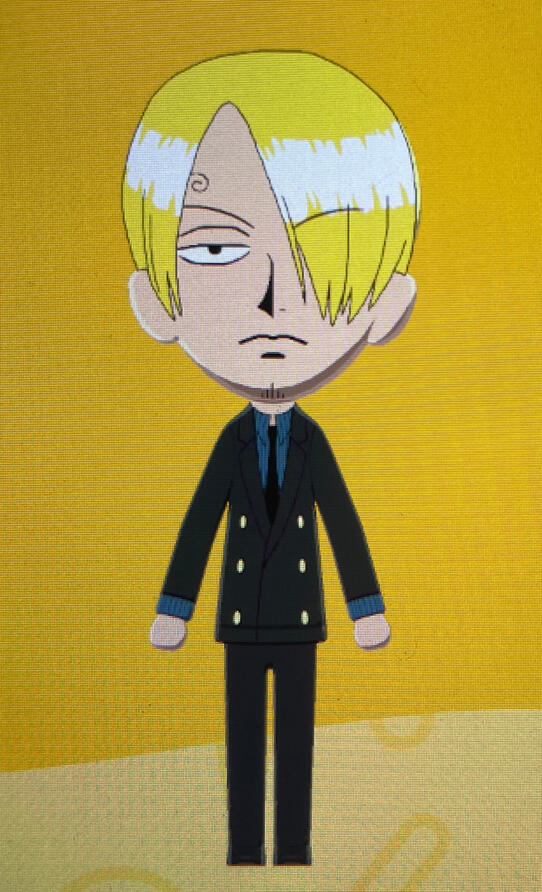
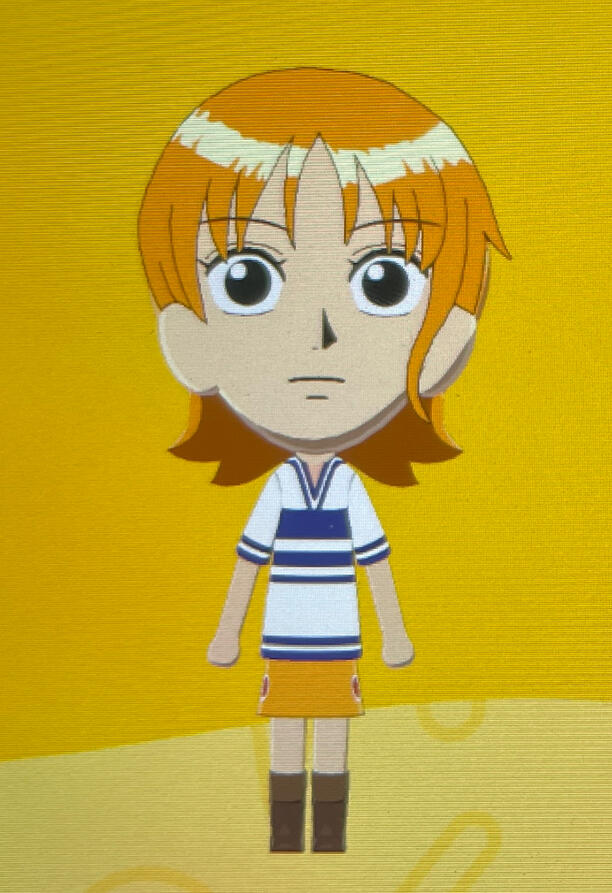
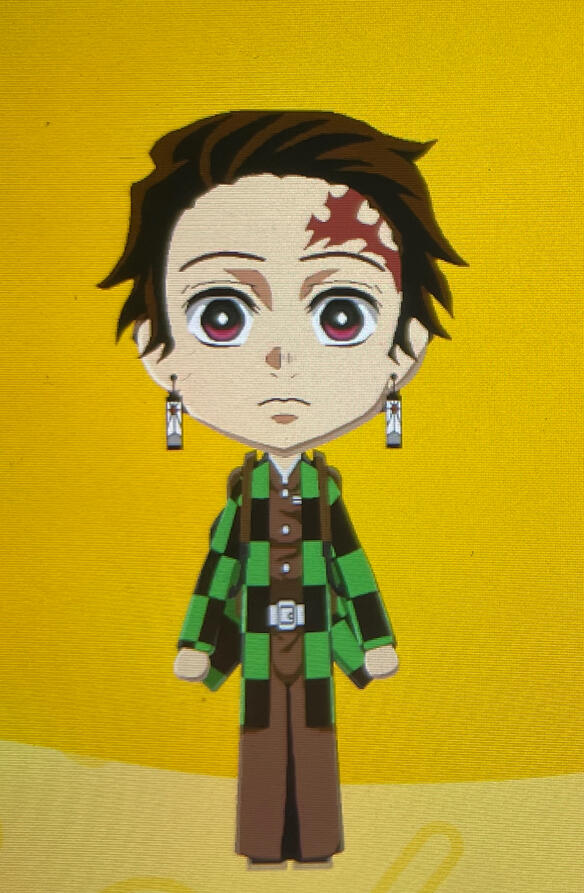
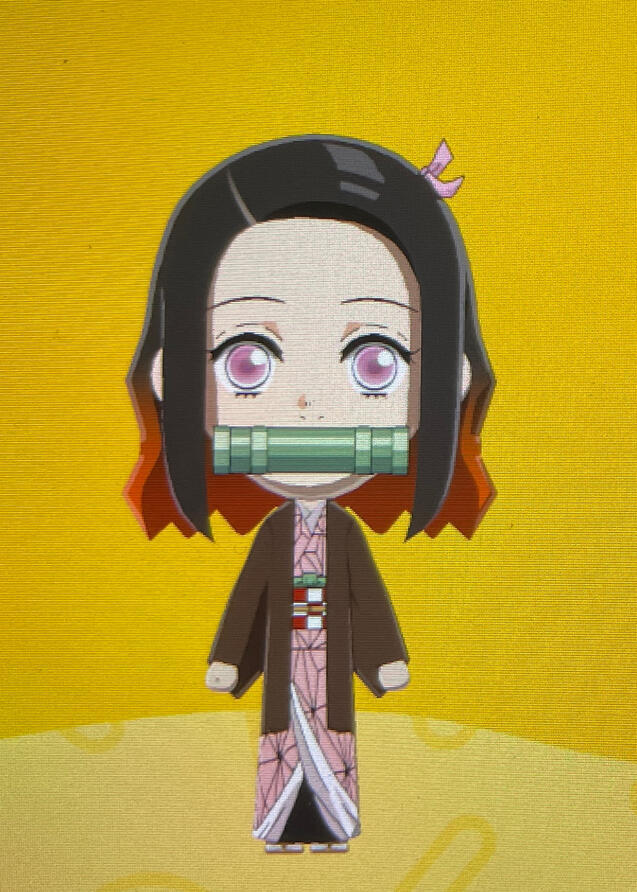
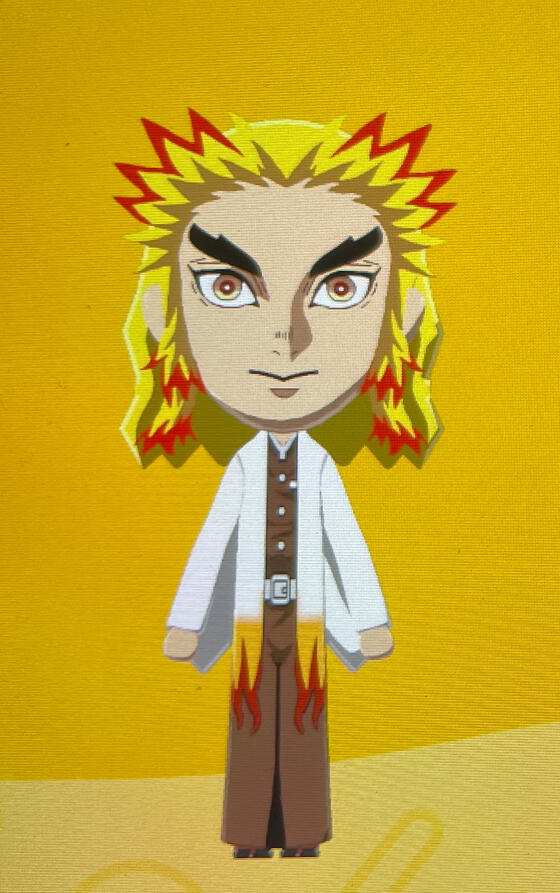

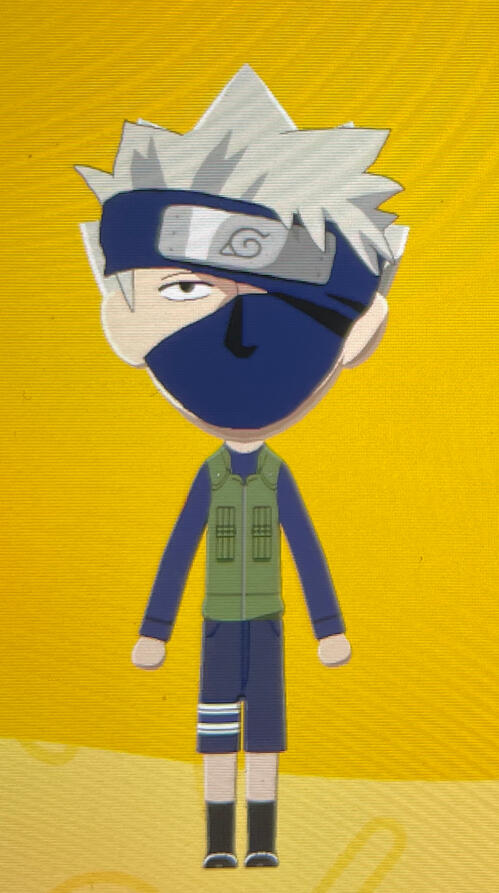
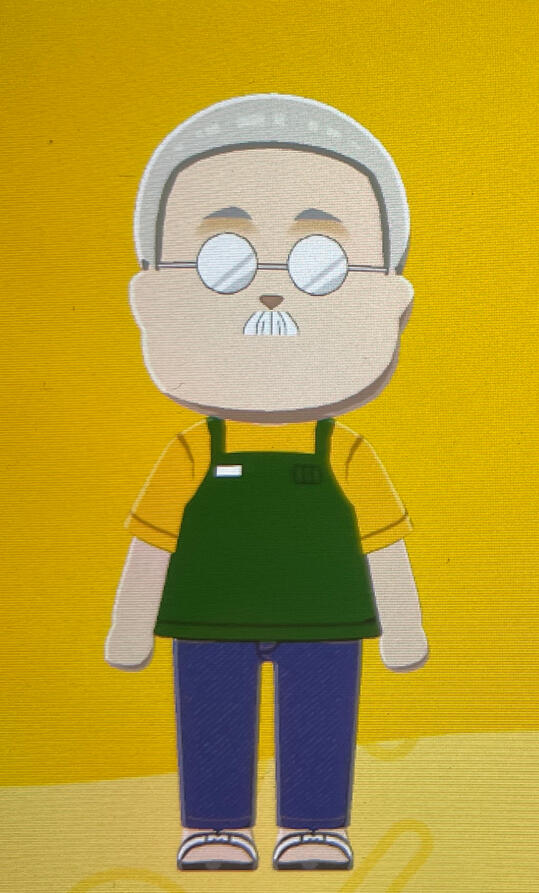
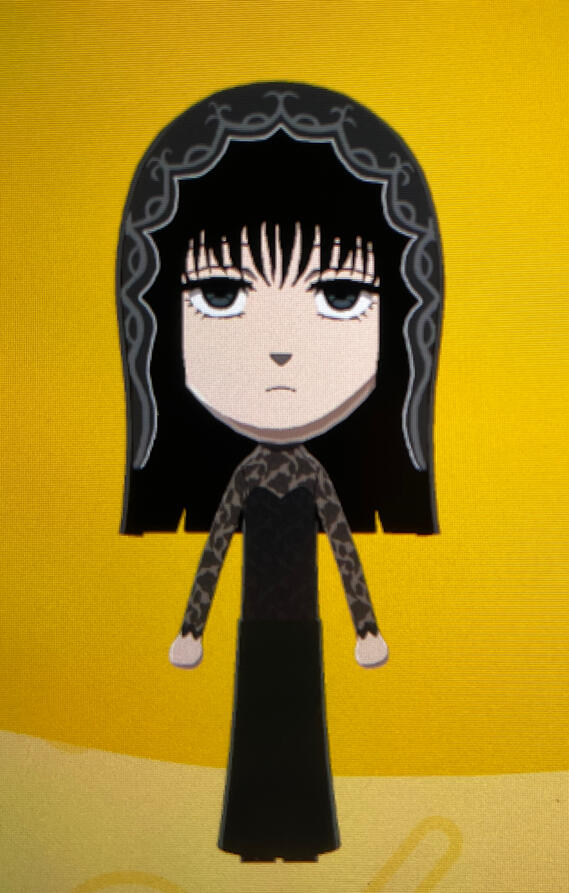
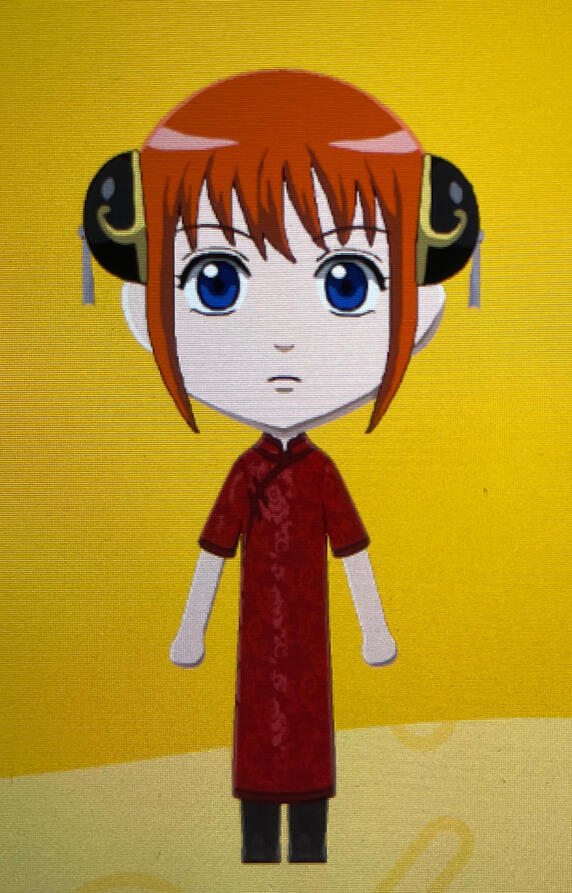
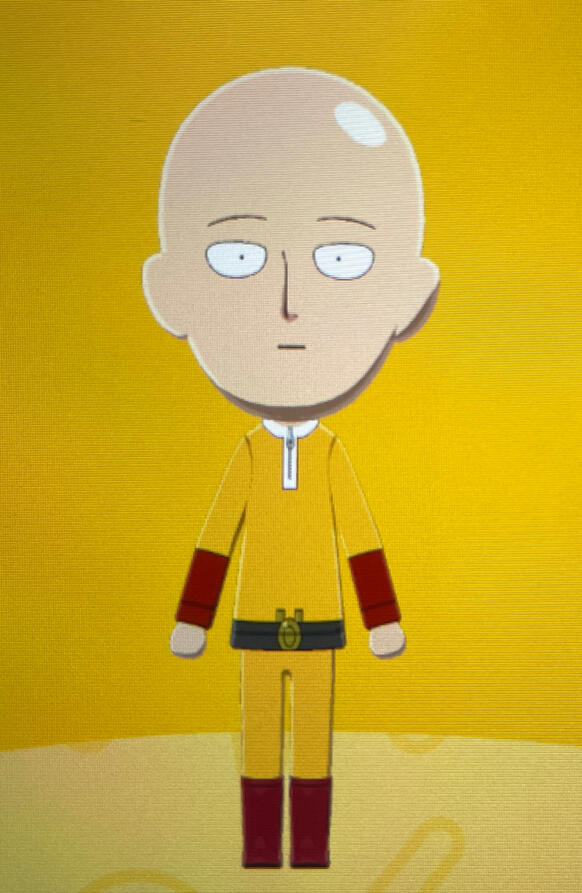
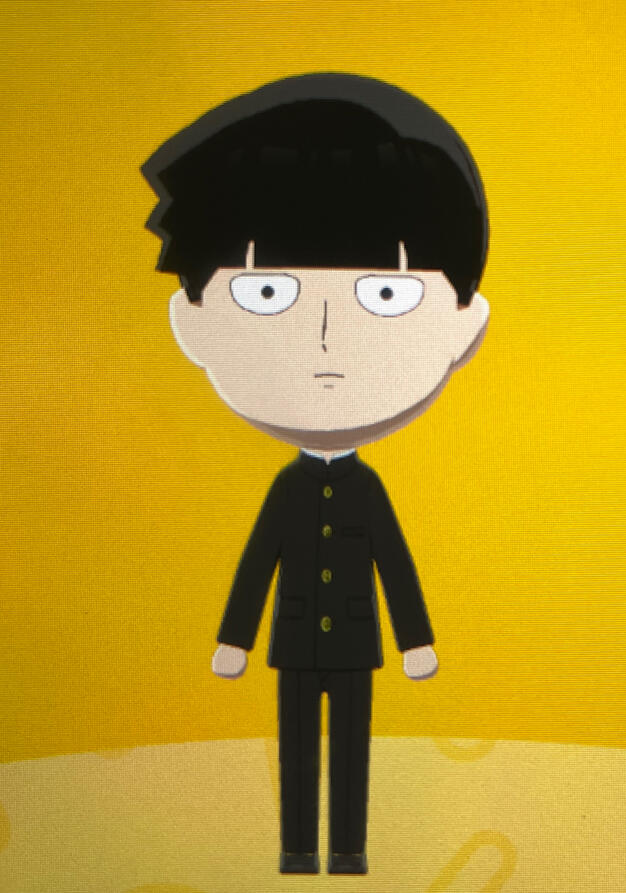
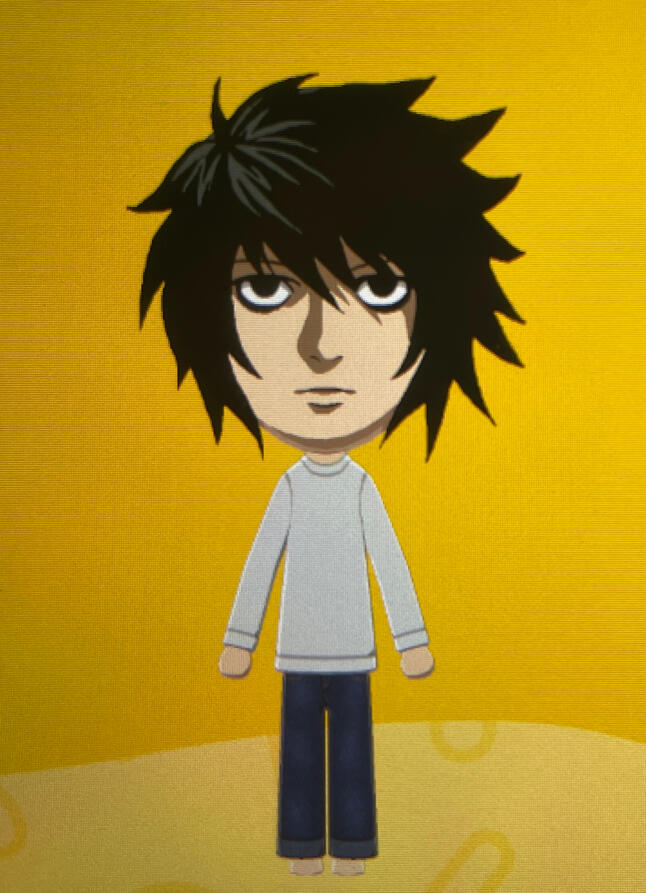
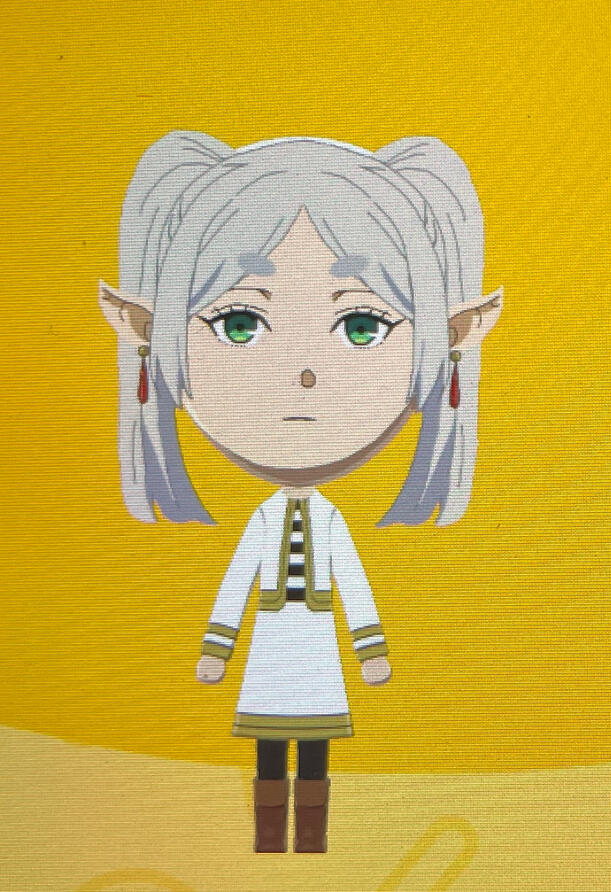
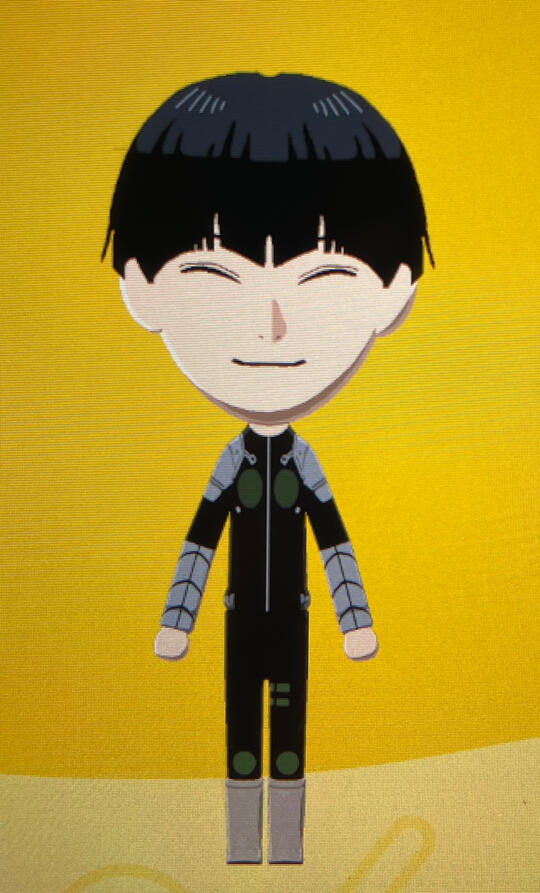

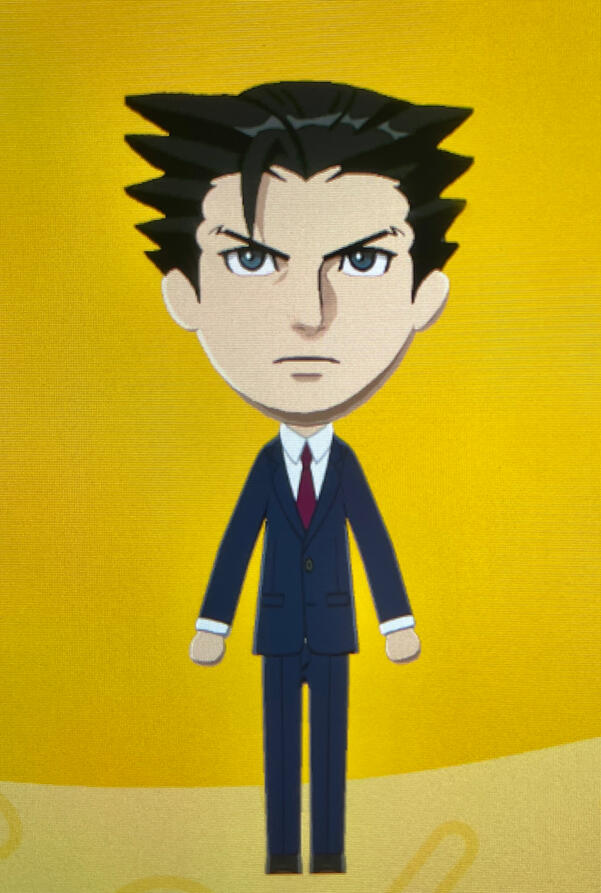
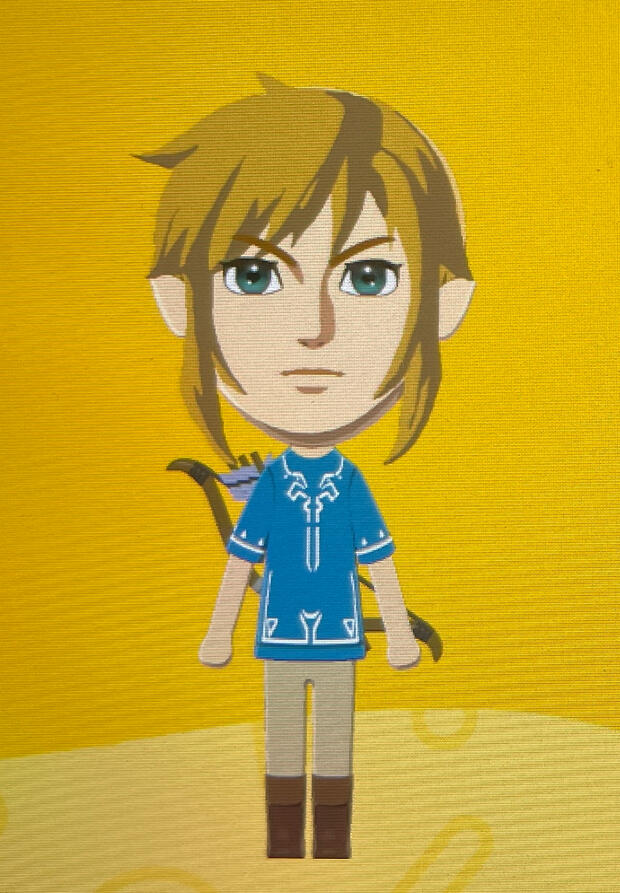
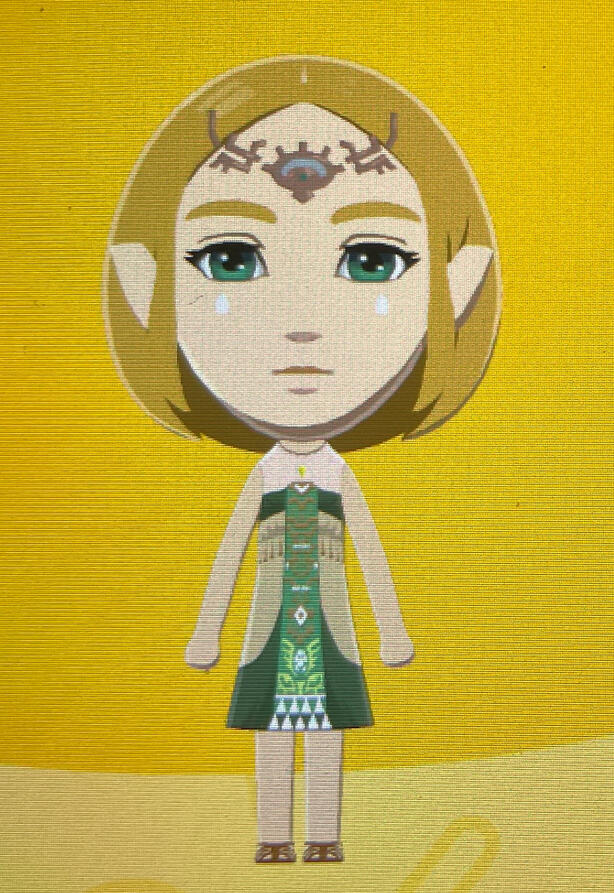
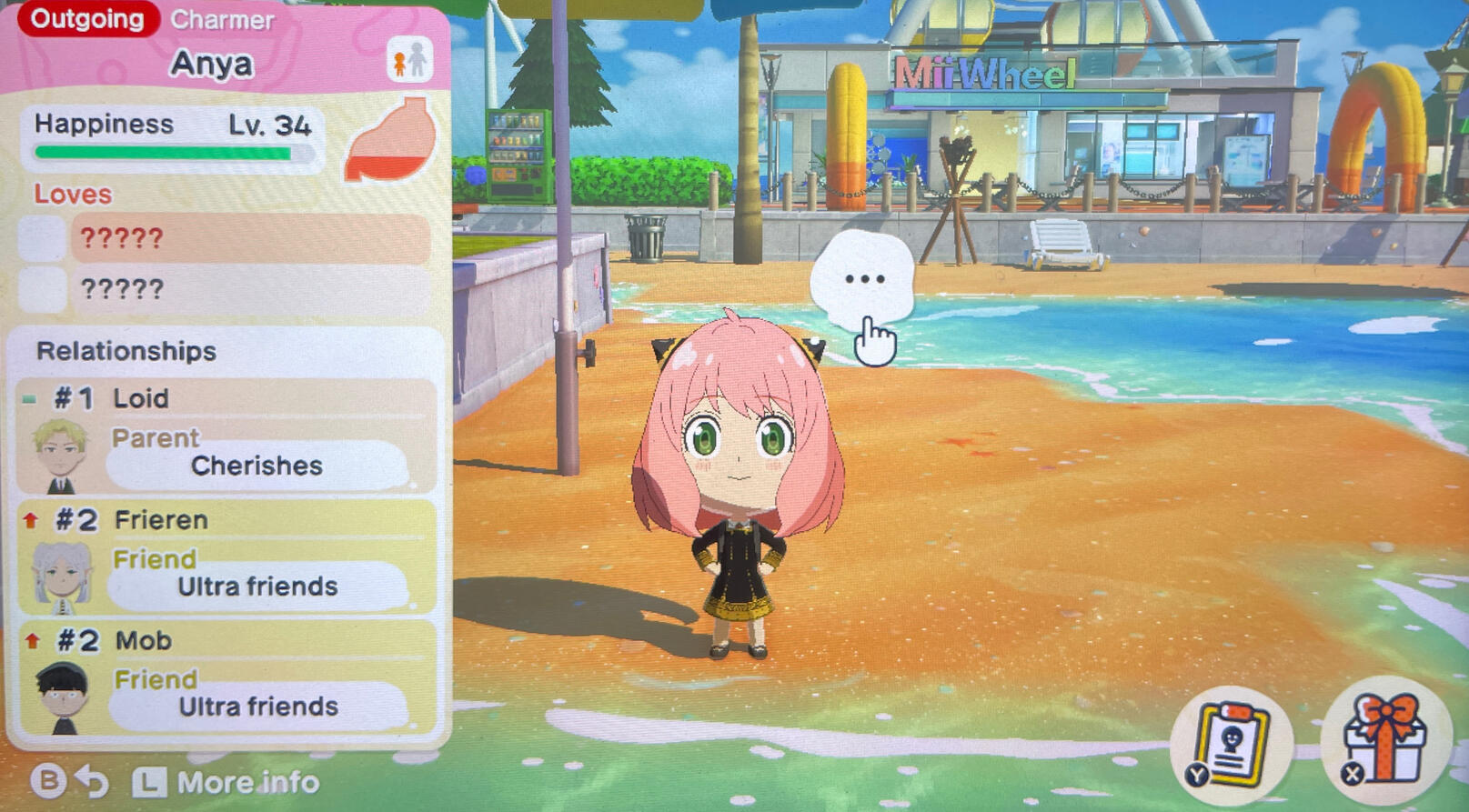
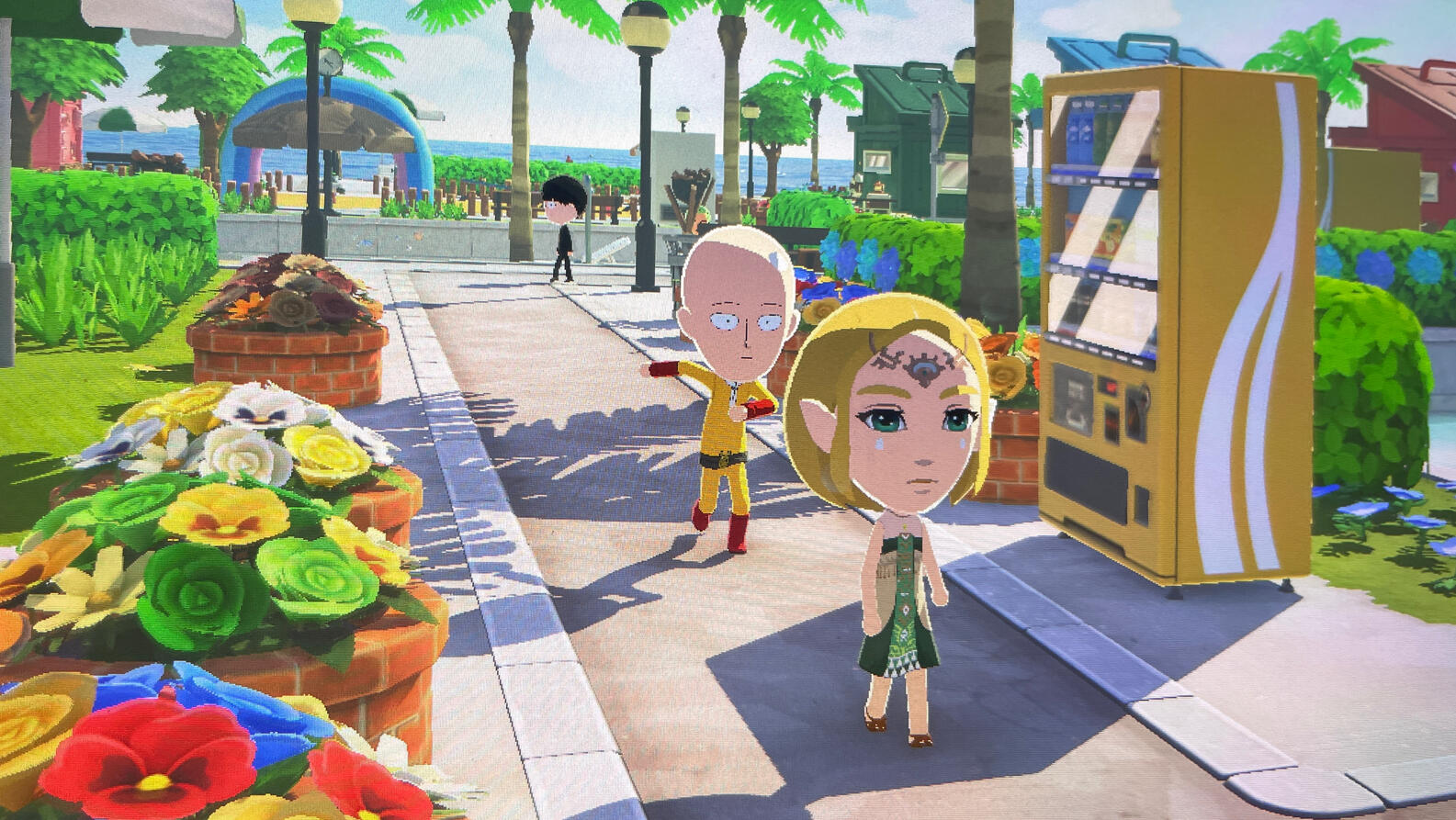
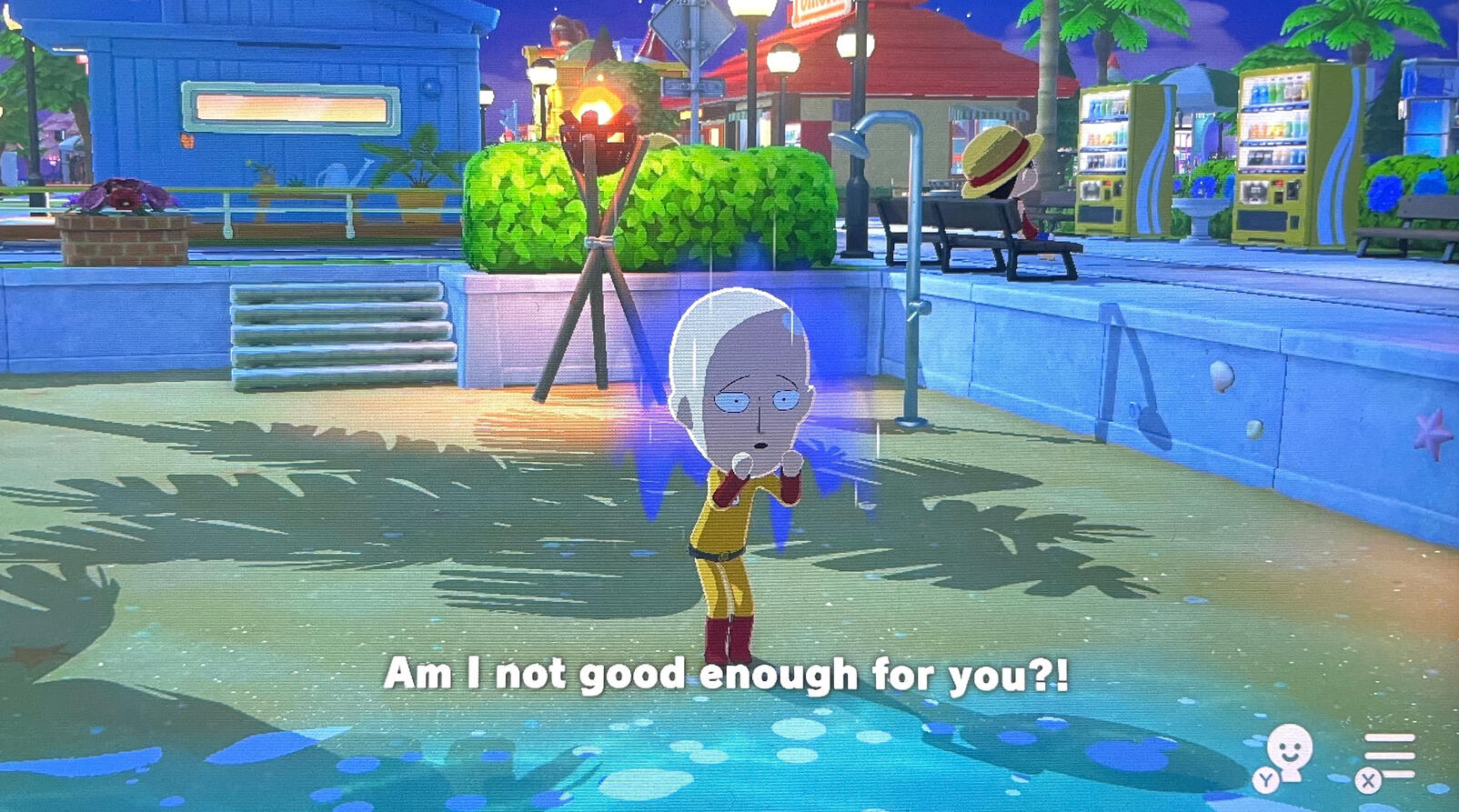
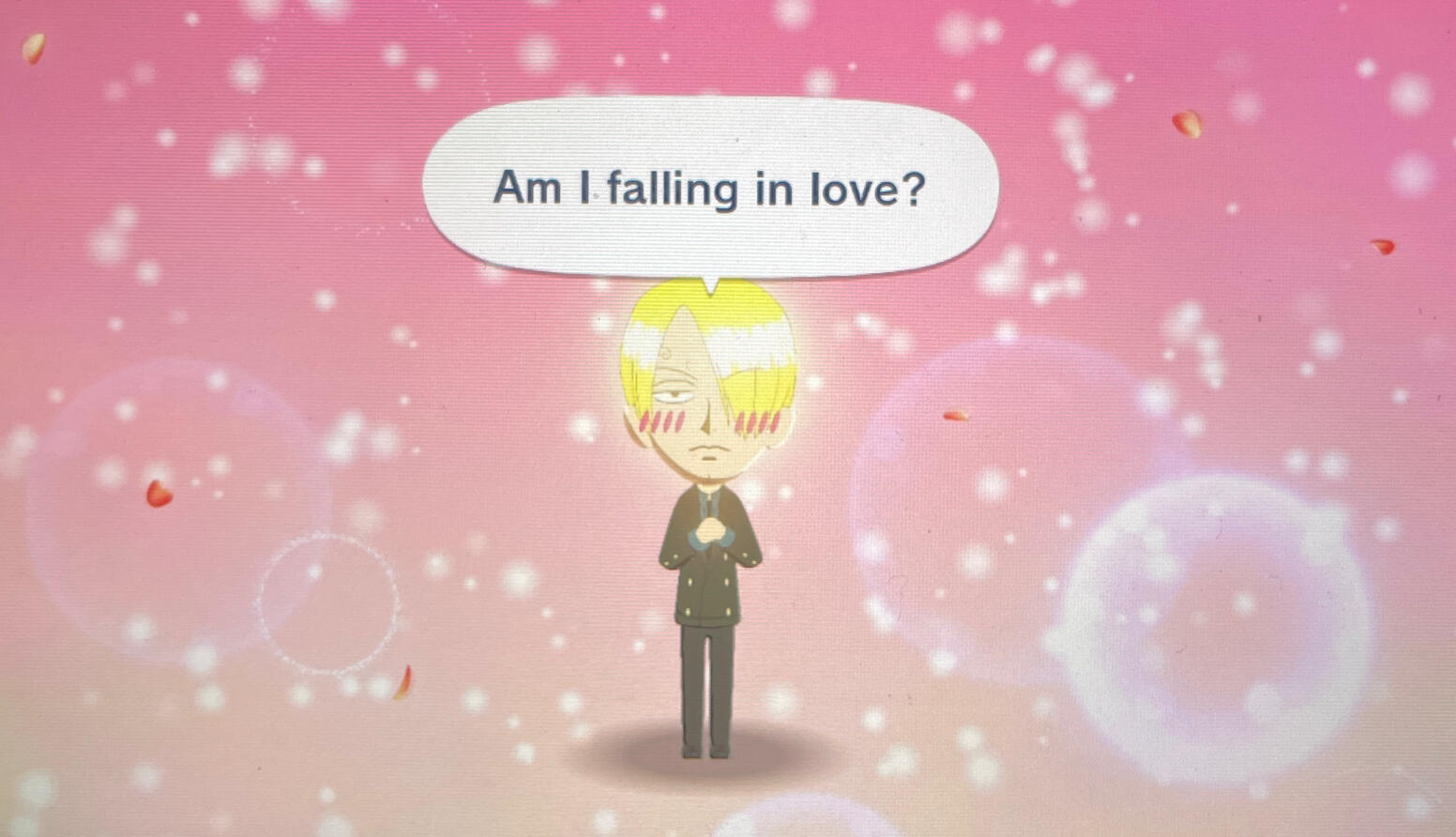
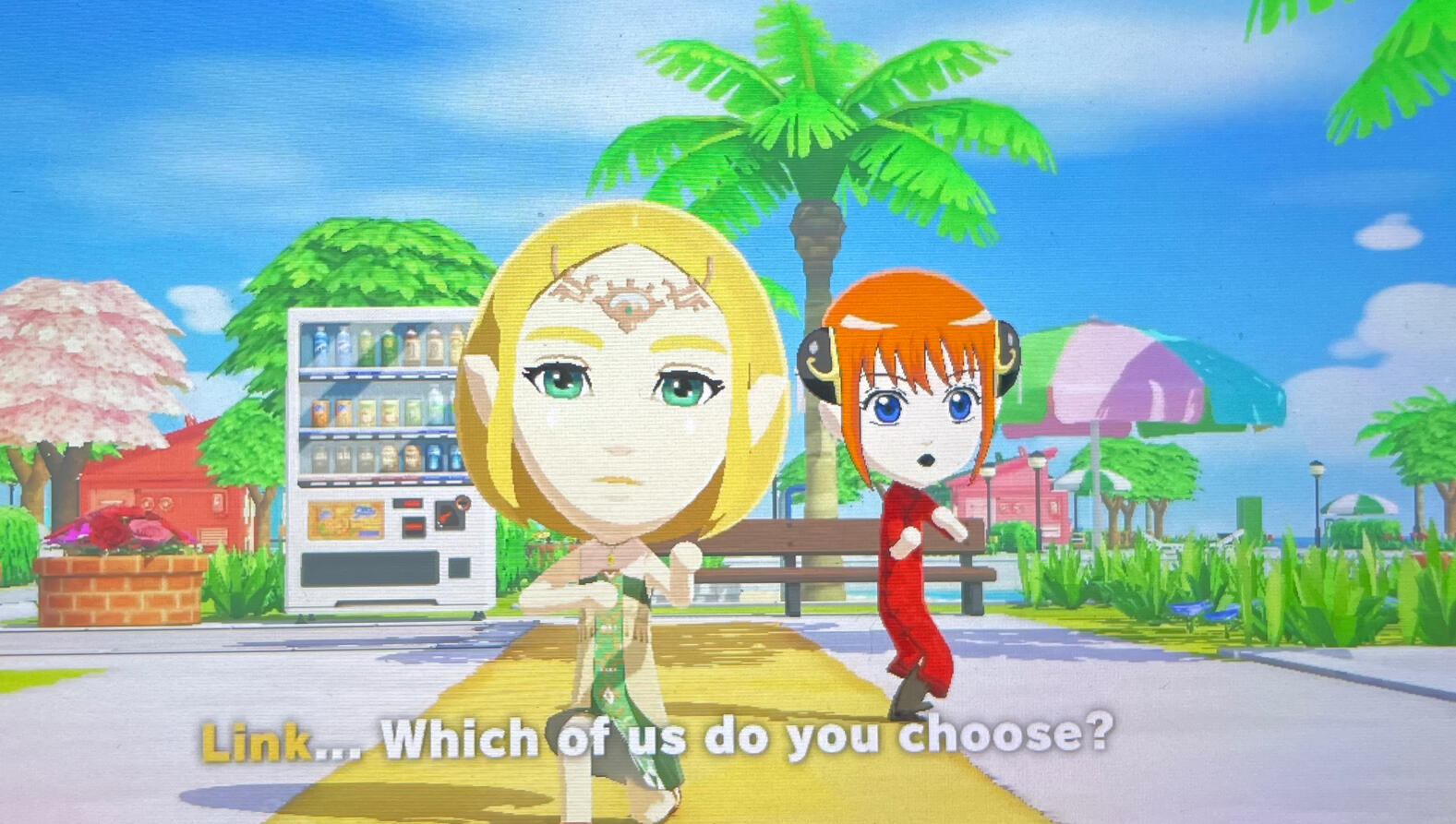
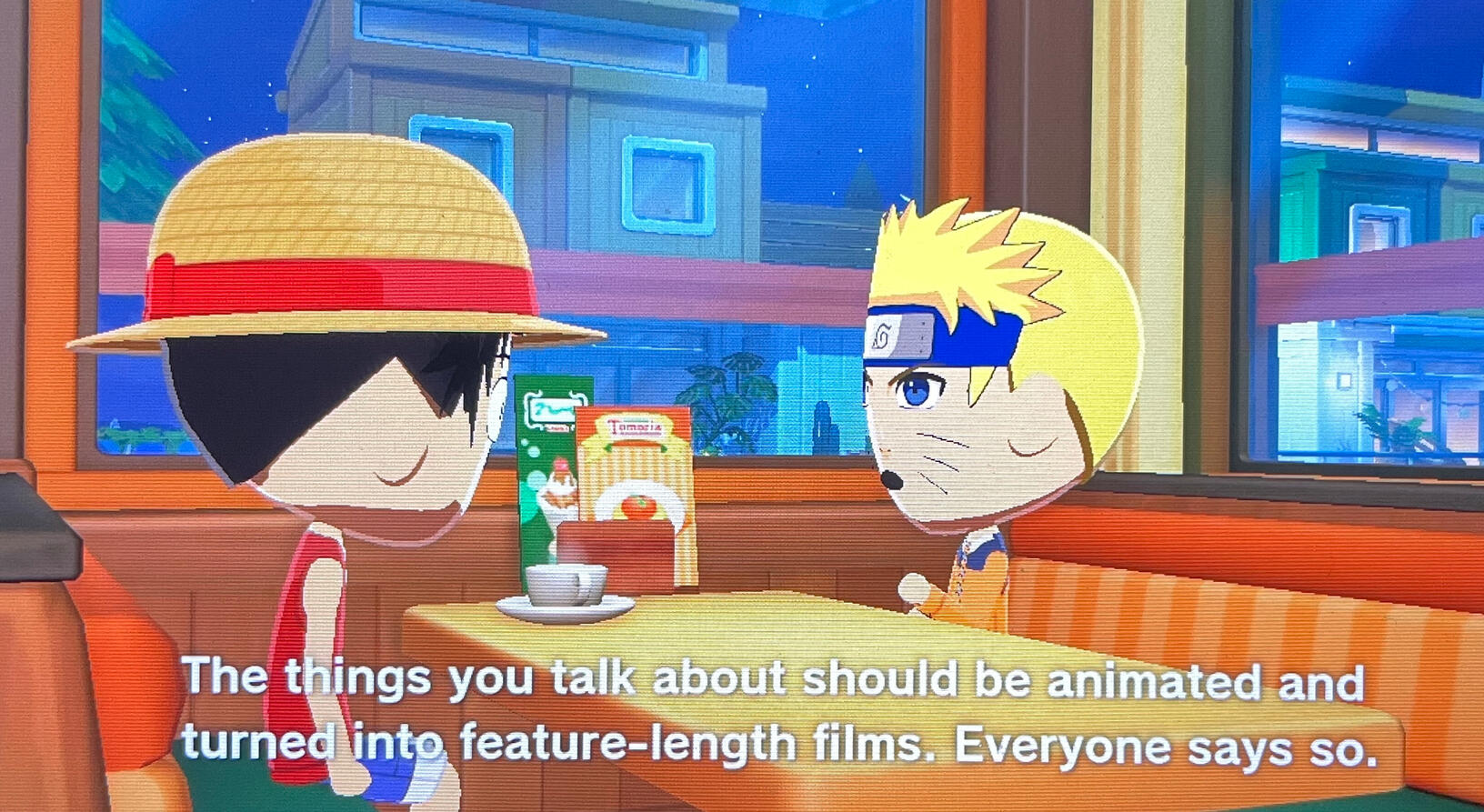
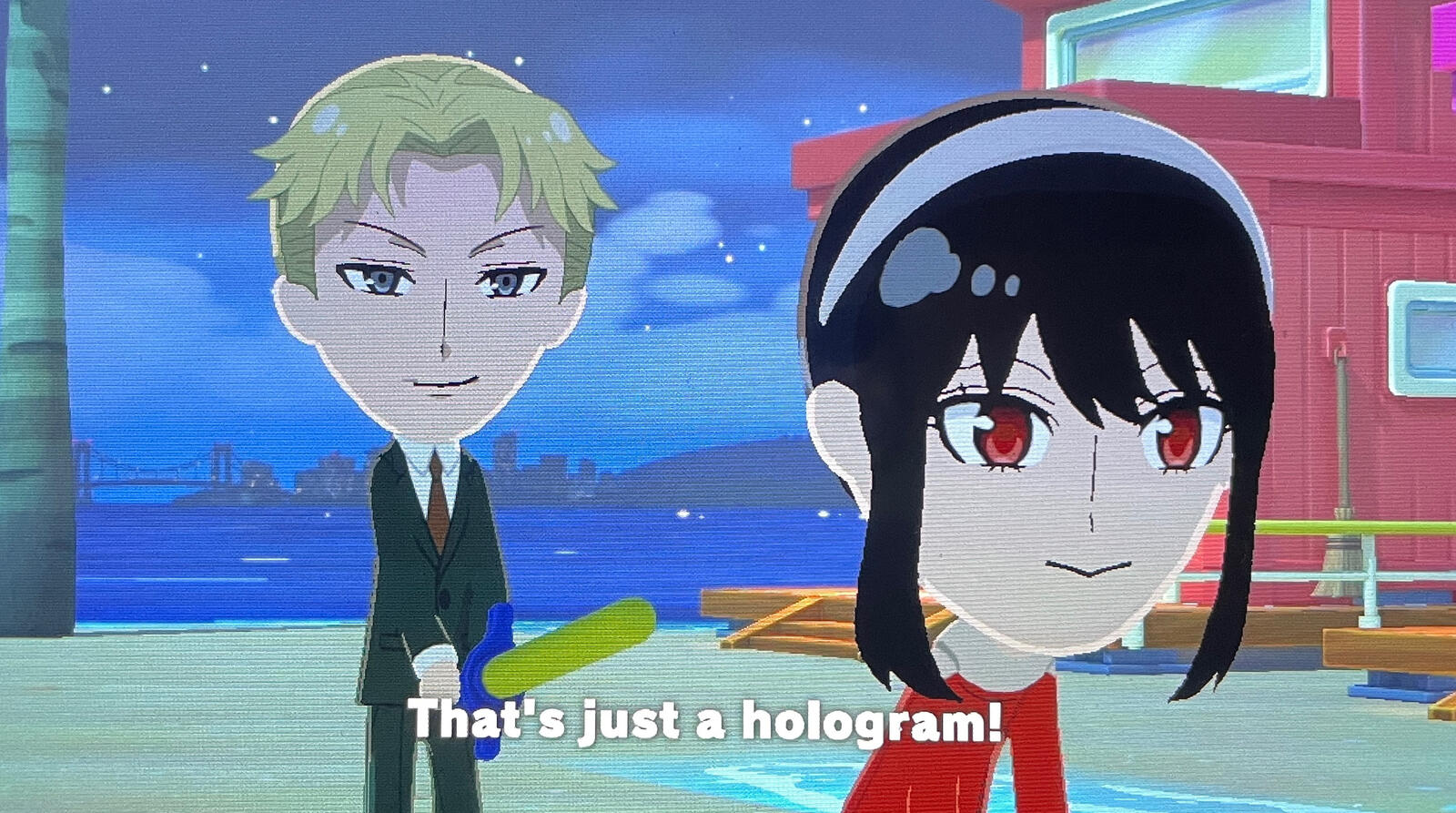
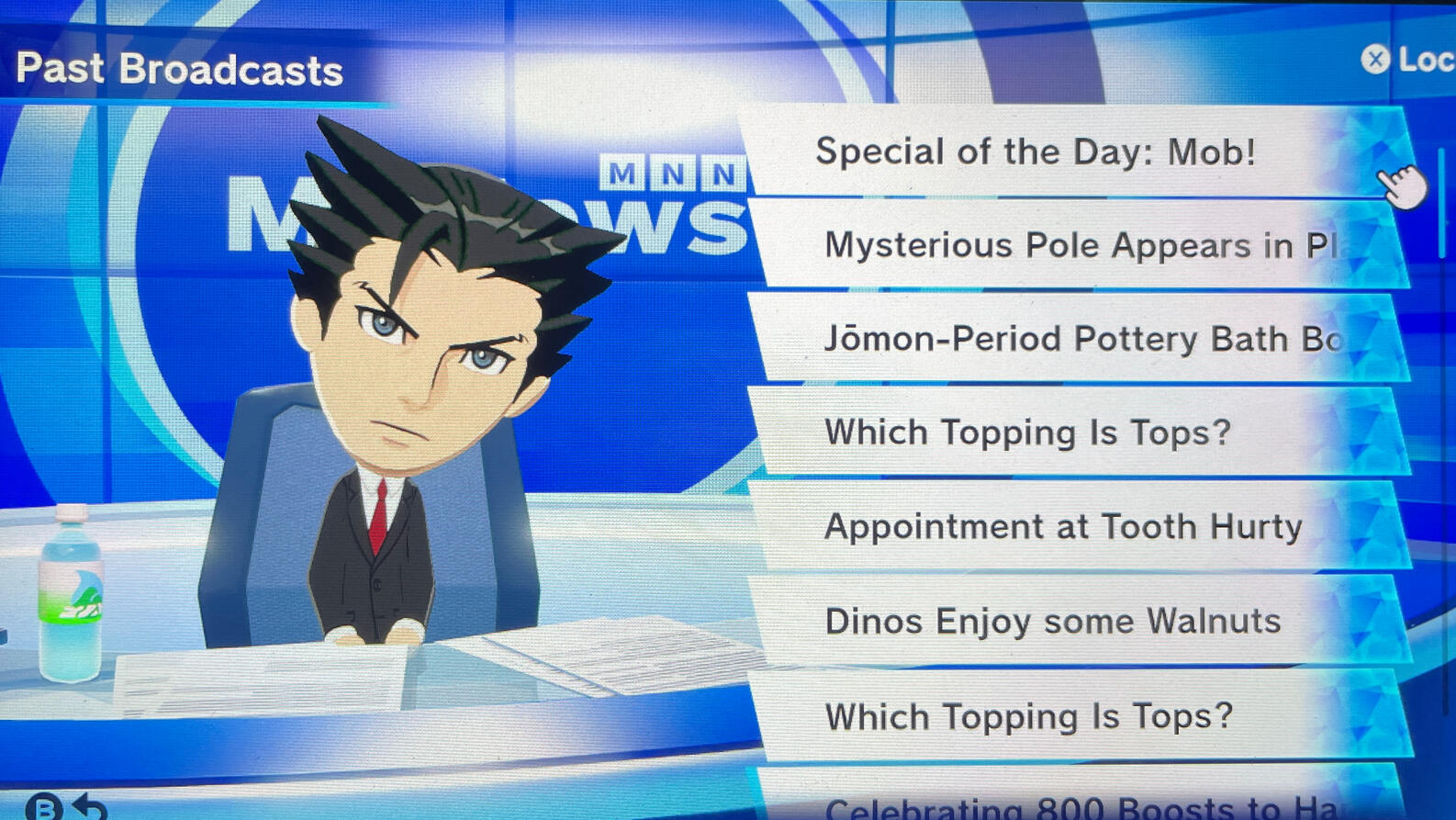
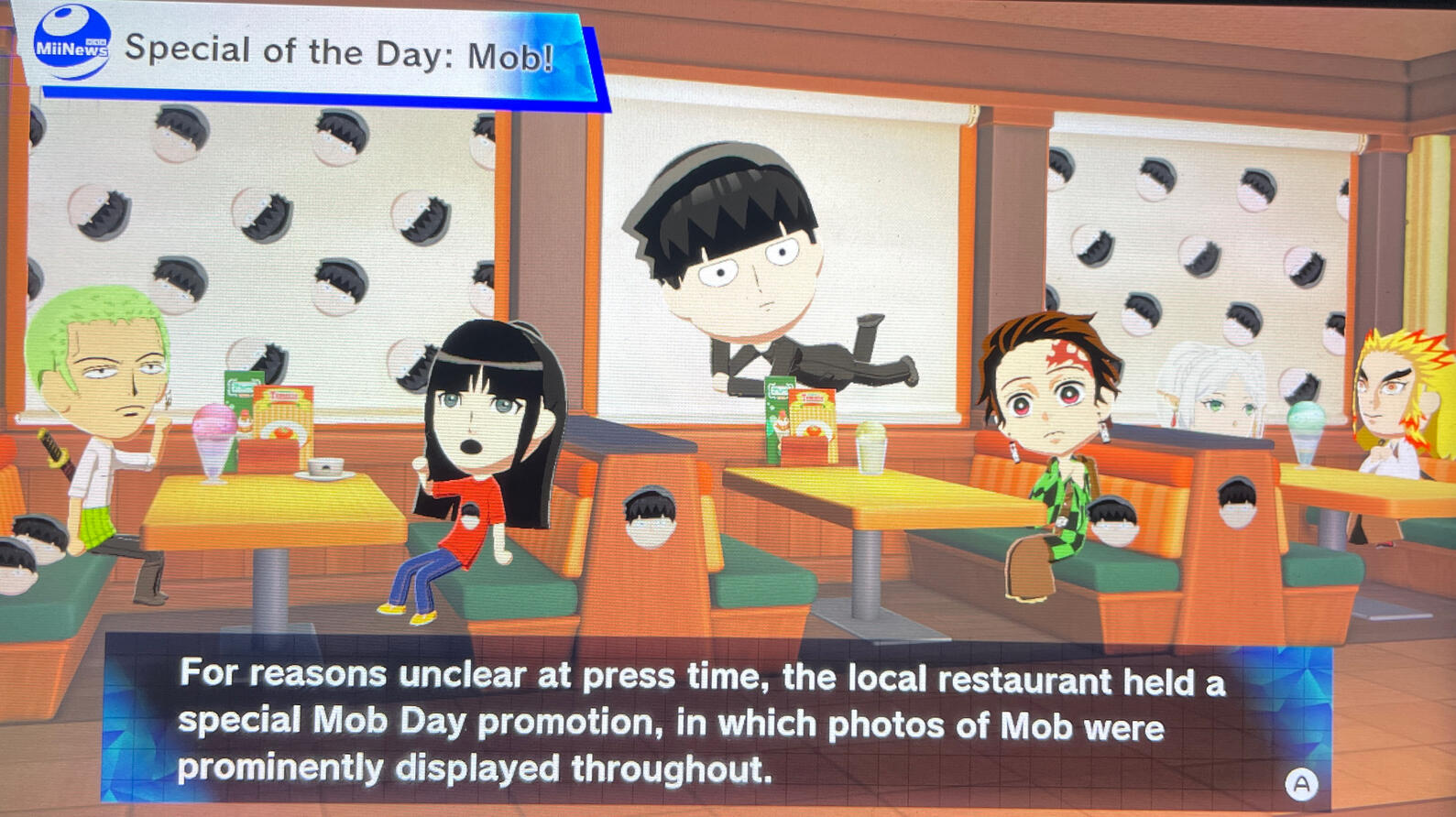
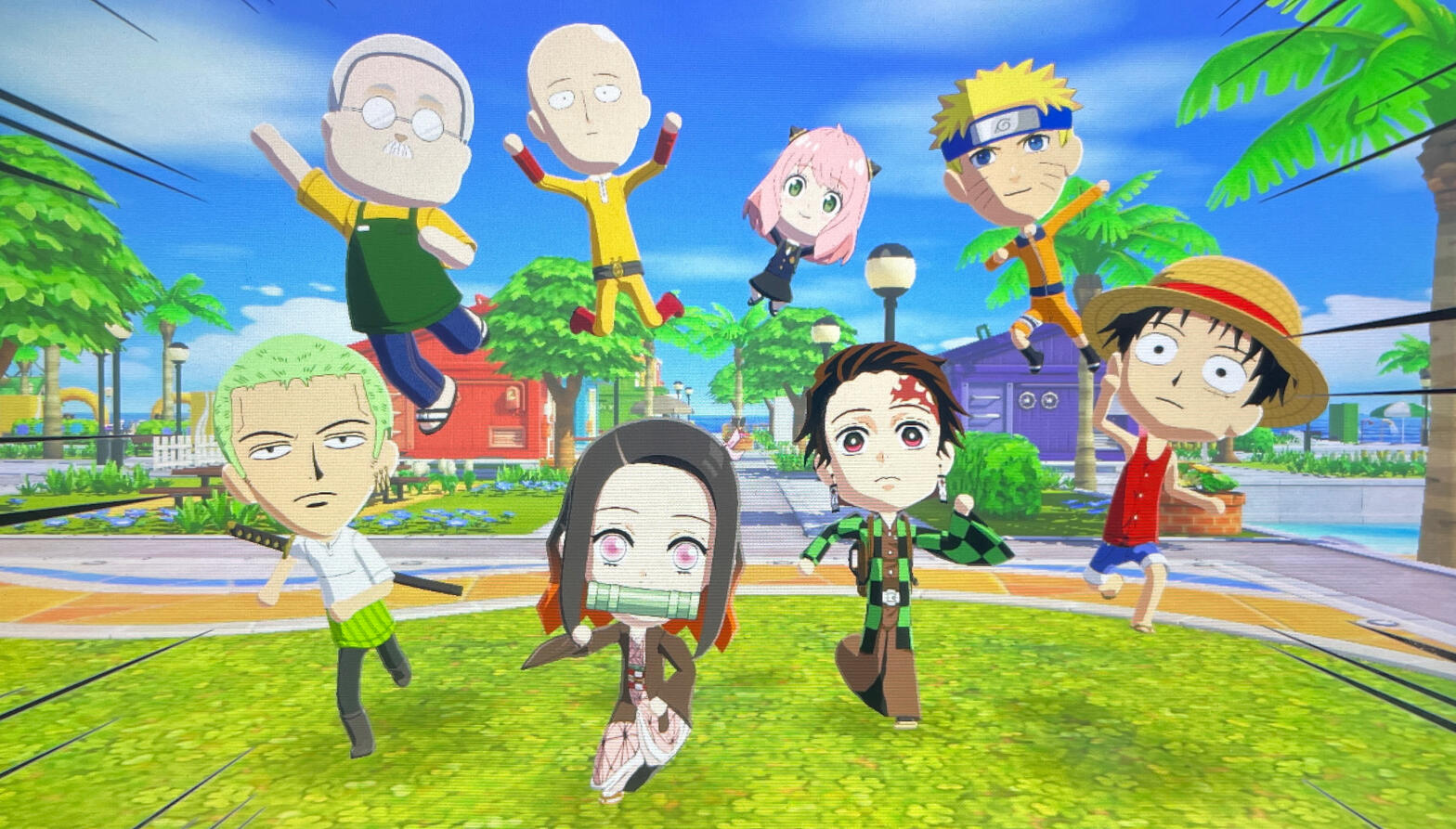
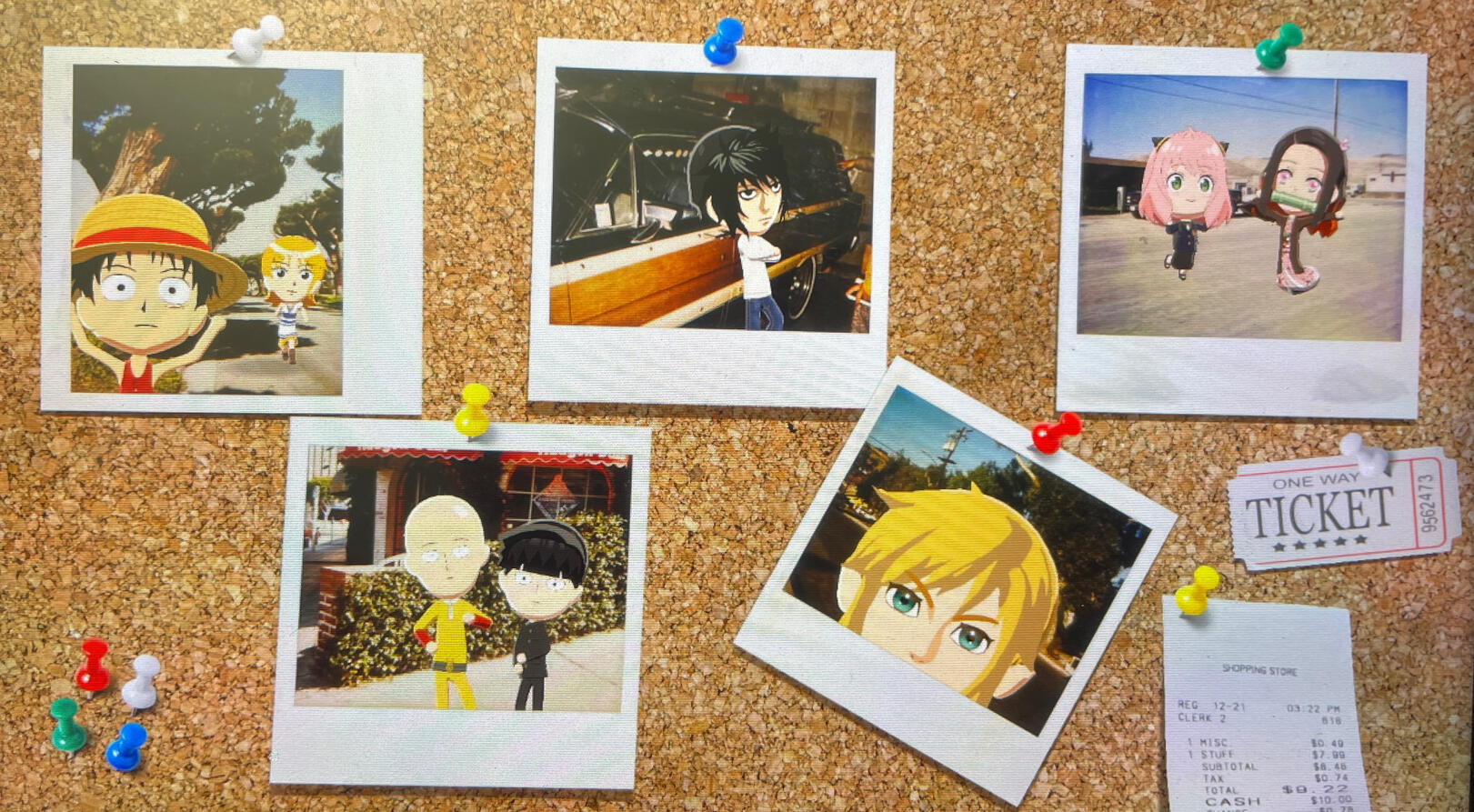
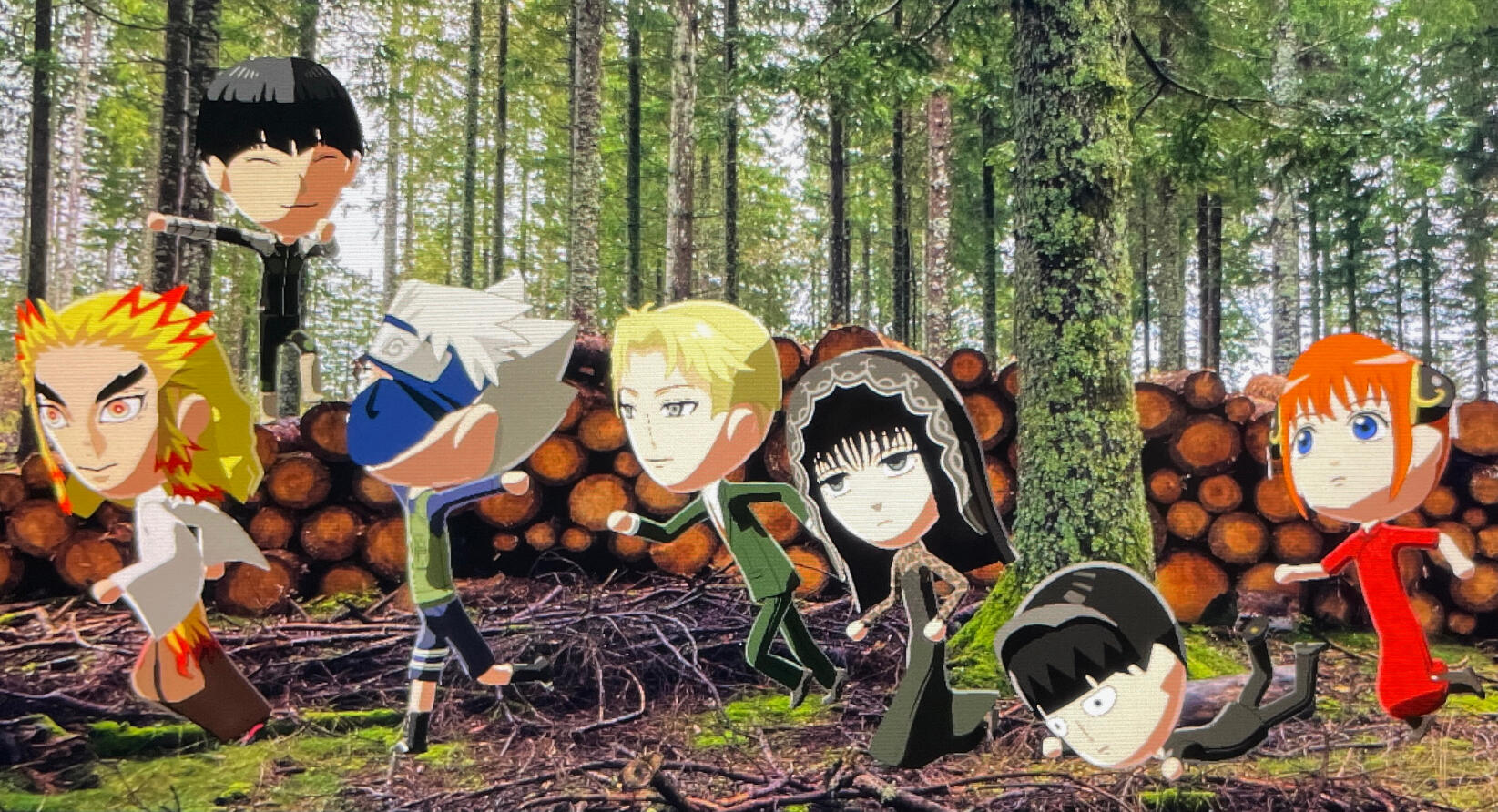
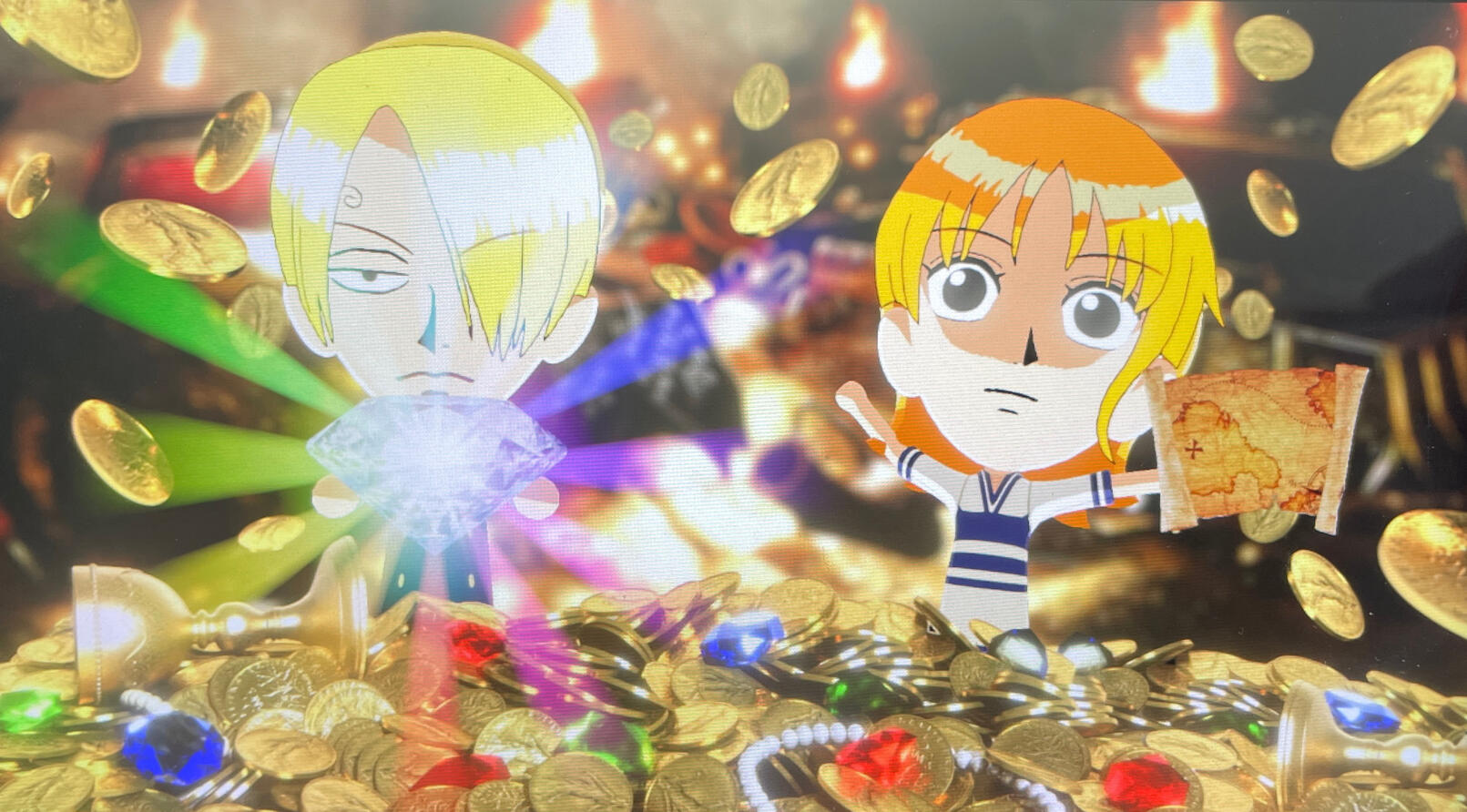
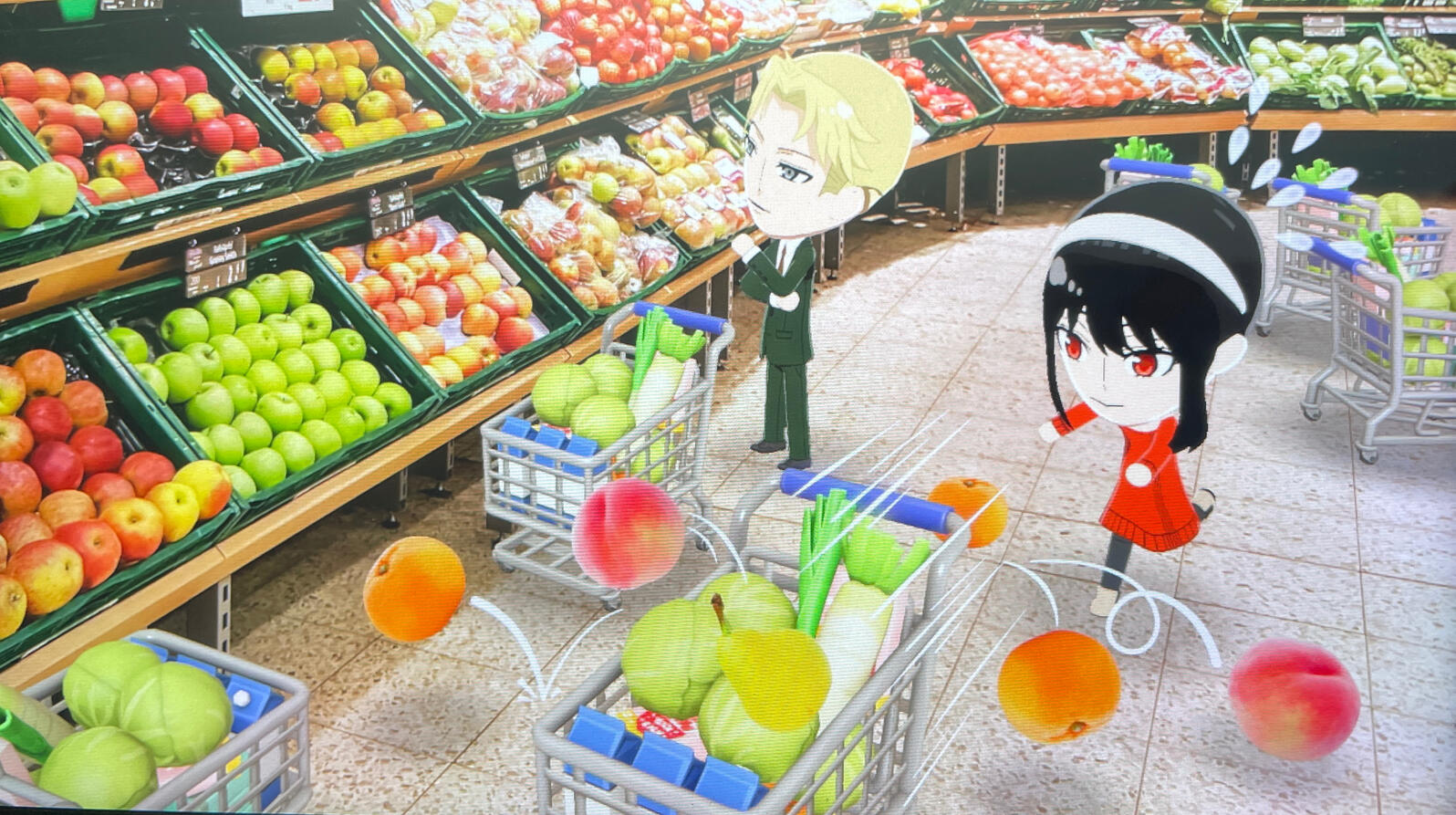
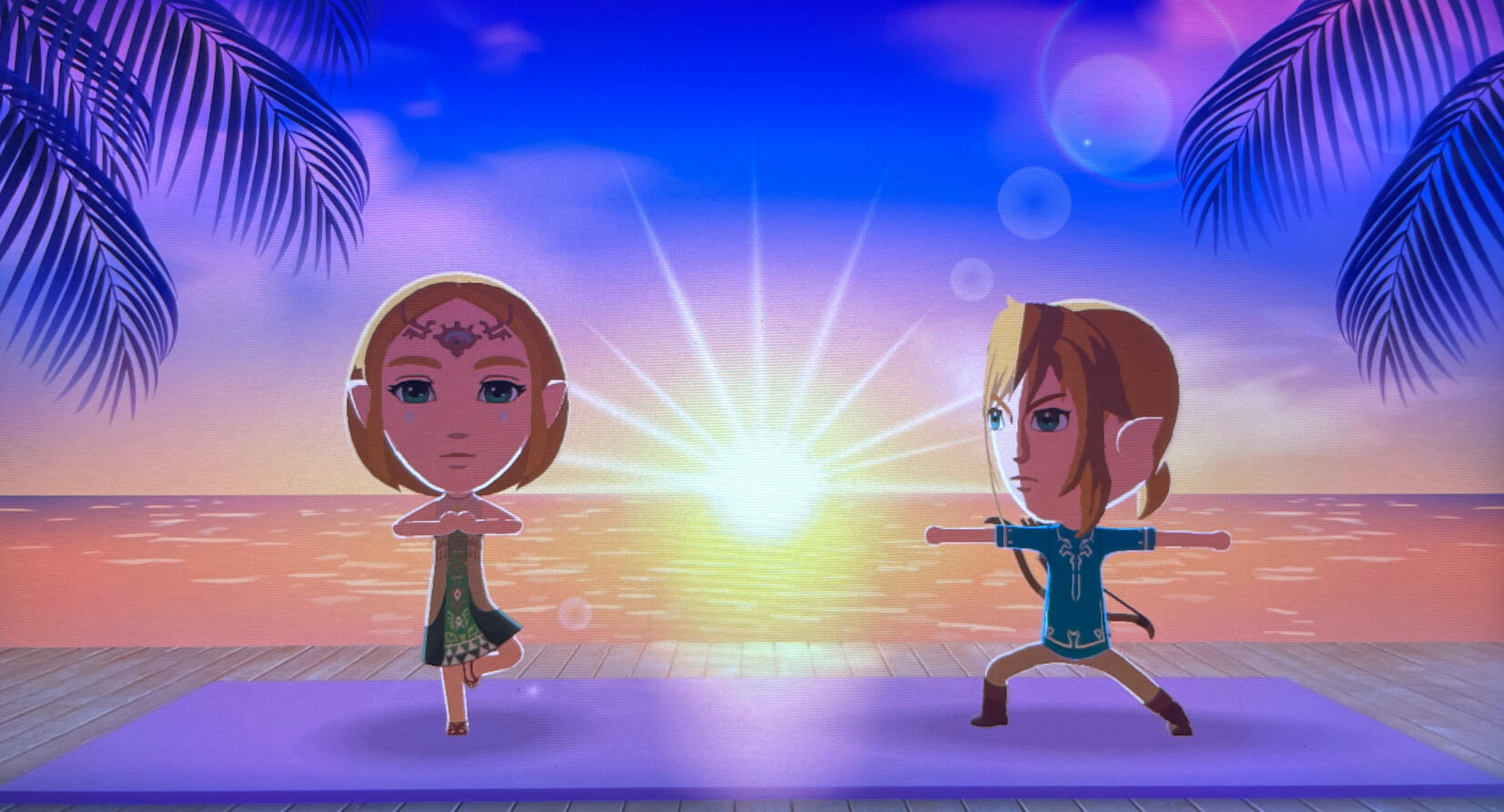
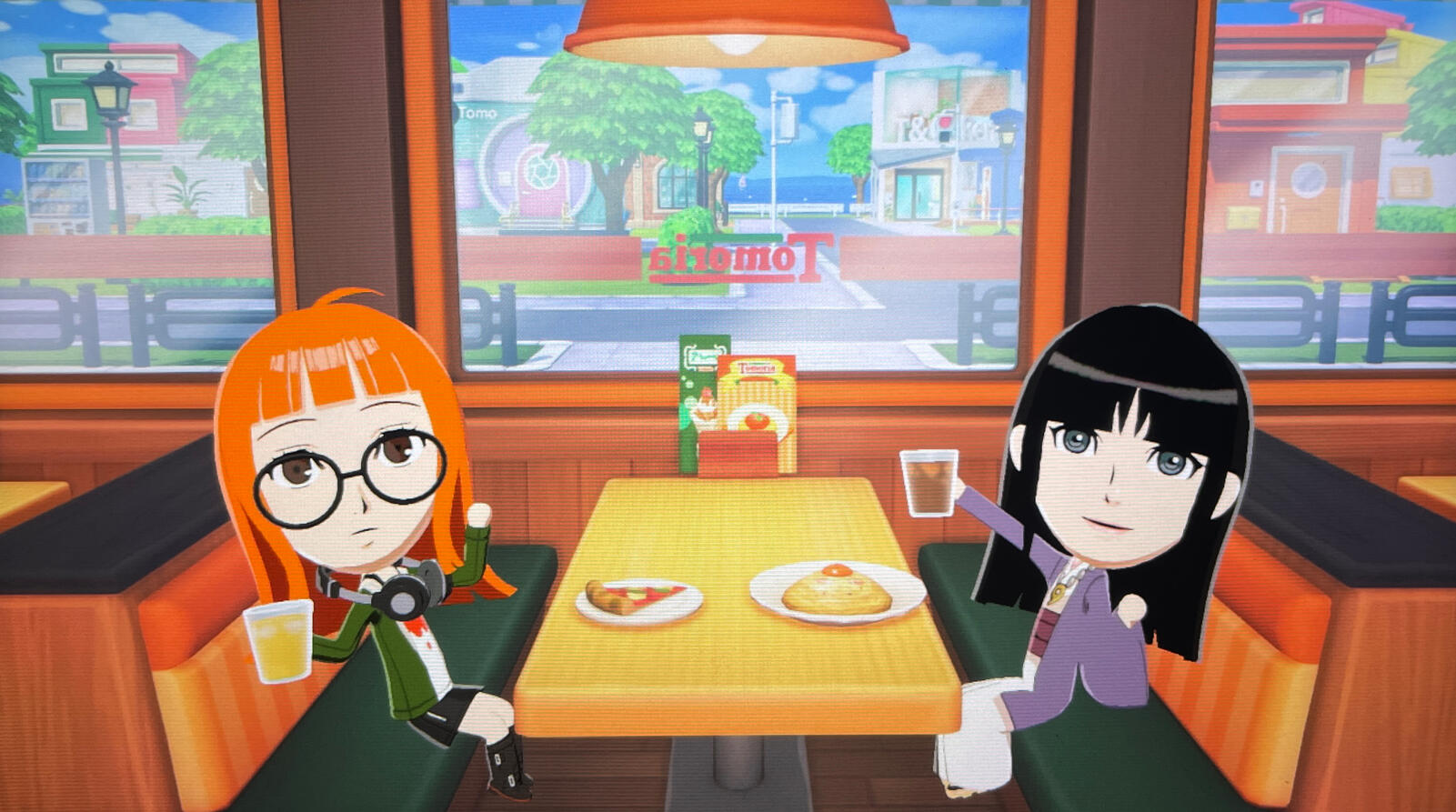
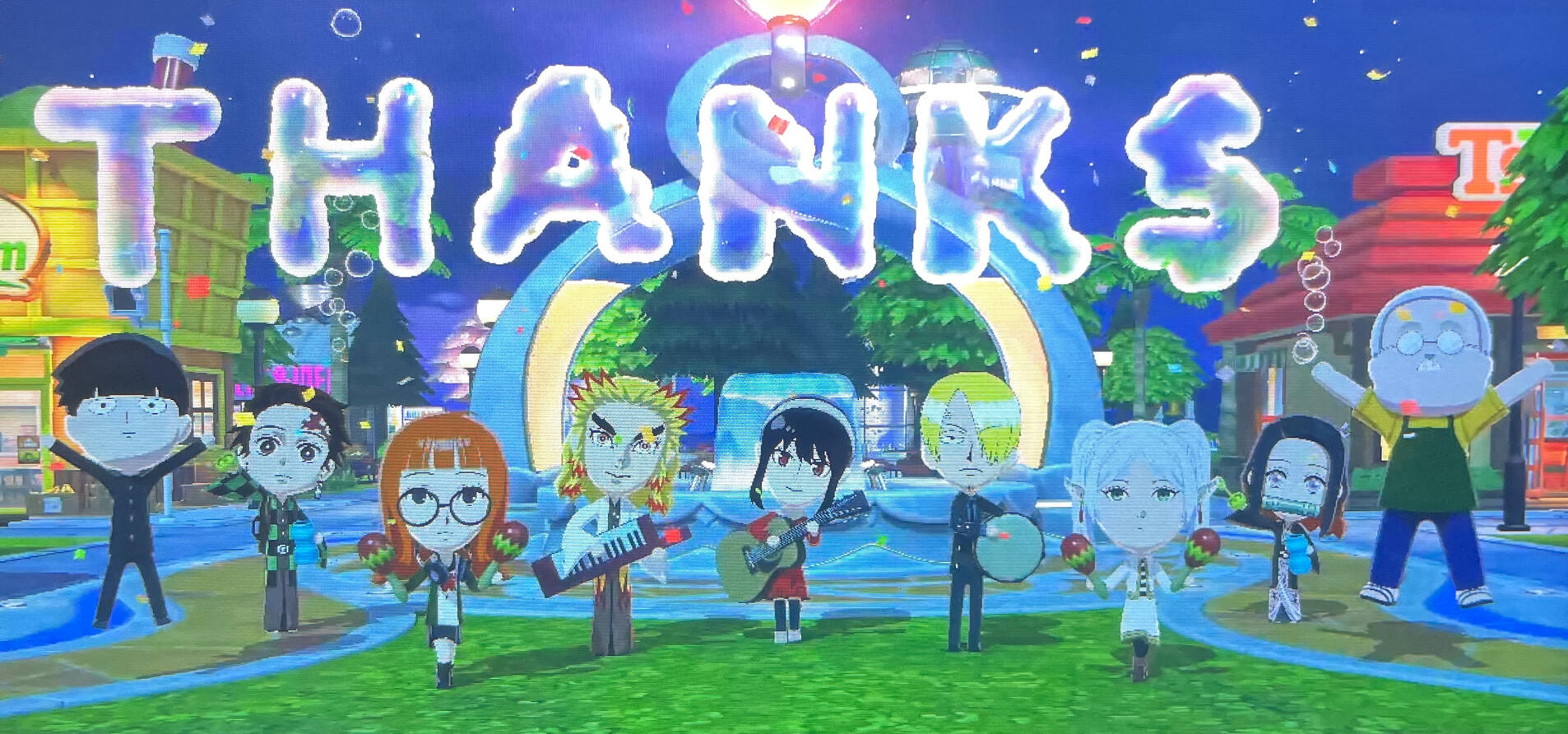
I struggled a lot at first with the face paint, but it got really fun once I got the hang of it. I wish I could make Naruto/L/Kakashi’s hair bigger and Frieren’s pigtails/ears longer though, but there isn’t enough space to draw them… Also, you can probably tell, but I gave up on drawing Nezuko’s kimono pattern. It’s too hard to draw it pixel by pixel so I just winged it halfway through haha. (Pixel art is hard…).Here are some face painting tips that personally helped me:
Make sure to turn on the grid, and work on one side only. Use a medium size brush to block everything in (and/or you can use the shapes tool), then zoom in super close (but not too close) until you see individual pixels, and then use the smallest size brush/eraser (pixel size) to clean up. Look at the 3D model on the left constantly as you paint/erase each pixel to compare and contrast. (Sometimes even if you think you’re drawing smooth lines, it won’t look that way on the 3D model). To draw smooth lines, select “Smooth” from Line Options in the brush settings (this is especially helpful if you’re using your finger to draw). You can also use “Layered” from Paint Options in the brush settings to lower the opacity of your brush (this is great for making reflections). To make painting things easier, try to separate everything into “layers.” For example, if we’re drawing an eye: draw everything separately like the iris, pupil, eyelashes, highlight, etc (you can just scatter them randomly across the canvas) and then combine them later when you’re done. (Don’t combine the highlight yet until you duplicate/flip the entire eye). You can also use “Lock Transparency” in the brush settings to paint within the lines; For example, if you want to make a gradient color for the iris, select “Lock Transparency” and then use an airbrush and you’ll only paint within the iris. For a “glow” effect, go to the brush settings and choose “Bright” from Paint Options, and choose the airbrush. (Same thing with adding darker shades -> “Dark” from Paint Options, use an airbrush). After you’re done, select everything and duplicate + flip. When duplicated, it’ll move a couple pixels off, so just align it back to its original position and then flip, and move to the other side. Look at the grid to make sure it has the same distance to the center as the other side (if you want it to be perfectly symmetrical).Here are a couple process shots when I was making L from Death Note. The reference photo that I was looking at didn’t really look like L, so I couldn’t get the face paint right. After referencing multiple different photos though, it started to look more like L. I redid the hair (moved it down, added more volume, changed the hair shine), and made the shadow color on his face darker (and also changed the shadow shape). I also shrunk the eyes because they were too big, and changed the default bangs/back hair to something shorter. (Also note: shrinking/increasing the size of whatever you’re drawing can mess it up, so try to get the size right before you add any more details/clean it up.) Getting accurate likeness is hard; Even if something is just a few pixels off, it can look like a completely different character… I think I edited L’s face paint like five times (and I honestly might edit it again later…).
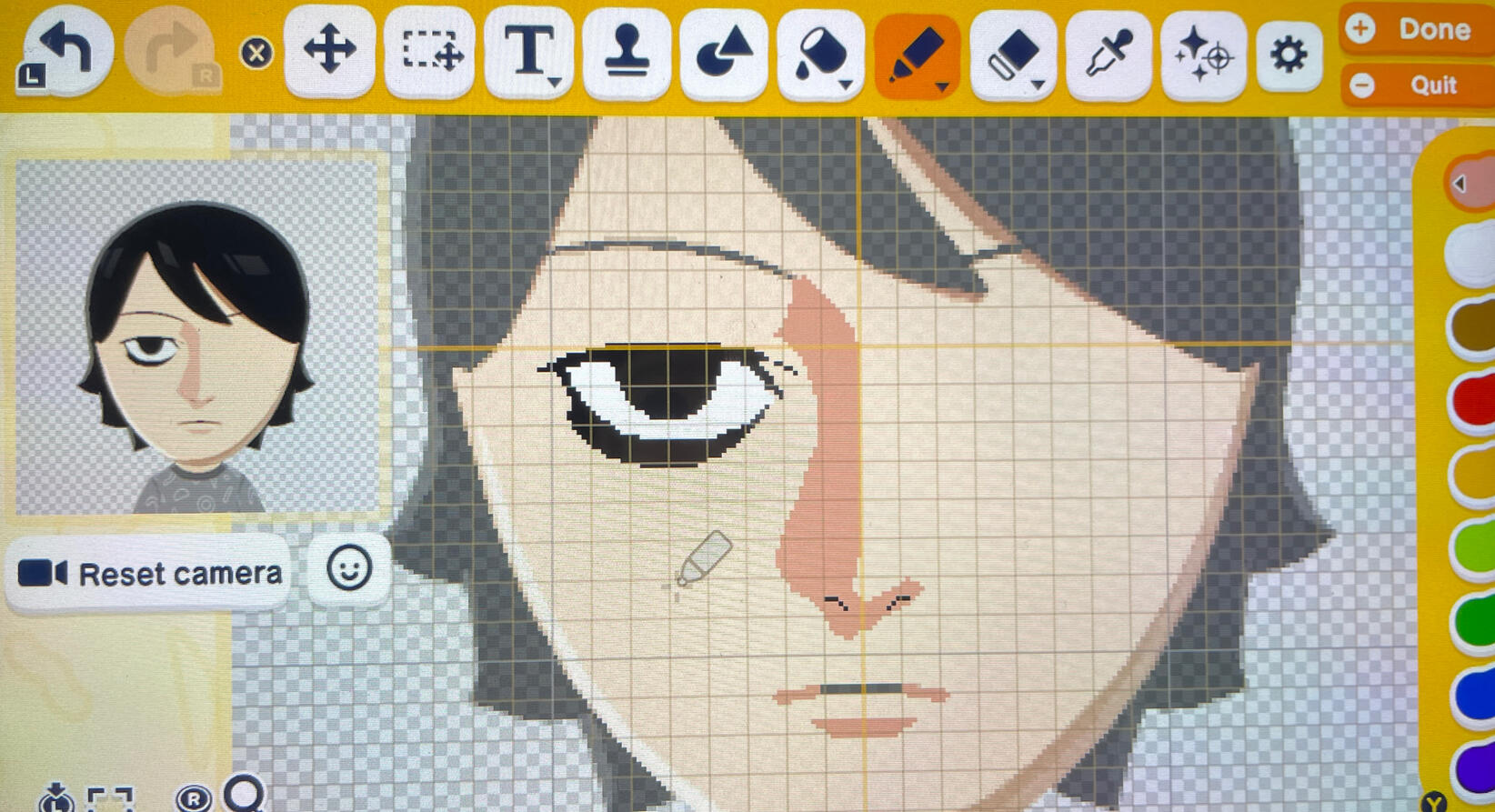
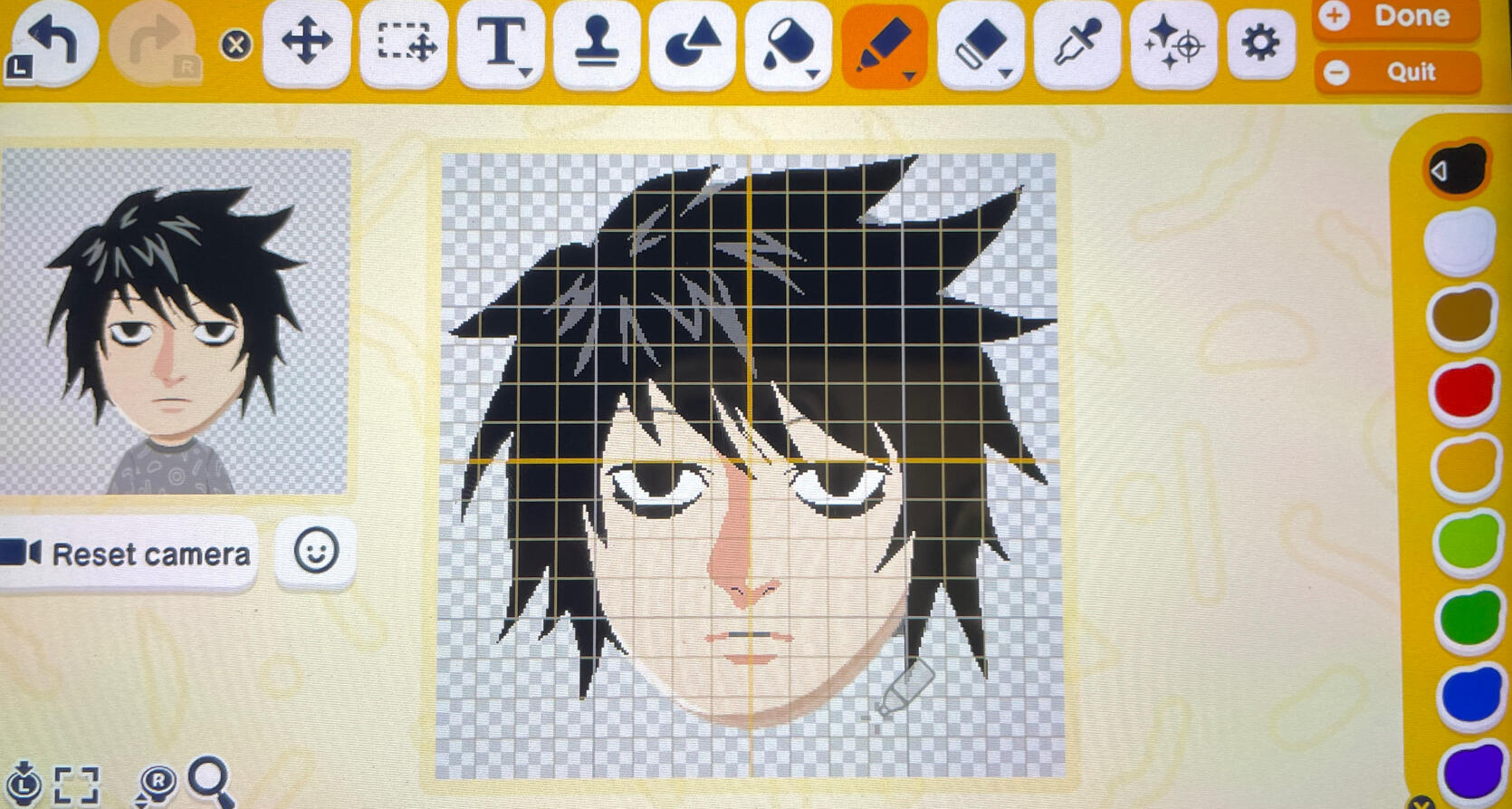
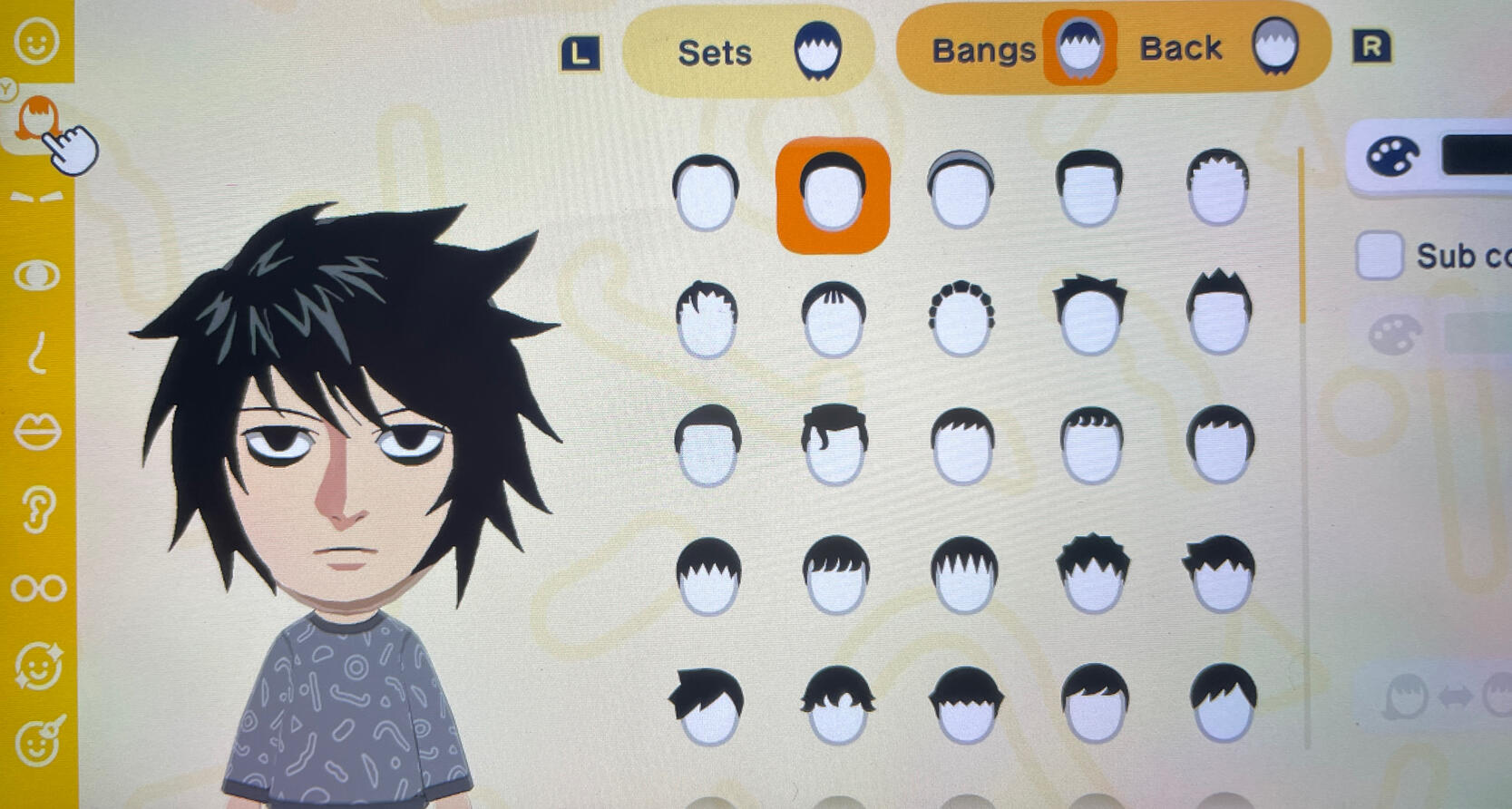
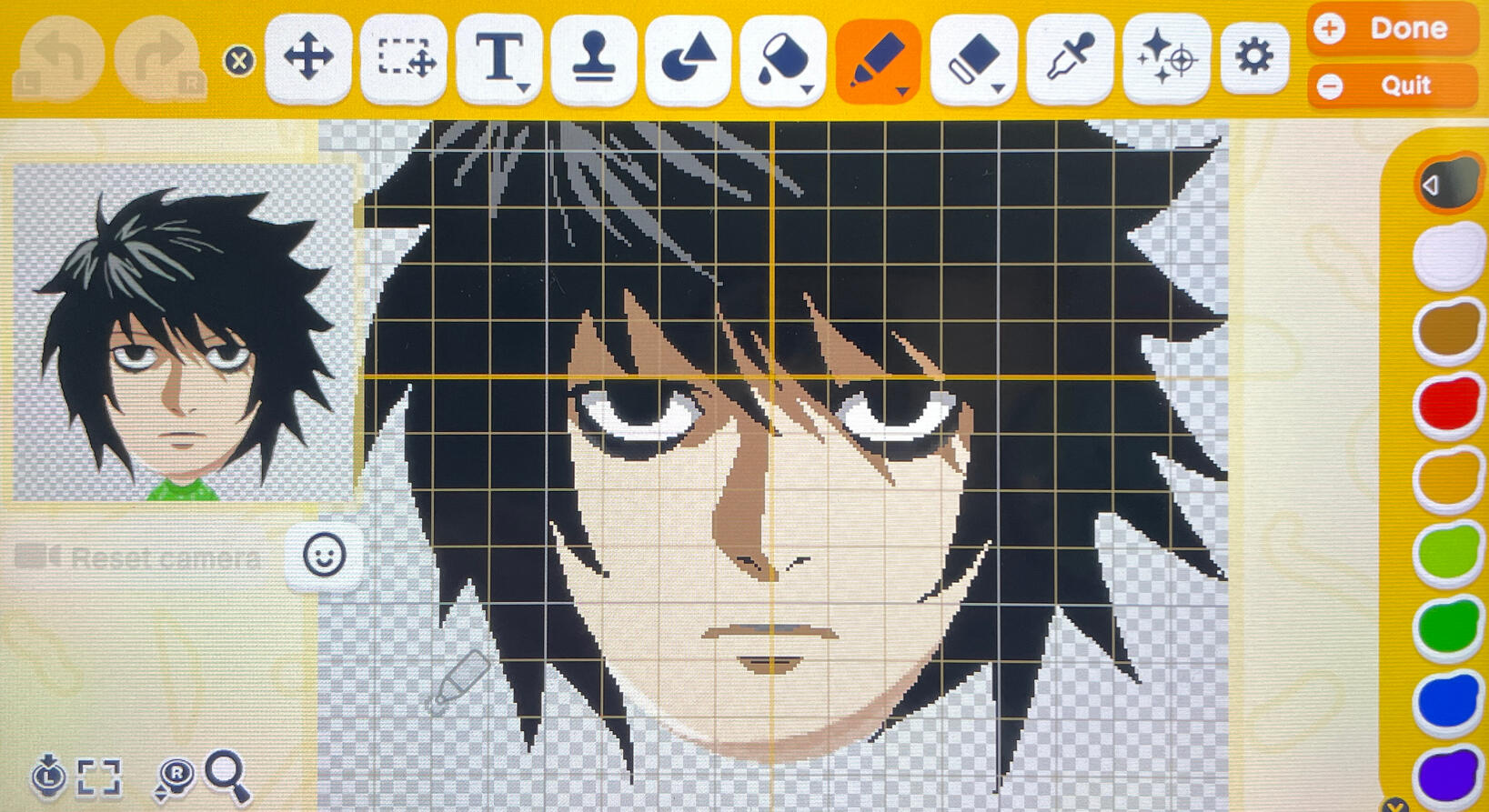
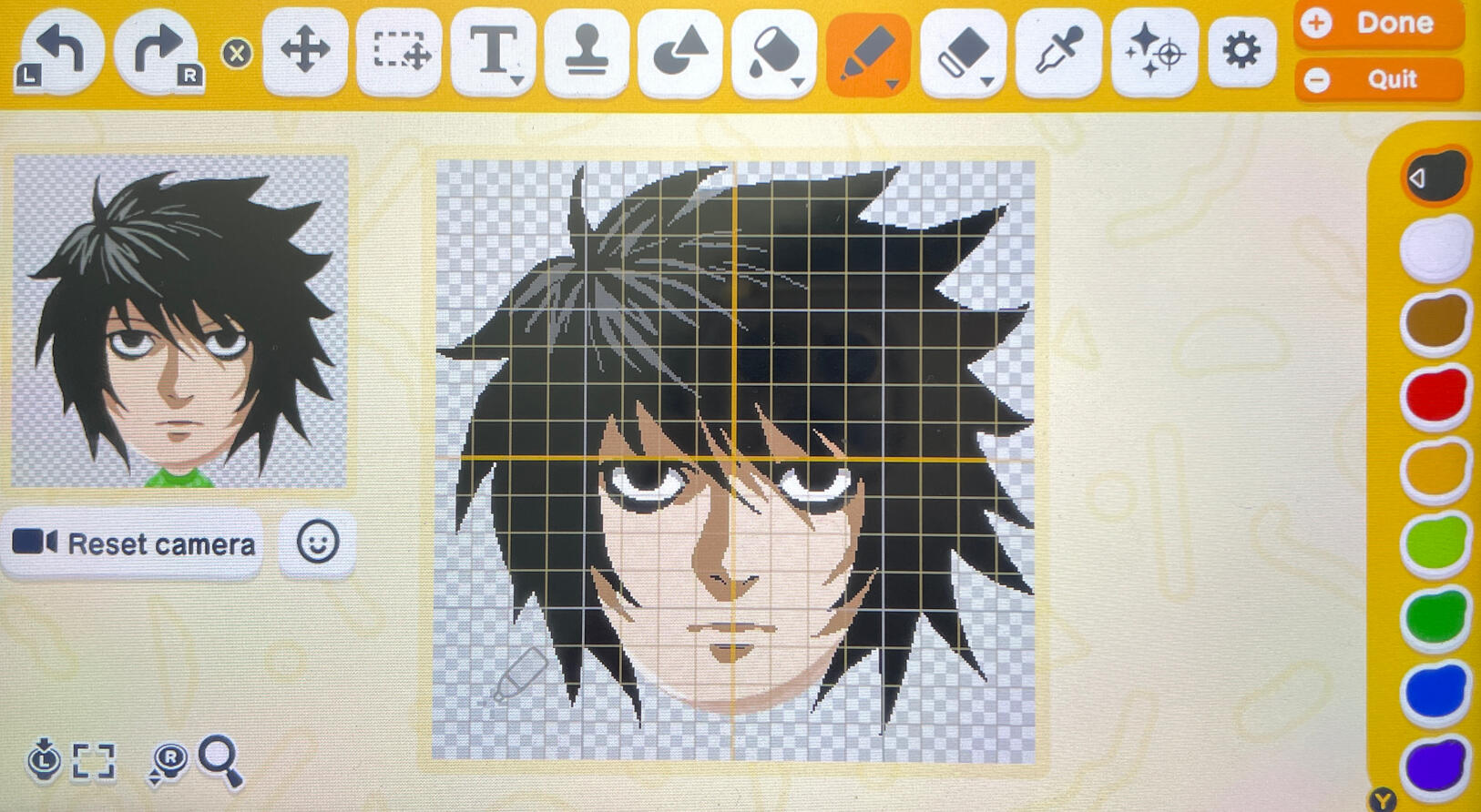
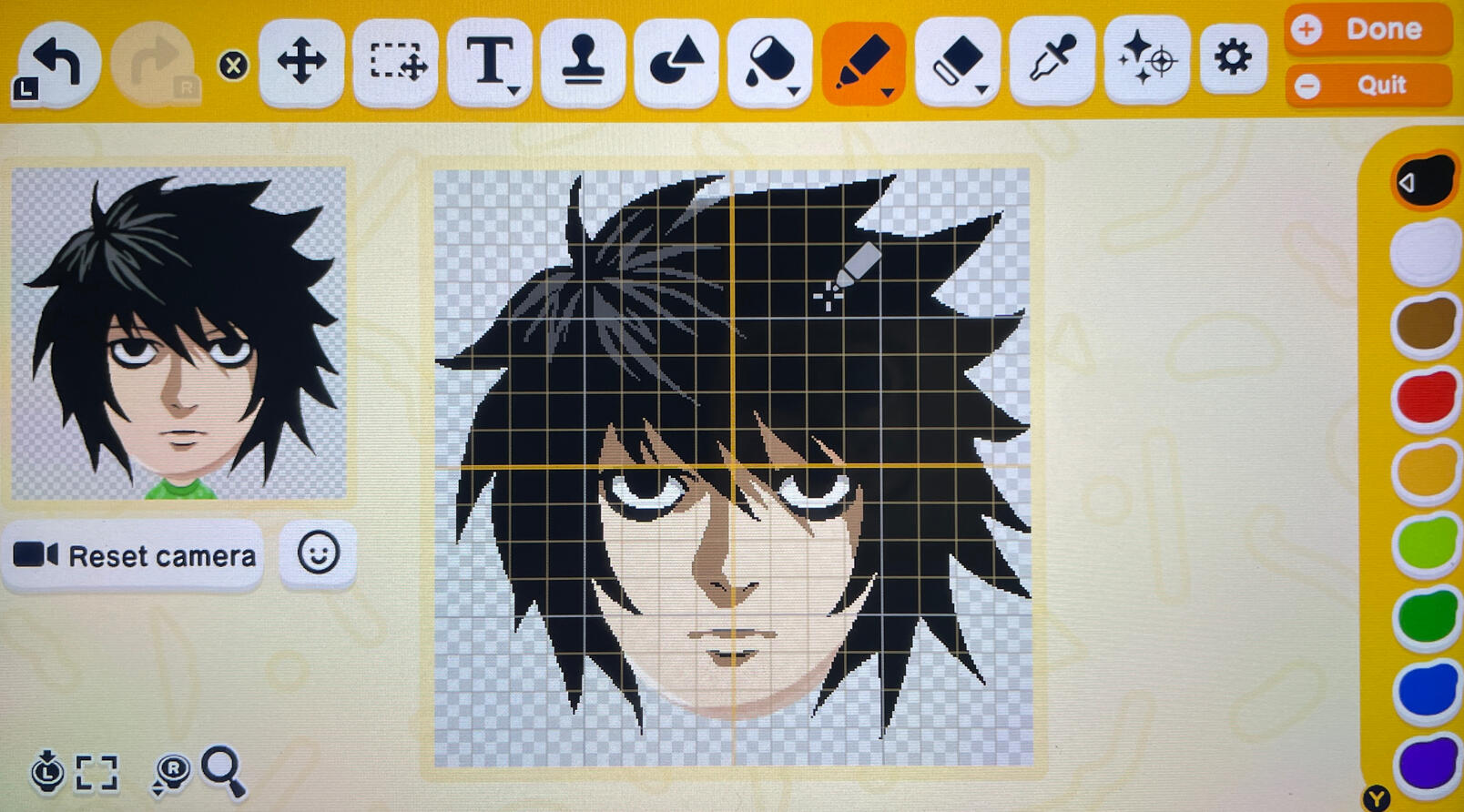
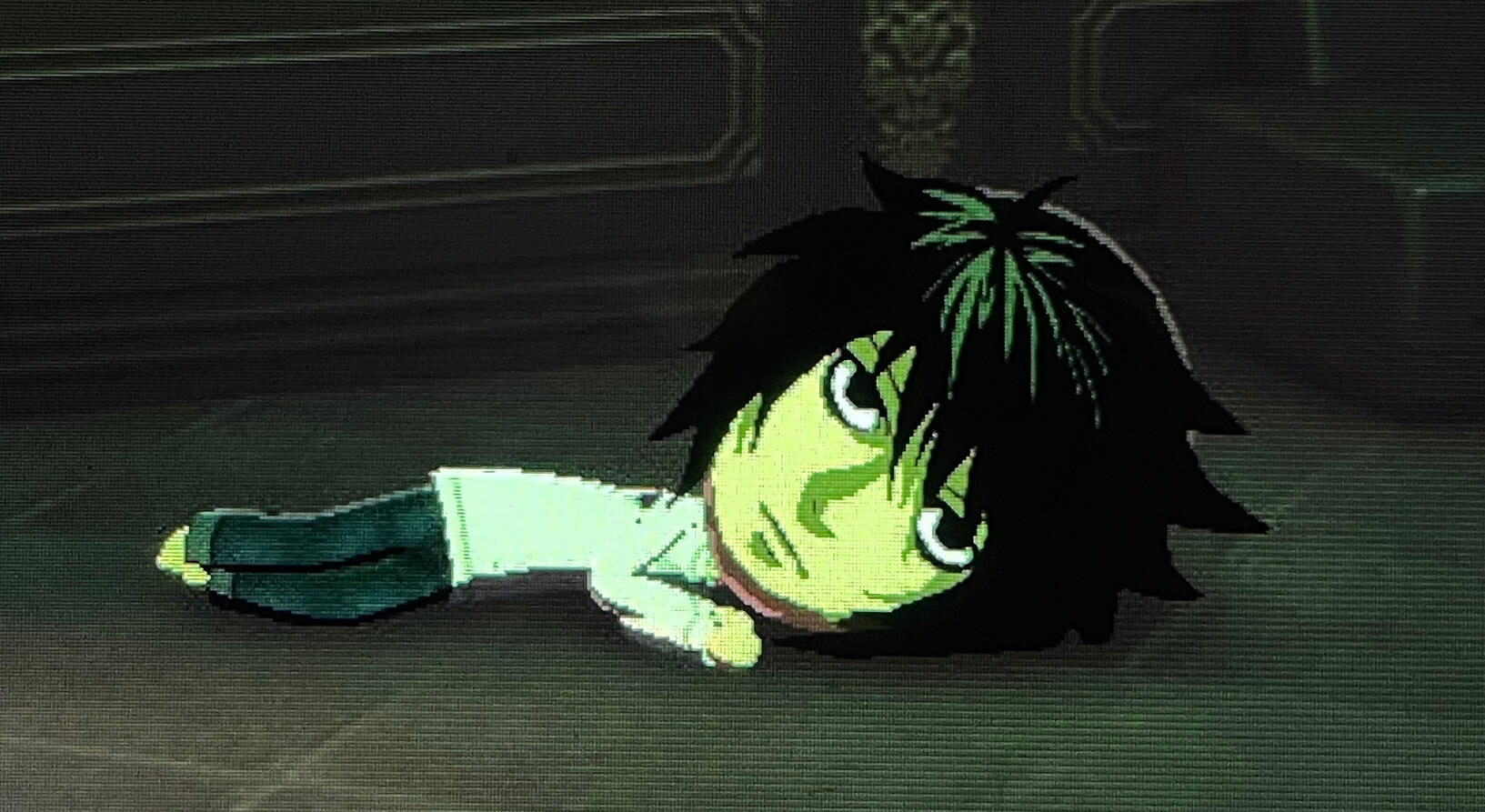
As for my island, I haven’t started decorating my island yet. For now, I’m letting the miis build whatever they want; but once I finish making all 70 miis, then I’ll start decorating/customizing the island and interiors.And that’s that. If you don’t have this game, I highly recommend it. It can get kind of repetitive after a while + it doesn’t have a whole lot of content, but it’s still really fun (and hilarious) and worth it in my opinion. If they add more content (more quirks, goods, rooms, floors, etc etc), it’d probably be one of my favorite cozy games. I can see why it might not be worth it to some people though, especially if they don’t like to use face paint. I spend 80% of my time in the game customizing my miis, after all... But it’s still a great game that I would recommend to anyone who’s looking to laugh and have a good time.Maybe I’ll update this post when I make more miis. Happy gaming everyone :)Edit: Added a couple more miis :)Edit 2: Fixed Anya’s face paint.
Posted: May 29, 2026 Edited: June 1, 2026
Hi everyone,Hope you are all doing well. It’s been a while since my last update. So much has happened the past year…that it feels like a long dream. Well, a nightmare, actually…After my grandma died last year in July, a month later, my grandpa was diagnosed with bladder cancer. I moved back to Korea to take care of him, but a few months later, he suddenly passed away. Around the same time, my dog was diagnosed with chronic bronchitis and congestive heart failure. Her health worsened day after day (and her medications weren’t much help); And then one day, she fell off the bed after a coughing fit and tore her ACL, which further worsened her condition and she passed away a month later. I was completely devastated and overwhelmed with grief, that my own physical/mental health deteriorated significantly. Because of my weakened immune system, I developed all sorts of health problems and recently also had a severe hand infection which damaged the nerves in my dominant hand. Thankfully, it’s not permanent and should improve in several months. Unfortunately, it means I won’t be able to draw for a while…I’m slowly recovering, getting a little better each day. I’m not sure when I’ll fully recover, but I’ll try my best to recover as quickly as I can.I’ll be continuing my hiatus from social media indefinitely to focus on my recovery. Hopefully I can see you all soon and get back to drawing/creating stuff that I love. I’ll still continue to (slowly) update my blog though when I have the time.Take care, everyone!
Zynu
Posted: May 29, 2026
Physical Games
So I just heard the disappointing news about Sony ending production of game discs… Some people like buying physical games to save money/storage space, add to their collection, to resell their games later, gift them to a friend/family, play/download the game without internet, etc. Removing the option entirely is a bad idea, in my opinion. If there’s less demand for physical games, maybe instead of ending production completely, they could cut back on disc production instead; like how we still have physical media for movies/music/etc.With Sony also removing content from the Playstation store + shutting down the PS3 and PS Vita stores, it’s understandable for gamers to be worried about the future of gaming. We should be able to own the games/movies/etc that we buy (i.e. play them whenever we want, re-download them, not lose access).We need to fight back against Sony’s decision, as well as fight for digital ownership rights. Who knows what else they’ll try to do later, if we just let companies do whatever they want. There are plenty of other games that we can play on other consoles while we protest/boycott Sony until they reverse their decision.
Posted: July 1, 2026
My Miitopia Experience
So yup, I’ve also played Miitopia on the Nintendo Switch. The makeup system was honestly mind-opening for me. The fact that you can make a face out of a bunch of shapes reminded me how you can make art out of anything, even just simple shapes or lines. It also reminded me of the importance of good shapes and how crucial they are for good design/readability. (A bit random, but check out the artist “8thproject” on Instagram/Reddit. Their art is super cool; They make famous characters out of just shapes/lines and you can still recognize them!).I like Miitopia’s makeup system. It has its pros and cons - Pros: you don’t have to know how to draw, and you can do makeup separately for each facial feature so that the miis can still show facial expressions (I wish we could do this in Tomodachi Life: Living the Dream…). Cons: There’s a limit to how many shapes you can use, and it’s hard (or takes a long time) to make something exactly the way you want it (you sometimes gotta get creative, like hiding the default nose behind the hair or combining a bunch of different shapes to make the shadow shape). It’s much easier to achieve likeness with the face paint feature in Tomodachi Life than the makeup system in Miitopia.Here are a couple miis that I made in Miitopia. The miis didn’t turn out exactly the way I wanted, but I still had a lot of fun! I also like how clean the miis look in Miitopia, because in Tomodachi Life, the face paint can look very messy if not done correctly.
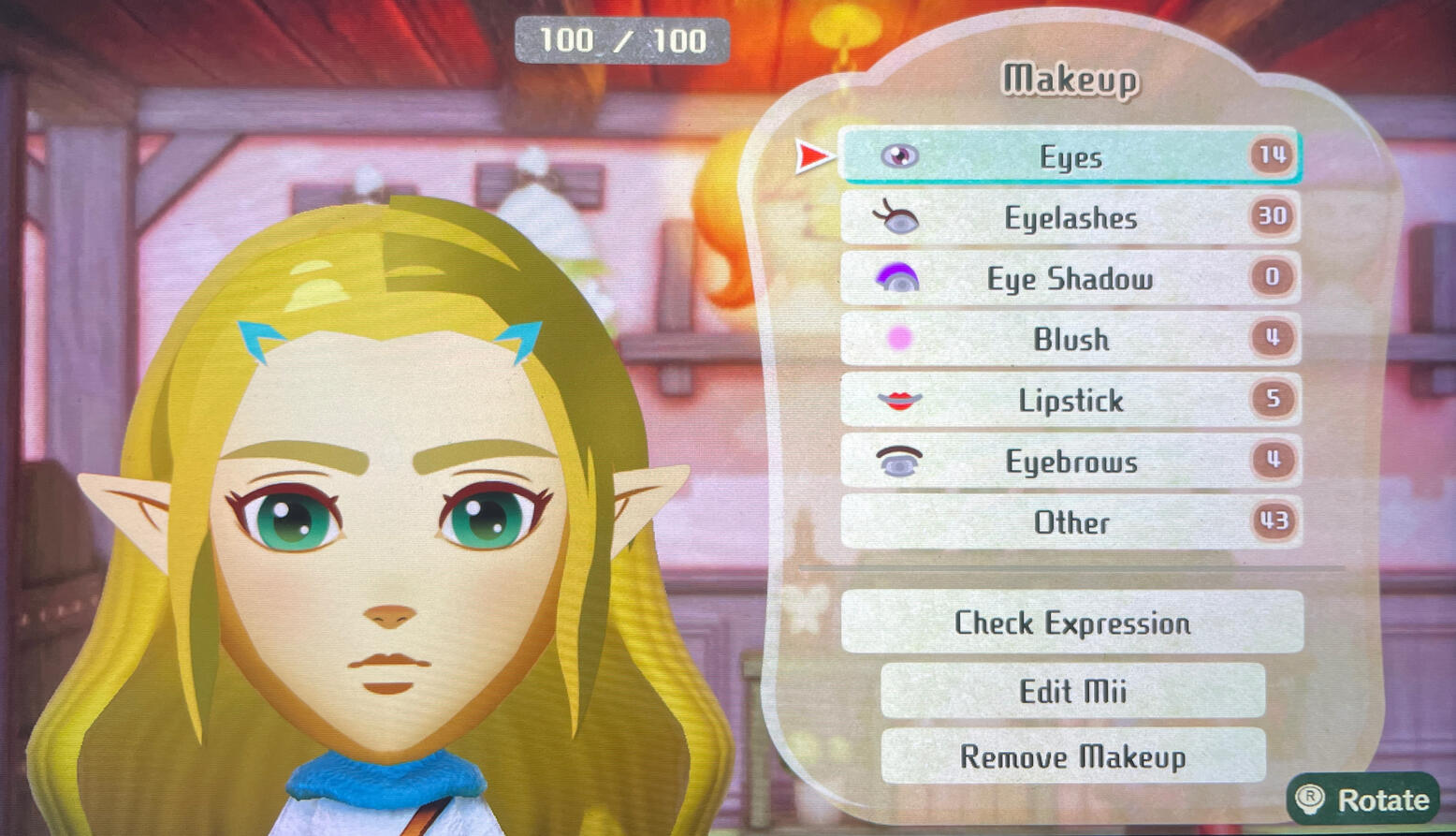
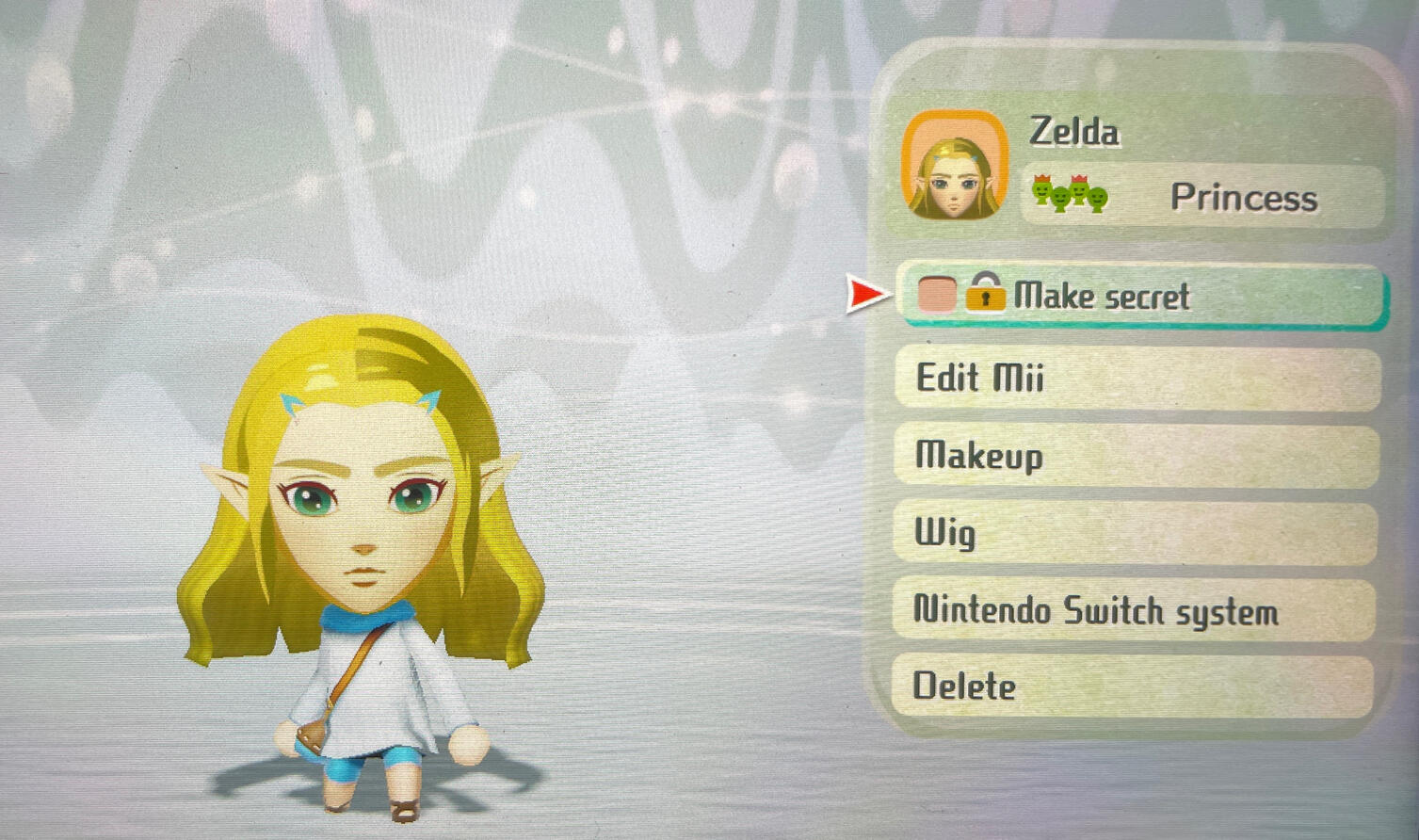
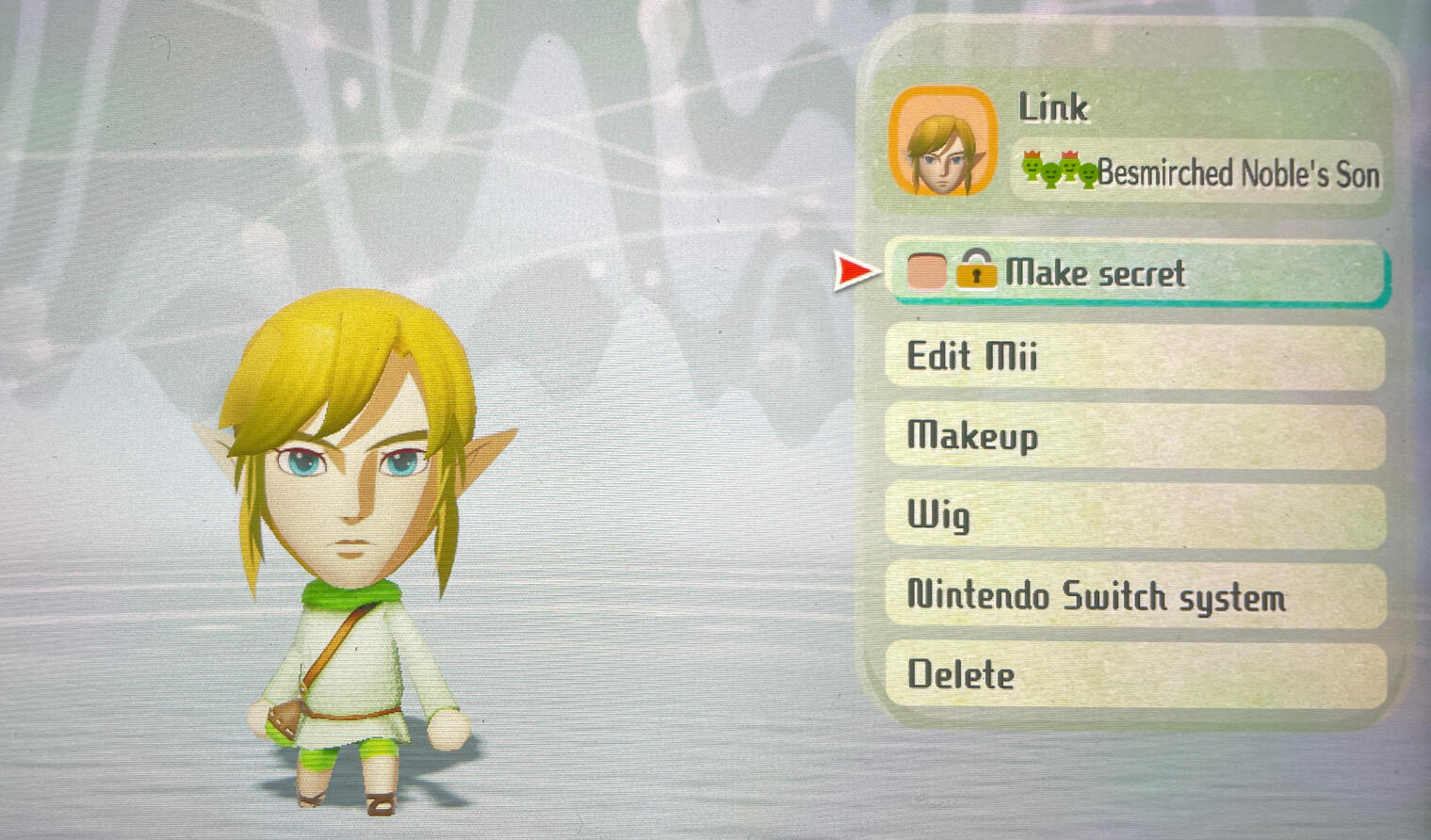
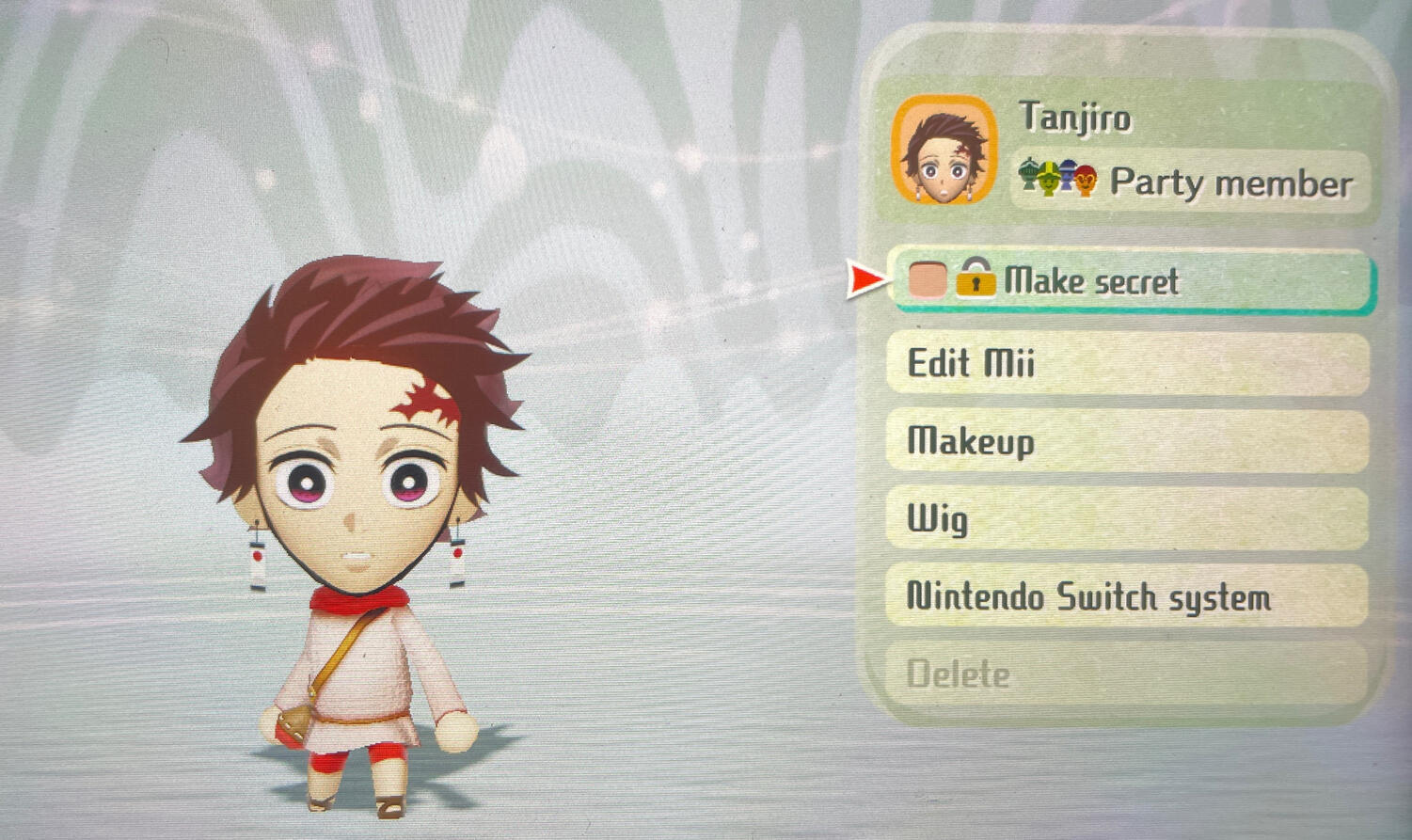
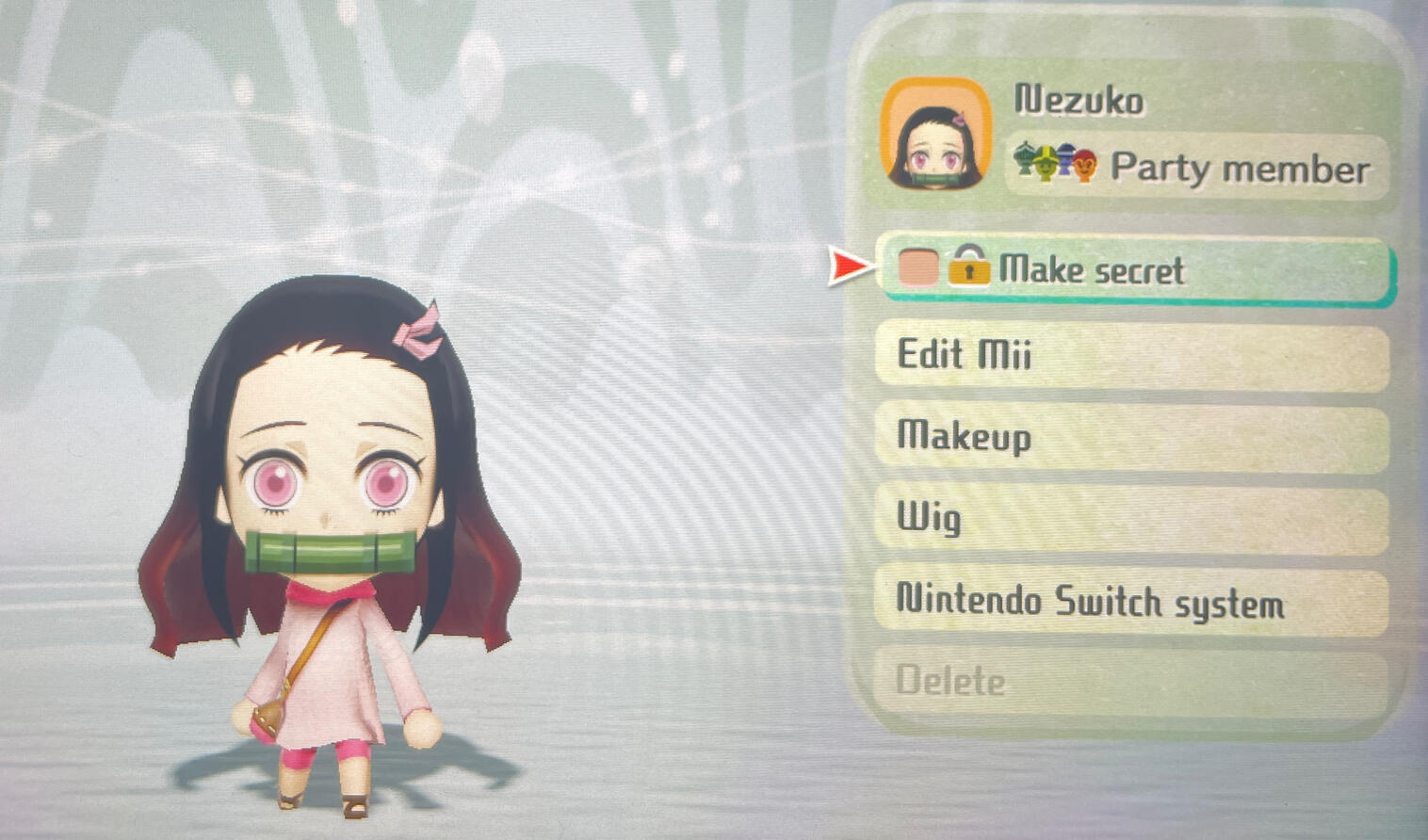
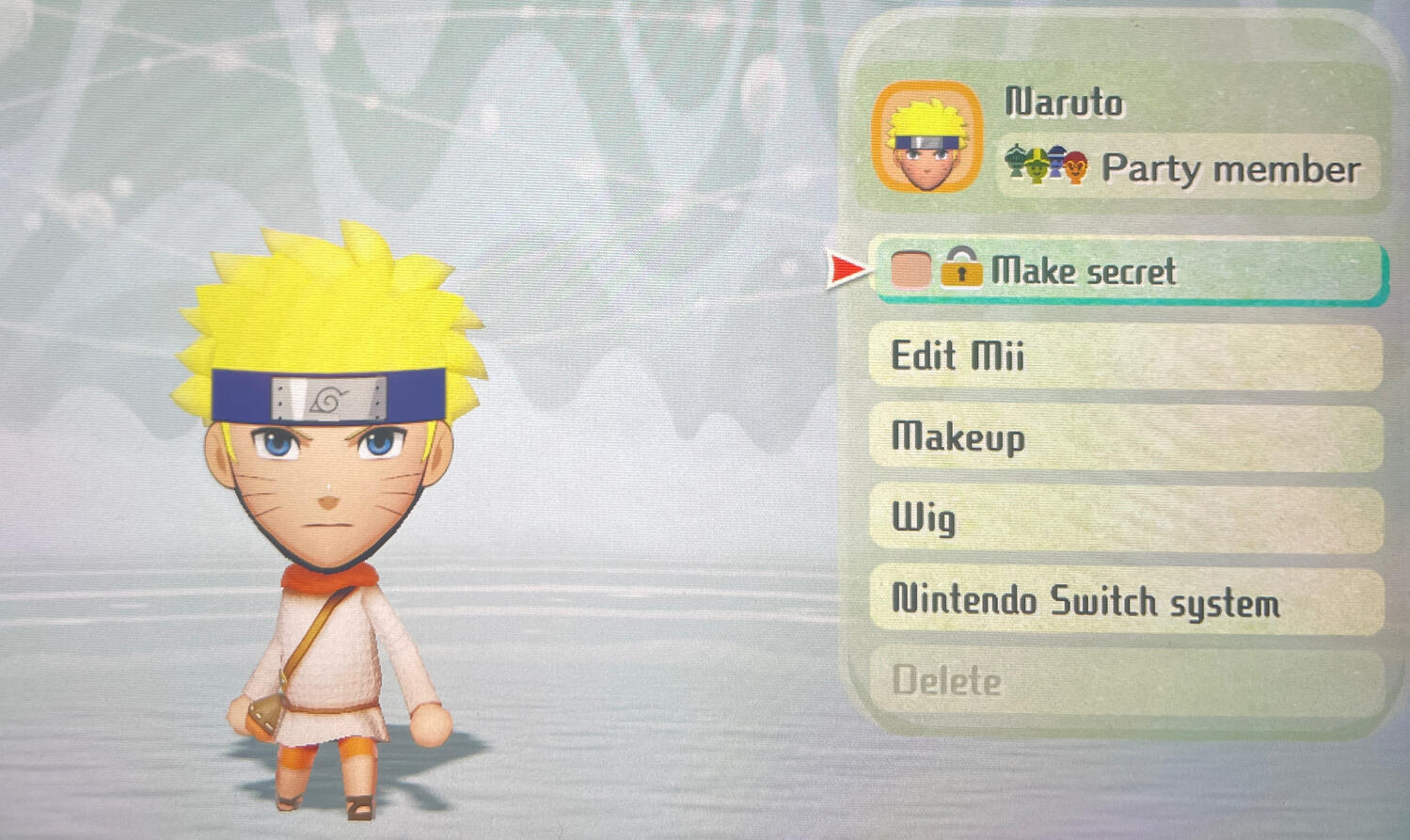
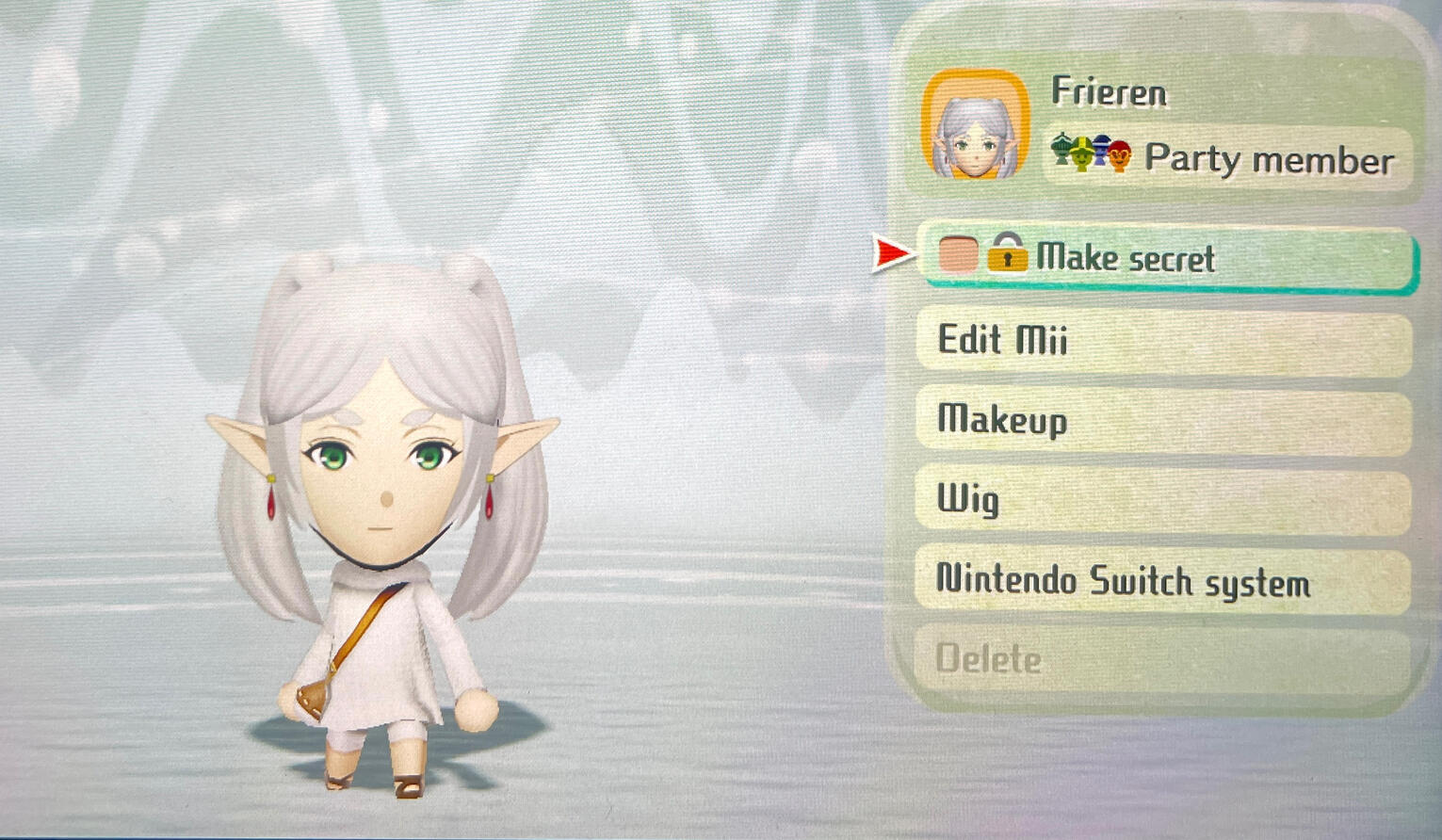
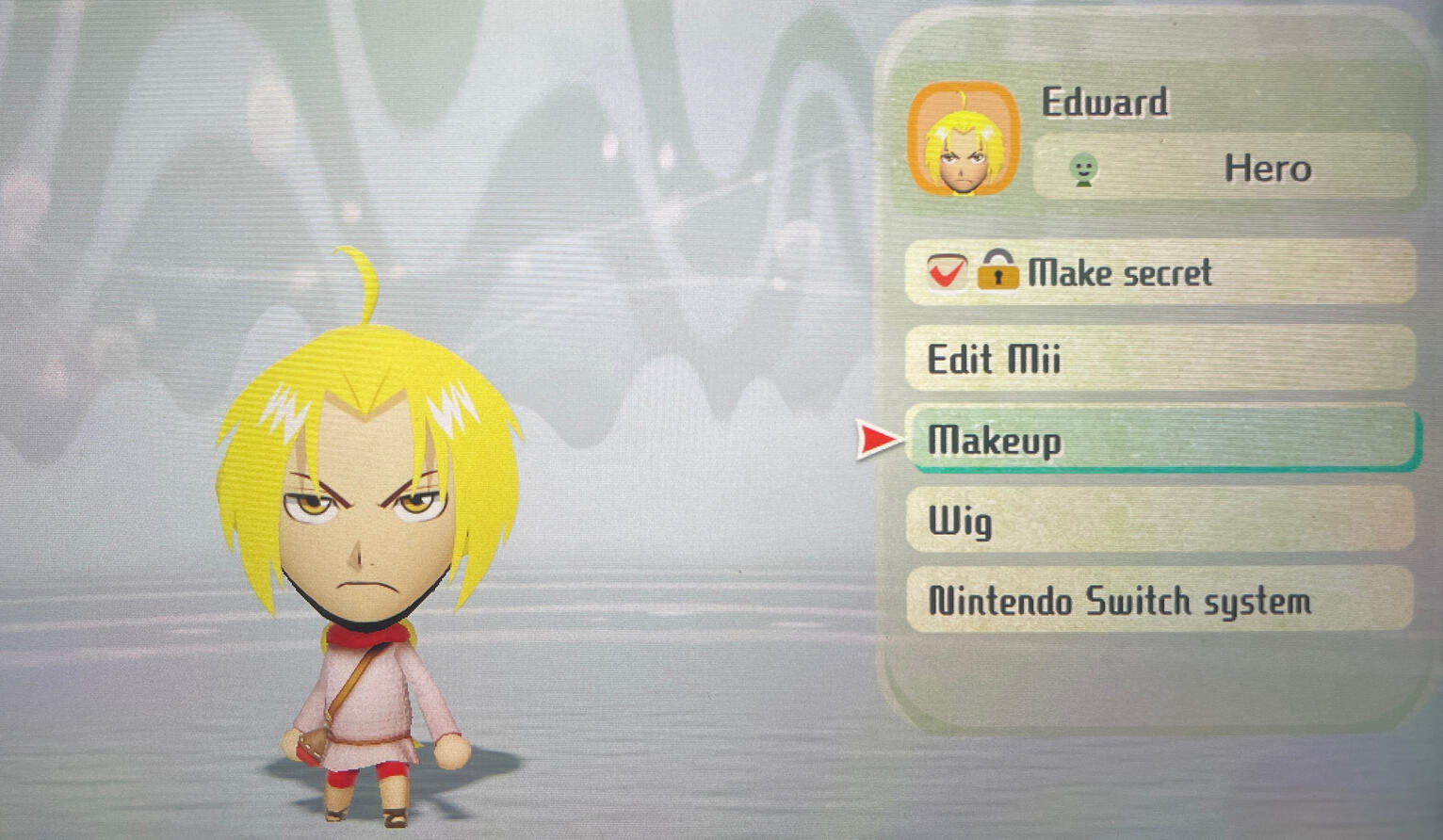
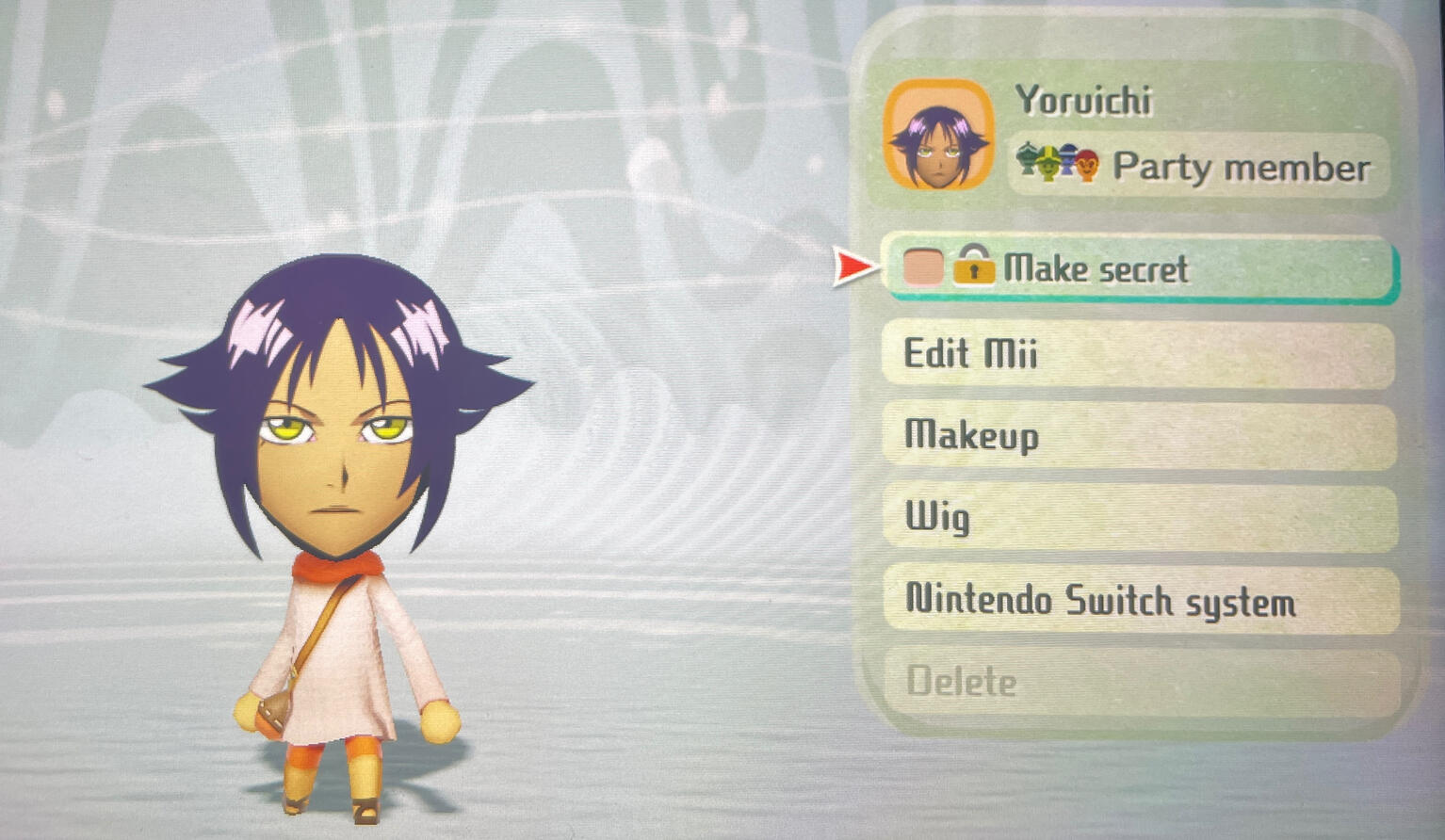
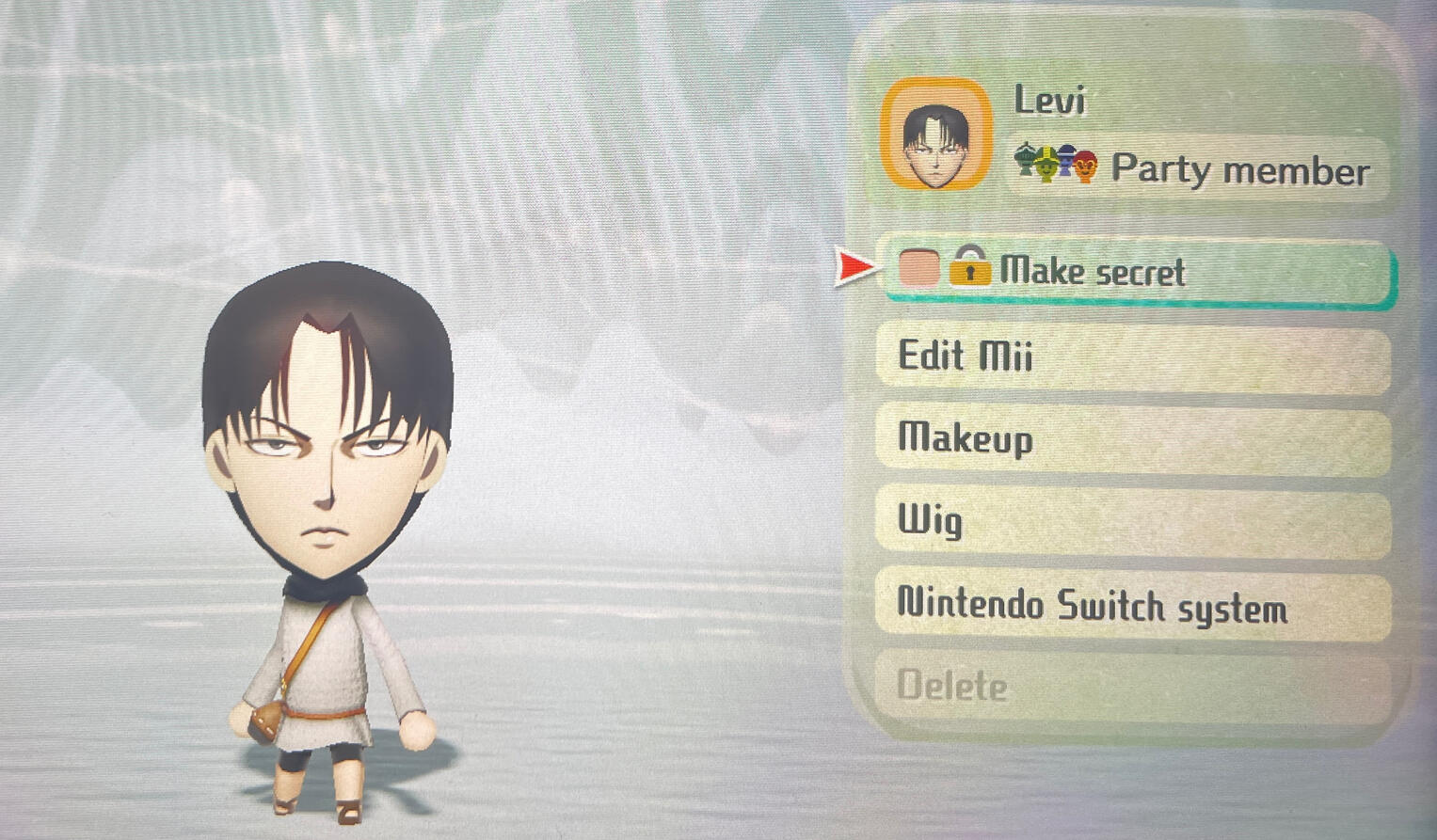
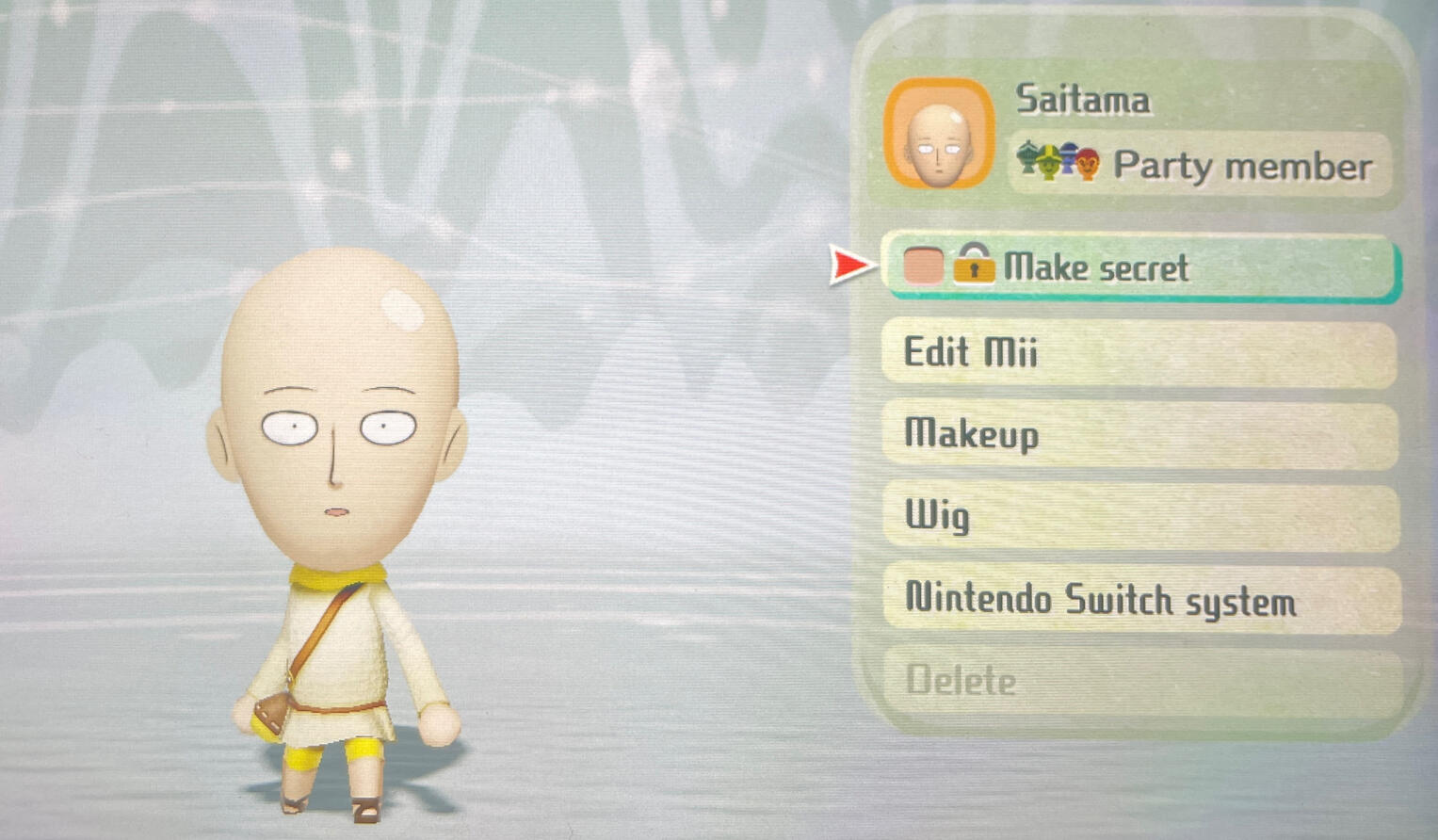
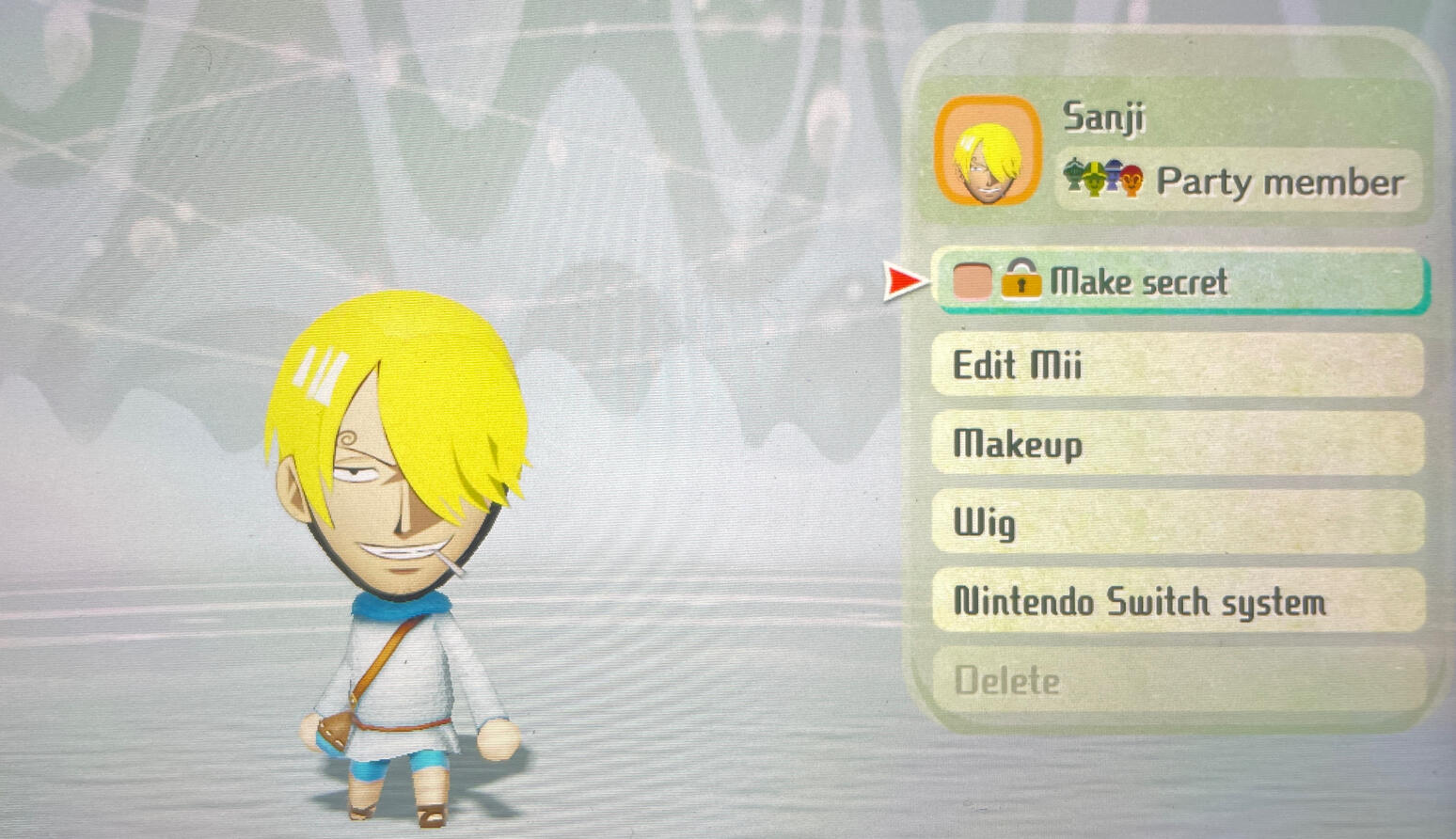
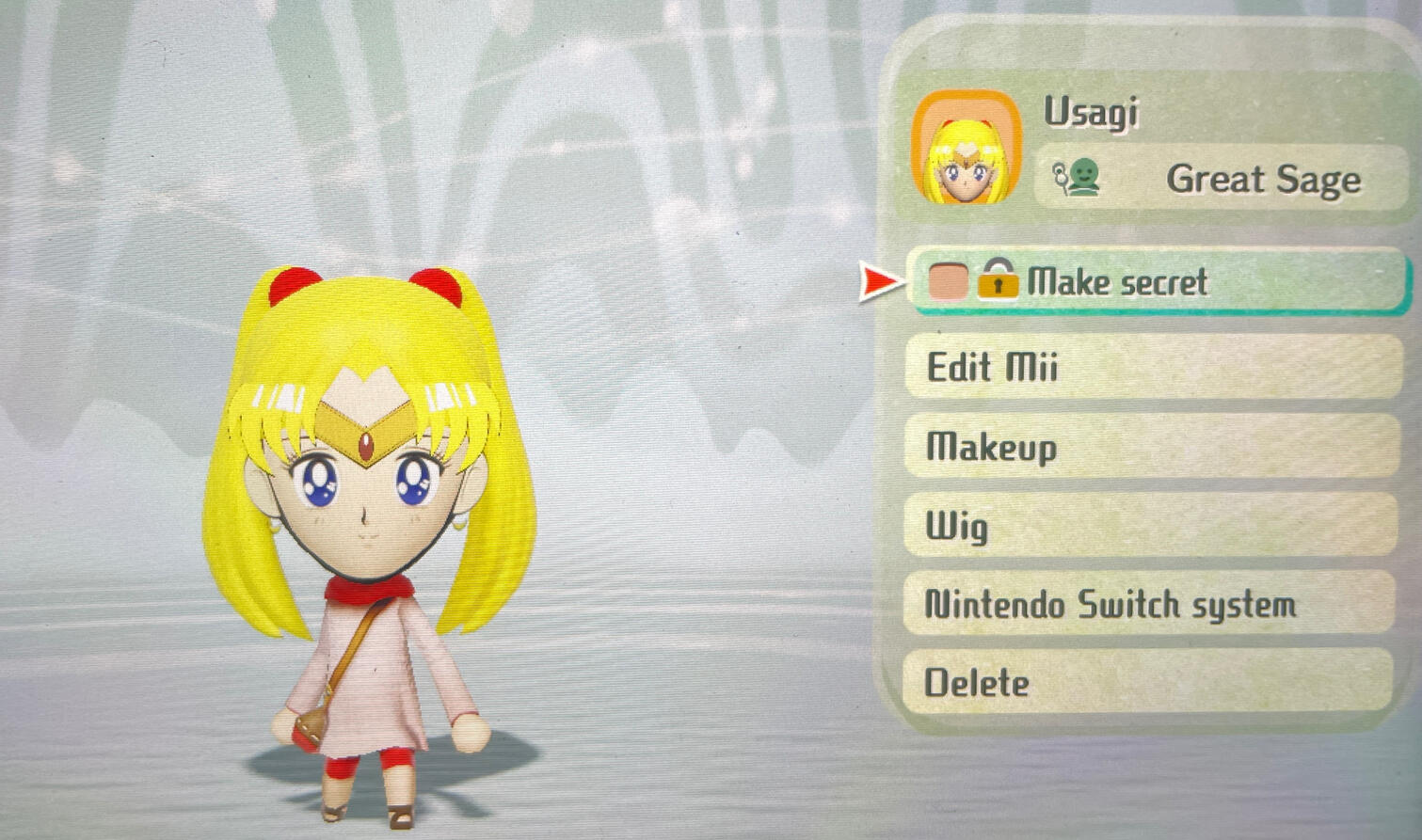
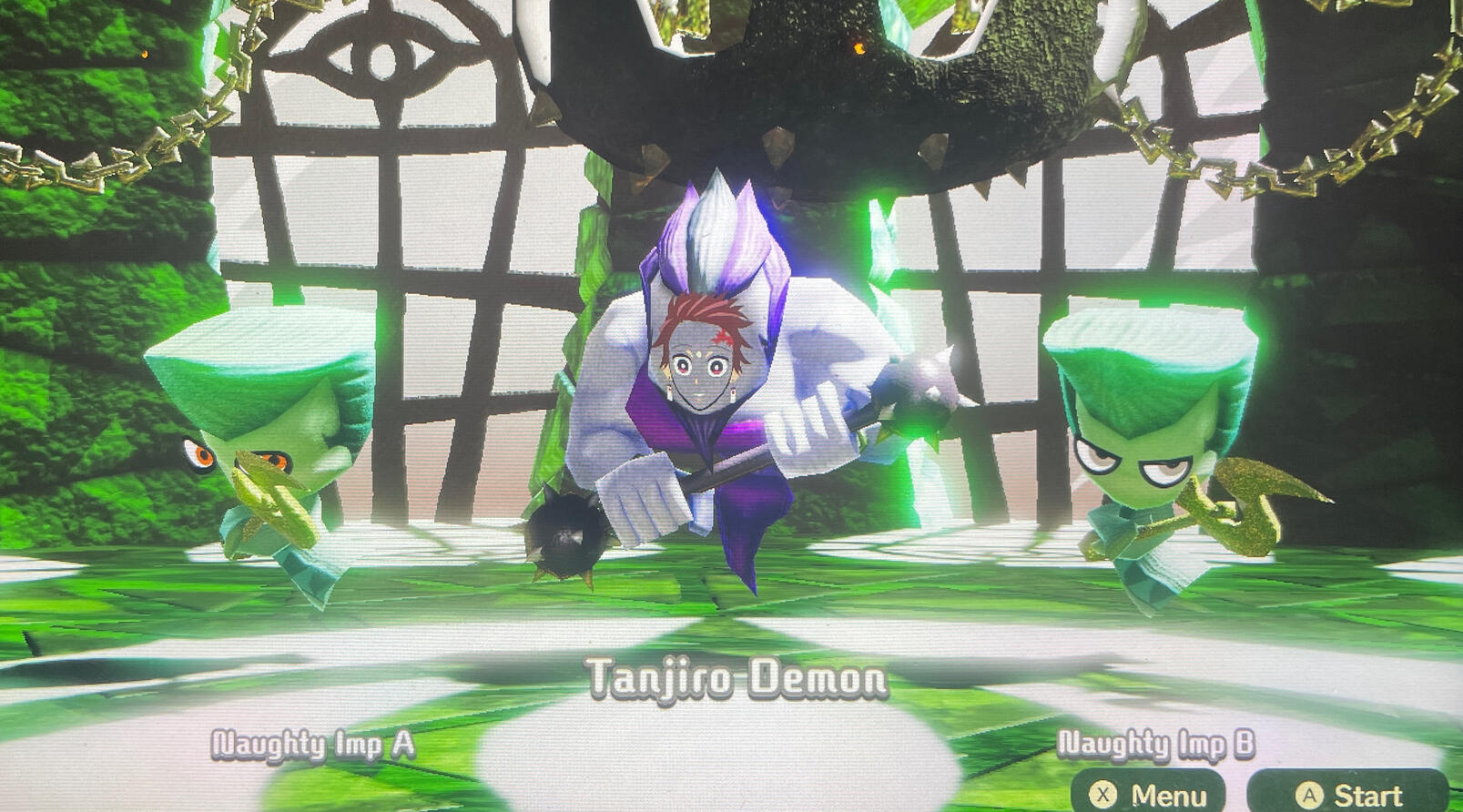

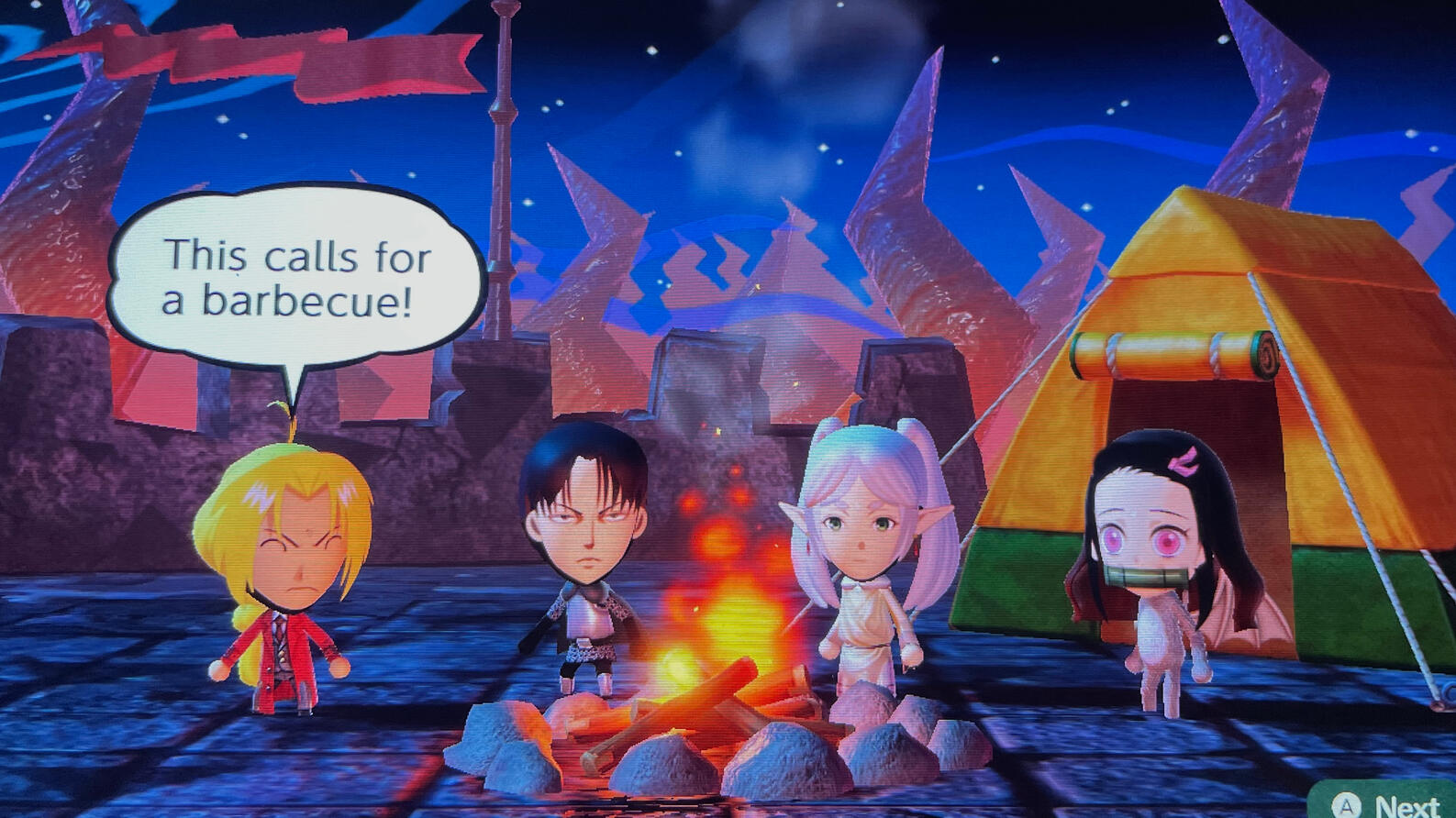

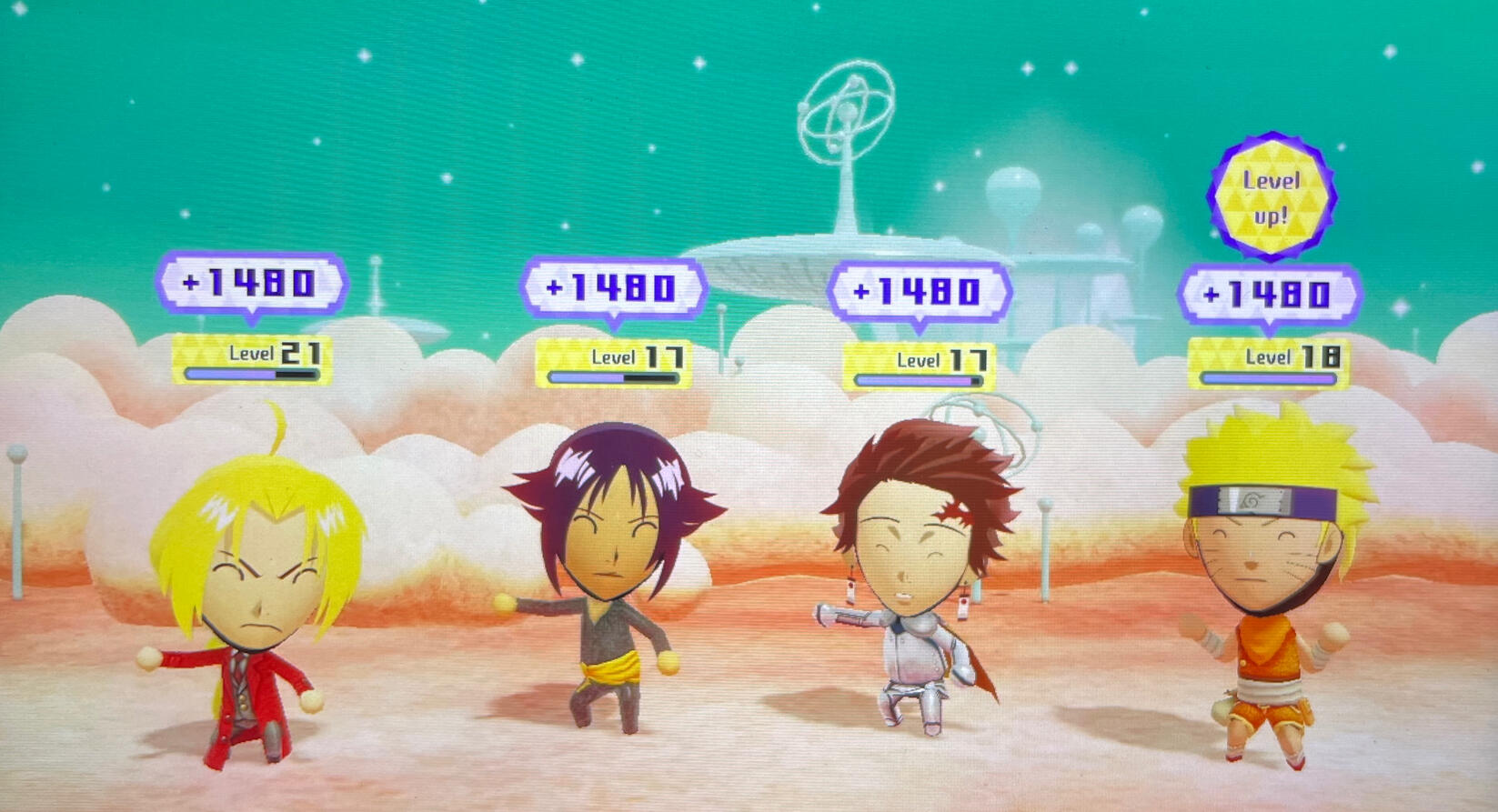
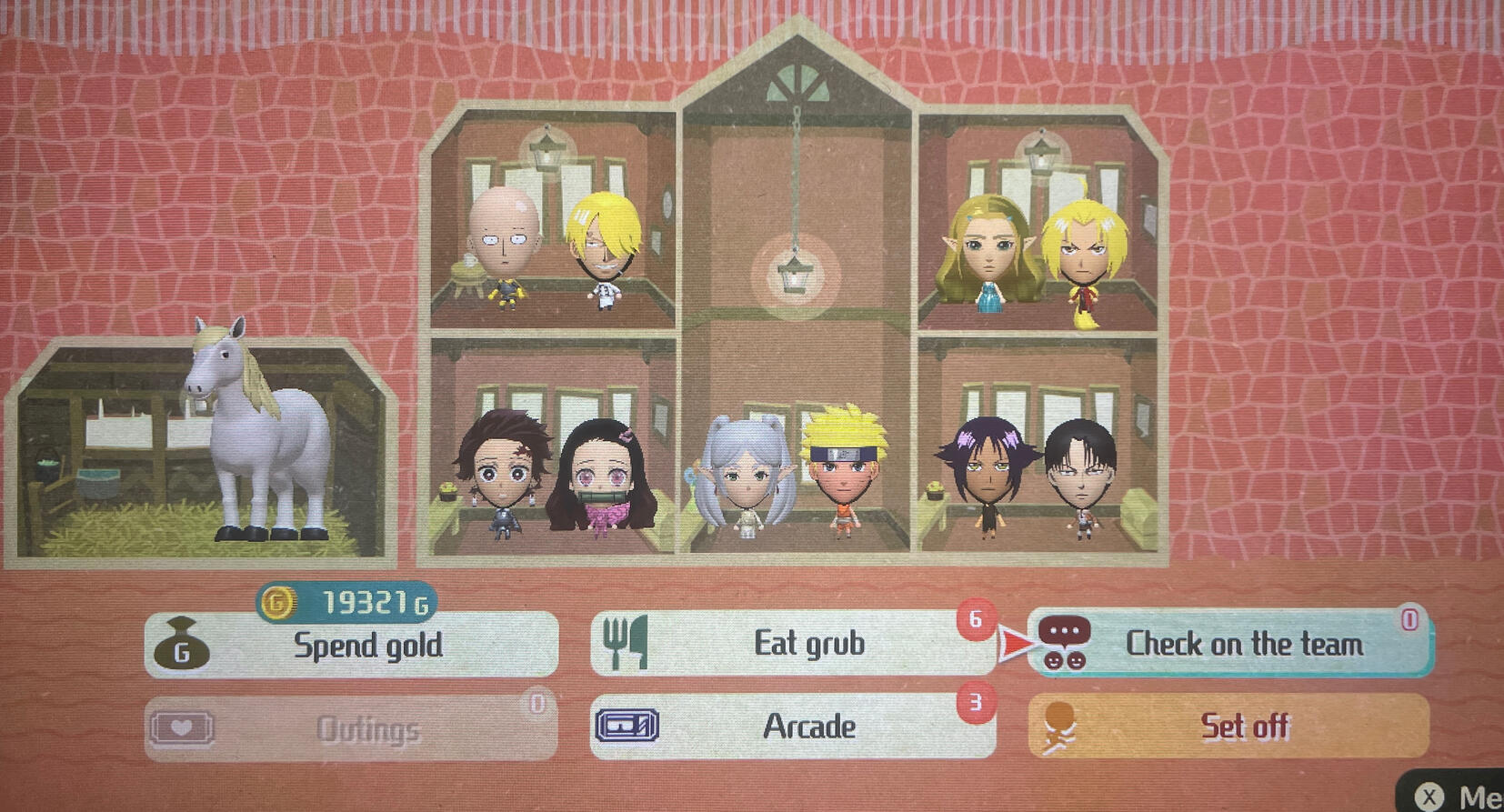
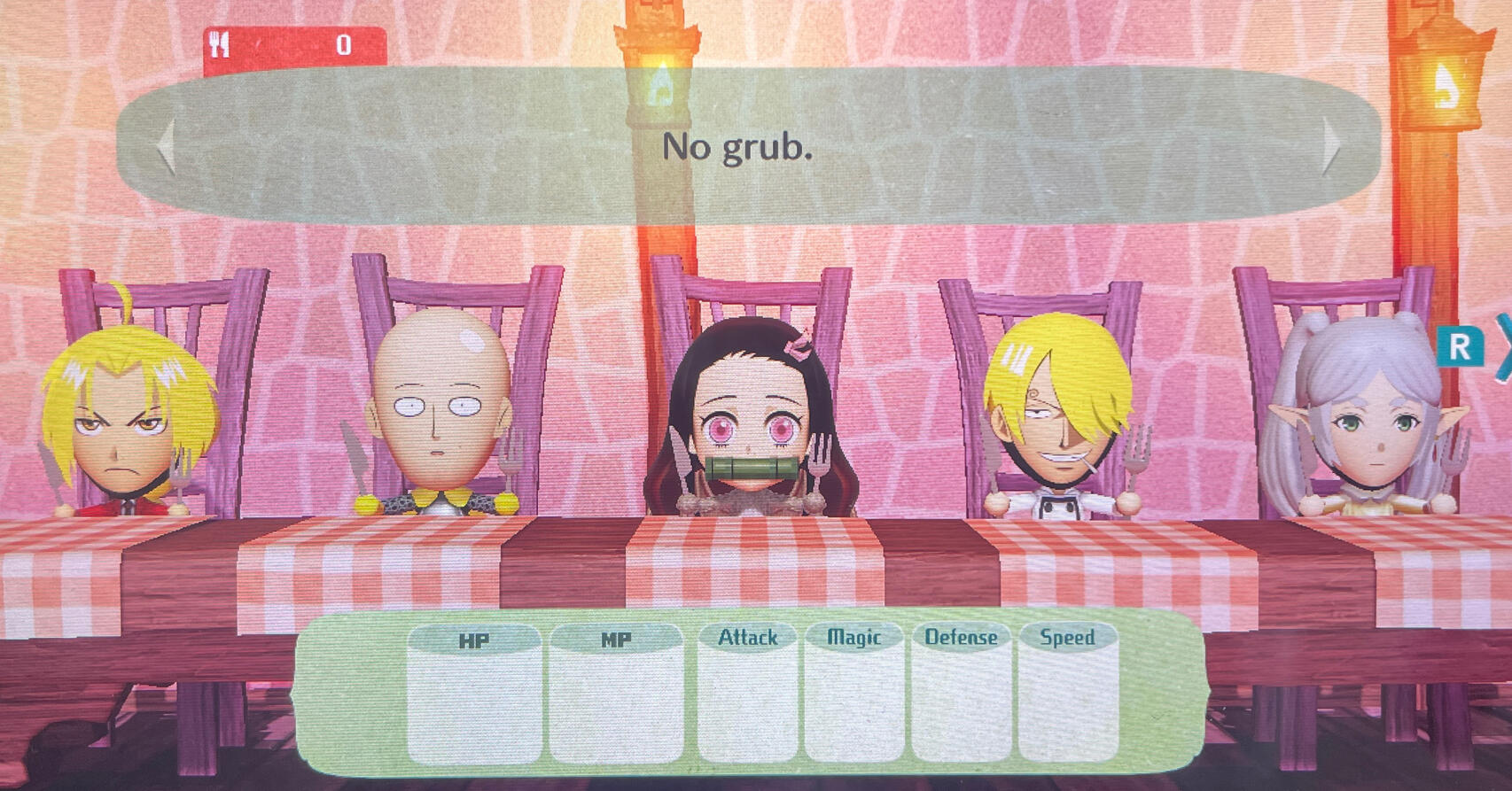
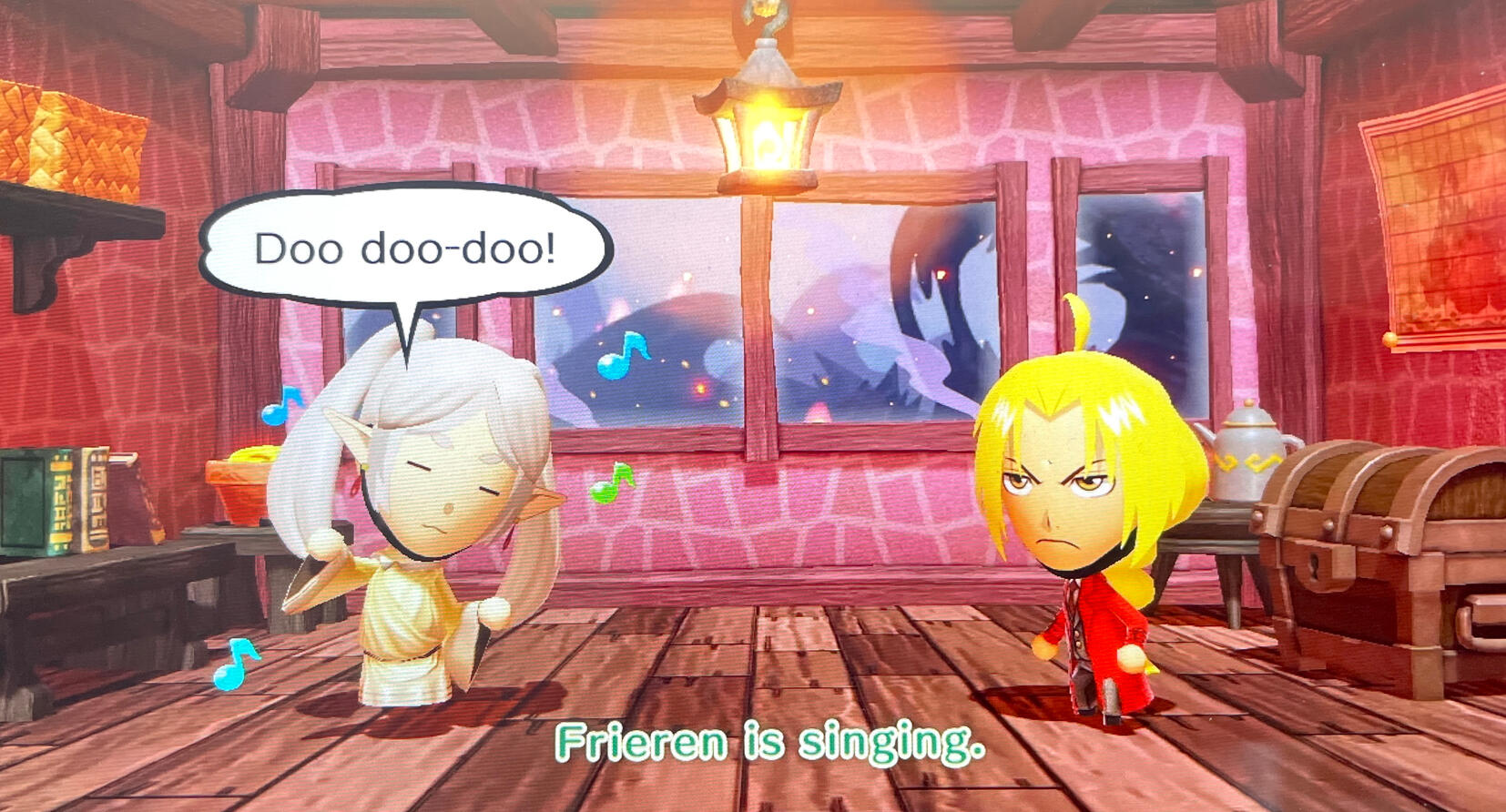
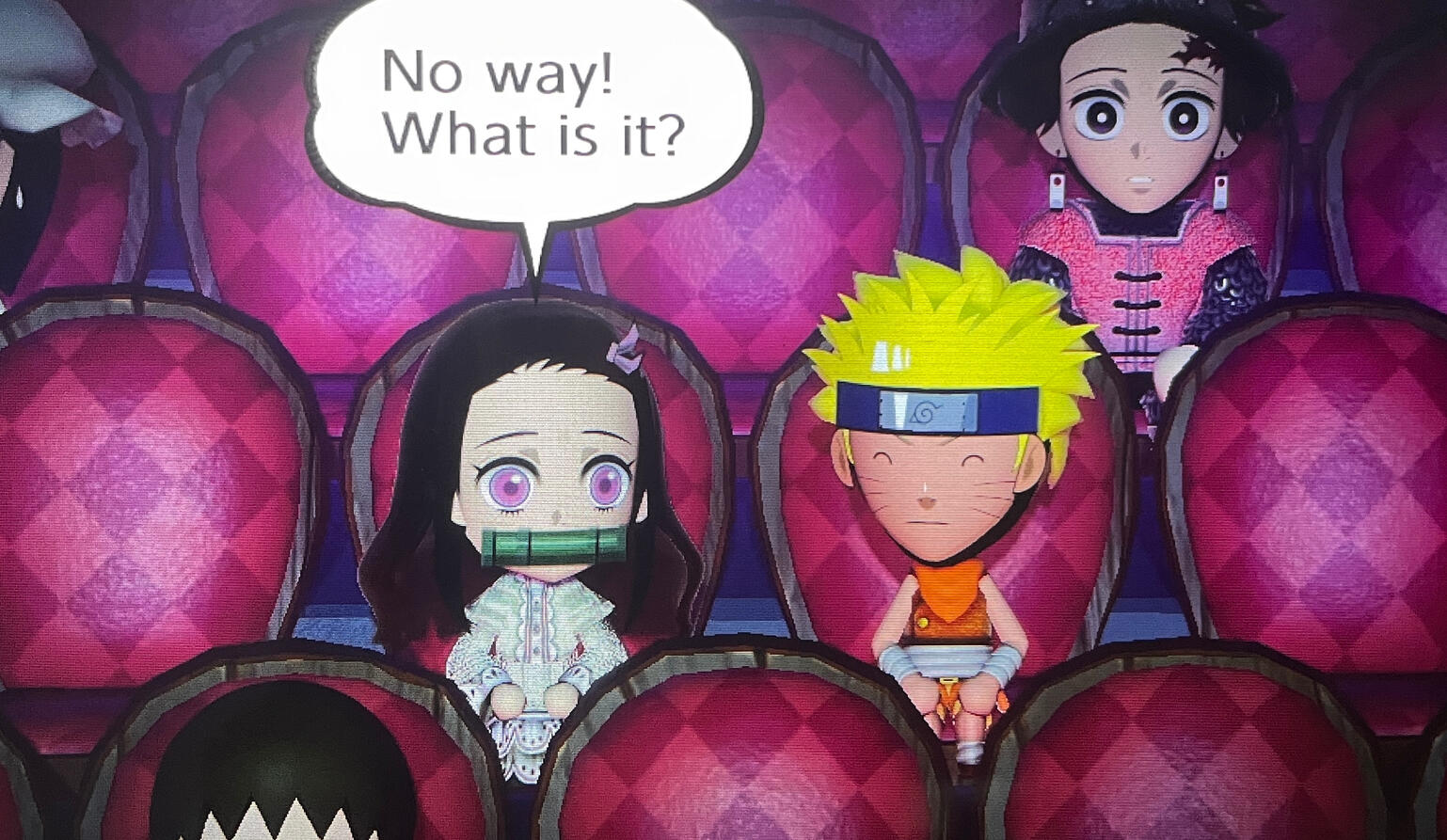
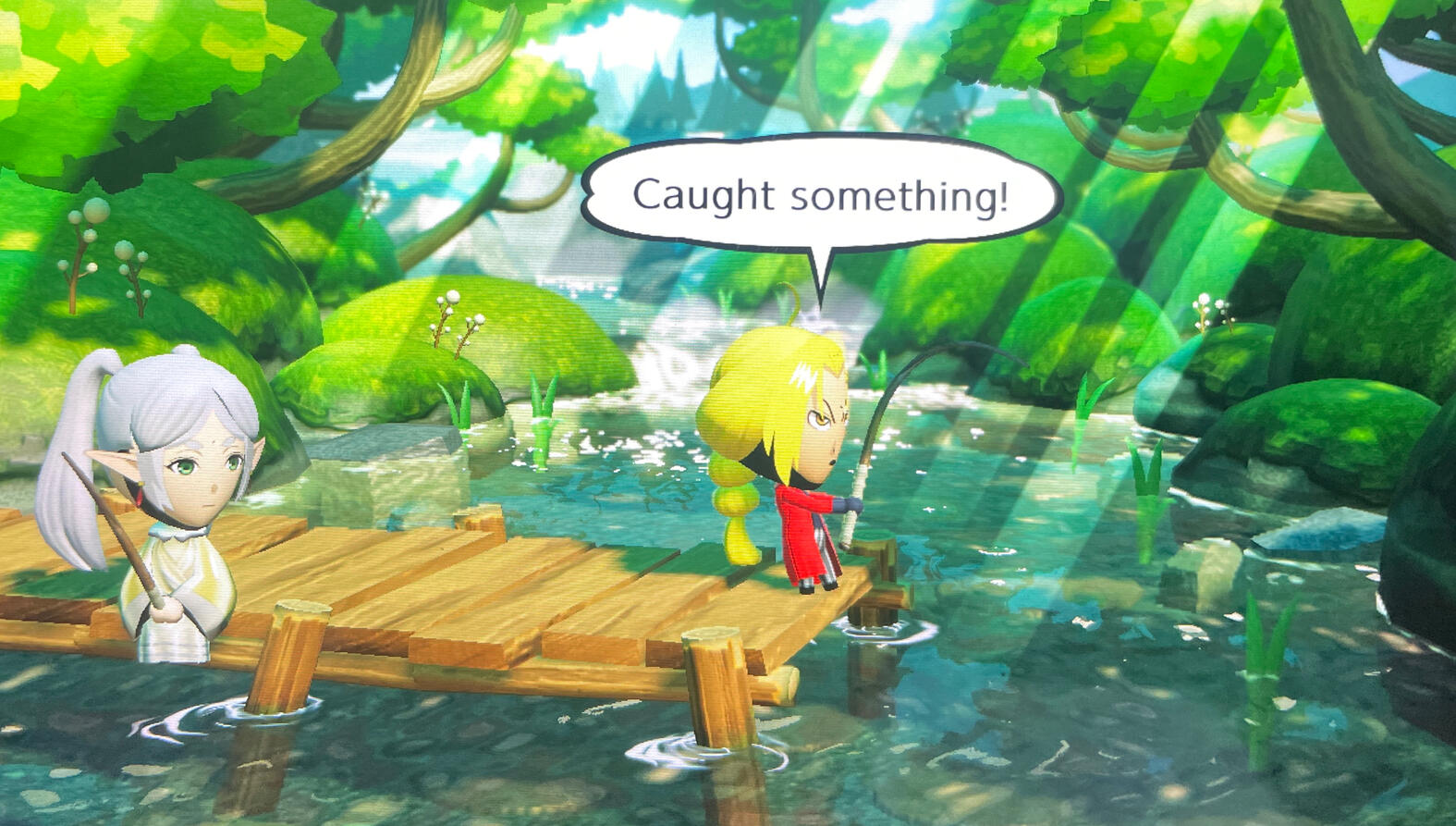
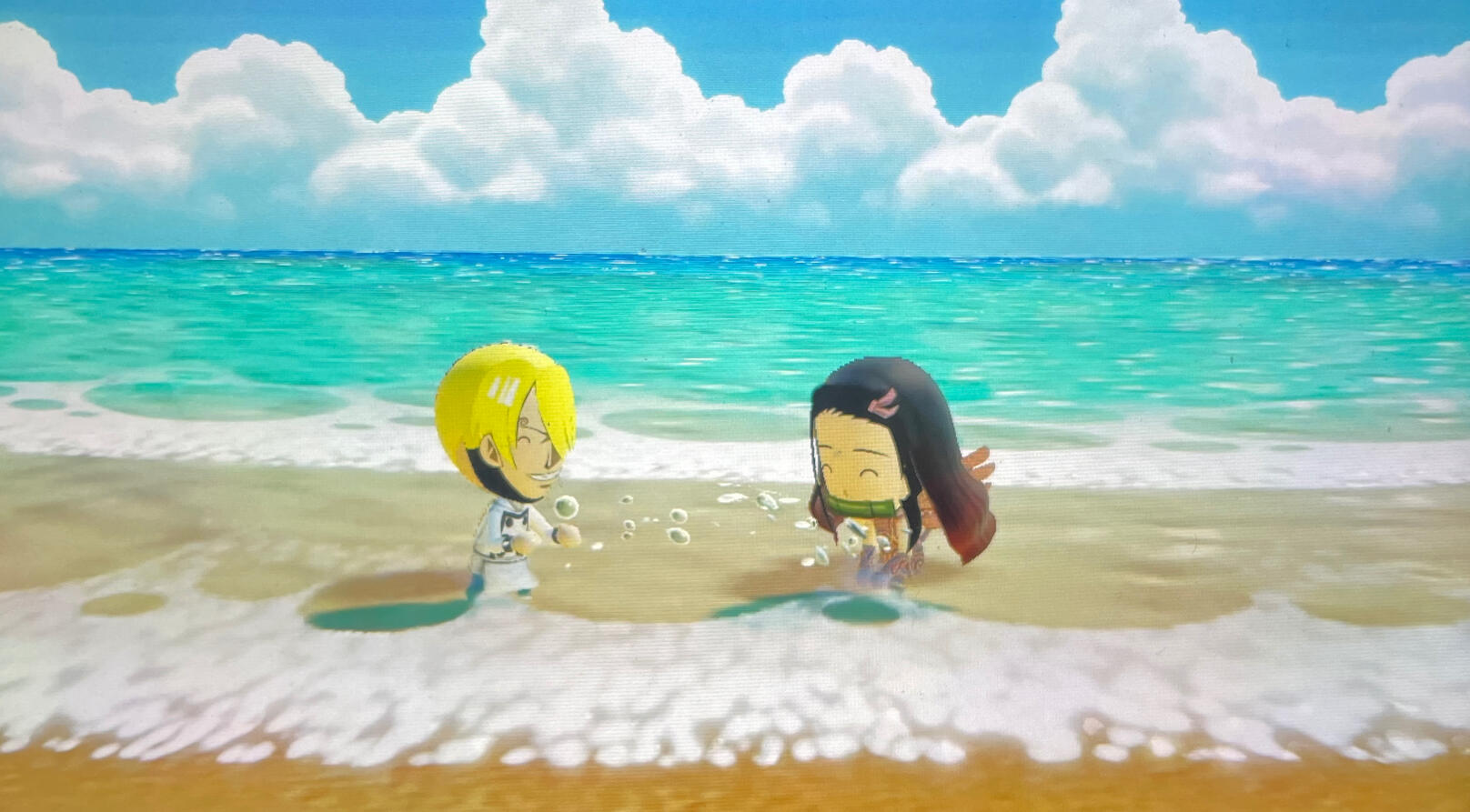
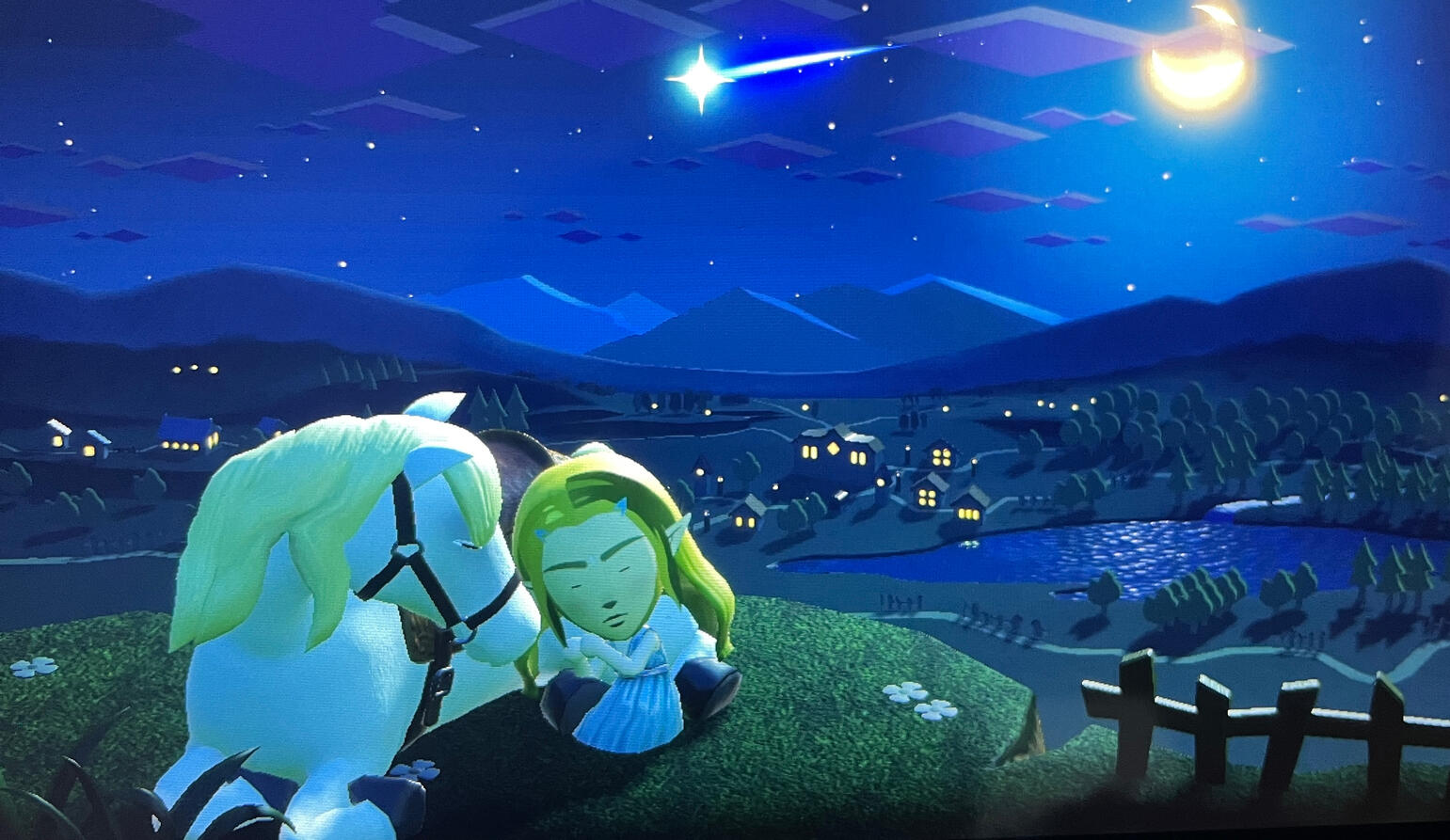
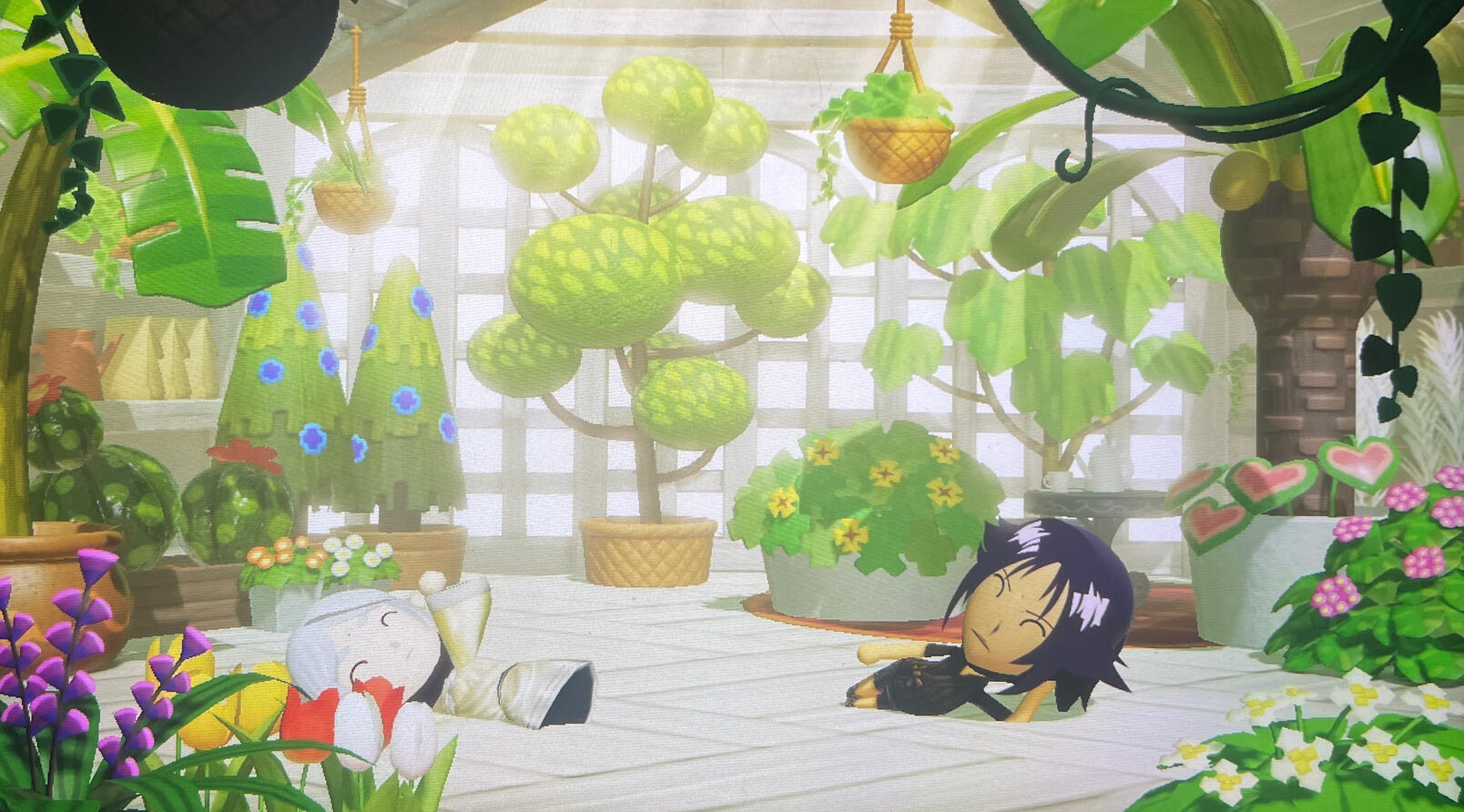
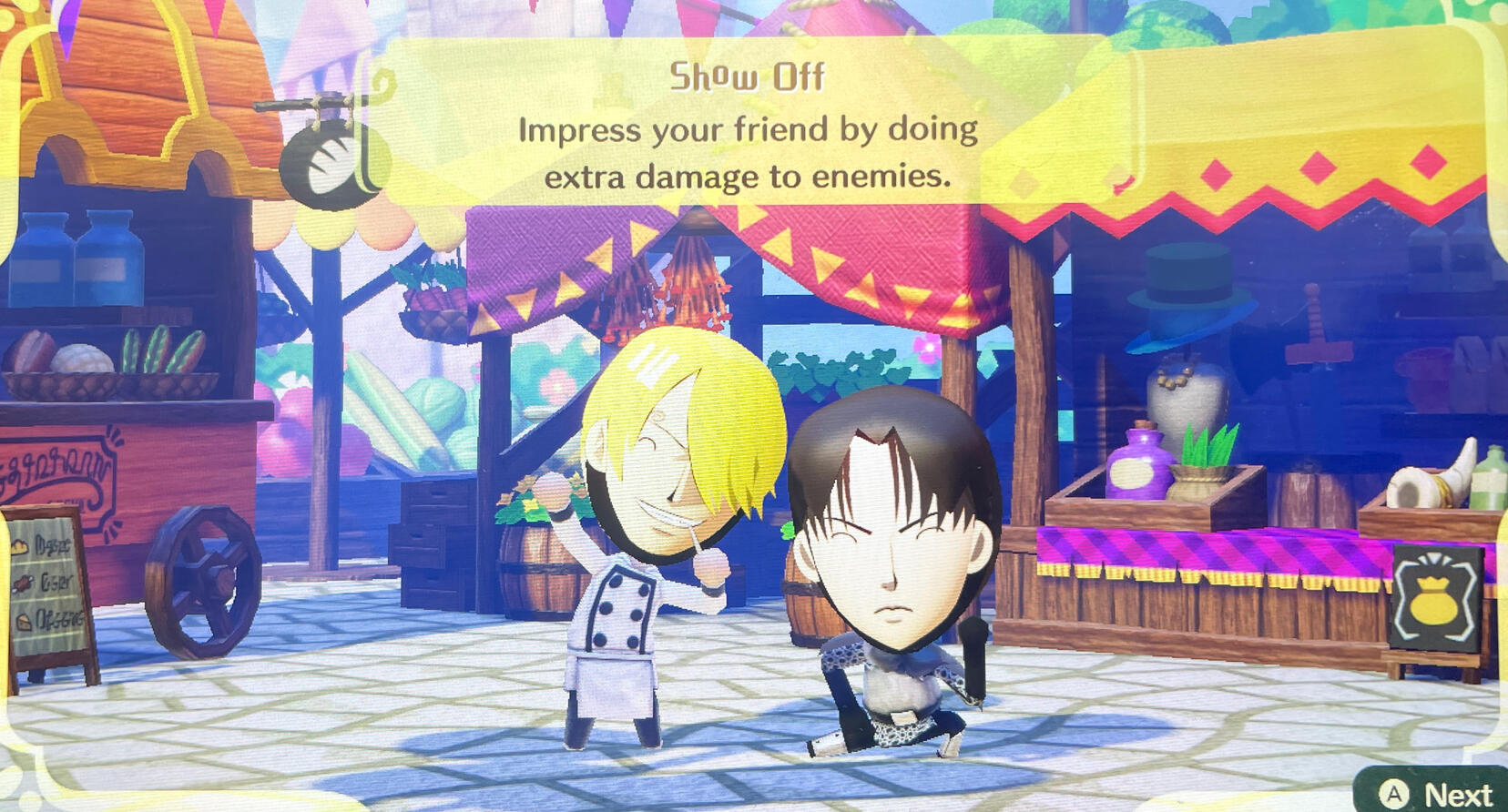
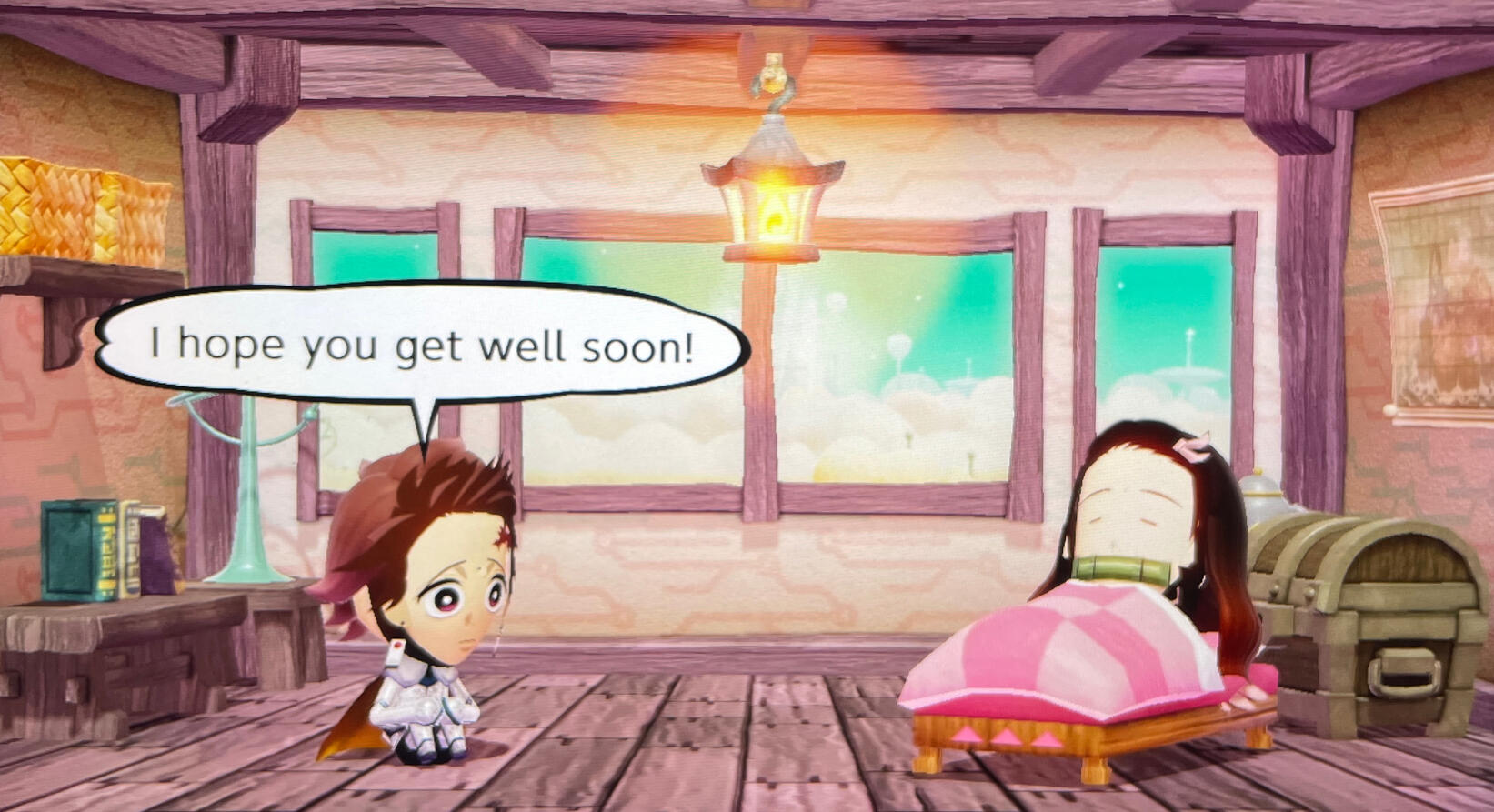
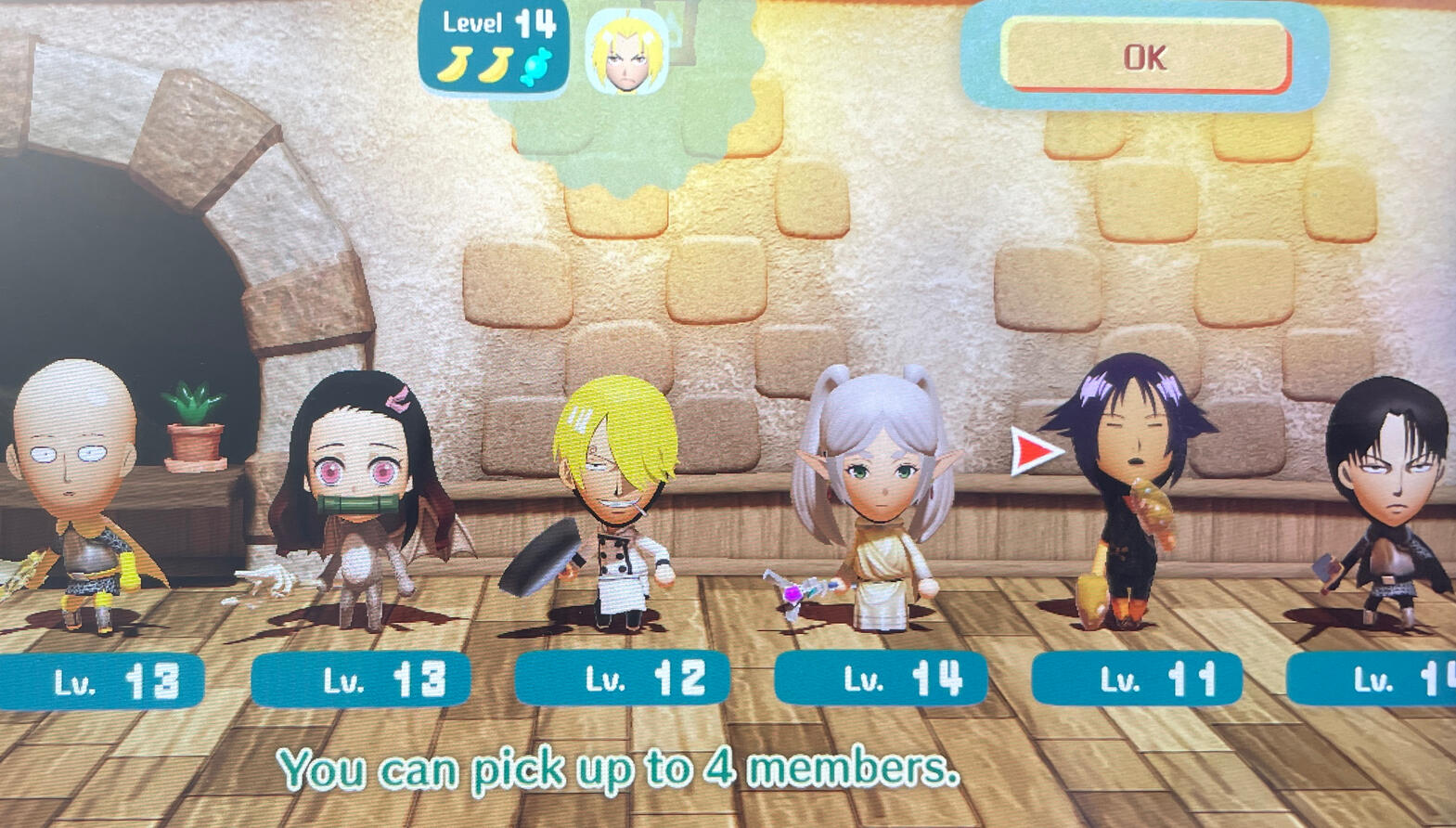
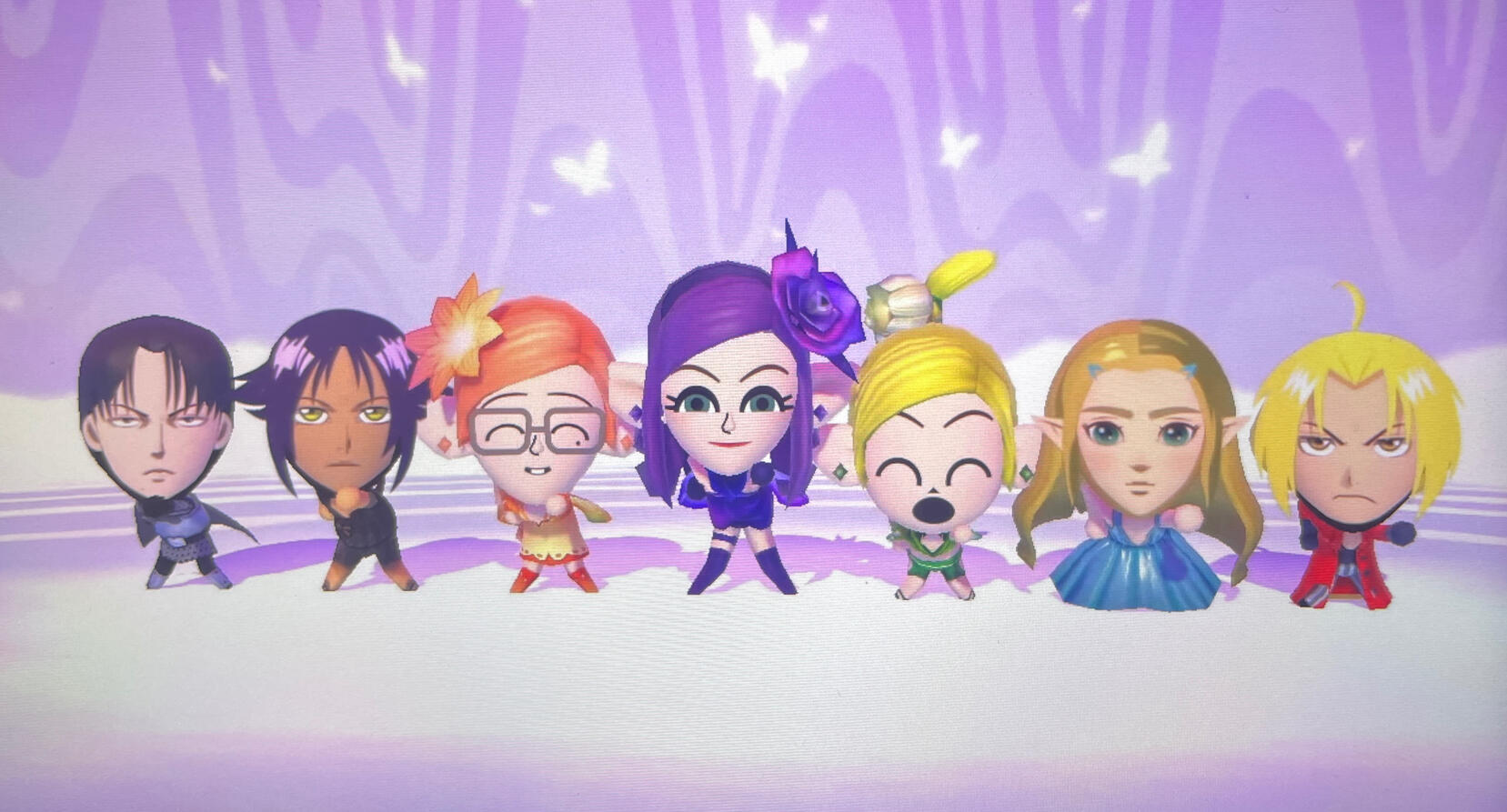
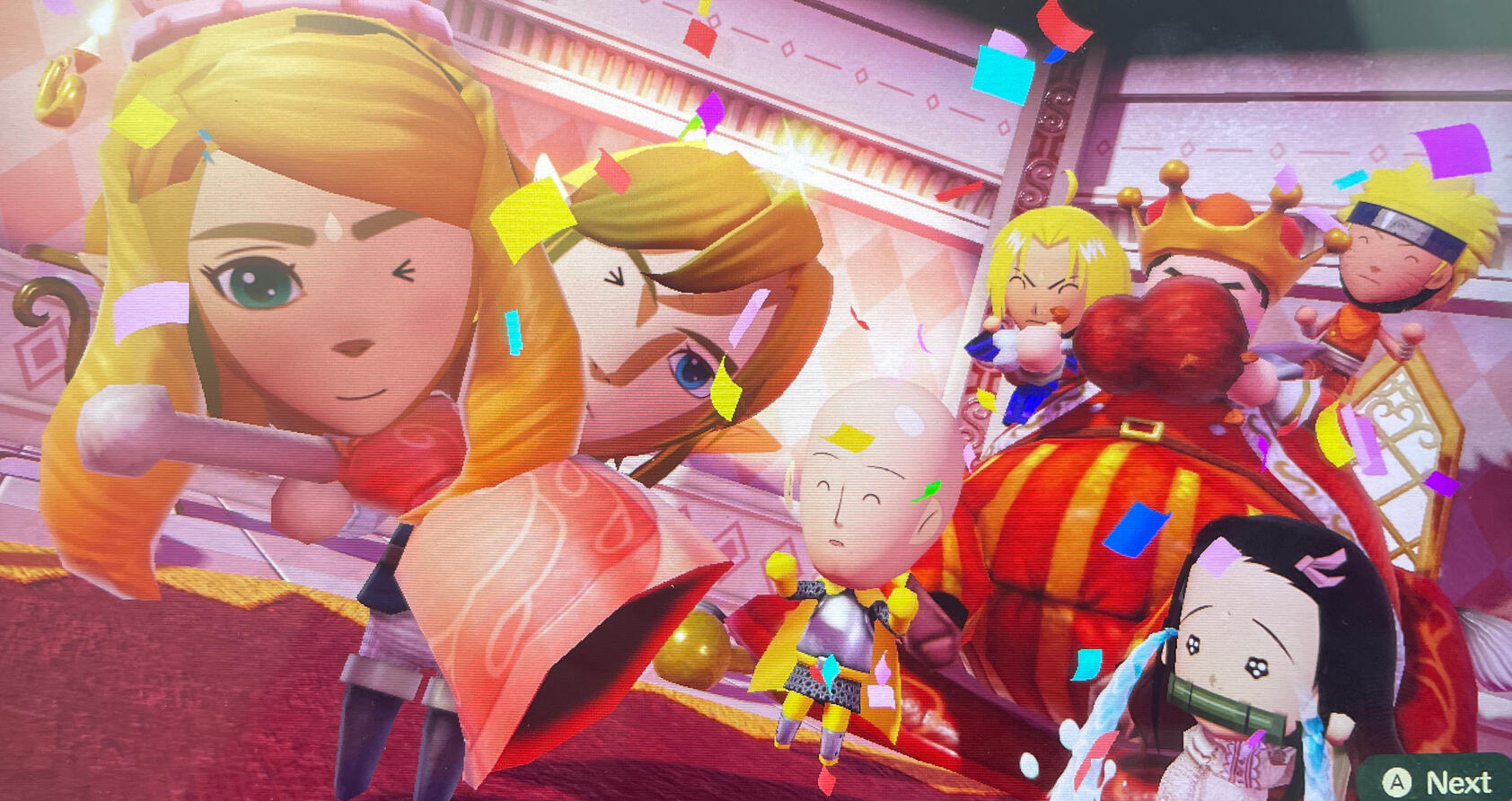
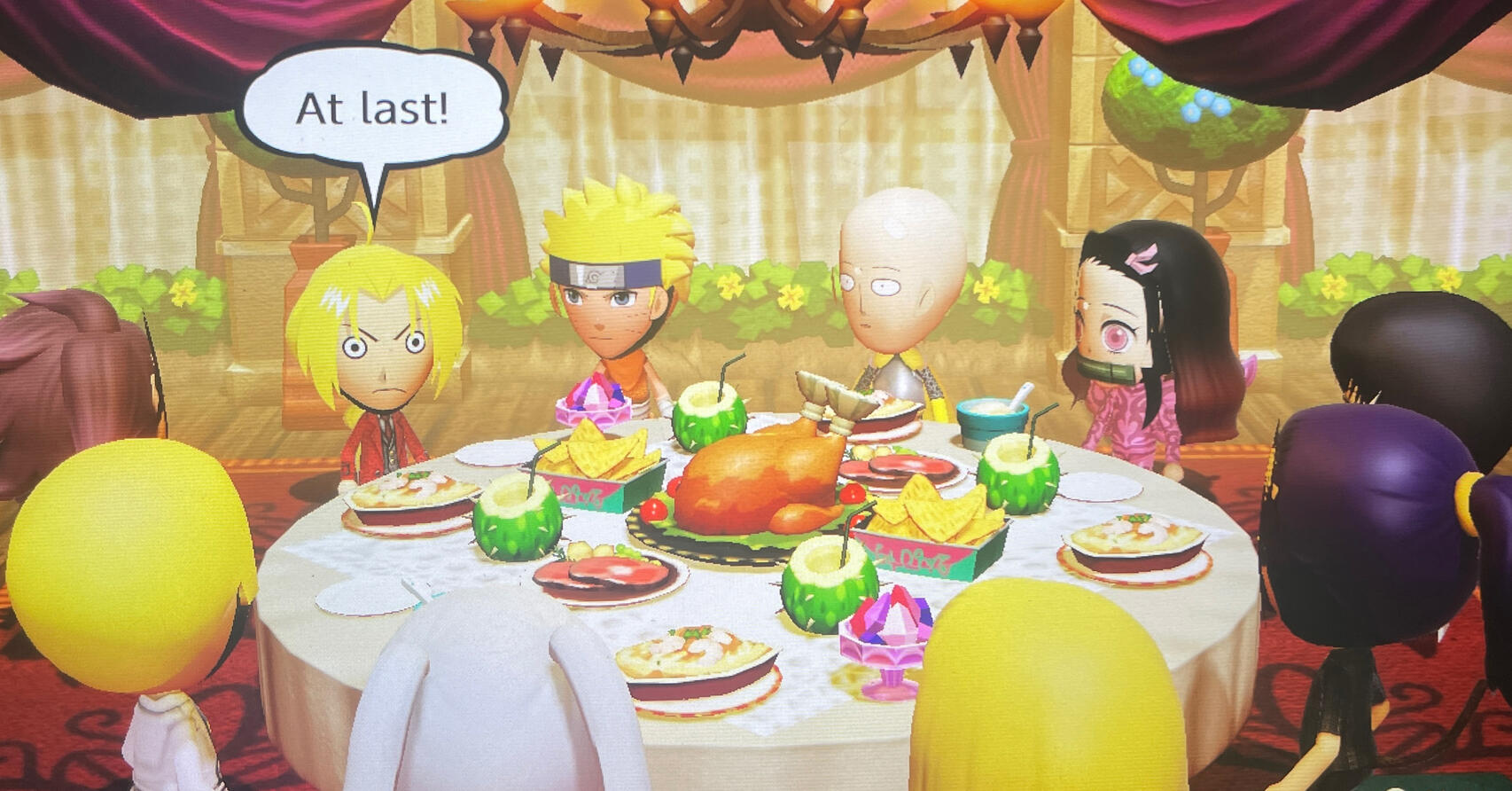
I didn’t make a lot of custom miis in Miitopia because it took too long to make each character. I think I only used makeup on the party members and a few NPCs… I just wanted to hurry up and play the game haha. I do want to try playing the game with all custom miis one day, though.It’d be great if Miitopia and Tomodachi Life combined their makeup system/face paint feature, or made some kind of mix of the two; but I’m still happy with what we got and am enjoying both of the games.Some tips for using the makeup system in Miitopia:
If you want to make your own nose: choose the default triangle nose, shrink it to the smallest size, and move it all the way to the top. If you can hide it behind the hair, great; Otherwise, go to “Edit Mii” and give your mii glasses. Then go back to “Makeup” -> “Other” -> “Glasses” and remove the glasses, and then create a circle shape. Try to make the circle the same color as the mii’s skin color, shrink its size, and then place it on top of the default triangle nose. (Unfortunately, you can still see the default triangle nose/the circle shape when the mii turns its head, but…that’s the best we can do.)
To make certain eye shapes, you may need to use crescent/triangle shapes (or single eyelash shapes) that have the same color as your mii’s skin color (or white color for the sclera) to “shape” the eyeliner (layer should be above the eyeliner layer). I had to use so many different shapes for Saitama’s eyes. His eyes look simple, but it’s hard to get that exact “round but not completely round” shape.
Also, when making the eyes, make the sclera/eyelashes/eyeliner in the “Eyelashes” section, and the iris/pupils/highlight in the “Eyes” section. That way, it won’t look weird when your mii looks to the side. (I unfortunately made the sclera in the “Eyes” section for some of my miis).
To make certain shadow shapes, you may need to combine a bunch of different shapes (like triangles, trapezoids, squares, semicircles, etc) and alter the length/width of each shape. I used a lot of triangles, lines, semicircles, and single eyelash shapes to make the nose shadows.
If you want to make your mii have an “outline” (like lineart), go to the “Blush” section, choose a black crescent shape, increase the size to the max, and move/rotate until it wraps around the corners of your mii’s face. Duplicate the shape, and move it back so that the whole bottom of the chin is black. Then make a circle shape, increase its size to the max, move it back, and then move it all the way to the top until the entire back of the head turns black. (This is so that the “outline” doesn’t look awkward when you look at your mii from the side).Here are some process shots when I was making Edward Elric from Fullmetal Alchemist. The default hair didn’t look like Ed’s hair, so I changed it and made his bangs with a bunch of “eyelash” shapes (I don’t know what to call the shape…Half a crescent shape, maybe?) in the “Mask” section. I would’ve loved to make shadows on his hair too, but I reached the maximum shape limit. I used too many shapes for his eyes, nose shadow, and lips.
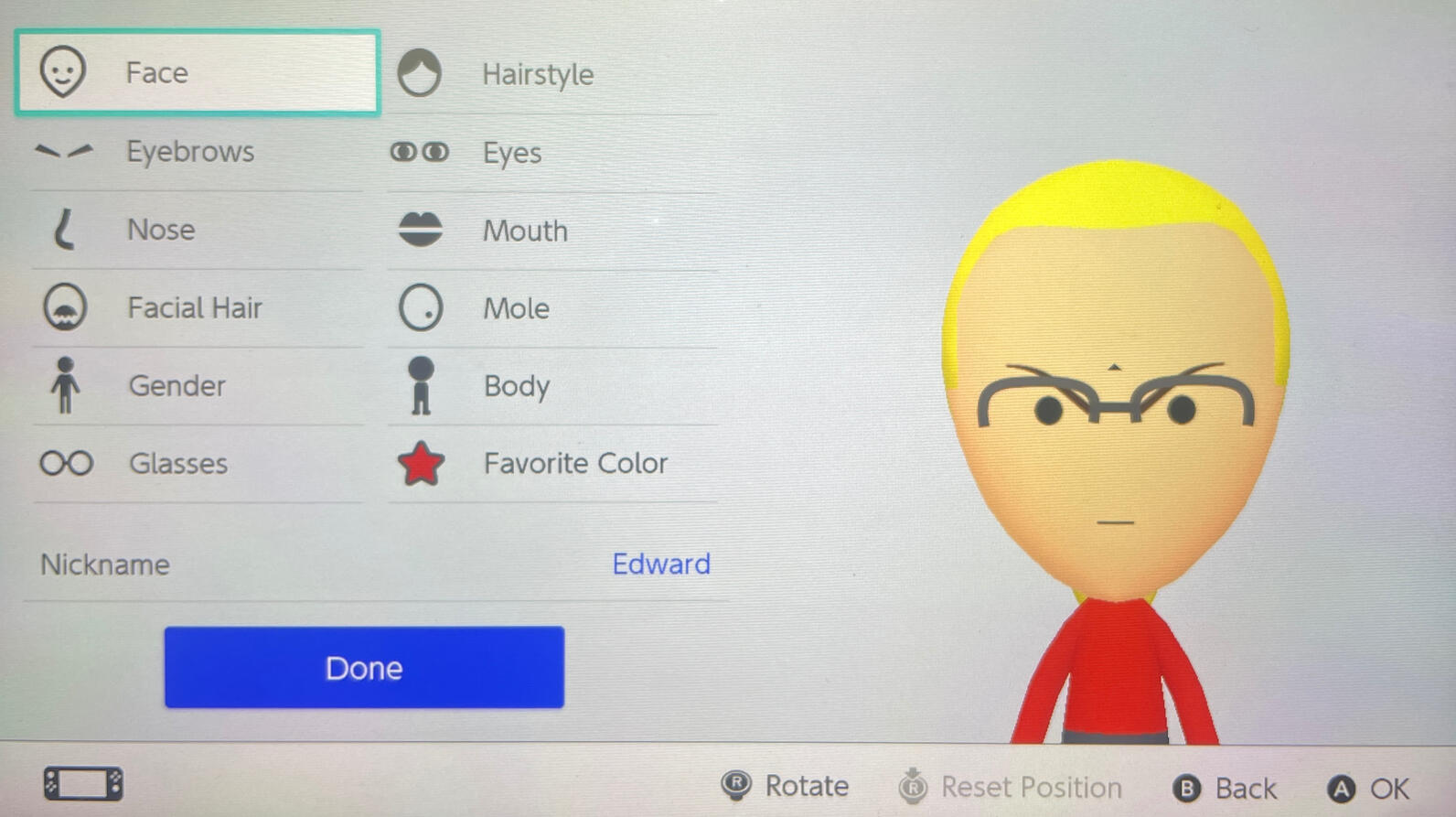

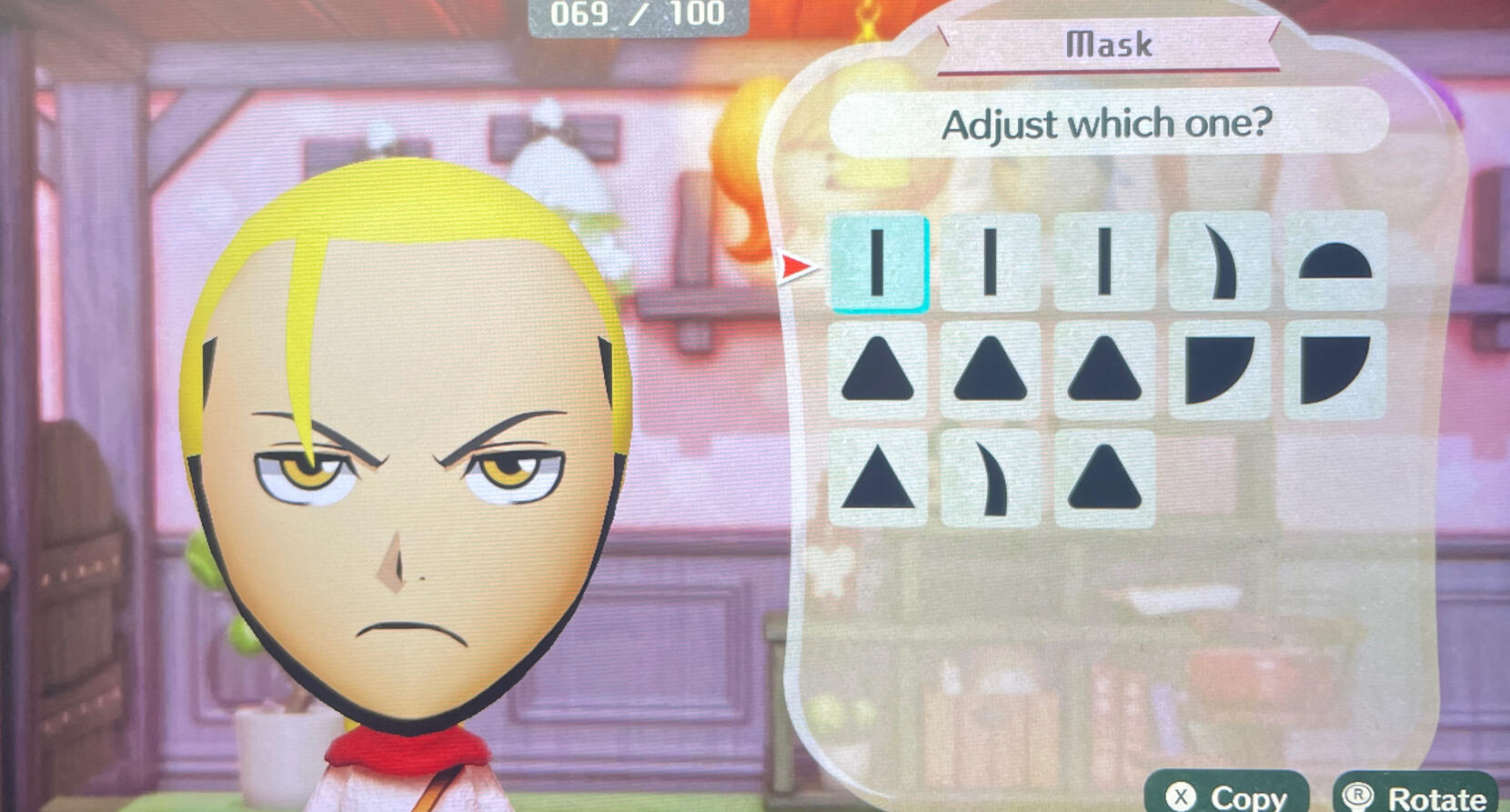
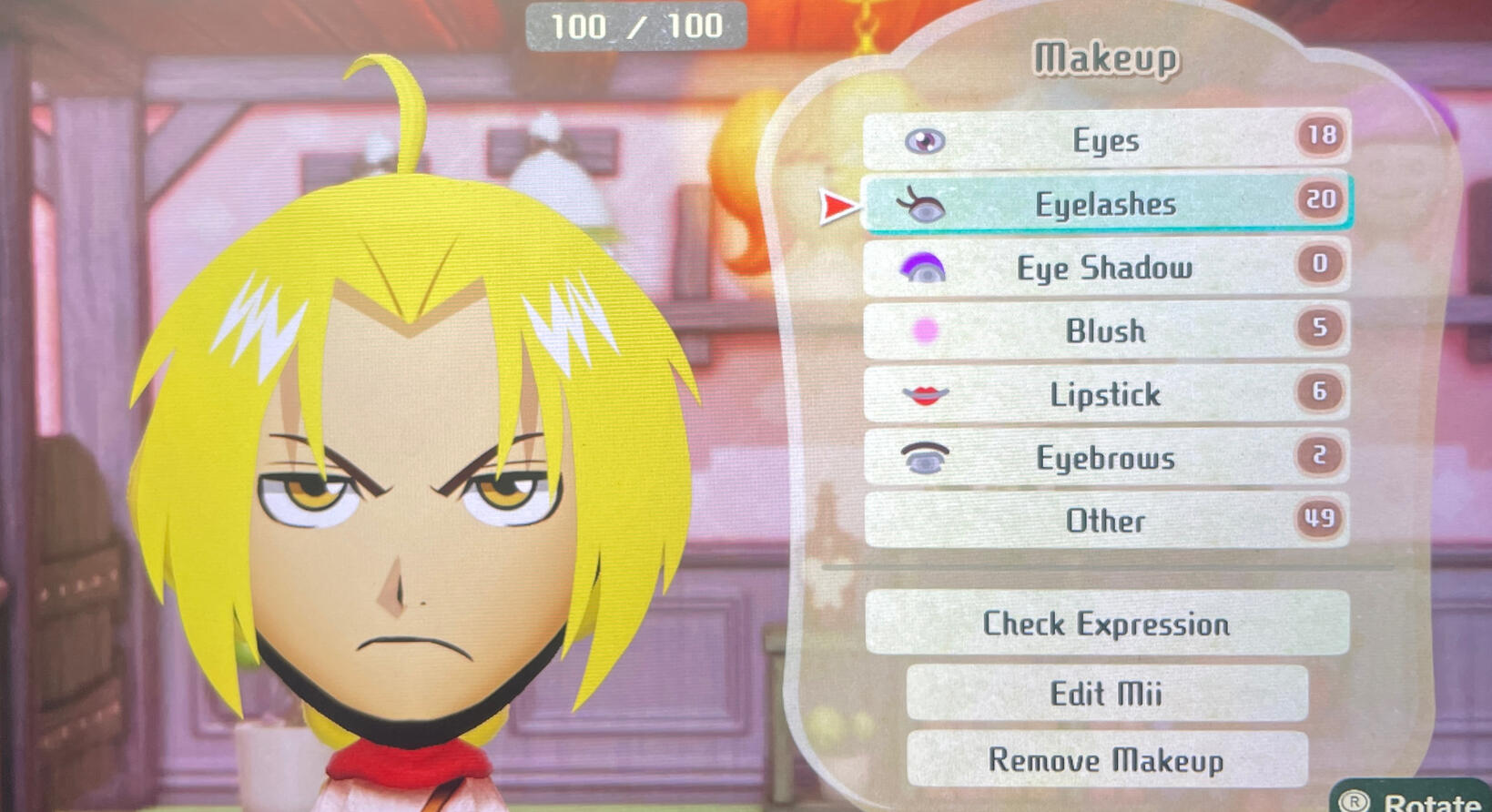
Miitopia is also really fun in its own way. It’s a different experience, seeing your favorite characters/people that you customized yourself team up to fight enemies and save the world.Because I wanted to try out all the different jobs, I made my party members based on the jobs available; like Sanji is a chef, Yoruichi is a cat, Zelda is a princess, Levi is a warrior, Edward is a scientist, Naruto is a thief, etc. I did make two more warriors though because I wanted to have at least one warrior in my party (spoiler: whenever my party members were kidnapped). I’m still not sure who to make for the cleric, pop star, tank, and flower jobs (and the secret jobs…).One thing I wish we could do in Miitopia is change our party members (like replace them with different characters) or be able to start a new save. I thought we could create/change party members whenever we wanted, so I was kinda disappointed to find out that wasn’t the case… Also, it would be nice to change the leader of the party sometimes.Anyway, I highly recommend this game (and Tomodachi Life) to those who want to laugh/chill! Both are great games in their own way. They’re also pretty fun to play together, especially if you’re making the same characters for both games. Playing Miitopia feels like taking your miis on an adventure, while playing Tomodachi Life feels like giving those same miis a vacation.Edit: I’ll share my access key here once I fix all my miis’ makeup first. Some of my miis look weird when they look to the side. (When I first started the game, I put makeup in the wrong sections, like in the Eyes instead of Eyelashes, and vice versa). I’ve been too lazy to fix them…but I’ll do it if you guys want them…
Posted: May 30, 2026
My Animal Crossing New Horizons Experience
I’ve been playing Animal Crossing New Horizons since launch day, and I just recently finished decorating my entire island. (Well…actually, I’ve redecorated my island four times, but I think this will be the last time…I hope.)My island is a natural themed island; I kinda wanted it to feel like a hiking trail in a national park. I love forests, lakes, rivers, and waterfalls, so I put a lot of those on my island (especially waterfalls, even if they don’t make a lot of sense in some areas haha). Here are some pics:
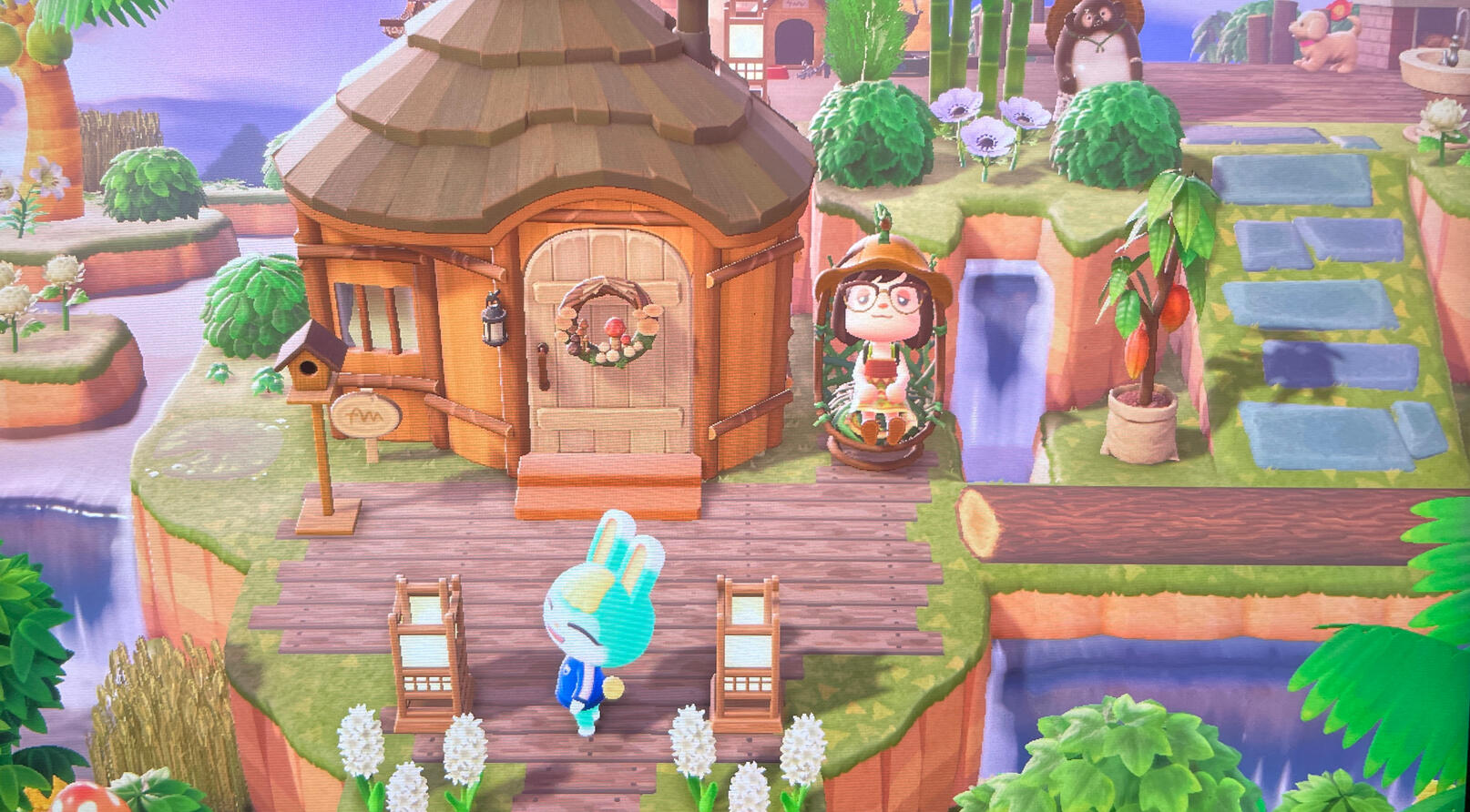
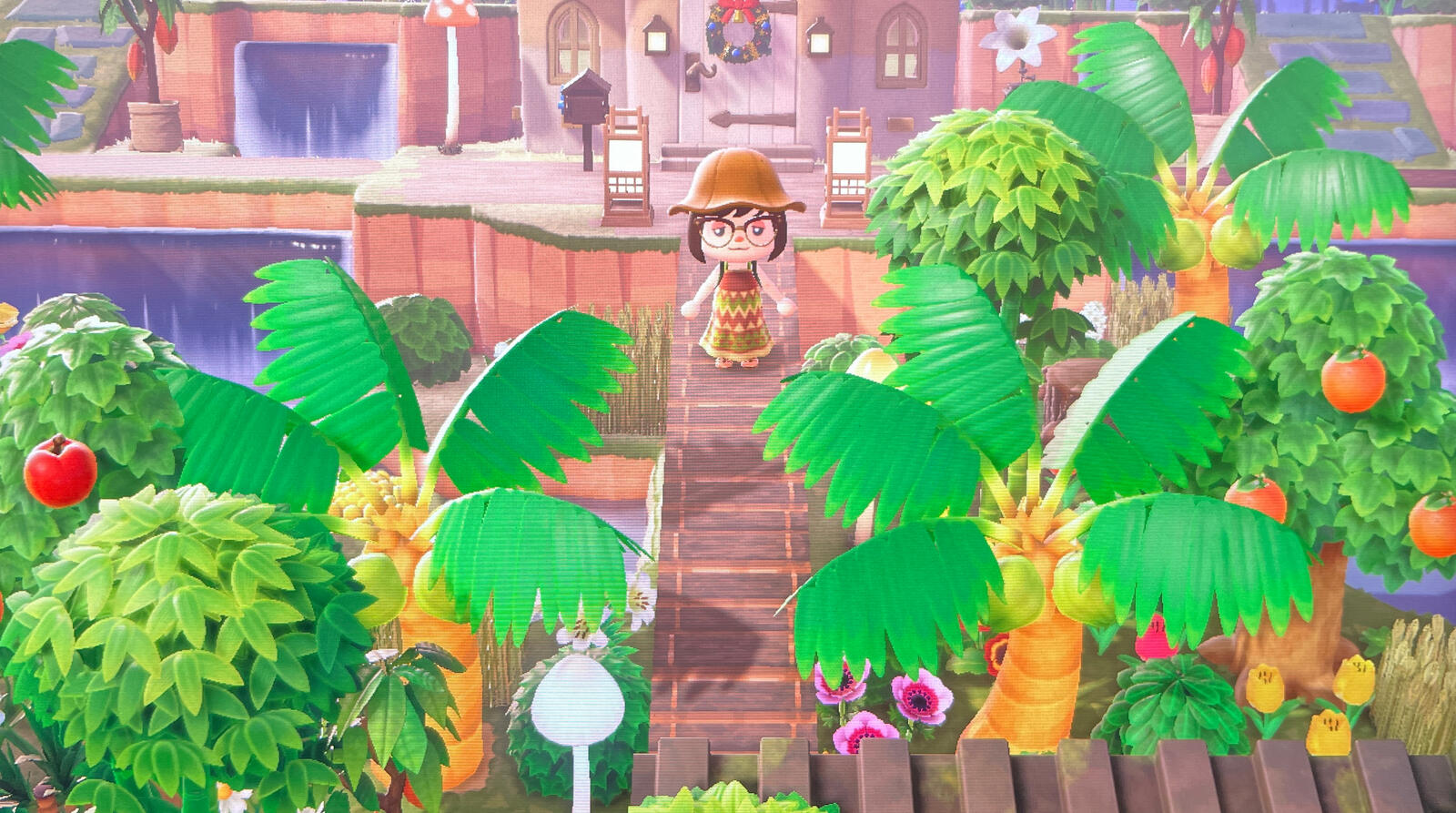
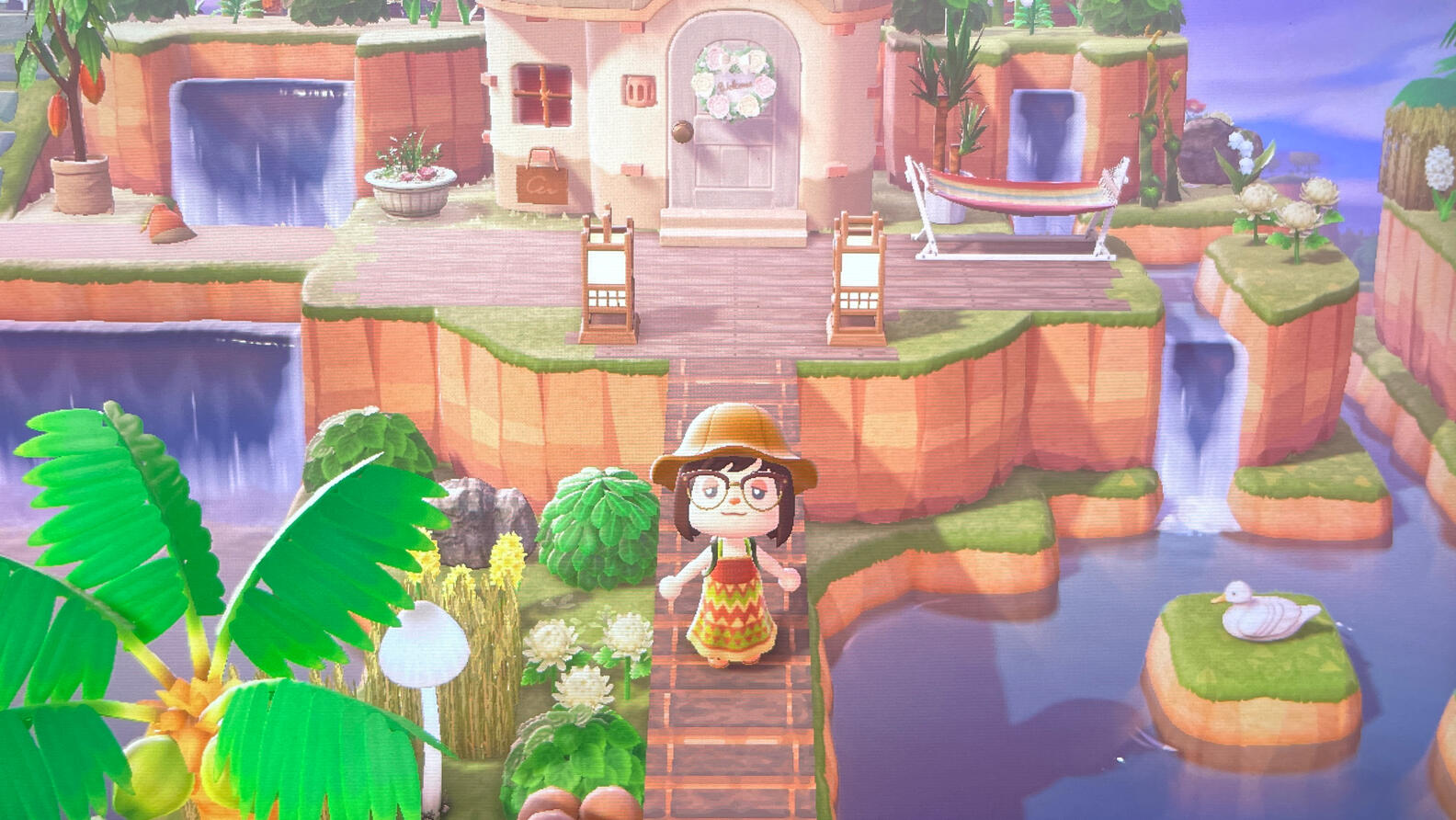
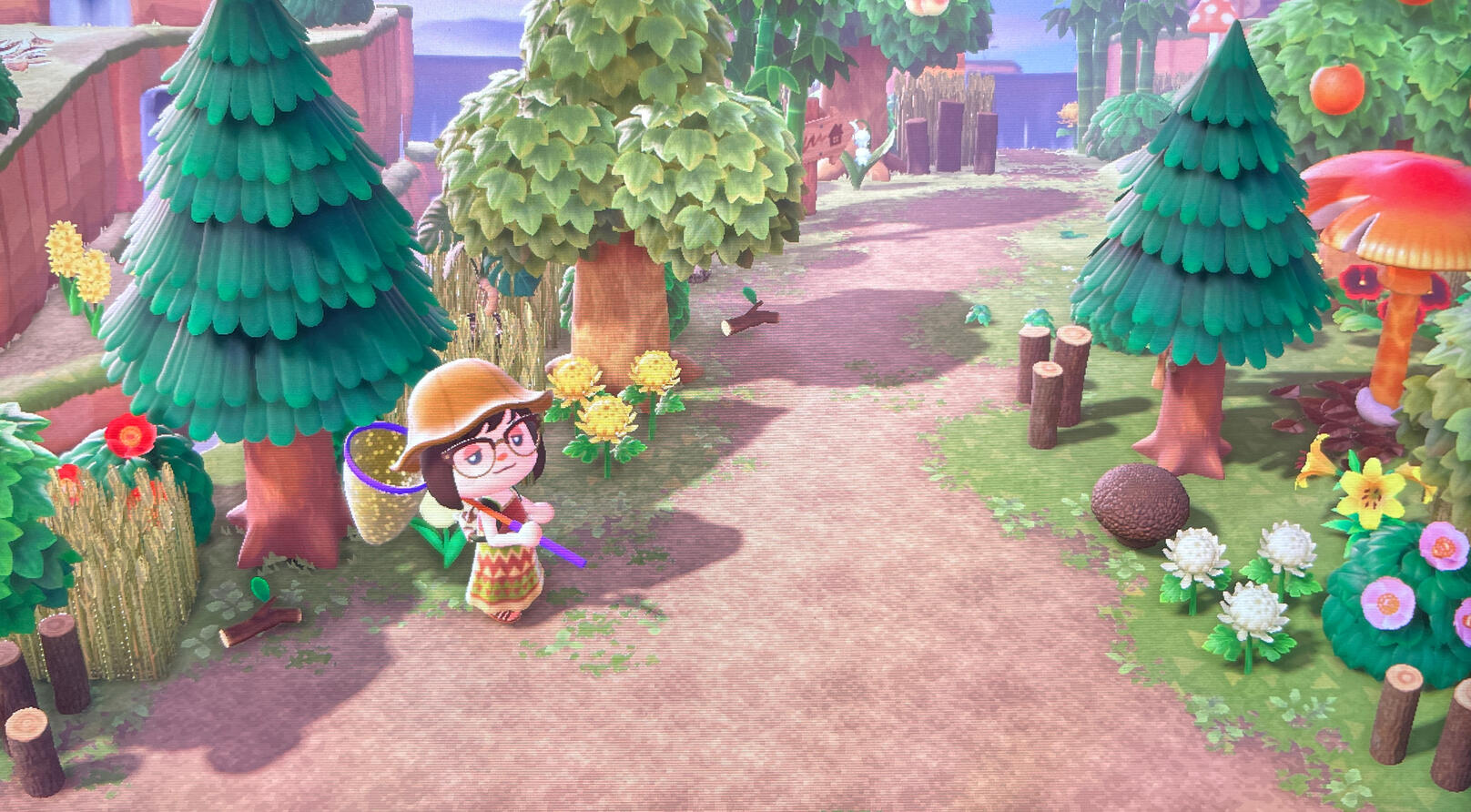
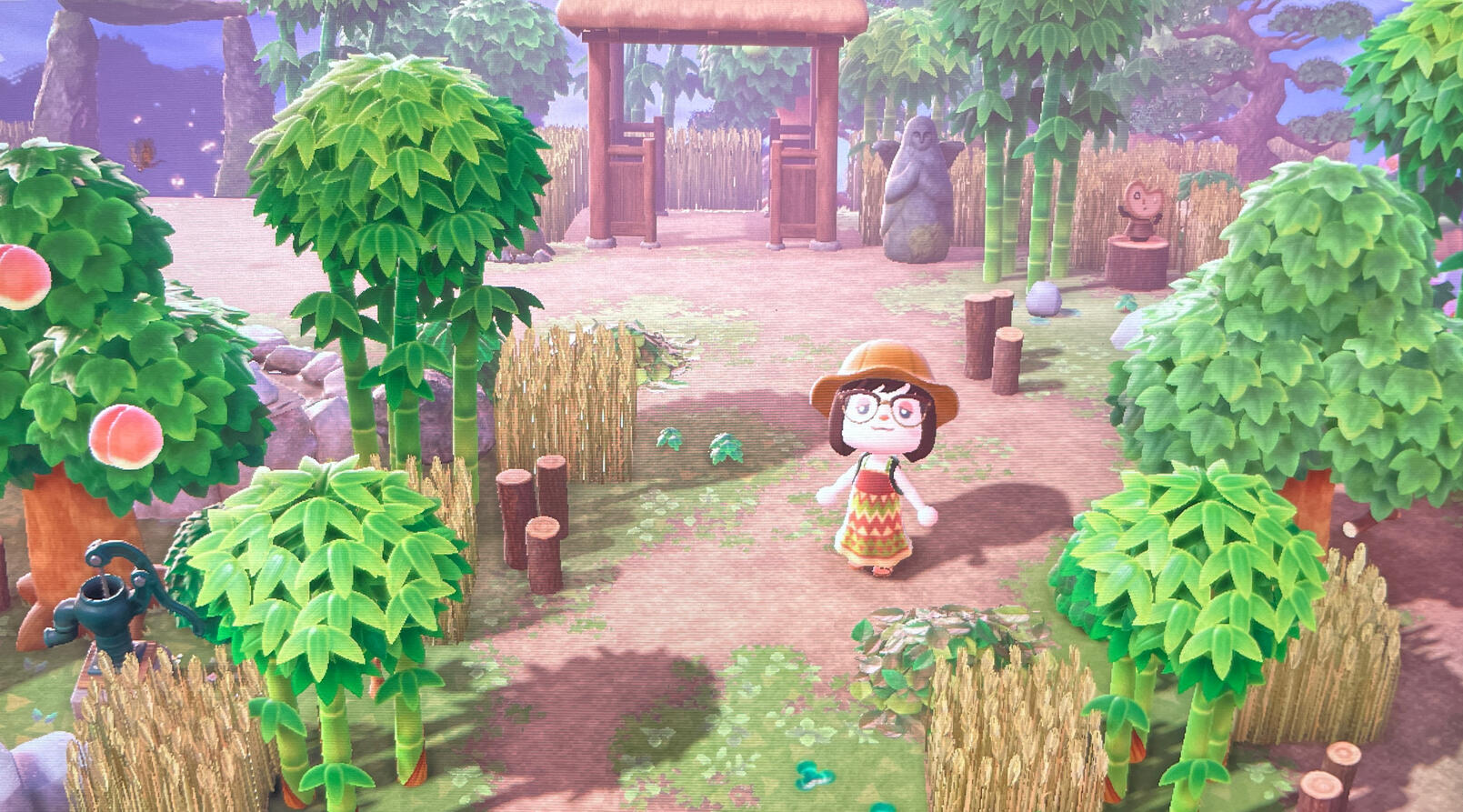
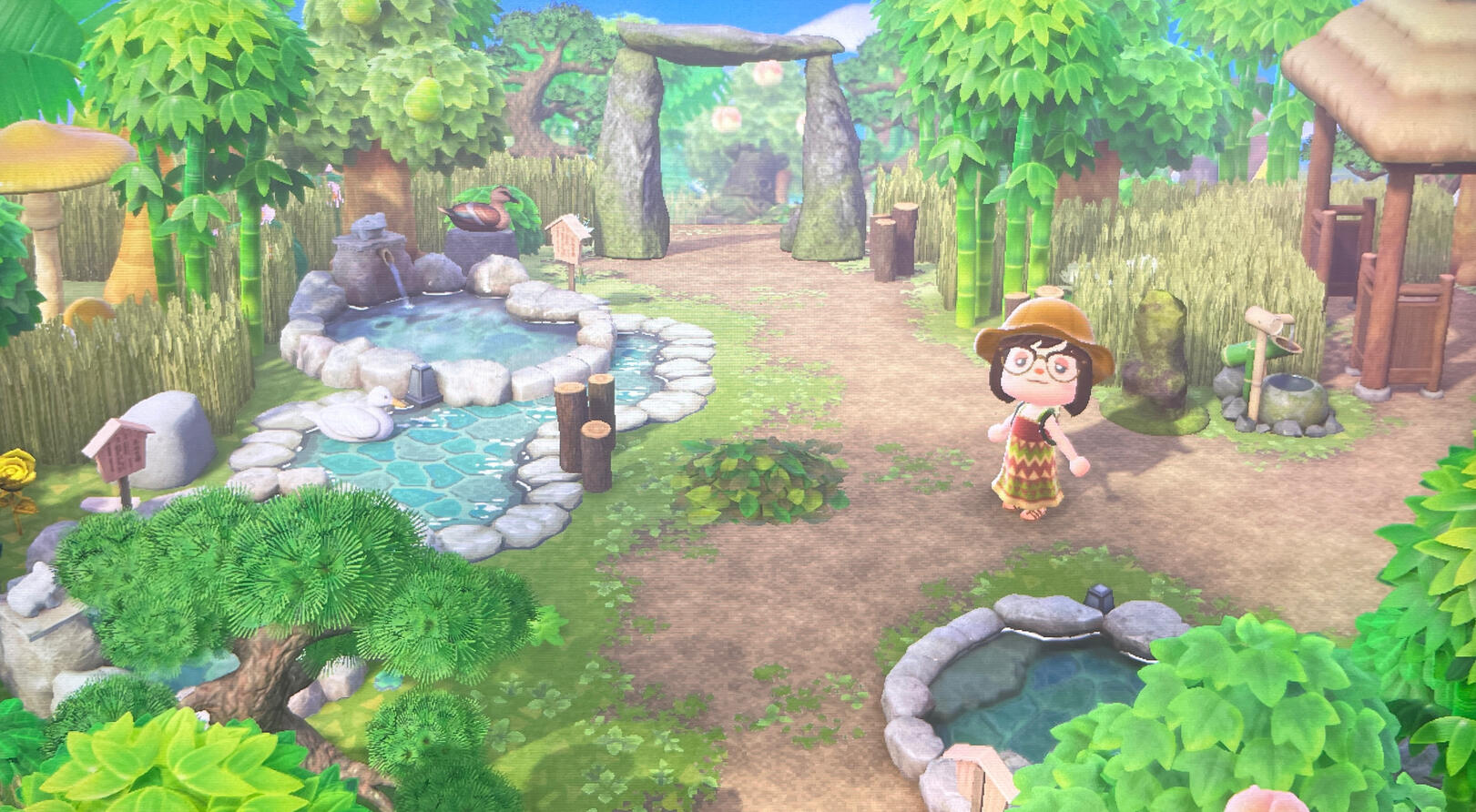
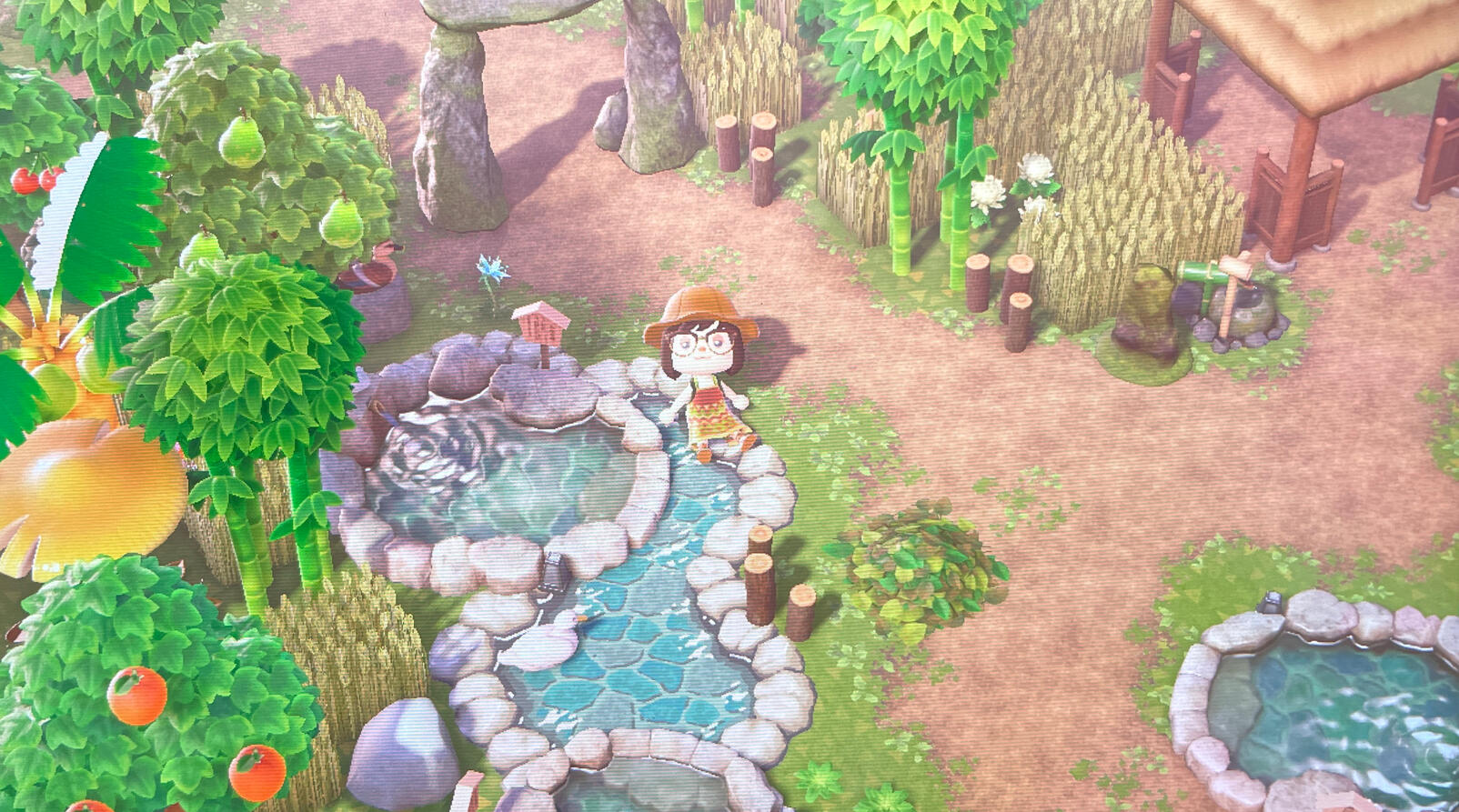
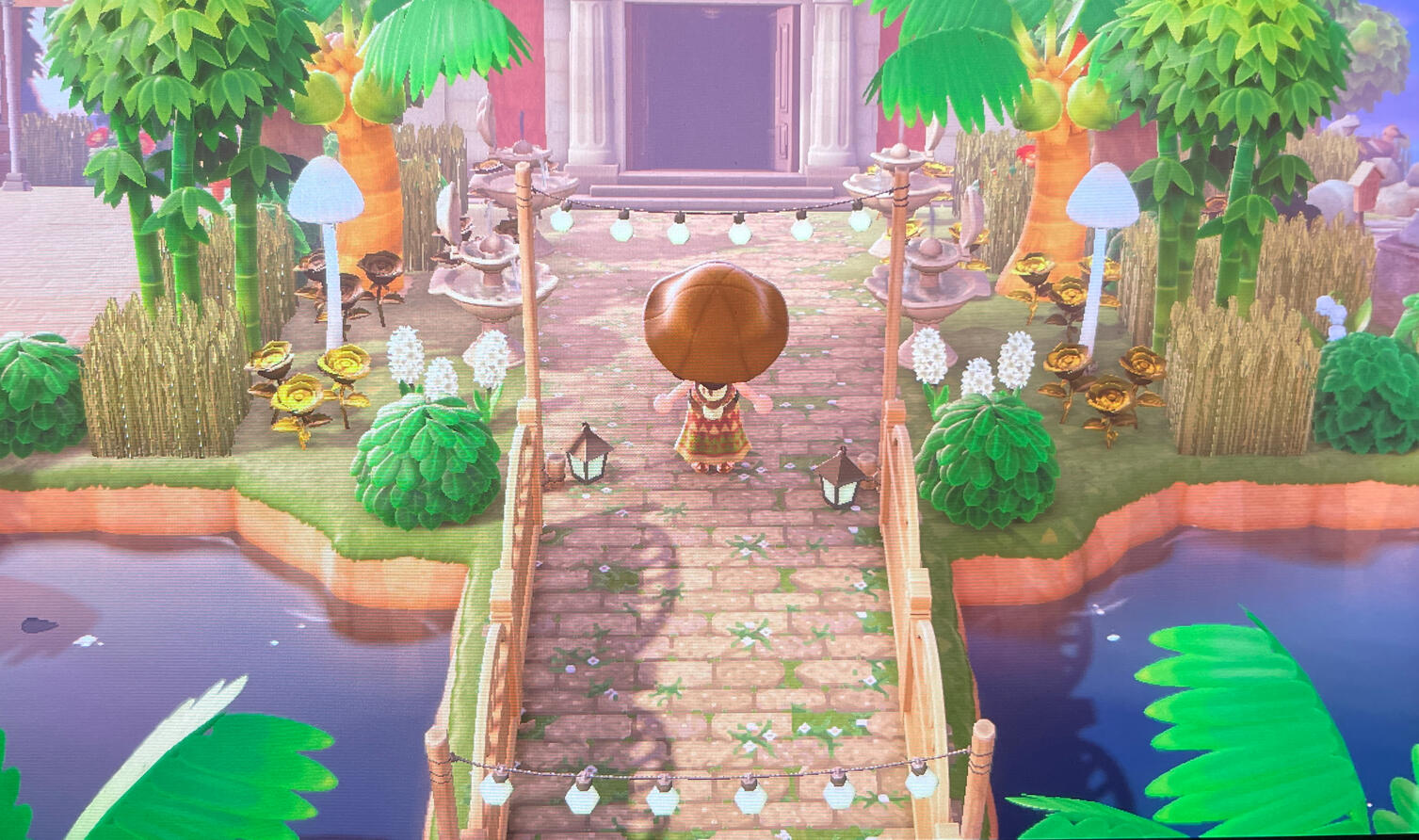
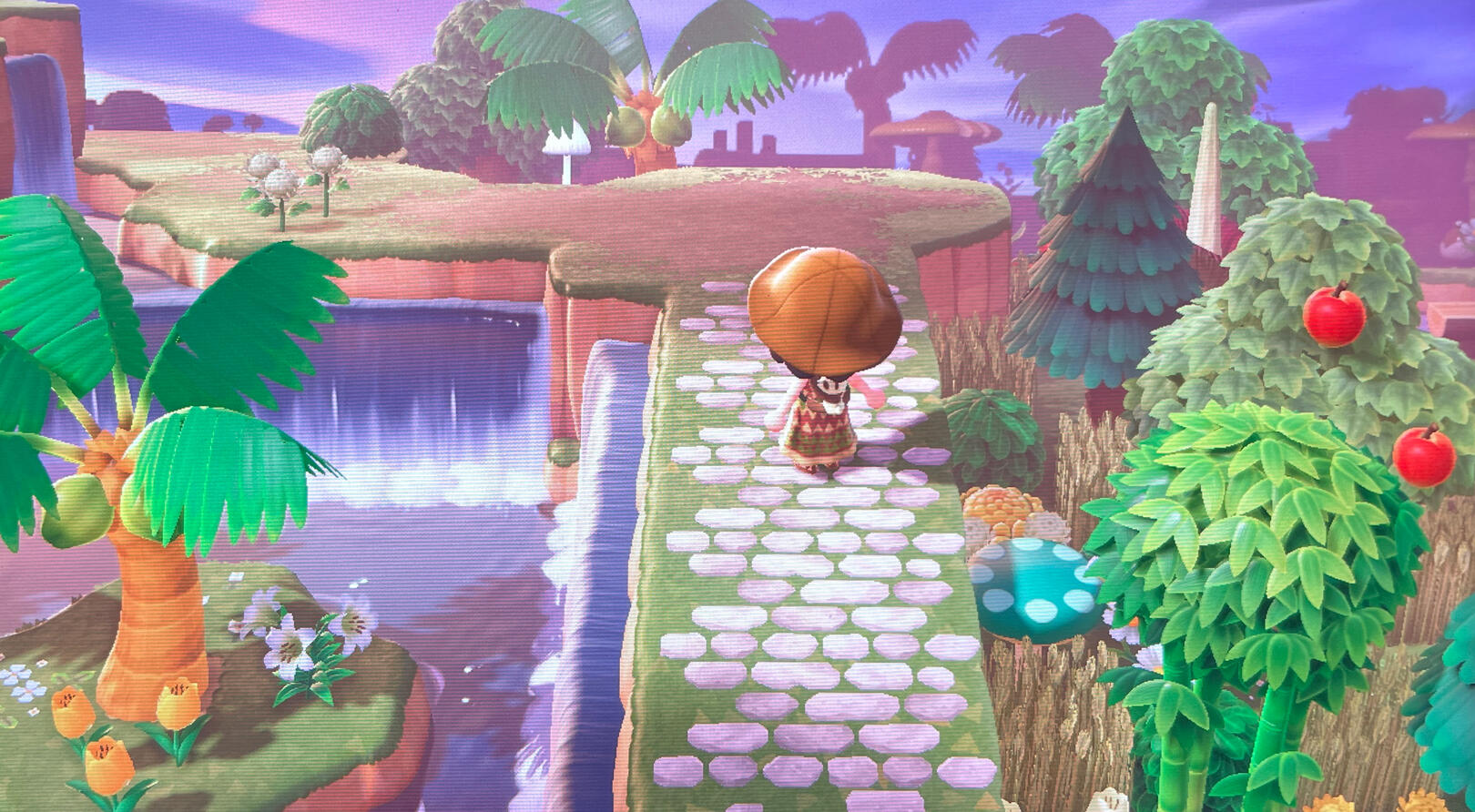

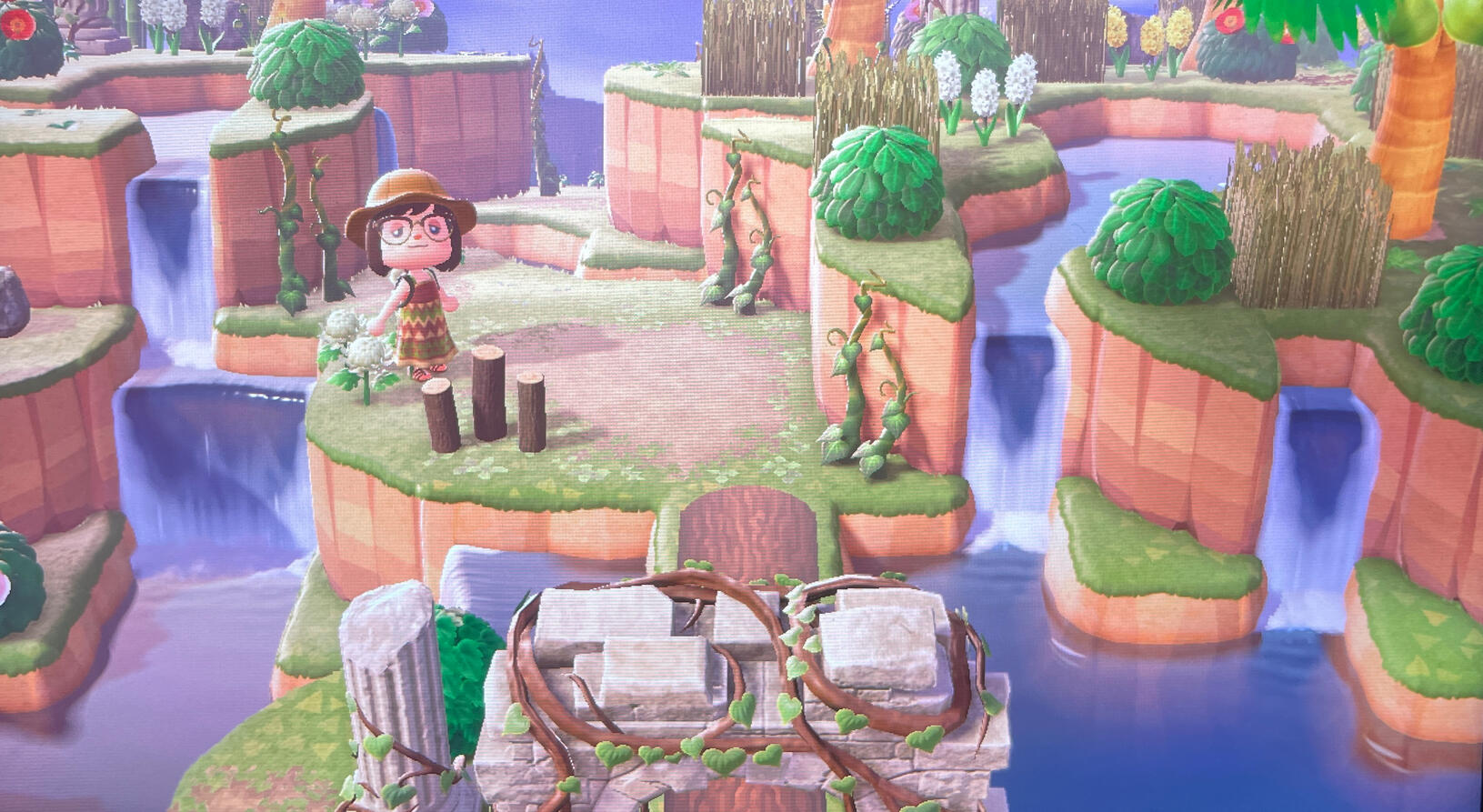
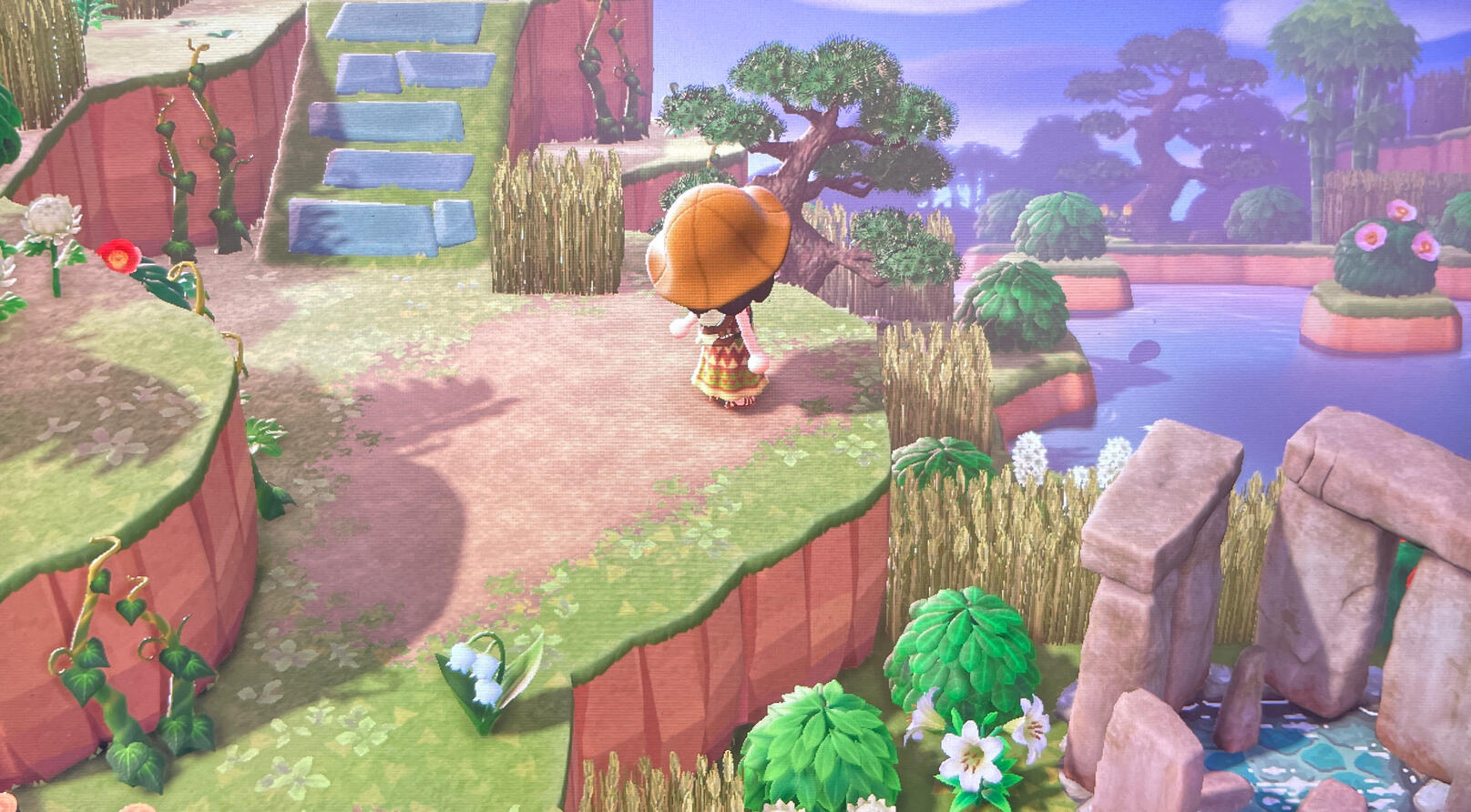
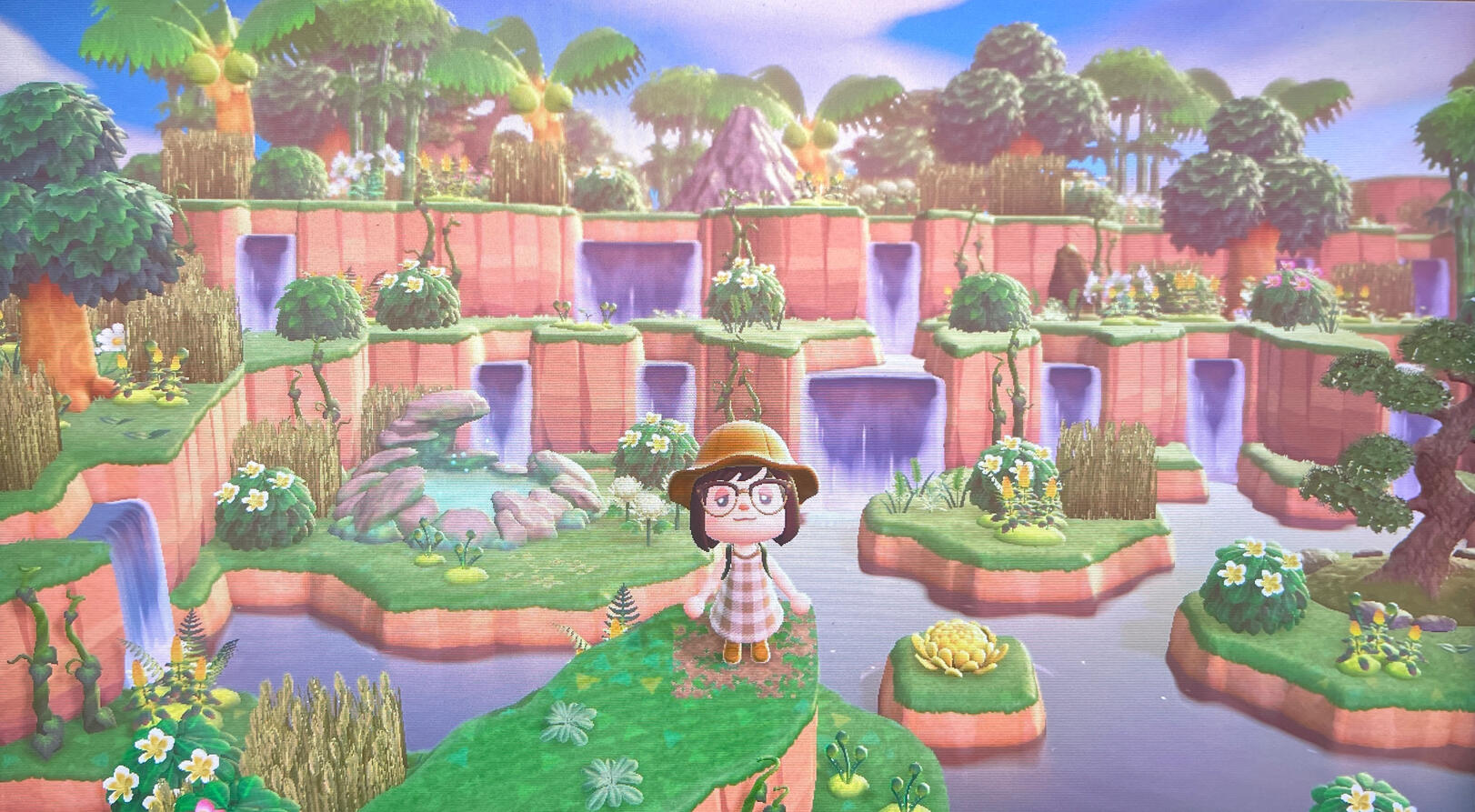
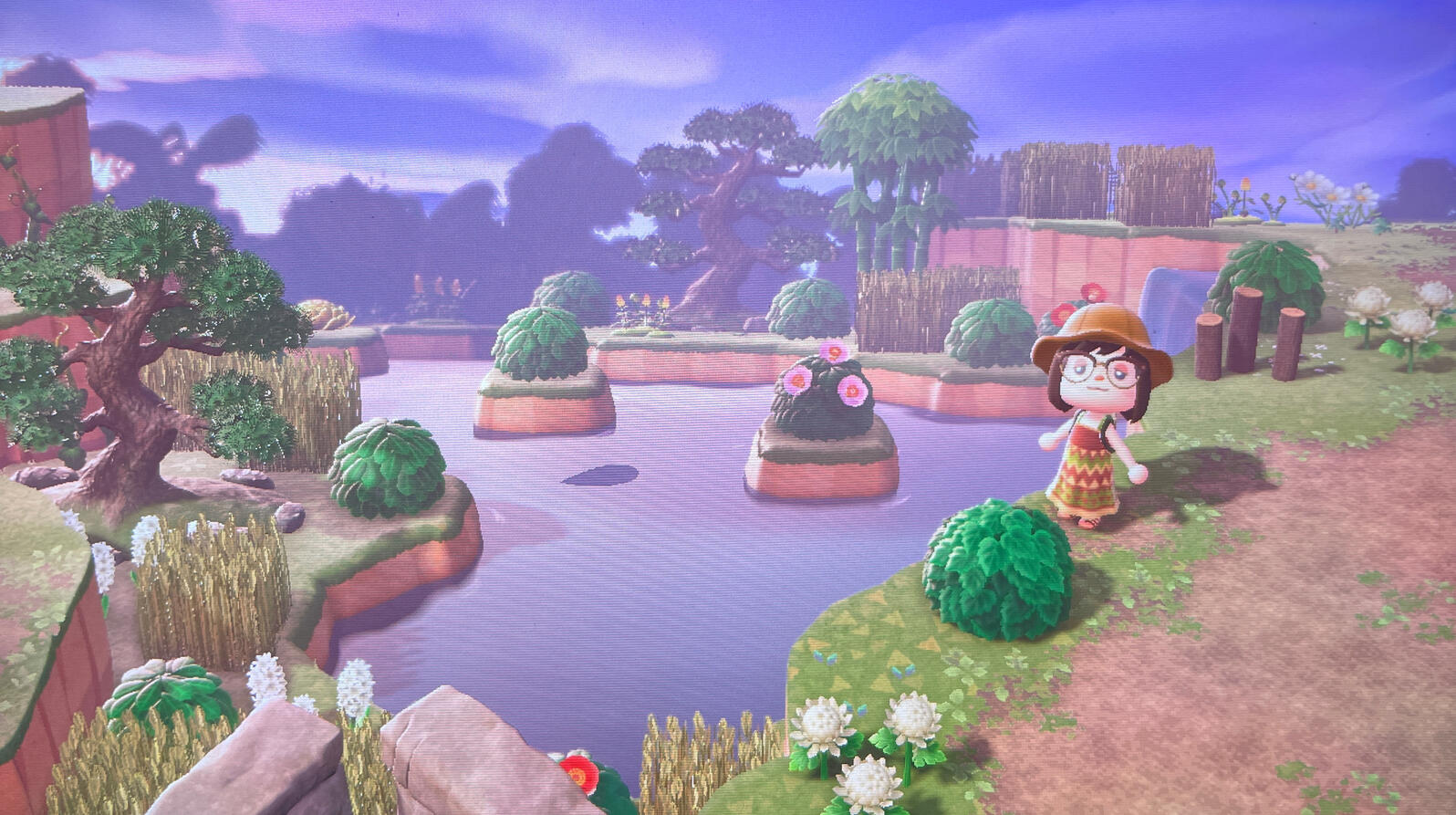
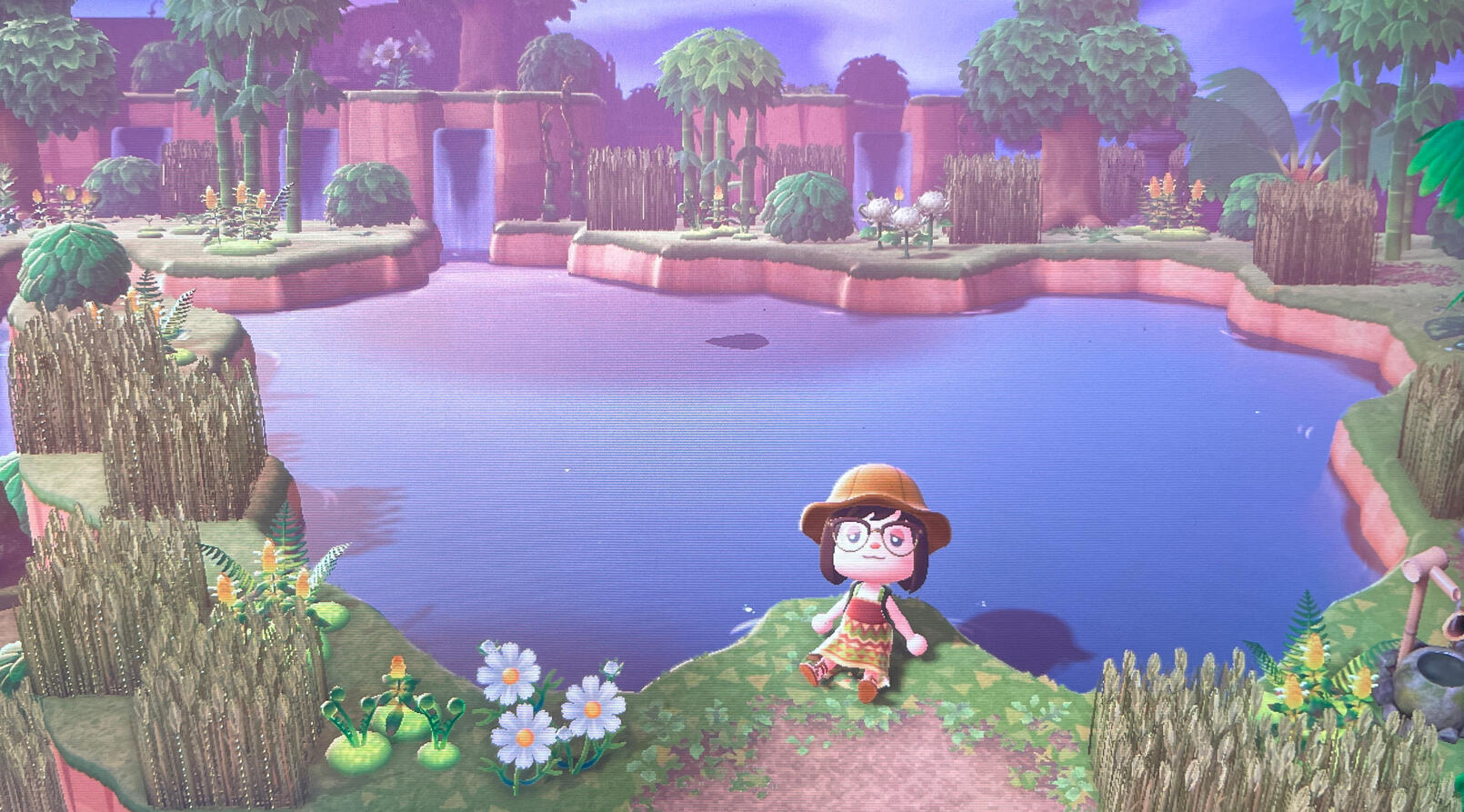
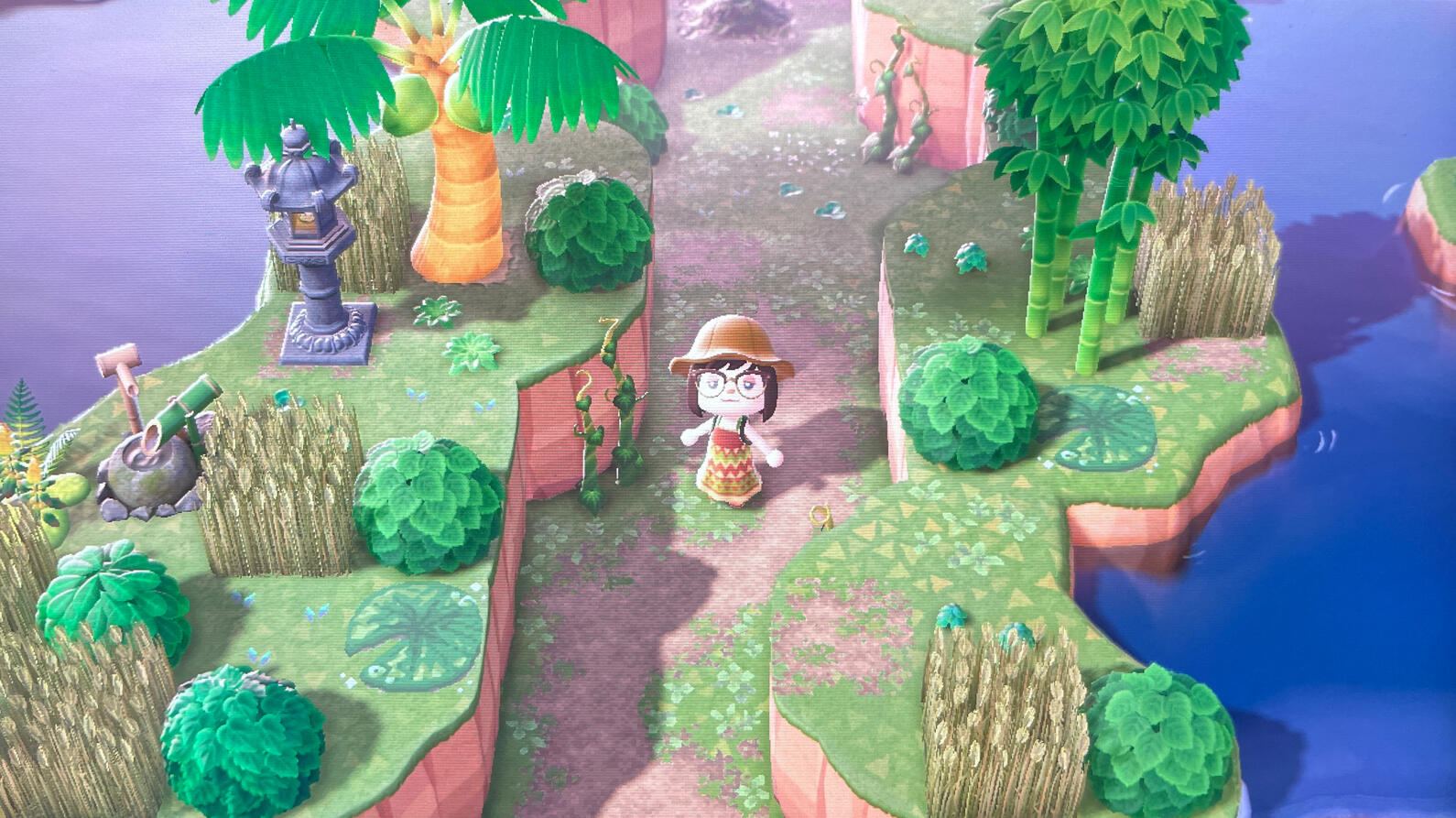
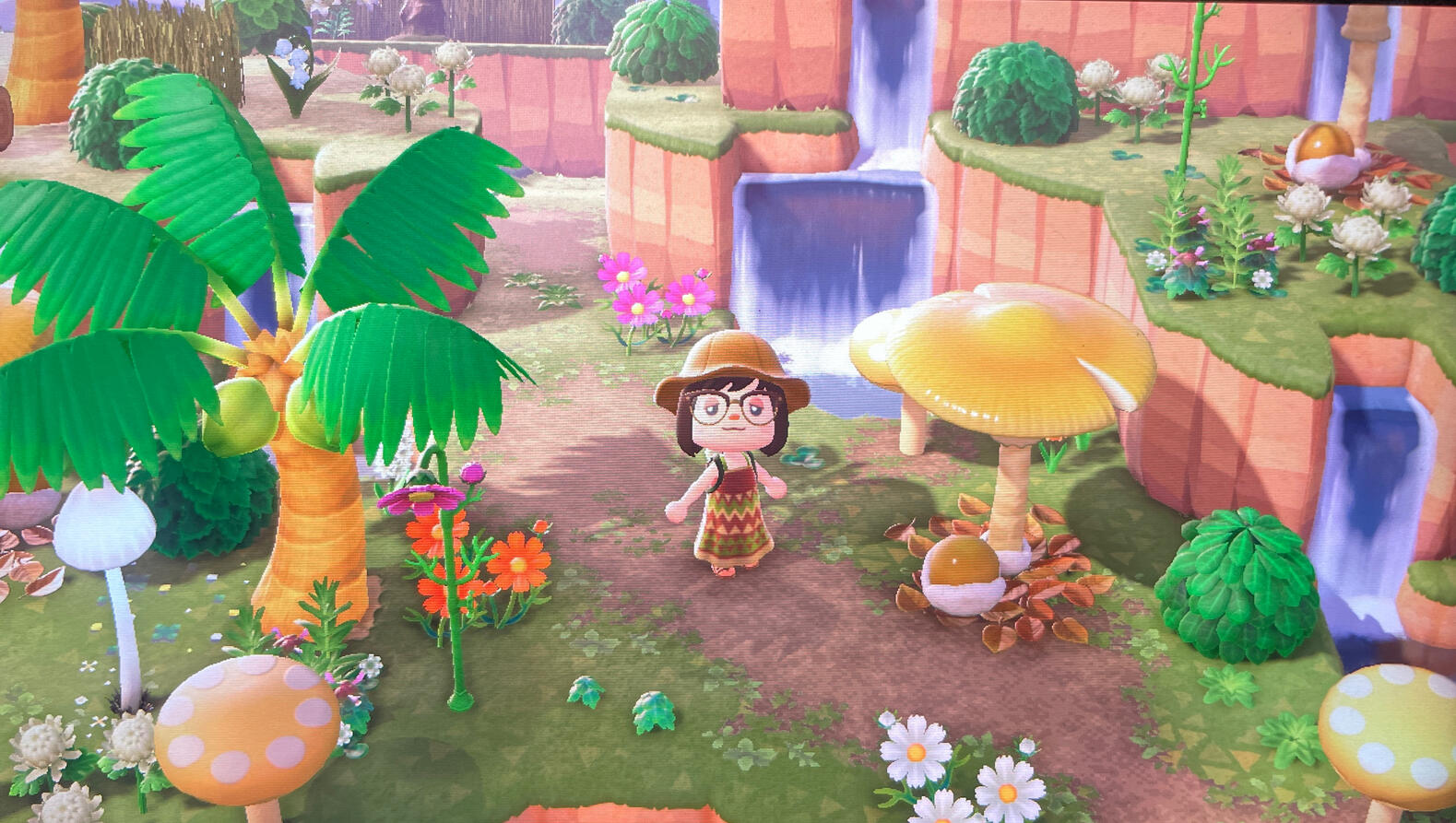
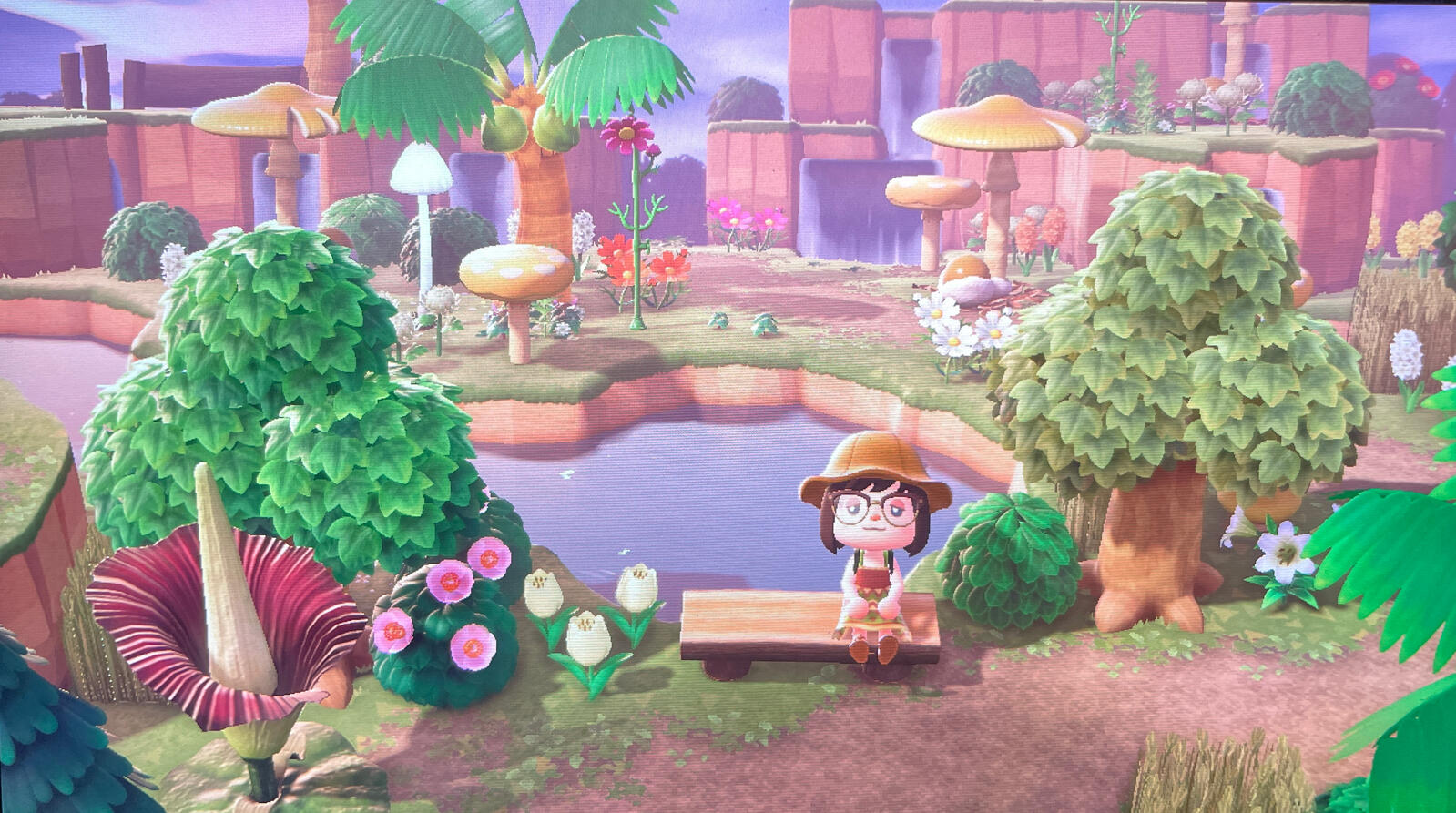
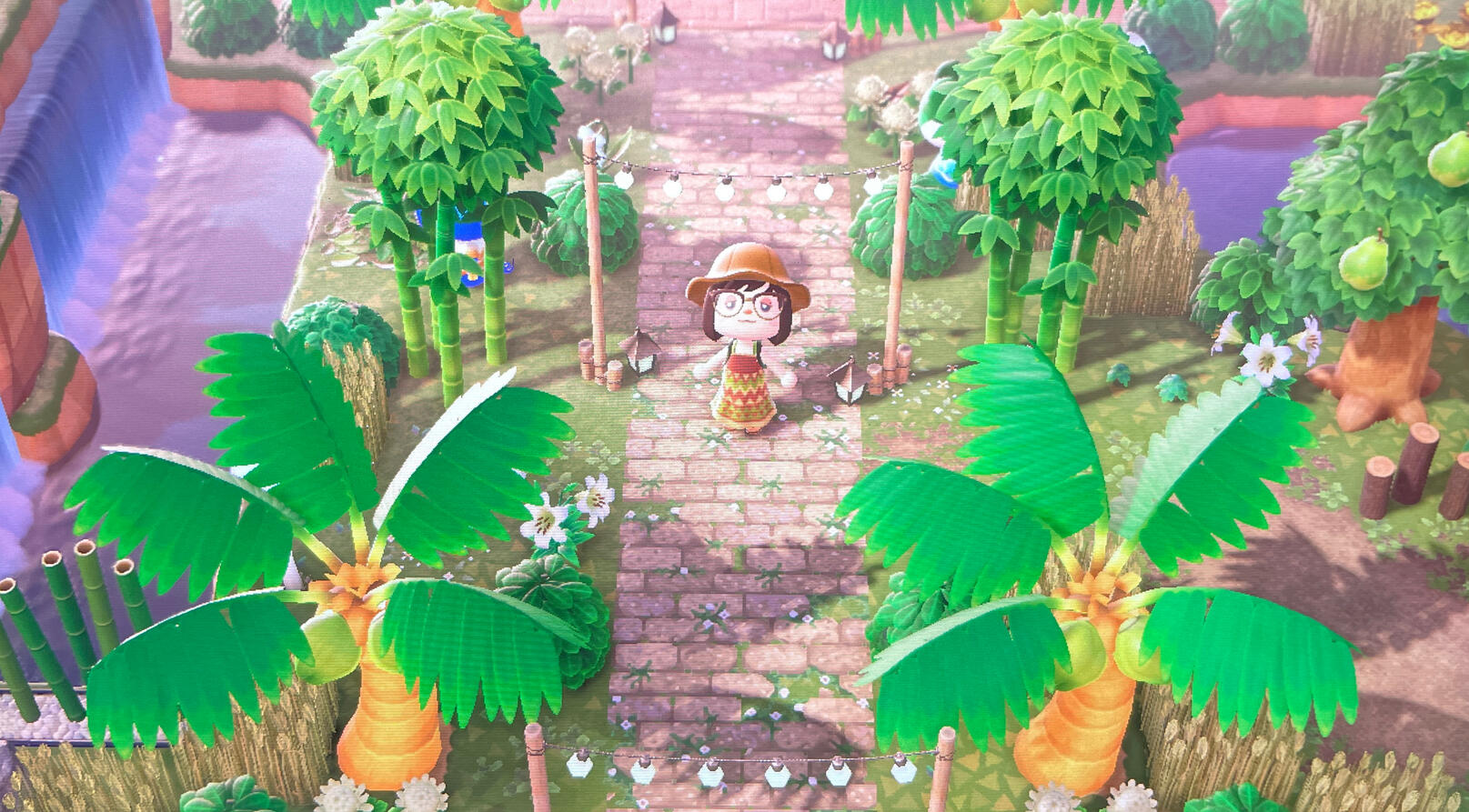
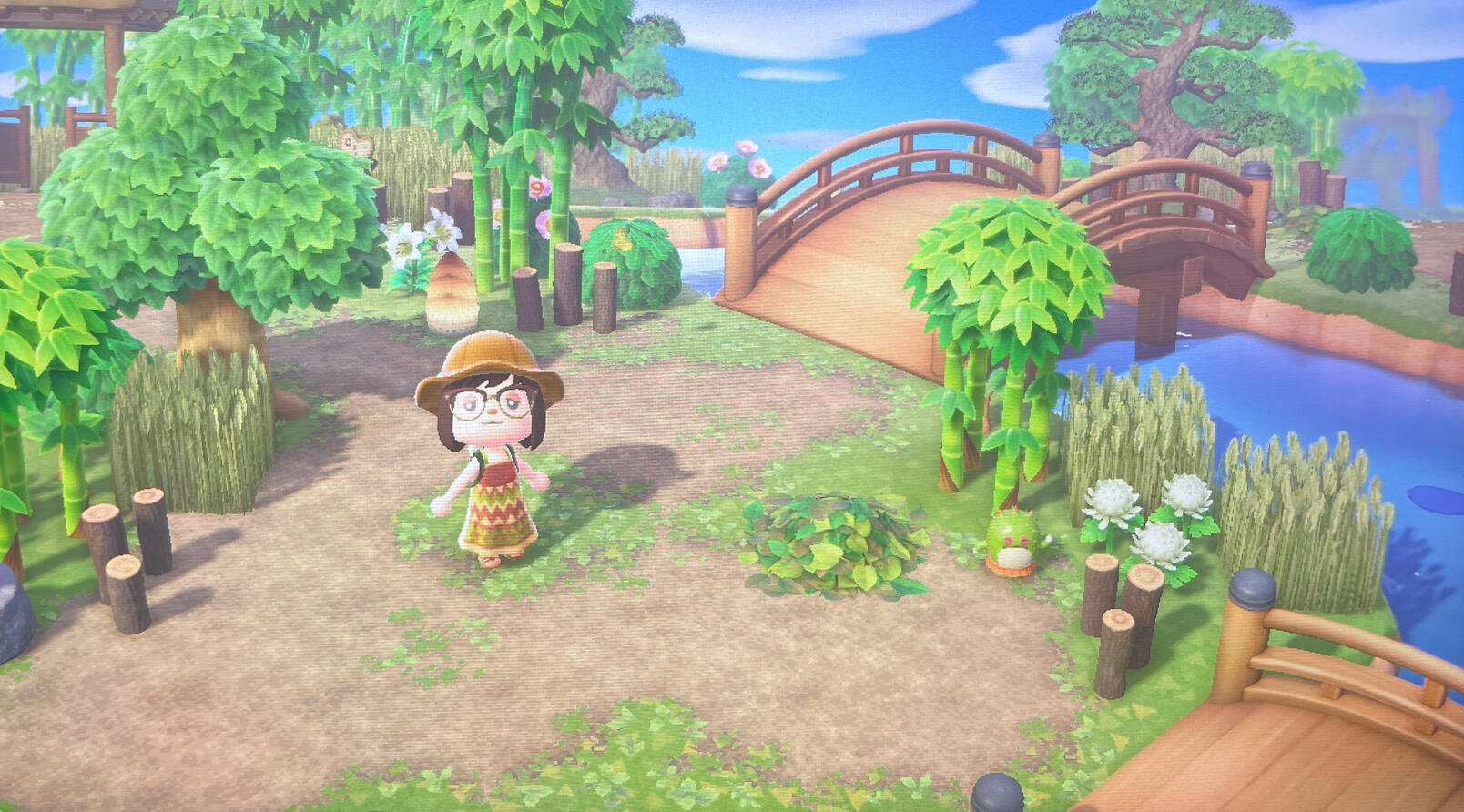
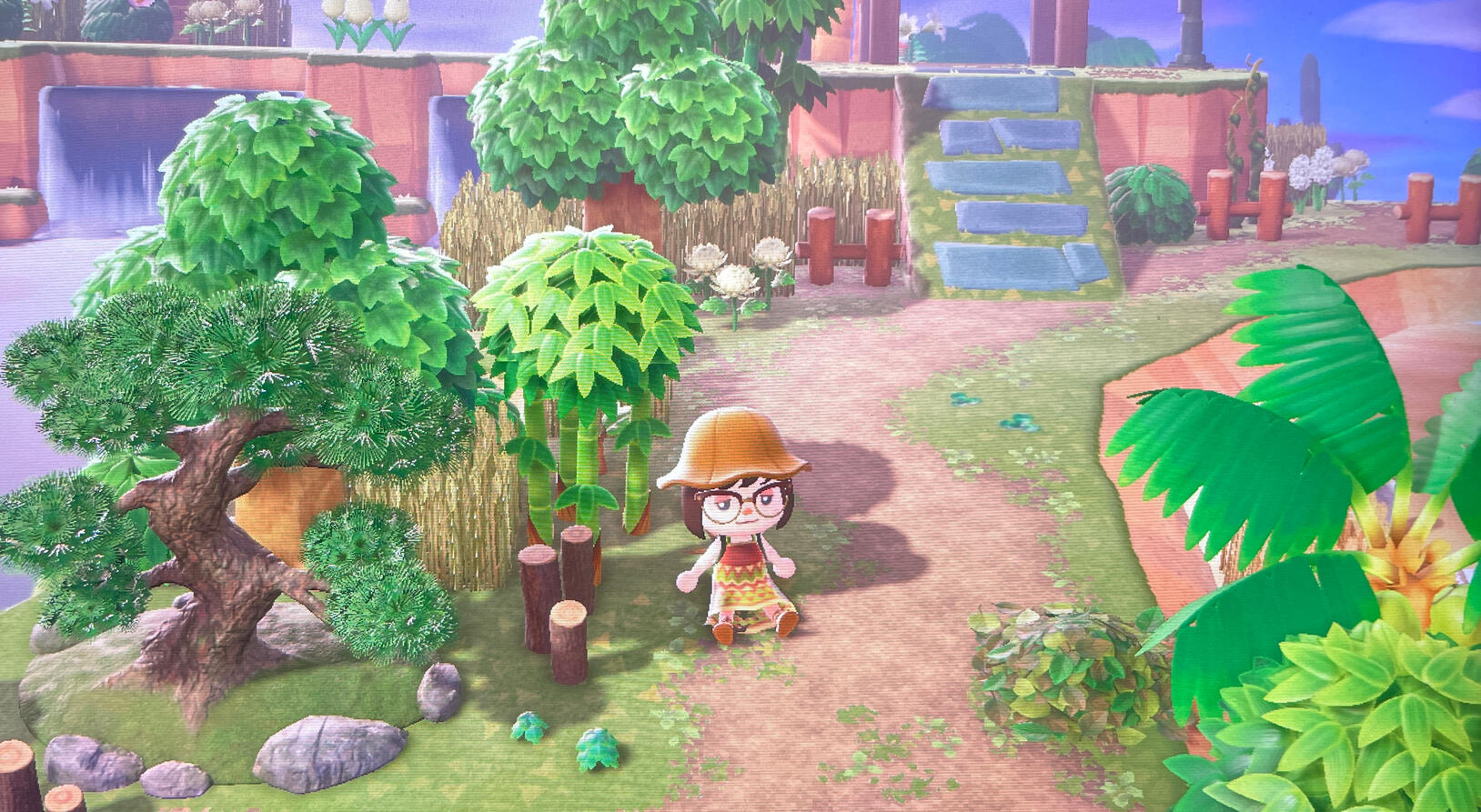

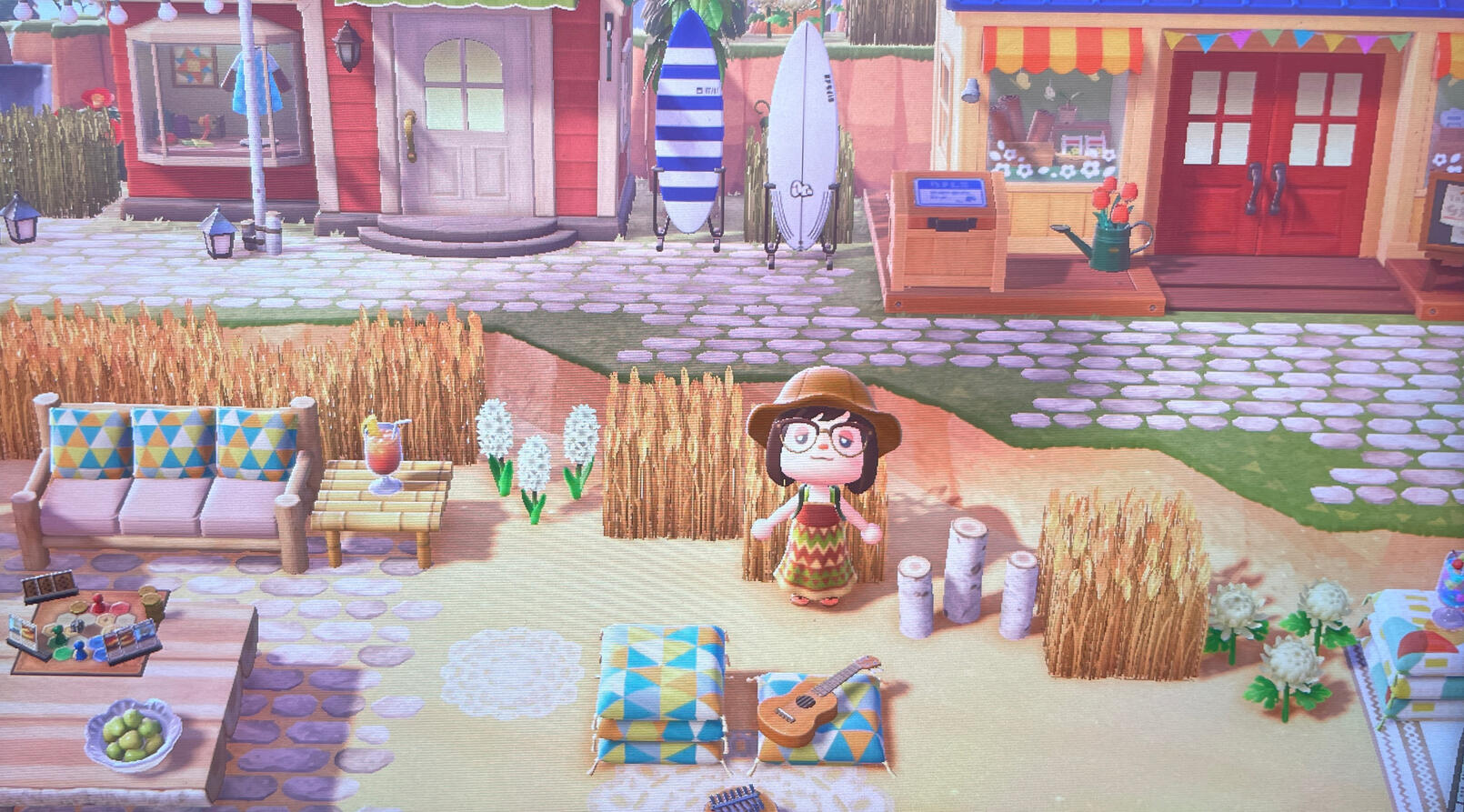


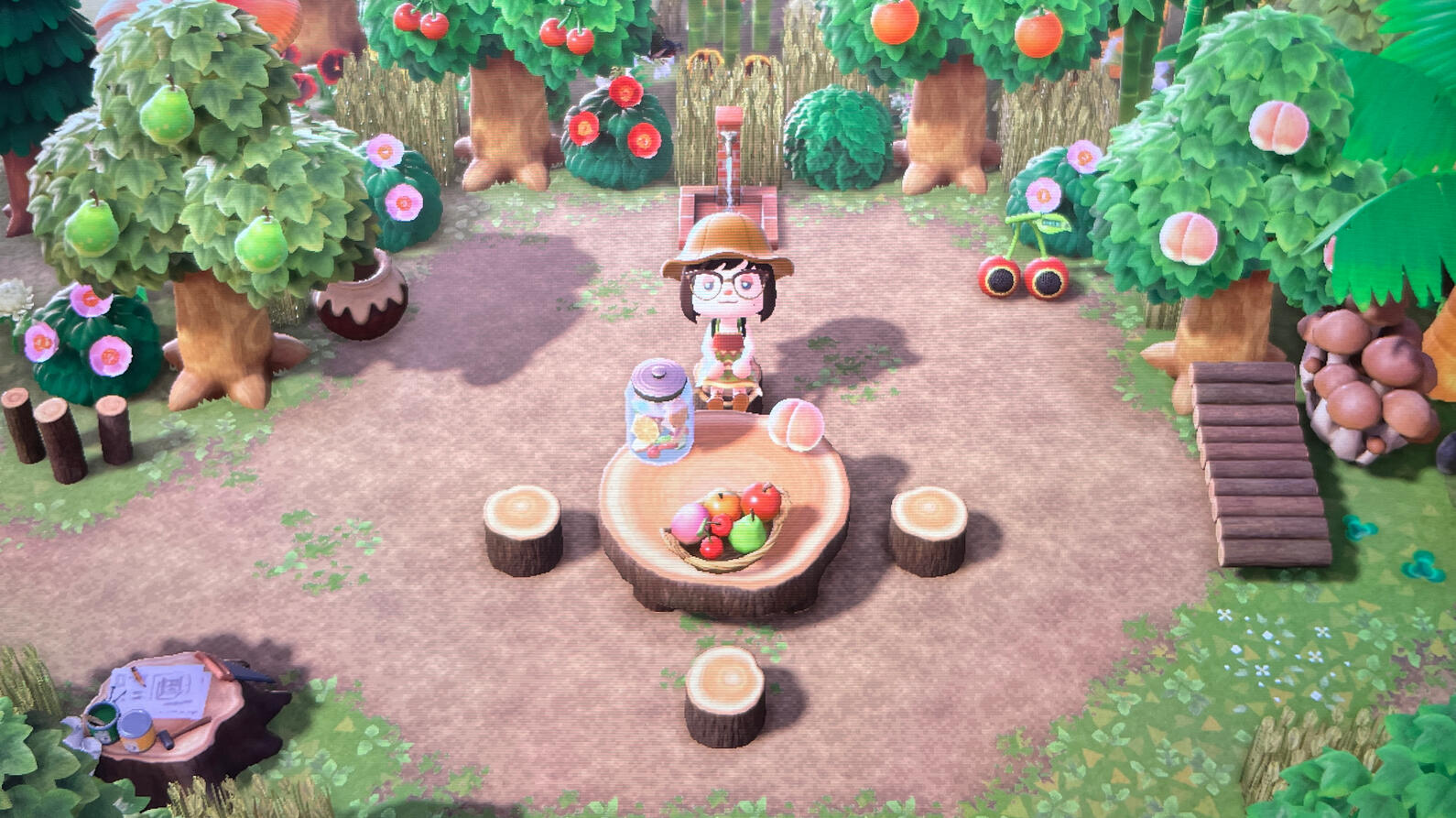
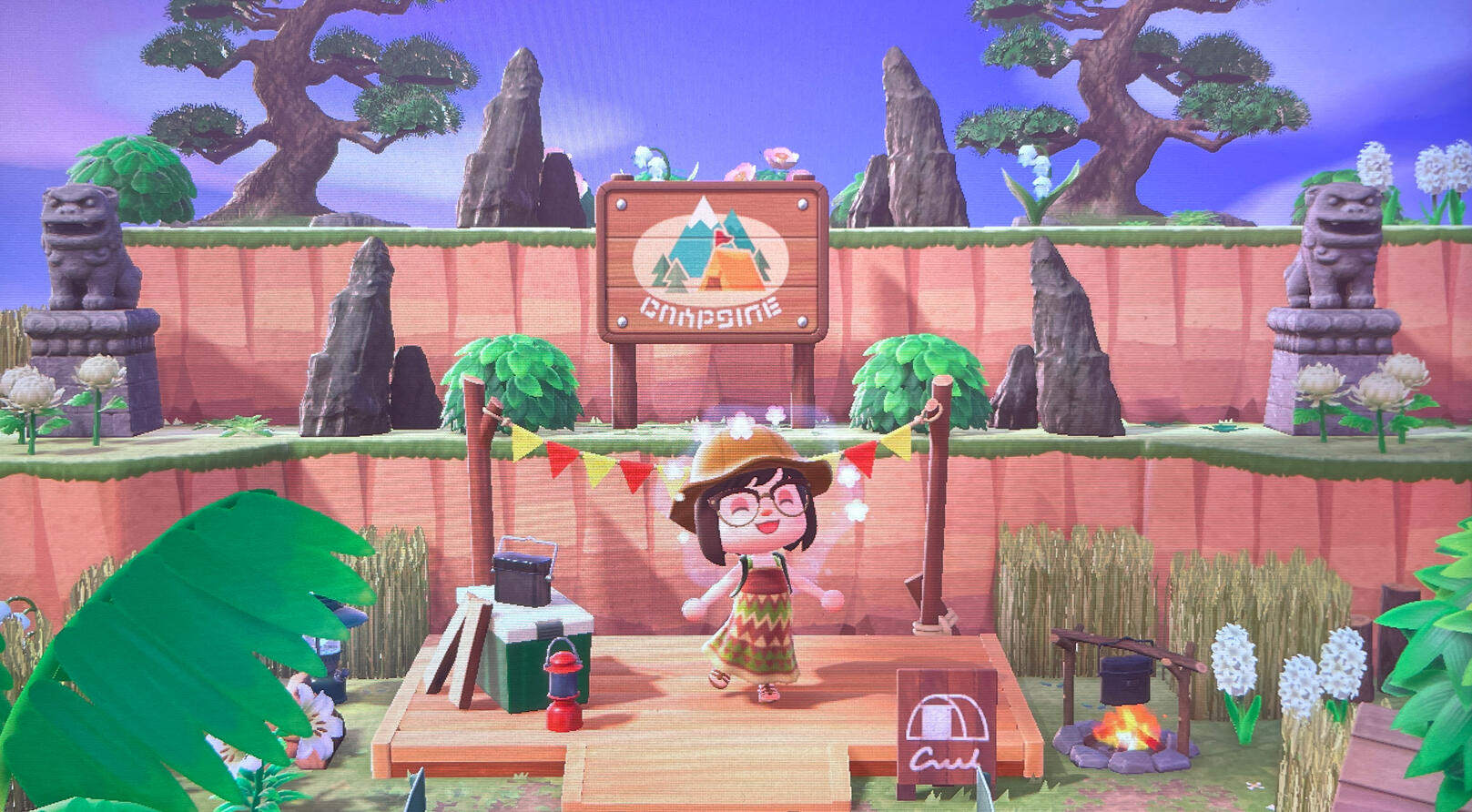
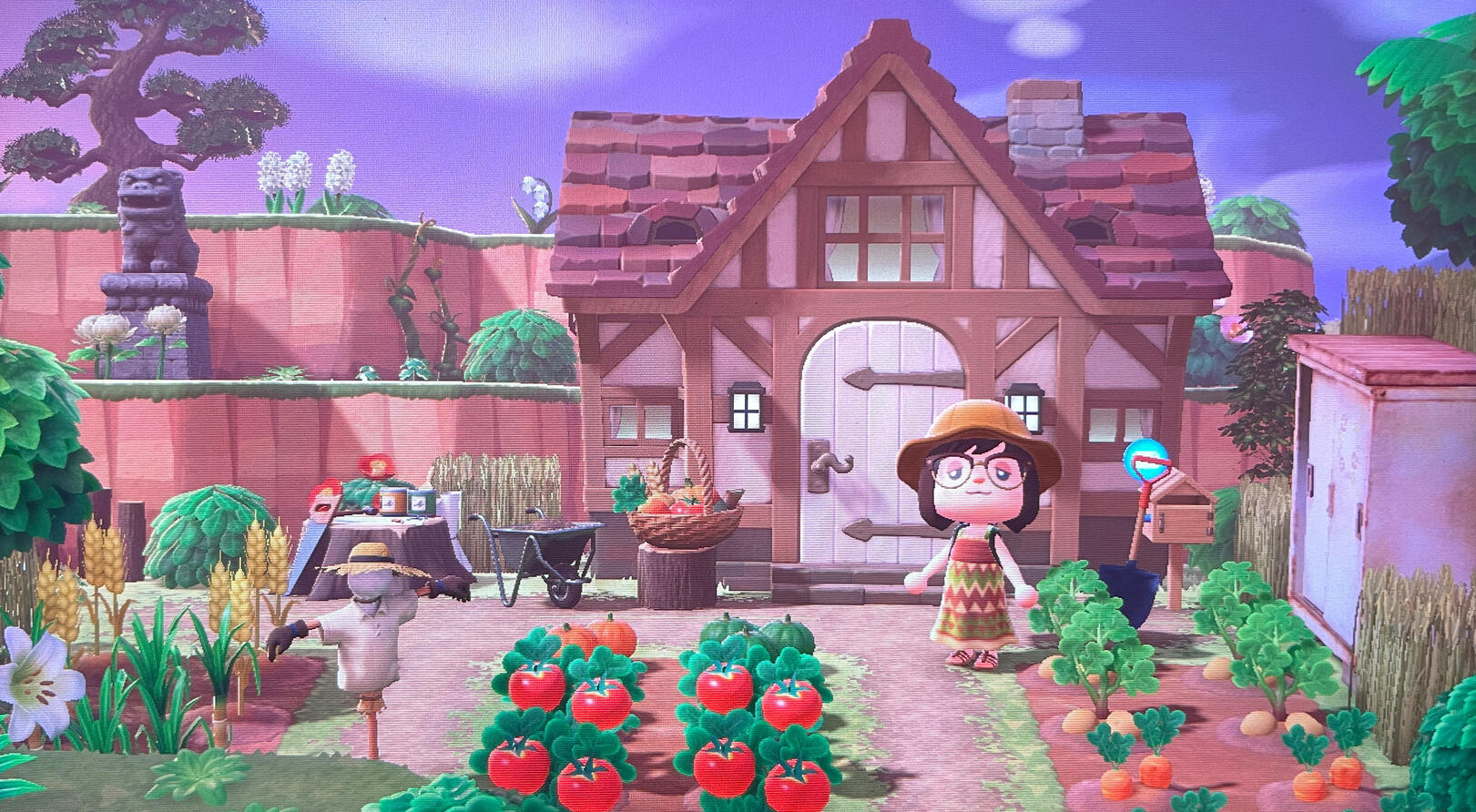
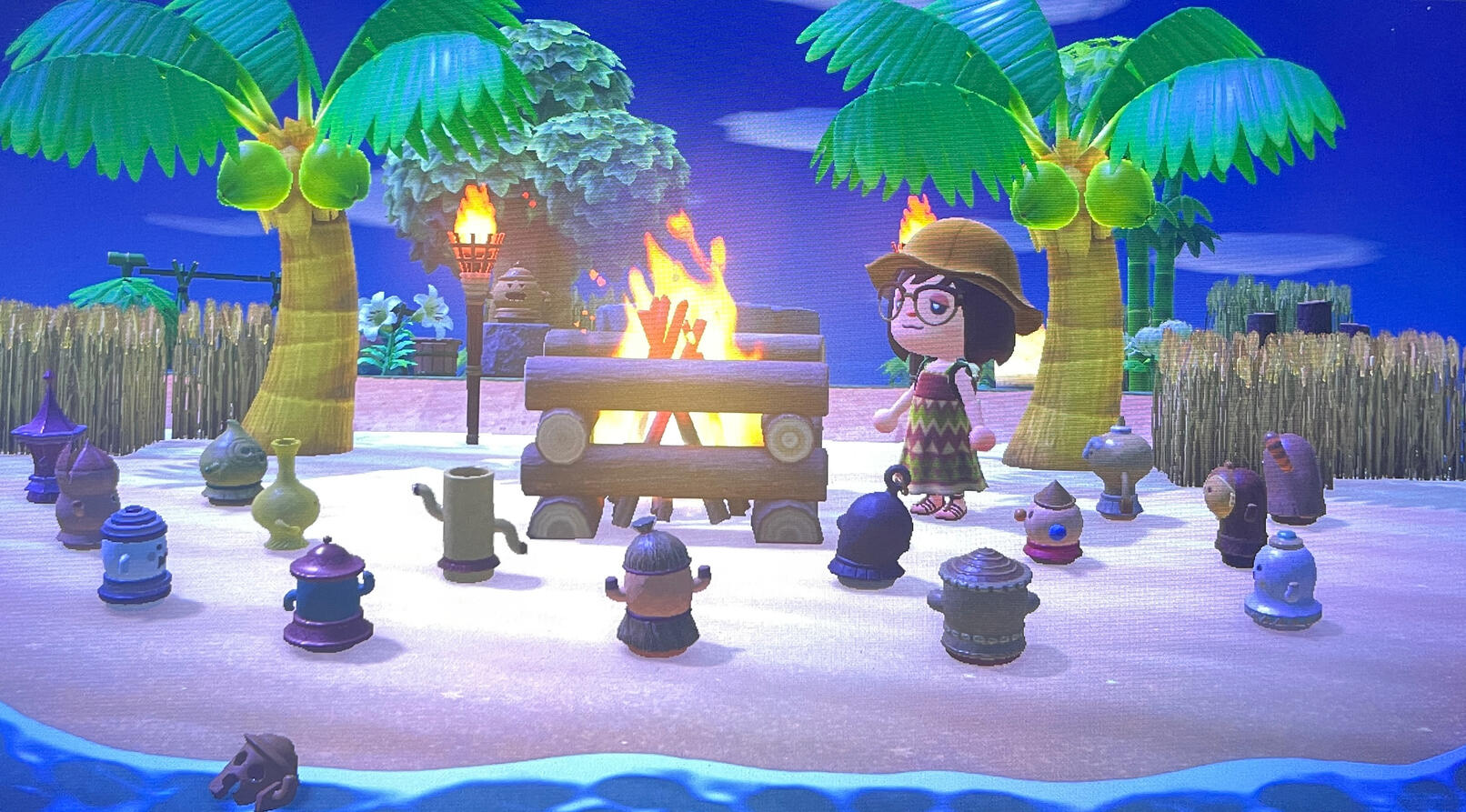
I didn’t make any of the custom designs/paths (I forgot to save the creators’ codes but I’ll update this post when I find them!) Some areas were also inspired by someone else’s island called “Miarain.” (Their island is amazing; Probably one of my favorite islands. You should check it out!)I haven’t finished decorating the interiors yet, but I’ll update this post + share my Dream Address when I do.Some random facts about my island:
I have around 1000+ hours in the game, (I played this game religiously in 2020) but I still haven’t gotten all the recipes, items, or artworks yet. I did find all the fossils/fish/sea creatures/bugs though. (But it took me years to catch a fly, ant, and a stringfish…). My current villagers are Fauna, Beau, Marshal, Poppy, Ellie, Melba, Goldie, Molly, Sasha, and Pekoe. Some of them I got from amiibo cards, a few from the campsite, and the rest from villager hunting with Nook Mile tickets.I definitely recommend this game for cozy game lovers. It’s my absolute favorite cozy game. There’s so much to do: You can decorate the island/interiors, fish, catch bugs, grow fruit/vegetables/flowers, craft items/furniture/tools, cook food, swim, dive for sea creatures, befriend the villagers, collect items, etc.The dialogue can get pretty repetitive though, and the villagers also don’t really interact with the items you place outside on the island. It’s also pretty hard to get all the recipes unless you play 24/7 or have friends to trade recipes with. But besides that, it’s a really good game; I had a blast playing this game over the years, especially with friends. I made a lot of good memories.If you’ve never played this game, it’s never too late to start! I recommend taking it easy at first though and decorating your island later. It’s easier to decorate when you have a lot of items/recipes/paths/etc unlocked. I didn’t start decorating my island until months later. Also, if the game feels too slow for you, you can time travel (by changing the date on your Switch’s system settings). I used to do this a lot whenever I wanted to build stairs/bridges, haha.If you need ideas on how to decorate your island, I recommend looking at Animal Crossing island tours on YouTube or Pinterest. There are so many different kinds of islands that are all super cool in their own way. Also, if you have a Nintendo Switch Online, I recommend looking up custom design codes online for more cute paths, clothes, flags, etc.Also, if you want to keep track of everything you collected/want on your island, there’s an app on the App Store called “ACNH.Guide for Animal Crossing” which is pretty neat!Anyway, that’s all from me now. Happy gaming, everyone!Custom design creator codes:
Dirt path: MA-9488-1972-2446Edit: Added custom design creator code for dirt path.
Posted: June 1, 2026 Edited: June 2, 2026
Animations / Video Games
Animations/games that I love and recommend, in no particular order. I enjoy a lot of different genres, so make sure to look at the genre (and age rating) before you watch/play any of these. I also included some animations/games that I loved as a kid. List is still in progress.
Anime
•Fullmetal Alchemist / Brotherhood
•Cowboy Bebop
•Samurai Champloo
•Trigun / Stampede
•Vinland Saga
•Dororo
•One Punch Man (S1-S2)
•Mob Psycho 100
•Naruto / Shippuden
•One Piece
•Dragon Ball / Z
•Bleach / Thousand-Year Blood War
•Hunter x Hunter
•Code Geass
•Death Note
•Yu Yu Hakusho
•Monster
•Berserk
•Darker Than Black
•Black Lagoon
•Psycho Pass
•Erased
•Devilman Crybaby
•Hellsing Ultimate
•Golden Kamuy
•Mononoke
•Mushi-Shi
•Attack on Titan
•Jujutsu Kaisen
•Chainsaw Man
•Demon Slayer
•Kaiju no. 8
•Dandadan
•Gachiakuta
•Tokyo Ghoul
•Jojo’s Bizarre Adventure
•My Hero Academia
•Solo Leveling
•To Your Eternity
•Cyberpunk Edgerunners
•Soul Eater
•Steins;Gate
•Noragami
•K
•Violet Evergarden
•Gintama
•Sakamoto Days
•Spy x Family
•Frieren: Beyond Journey’s End
•Mashle: Magic and Muscles
•The Disastrous Life of Saiki K
•Cells at Work
•Nichijou
•Haikyuu
•Slam Dunk
•Hajime no Ippo
•Pokémon
•Digimon
•Doraemon
•Aggretsuko
•Yu-Gi-Oh
•Mobile Suit Gundam
•Crayon Shin-Chan
•Detective Conan
•Fairy Tail
•Elemental Gelade
•Inuyasha
•Fruits Basket
•Chihayafuru
•Ouran High School Host Club
•Kaichou wa Maid Sama
•Nana
•Your Lie in April
•Anohana
•Kono oto Tomare
•Sailor Moon
•Shugo Chara
•Cardcaptor Sakura
•Kobato
•Full Moon wo Sagashite
•Yumeiro Patissiere
•Cinderella Monogatari
Anime Films
•Ghost in the Shell: Stand Alone Complex
•Akira
•Paprika
•Perfect Blue
•A Silent Voice
•The Girl Who Leapt Through Time
•Patema Inverted
•Princess Mononoke
•Nausicaa Valley of the Wind
•Castle in the Sky
•Spirited Away
•Howl’s Moving Castle
•My Neighbor Totoro
•Kiki’s Delivery Service
•Ponyo
•The Secret World of Arrietty
•Lupin III: The Castle of Cagliostro
•The Cat Returns
•Grave of the Fireflies
•Porco Rosso
•Your Name
•Suzume
•Chainsaw Man The Movie Reze Arc
•Demon Slayer Mugen Train
•Demon Slayer Infinity Castle
•Jujutsu Kaisen 0
•Spy x Family Code White
| . |
2D Animated Films
•Klaus
•The Lion King / 2
•Lilo and Stitch
•The Iron Giant
•The Emperor’s New Groove
•Hercules
•Tarzan
•The Jungle Book
•Mulan
•The Princess and the Frog
•Pocahontas
•Aladdin
•Beauty and the Beast
•Snow White and the Seven Dwarfs
•Sleeping Beauty
•Cinderella
•The Little Mermaid
•Anastasia
•Alice in Wonderland
•The Sword in the Stone
•Pinocchio
•Peter Pan
•The Hunchback of Notre Dame
•Fantasia
•Spirit: Stallion of the Cimarron
•Robin Hood
•Fox and the Hound
•Bambi
•Lady and the Tramp
•101 Dalmatians
•The Aristocats
•Dumbo
•Brother Bear
| . |
Animated Short Films
•The Paperman
•Feast
•Piper
•Partly Cloudy
•Geri’s Game
•Presto
•Lou
•Bao
3D Animated Films
•Spider-man into the Spider-Verse / Across the Spider-Verse
•Kpop Demon Hunters
•Kingsglaive: Final Fantasy XV
•Altered Carbon Resleeved
•Up
•Toy Story 1 / 2 / 3
•Cars
•A Bug’s Life
•Ratatouille
•The Incredibles / 2
•Wall-E
•Monsters, Inc / University
•Finding Nemo / Dory
•Soul
•Inside Out / 2
•Zootopia
•Tangled
•Big Hero 6
•Wreck-It Ralph / Ralph Breaks the Internet
•How to Train Your Dragon / 2
•Rise of the Guardians
•Ice Age
•Despicable Me
•Kung Fu Panda
•Cloudy with a Chance of Meatballs
•Shrek
•Monster House
| . |
Stop Motion
•Guillermo del Toro’s Pinocchio
•Kubo and the Two Strings
•Corpse Bride
•The Nightmare Before Christmas
•Coraline
•Wallace and Gromit
| . |
Animated Shows
•Arcane
•Love, Death + Robots
•To Be Hero X
•Avatar the Last Airbender
•Link Click
•Castlevania
•Invincible
•Justice League
•Young Justice
•Little Witch Academia
•Spongebob Squarepants
•The Fairly OddParents
•Danny Phantom
•Ben 10
•Kim Possible
•The Boondocks
•Dexter’s Laboratory
•Scooby-Doo
•Tom and Jerry
•Looney Tunes
•The Flintstones
•Popeye the Sailor
•Powerpuff Girls
•Totally Spies (S1-S5)
•Miraculous Ladybug
•Dooly the Little Dinosaur
•Korean flash animations from 2000 (Zolaman, Mashimaro, etc)
Video Games
•Final Fantasy VI
•Final Fantasy VII / Remake / Rebirth
•Crisis Core FFVII
•Final Fantasy VIII
•Final Fantasy IX
•Final Fantasy X
•Final Fantasy XII
•Final Fantasy XIII
•Final Fantasy XV
•Final Fantasy XVI
•Final Fantasy Tactics
•Kingdom Hearts series
•NieR Automata / Replicant
•Metaphor ReFantazio
•Persona 3 Portable / Reload
•Persona 4 Golden
•Persona 5 Royal
•Shin Megami Tensei III: Nocturne
•Shin Megami Tensei V: Vengeance
•RAIDOU Remastered: The Mystery of the Soulless Army
•Legend of Zelda: A Link to the Past
•Legend of Zelda: Link’s Awakening
•Legend of Zelda: Ocarina of Time
•Legend of Zelda: Majora’s Mask
•Legend of Zelda: Wind Waker
•Legend of Zelda: Twilight Princess
•Legend of Zelda: Breath of the Wild / Tears of the Kingdom
•Hyrule Warriors: Age of Calamity
•Legend of Zelda: Echoes of Wisdom
•Fire Emblem Three Houses
•Xenoblade Chronicles
•Xenoblade Chronicles X
•Horizon Zero Dawn / Forbidden West
•Elden Ring
•Skyrim
•The Witcher series
•God of War: Ragnarok
•Assassin’s Creed The Ezio Collection
•Assassin’s Creed IV: Black Flag
•Assassin’s Creed Odyssey
•Monster Hunter Rise
•Devil May Cry series
•Resident Evil series
•The Last of Us series
•Detroit: Become Human
•Life is Strange / Before The Storm
•Yakuza series
•Dragon Quest XI S
•Dragon Quest VII Reimagined
•Octopath Traveler
•Octopath Traveler II
•Octopath Traveler 0
•Chrono Trigger / Cross
•Hades
•NEO The World Ends With You
•Super Mario Odyssey
•Luigi's Mansion
•Super Mario Bros
•Super Smash Bros Ultimate
•Tekken
•Street Fighter
•Genshin Impact
•Honkai Star Rail
•Journey
•Abzu
•Ni No Kuni
•Monster Hunter Stories 2
•Monster Hunter Stories 3
•Pokémon FireRed / LeafGreen
•Pokémon Emerald / Ruby / Sapphire
•Pokémon Diamond / Pearl / Platinum
•Pokémon SoulSilver / HeartGold
•Pokémon Black / White
•Pokémon Black 2 / White 2
•Pokémon Let’s Go Pikachu / Eevee
•Pokémon Legends Arceus
•Pokopia
•Phoenix Wright: Ace Attorney Trilogy
•Apollo Justice: Ace Attorney Trilogy
•The Great Ace Attorney Chronicles
•Ace Attorney Investigations Collection
•Professor Layton vs Phoenix Wright
•Animal Crossing New Leaf
•Animal Crossing New Horizons
•Stardew Valley
•Miitopia
•Tomodachi Life
•Tomodachi Life: Living the Dream
•The Sims 3
•Splatoon 3
•MapleStory
•Mario Kart 8 Deluxe
•KartRider
•Mario Party
•Nintendo Switch Sports / Wii Sports / Wii Sports Resort
•Fitness Boxing 3
•Just Dance
•Overcooked
•Rock Band
•LittleBigPlanet